Core
rerun
AUTO_INDEX
module-attribute
AUTO_INDEX = _AutoIndex()
Sentinel for the index=… argument: derive index columns from metadata.
BlueprintLike
module-attribute
A type that can be converted to a blueprint.
These types all implement a to_blueprint() method that wraps them in the necessary
helper classes.
ComponentValueLike
module-attribute
ComponentValueLike: TypeAlias = (
    ComponentBatchLike | Array | ArrayLike | _SupportsDLPack
)
Type alias for values accepted by AnyBatchValue and DynamicArchetype.
This includes:
- Rerun component batch types implementing ComponentBatchLike (e.g. rr.components.ColorBatch(...))
- PyArrow arrays (pa.Array)
- Any numpy-compatible data (npt.ArrayLike): scalars (int, float, str, bool, bytes),
sequences (list, tuple), numpy arrays, and objects implementing __array__
- Objects supporting the DLPack protocol (__dlpack__)
EXTERNAL_IMPORTER_INCOMPATIBLE_EXIT_CODE
module-attribute
EXTERNAL_IMPORTER_INCOMPATIBLE_EXIT_CODE = 66
When an external Importer is asked to import some data that it doesn't know how to handle, it
should exit with this exit code.
AlbedoFactor
Bases: Rgba32, ComponentMixin
Component: A color multiplier, usually applied to a whole entity, e.g. a mesh.
arrow_type
classmethod
def arrow_type() -> DataType
The pyarrow type of this batch.
Part of the rerun.ComponentBatchLike logging interface.
as_arrow_array
def as_arrow_array() -> Array
The component as an arrow batch.
Part of the rerun.ComponentBatchLike logging interface.
component_type
classmethod
def component_type() -> str
Returns the name of the component.
Part of the rerun.ComponentBatchLike logging interface.
Angle
Bases: AngleExt
Encoding: Angle in radians.
__init__
AnnotationContext
Bases: Archetype
Archetype: The annotation context provides additional information on how to display entities.
Entities can use components.ClassIds and components.KeypointIds to provide annotations, and
the labels and colors will be looked up in the appropriate
annotation context. We use the first annotation context we find in the
path-hierarchy when searching up through the ancestors of a given entity
path.
See also encodings.ClassDescription.
⚠️ This type is unstable and may change significantly in a way that the data won't be backwards compatible.
Example
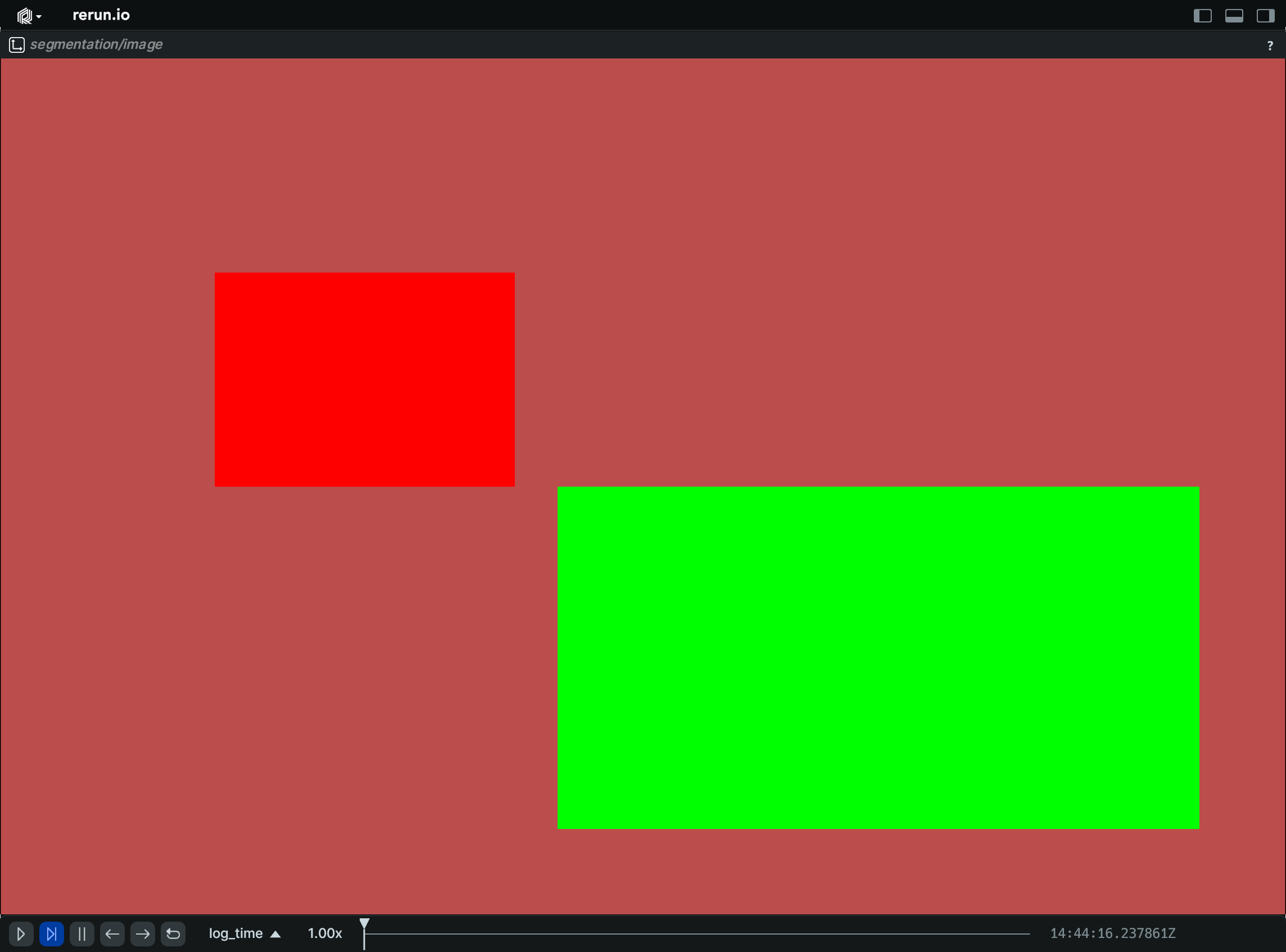
Segmentation:
import numpy as np

import rerun as rr

rr.init("rerun_example_annotation_context_segmentation", spawn=True)

# Create a simple segmentation image
image = np.zeros((200, 300), dtype=np.uint8)
image[50:100, 50:120] = 1
image[100:180, 130:280] = 2

# Log an annotation context to assign a label and color to each class
rr.log(
    "segmentation",
    rr.AnnotationContext([(1, "red", (255, 0, 0)), (2, "green", (0, 255, 0))]),
    static=True,
)

rr.log("segmentation/image", rr.SegmentationImage(image))
__init__
def __init__(context: AnnotationContextLike) -> None
Create a new instance of the AnnotationContext archetype.
| PARAMETER | DESCRIPTION |
|---|---|
context
|
List of class descriptions, mapping class indices to class names, colors etc.
TYPE:
|
columns
classmethod
def columns(
    *, context: AnnotationContextArrayLike | None = None
) -> ComponentColumnList
Construct a new column-oriented component bundle.
This makes it possible to use rr.send_columns to send columnar data directly into Rerun.
The returned columns will be partitioned into unit-length sub-batches by default.
Use ComponentColumnList.partition to repartition the data as needed.
| PARAMETER | DESCRIPTION |
|---|---|
context
|
List of class descriptions, mapping class indices to class names, colors etc.
TYPE:
|
from_fields
classmethod
def from_fields(
    *,
    clear_unset: bool = False,
    context: AnnotationContextLike | None = None,
) -> AnnotationContext
Update only some specific fields of a AnnotationContext.
| PARAMETER | DESCRIPTION |
|---|---|
clear_unset
|
If true, all unspecified fields will be explicitly cleared.
TYPE:
|
context
|
List of class descriptions, mapping class indices to class names, colors etc.
TYPE:
|
AnnotationInfo
Bases: AnnotationInfoExt
Encoding: Annotation info annotating a class id or key-point id.
Color and label will be used to annotate entities/keypoints which reference the id. The id refers either to a class or key-point id
__init__
def __init__(
    id: int,
    label: Utf8Like | None = None,
    color: Rgba32Like | None = None,
) -> None
Create a new instance of the AnnotationInfo encoding.
| PARAMETER | DESCRIPTION |
|---|---|
id
|
TYPE:
|
label
|
The label that will be shown in the UI.
TYPE:
|
color
|
The color that will be applied to the annotated entity.
TYPE:
|
AnyBatchValue
Bases: ComponentBatchLike
Helper to log arbitrary data as a component batch or column.
This is a very simple helper that implements the ComponentBatchLike interface on top
of the pyarrow library array conversion functions.
See also rerun.AnyValues.
__init__
def __init__(
    descriptor: str | ComponentDescriptor,
    value: Any,
    *,
    drop_untyped_nones: bool = True,
    expect_column: bool = False,
) -> None
Construct a new AnyBatchValue.
The value will be attempted to be converted into an arrow array by first calling
the as_arrow_array() method if it's defined. All Rerun Batch encodings implement
this function so it's possible to pass them directly to AnyValues.
If the object doesn't implement as_arrow_array(), it will be passed as an argument
to pyarrow.array .
Note: rerun requires that a given component only take on a single type. The first type logged will be the type that is used for all future logs of that component. The API will make a best effort to do type conversion if supported by numpy and arrow. Any components that can't be converted will be dropped, and a warning will be sent to the log.
If you are want to inspect how your component will be converted to the underlying arrow code, we first attempt to cast it directly to a pyarrow array. Failing this, we call
pa_scalar = pa.scalar(value)
pa_value = pa.array(pa_scalar)
| PARAMETER | DESCRIPTION |
|---|---|
descriptor
|
Either the name or the full descriptor of the component.
TYPE:
|
value
|
The data to be logged as a component.
TYPE:
|
drop_untyped_nones
|
If True, any components that are either None or empty will be dropped unless they have been previously logged with a type.
TYPE:
|
expect_column
|
If True, the outermost dimension of the data is treated as the row/column dimension
rather than as part of the data type. This prevents list-typed inference from being
cached in the type registry (e.g.,
TYPE:
|
column
classmethod
def column(
    descriptor: str | ComponentDescriptor,
    value: Any,
    drop_untyped_nones: bool = True,
) -> ComponentColumn | None
Construct a new column-oriented AnyBatchValue.
This makes it possible to use rr.send_columns to send columnar data directly into Rerun.
The returned columns will be partitioned into unit-length sub-batches by default.
Use ComponentColumn.partition to repartition the data as needed.
The value will be attempted to be converted into an arrow array by first calling
the as_arrow_array() method if it's defined. All Rerun Batch encodings implement
this function so it's possible to pass them directly to AnyValues.
If the object doesn't implement as_arrow_array(), it will be passed as an argument
to pyarrow.array .
Note: rerun requires that a given component only take on a single type. The first type logged will be the type that is used for all future logs of that component. The API will make a best effort to do type conversion if supported by numpy and arrow. Any components that can't be converted will be dropped, and a warning will be sent to the log.
If you want to inspect how your component will be converted to the underlying arrow code, the following snippet is what is happening internally:
np_value = np.atleast_1d(np.array(value, copy=False))
pa_value = pa.array(value)
| PARAMETER | DESCRIPTION |
|---|---|
descriptor
|
Either the name or the full descriptor of the component.
TYPE:
|
value
|
The data to be logged as a component.
TYPE:
|
drop_untyped_nones
|
If True, any components that are either None or empty will be dropped unless they have been previously logged with a type.
TYPE:
|
| RETURNS | DESCRIPTION |
|---|---|
The component column, or `None` if the value could not be converted.
|
|
AnyValues
Bases: AsComponents
Helper to log arbitrary values as a bundle of components.
Example
rr.log(
    "any_values", rr.AnyValues(
        confidence=[1.2, 3.4, 5.6],
        description="Bla bla bla…",
        # URIs will become clickable links
        homepage="https://www.rerun.io",
        repository="https://github.com/rerun-io/rerun",
    ),
)
__init__
def __init__(
    drop_untyped_nones: bool = True,
    **kwargs: ComponentValueLike | None,
) -> None
Construct a new AnyValues bundle.
Each kwarg will be logged as a separate component batch using the provided data. - The key will be used as the name of the component - The value must be able to be converted to an array of arrow types. In general, if you can pass it to pyarrow.array you can log it as a extension component.
Note: rerun requires that a given component only take on a single type. The first type logged will be the type that is used for all future logs of that component. The API will make a best effort to do type conversion if supported by numpy and arrow. Any components that can't be converted will result in a warning (or an exception in strict mode).
None values provide a particular challenge as they have no type
information until after the component has been logged with a particular
type. By default, these values are dropped. This should generally be
fine as logging None to clear the value before it has been logged is
meaningless unless you are logging out-of-order data. In such cases,
consider introducing your own typed component via
rerun.ComponentBatchLike.
You can change this behavior by setting drop_untyped_nones to False,
but be aware that this will result in potential warnings (or exceptions
in strict mode).
If you are want to inspect how your component will be converted to the underlying arrow code, the following snippet is what is happening internally:
np_value = np.atleast_1d(np.array(value, copy=False))
pa_value = pa.array(value)
| PARAMETER | DESCRIPTION |
|---|---|
drop_untyped_nones
|
If True, any components that are either None or empty will be dropped unless they have been previously logged with a type.
TYPE:
|
kwargs
|
The components to be logged.
TYPE:
|
columns
classmethod
def columns(
    drop_untyped_nones: bool = True,
    **kwargs: ComponentValueLike | None,
) -> ComponentColumnList
Construct a new column-oriented AnyValues bundle.
This makes it possible to use rr.send_columns to send columnar data directly into Rerun.
The returned columns will be partitioned into unit-length sub-batches by default.
Use ComponentColumnList.partition to repartition the data as needed.
Each kwarg will be logged as a separate component column using the provided data. - The key will be used as the name of the component - The value must be able to be converted to an array of arrow types. In general, if you can pass it to pyarrow.array you can log it as a extension component.
Note: rerun requires that a given component only take on a single type. The first type logged will be the type that is used for all future logs of that component. The API will make a best effort to do type conversion if supported by numpy and arrow. Any components that can't be converted will result in a warning (or an exception in strict mode).
None values provide a particular challenge as they have no type
information until after the component has been logged with a particular
type. By default, these values are dropped. This should generally be
fine as logging None to clear the value before it has been logged is
meaningless unless you are logging out-of-order data. In such cases,
consider introducing your own typed component via
rerun.ComponentBatchLike.
You can change this behavior by setting drop_untyped_nones to False,
but be aware that this will result in potential warnings (or exceptions
in strict mode).
If you are want to inspect how your component will be converted to the underlying arrow code, the following snippet is what is happening internally:
np_value = np.atleast_1d(np.array(value, copy=False))
pa_value = pa.array(value)
| PARAMETER | DESCRIPTION |
|---|---|
drop_untyped_nones
|
If True, any components that are either None or empty will be dropped unless they have been previously logged with a type.
TYPE:
|
kwargs
|
The components to be logged.
TYPE:
|
with_component_from_data
def with_component_from_data(
    descriptor: str,
    value: ComponentValueLike | None,
    *,
    drop_untyped_nones: bool = True,
) -> AnyValues
Adds an AnyValueBatch to this AnyValues bundle.
with_component_override
def with_component_override(
    field: str,
    component_type: str,
    value: ComponentValueLike | None,
    *,
    drop_untyped_nones: bool = True,
) -> AnyValues
Adds an AnyValueBatch to this AnyValues bundle with name and component type.
Arrows2D
Bases: Arrows2DExt, Archetype, VisualizableArchetype
Archetype: 2D arrows with optional colors, radii, labels, etc.
Example
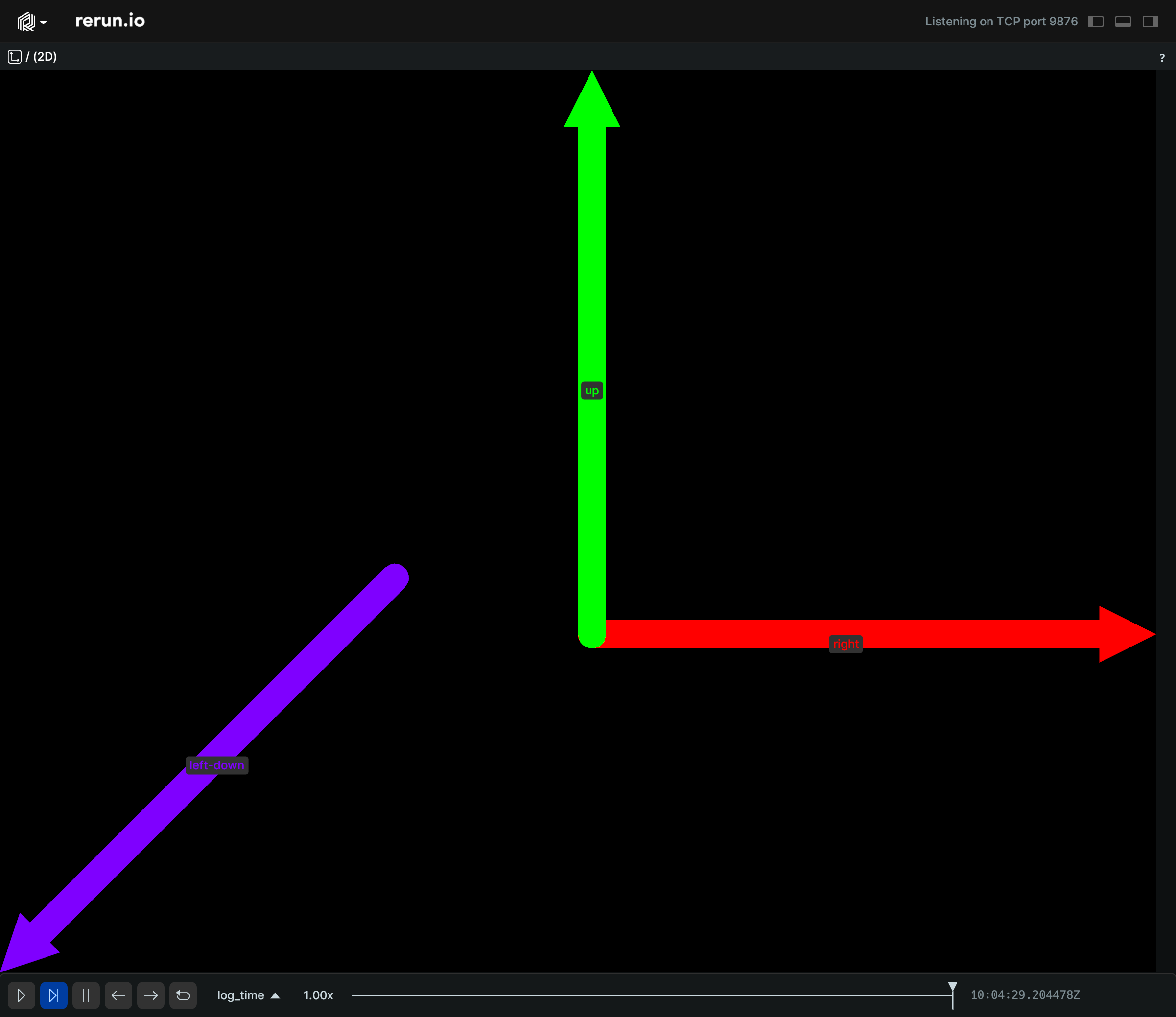
Simple batch of 2D arrows:
import rerun as rr

rr.init("rerun_example_arrow2d", spawn=True)

rr.log(
    "arrows",
    rr.Arrows2D(
        origins=[[0.25, 0.0], [0.25, 0.0], [-0.1, -0.1]],
        vectors=[[1.0, 0.0], [0.0, -1.0], [-0.7, 0.7]],
        colors=[[255, 0, 0], [0, 255, 0], [127, 0, 255]],
        labels=["right", "up", "left-down"],
        radii=0.025,
    ),
)
__init__
def __init__(
    *,
    vectors: Vec2DArrayLike,
    origins: Vec2DArrayLike | None = None,
    radii: Float32ArrayLike | None = None,
    colors: Rgba32ArrayLike | None = None,
    labels: Utf8ArrayLike | None = None,
    show_labels: BoolLike | None = None,
    draw_order: Float32Like | None = None,
    class_ids: ClassIdArrayLike | None = None,
) -> None
Create a new instance of the Arrows2D archetype.
| PARAMETER | DESCRIPTION |
|---|---|
vectors
|
All the vectors for each arrow in the batch.
TYPE:
|
origins
|
All the origin points for each arrow in the batch. If no origins are set, (0, 0, 0) is used as the origin for each arrow.
TYPE:
|
radii
|
Optional radii for the arrows. The shaft is rendered as a line with
TYPE:
|
colors
|
Optional colors for the points.
TYPE:
|
labels
|
Optional text labels for the arrows.
TYPE:
|
show_labels
|
Optional choice of whether the text labels should be shown by default.
TYPE:
|
draw_order
|
An optional floating point value that specifies the 2D drawing order of the arrows. Objects with higher values are drawn on top of those with lower values.
TYPE:
|
class_ids
|
Optional class Ids for the points. The class ID provides colors and labels if not specified explicitly.
TYPE:
|
columns
classmethod
def columns(
    *,
    vectors: Vec2DArrayLike | None = None,
    origins: Vec2DArrayLike | None = None,
    radii: Float32ArrayLike | None = None,
    colors: Rgba32ArrayLike | None = None,
    labels: Utf8ArrayLike | None = None,
    show_labels: BoolArrayLike | None = None,
    draw_order: Float32ArrayLike | None = None,
    class_ids: ClassIdArrayLike | None = None,
) -> ComponentColumnList
Construct a new column-oriented component bundle.
This makes it possible to use rr.send_columns to send columnar data directly into Rerun.
The returned columns will be partitioned into unit-length sub-batches by default.
Use ComponentColumnList.partition to repartition the data as needed.
| PARAMETER | DESCRIPTION |
|---|---|
vectors
|
All the vectors for each arrow in the batch.
TYPE:
|
origins
|
All the origin (base) positions for each arrow in the batch. If no origins are set, (0, 0) is used as the origin for each arrow.
TYPE:
|
radii
|
Optional radii for the arrows. The shaft is rendered as a line with
TYPE:
|
colors
|
Optional colors for the points.
TYPE:
|
labels
|
Optional text labels for the arrows. If there's a single label present, it will be placed at the center of the entity. Otherwise, each instance will have its own label.
TYPE:
|
show_labels
|
Whether the text labels should be shown. If not set, labels will automatically appear when there is exactly one label for this entity or the number of instances on this entity is under a certain threshold.
TYPE:
|
draw_order
|
An optional floating point value that specifies the 2D drawing order. Objects with higher values are drawn on top of those with lower values.
TYPE:
|
class_ids
|
Optional class Ids for the points. The
TYPE:
|
from_fields
classmethod
def from_fields(
    *,
    clear_unset: bool = False,
    vectors: Vec2DArrayLike | None = None,
    origins: Vec2DArrayLike | None = None,
    radii: Float32ArrayLike | None = None,
    colors: Rgba32ArrayLike | None = None,
    labels: Utf8ArrayLike | None = None,
    show_labels: BoolLike | None = None,
    draw_order: Float32Like | None = None,
    class_ids: ClassIdArrayLike | None = None,
) -> Arrows2D
Update only some specific fields of a Arrows2D.
| PARAMETER | DESCRIPTION |
|---|---|
clear_unset
|
If true, all unspecified fields will be explicitly cleared.
TYPE:
|
vectors
|
All the vectors for each arrow in the batch.
TYPE:
|
origins
|
All the origin (base) positions for each arrow in the batch. If no origins are set, (0, 0) is used as the origin for each arrow.
TYPE:
|
radii
|
Optional radii for the arrows. The shaft is rendered as a line with
TYPE:
|
colors
|
Optional colors for the points.
TYPE:
|
labels
|
Optional text labels for the arrows. If there's a single label present, it will be placed at the center of the entity. Otherwise, each instance will have its own label.
TYPE:
|
show_labels
|
Whether the text labels should be shown. If not set, labels will automatically appear when there is exactly one label for this entity or the number of instances on this entity is under a certain threshold.
TYPE:
|
draw_order
|
An optional floating point value that specifies the 2D drawing order. Objects with higher values are drawn on top of those with lower values.
TYPE:
|
class_ids
|
Optional class Ids for the points. The
TYPE:
|
visualizer
def visualizer(
    *,
    mappings: list[VisualizerComponentMappingLike]
    | None = None,
) -> Visualizer
Creates a visualizer for this archetype, using all currently set values as overrides.
| PARAMETER | DESCRIPTION |
|---|---|
mappings
|
Optional component mappings to control how the visualizer sources its data. ⚠️ Experimental: Component mappings are an experimental feature and may change. See https://github.com/rerun-io/rerun/issues/10631 for more information.
TYPE:
|
Arrows3D
Bases: Arrows3DExt, Archetype, VisualizableArchetype
Archetype: 3D arrows with optional colors, radii, labels, etc.
Example
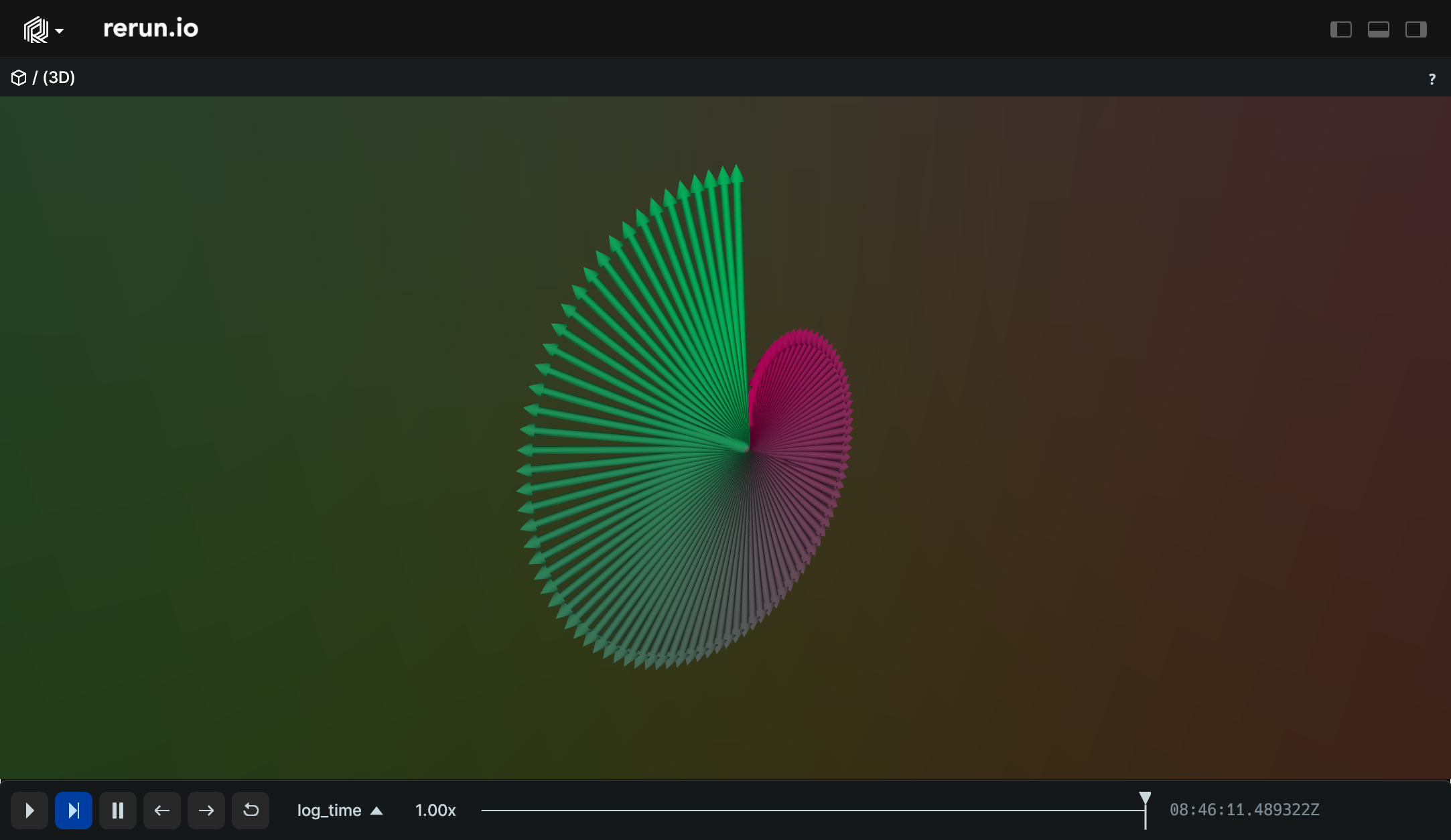
Simple batch of 3D arrows:
from math import tau

import numpy as np

import rerun as rr

rr.init("rerun_example_arrow3d", spawn=True)

lengths = np.log2(np.arange(0, 100) + 1)
angles = tau * np.arange(100, dtype=np.float32) * 0.01
origins = np.zeros((100, 3))
vectors = np.column_stack([
    np.sin(angles) * lengths,
    np.zeros(100),
    np.cos(angles) * lengths,
])
greens = [round(c * 255.0) for c in angles / tau]
colors = [[255 - g, g, 128, 128] for g in greens]

rr.log("arrows", rr.Arrows3D(origins=origins, vectors=vectors, colors=colors))
__init__
def __init__(
    *,
    vectors: Vec3DArrayLike,
    origins: Vec3DArrayLike | None = None,
    radii: Float32ArrayLike | None = None,
    colors: Rgba32ArrayLike | None = None,
    labels: Utf8ArrayLike | None = None,
    show_labels: BoolLike | None = None,
    class_ids: ClassIdArrayLike | None = None,
) -> None
Create a new instance of the Arrows3D archetype.
| PARAMETER | DESCRIPTION |
|---|---|
vectors
|
All the vectors for each arrow in the batch.
TYPE:
|
origins
|
All the origin points for each arrow in the batch. If no origins are set, (0, 0, 0) is used as the origin for each arrow.
TYPE:
|
radii
|
Optional radii for the arrows. The shaft is rendered as a line with
TYPE:
|
colors
|
Optional colors for the points.
TYPE:
|
labels
|
Optional text labels for the arrows.
TYPE:
|
show_labels
|
Optional choice of whether the text labels should be shown by default.
TYPE:
|
class_ids
|
Optional class Ids for the points. The class ID provides colors and labels if not specified explicitly.
TYPE:
|
columns
classmethod
def columns(
    *,
    vectors: Vec3DArrayLike | None = None,
    origins: Vec3DArrayLike | None = None,
    radii: Float32ArrayLike | None = None,
    colors: Rgba32ArrayLike | None = None,
    labels: Utf8ArrayLike | None = None,
    show_labels: BoolArrayLike | None = None,
    class_ids: ClassIdArrayLike | None = None,
) -> ComponentColumnList
Construct a new column-oriented component bundle.
This makes it possible to use rr.send_columns to send columnar data directly into Rerun.
The returned columns will be partitioned into unit-length sub-batches by default.
Use ComponentColumnList.partition to repartition the data as needed.
| PARAMETER | DESCRIPTION |
|---|---|
vectors
|
All the vectors for each arrow in the batch.
TYPE:
|
origins
|
All the origin (base) positions for each arrow in the batch. If no origins are set, (0, 0, 0) is used as the origin for each arrow.
TYPE:
|
radii
|
Optional radii for the arrows. The shaft is rendered as a line with
TYPE:
|
colors
|
Optional colors for the points.
TYPE:
|
labels
|
Optional text labels for the arrows. If there's a single label present, it will be placed at the center of the entity. Otherwise, each instance will have its own label.
TYPE:
|
show_labels
|
Whether the text labels should be shown. If not set, labels will automatically appear when there is exactly one label for this entity or the number of instances on this entity is under a certain threshold.
TYPE:
|
class_ids
|
Optional class Ids for the points. The
TYPE:
|
from_fields
classmethod
def from_fields(
    *,
    clear_unset: bool = False,
    vectors: Vec3DArrayLike | None = None,
    origins: Vec3DArrayLike | None = None,
    radii: Float32ArrayLike | None = None,
    colors: Rgba32ArrayLike | None = None,
    labels: Utf8ArrayLike | None = None,
    show_labels: BoolLike | None = None,
    class_ids: ClassIdArrayLike | None = None,
) -> Arrows3D
Update only some specific fields of a Arrows3D.
| PARAMETER | DESCRIPTION |
|---|---|
clear_unset
|
If true, all unspecified fields will be explicitly cleared.
TYPE:
|
vectors
|
All the vectors for each arrow in the batch.
TYPE:
|
origins
|
All the origin (base) positions for each arrow in the batch. If no origins are set, (0, 0, 0) is used as the origin for each arrow.
TYPE:
|
radii
|
Optional radii for the arrows. The shaft is rendered as a line with
TYPE:
|
colors
|
Optional colors for the points.
TYPE:
|
labels
|
Optional text labels for the arrows. If there's a single label present, it will be placed at the center of the entity. Otherwise, each instance will have its own label.
TYPE:
|
show_labels
|
Whether the text labels should be shown. If not set, labels will automatically appear when there is exactly one label for this entity or the number of instances on this entity is under a certain threshold.
TYPE:
|
class_ids
|
Optional class Ids for the points. The
TYPE:
|
visualizer
def visualizer(
    *,
    mappings: list[VisualizerComponentMappingLike]
    | None = None,
) -> Visualizer
Creates a visualizer for this archetype, using all currently set values as overrides.
| PARAMETER | DESCRIPTION |
|---|---|
mappings
|
Optional component mappings to control how the visualizer sources its data. ⚠️ Experimental: Component mappings are an experimental feature and may change. See https://github.com/rerun-io/rerun/issues/10631 for more information.
TYPE:
|
AsComponents
Asset3D
Bases: Asset3DExt, Archetype, VisualizableArchetype
Archetype: A prepacked 3D asset (.gltf, .glb, .obj, .stl, etc.).
See also archetypes.Mesh3D.
If there are multiple archetypes.InstancePoses3D instances logged to the same entity as a mesh,
an instance of the mesh will be drawn for each transform.
Meshes, or parts of meshes, without vertex normals get flat normals computed by the Viewer, i.e. each triangle is shaded with its own face normal. To render an asset unlit instead, give it all-zero vertex normals.
Example
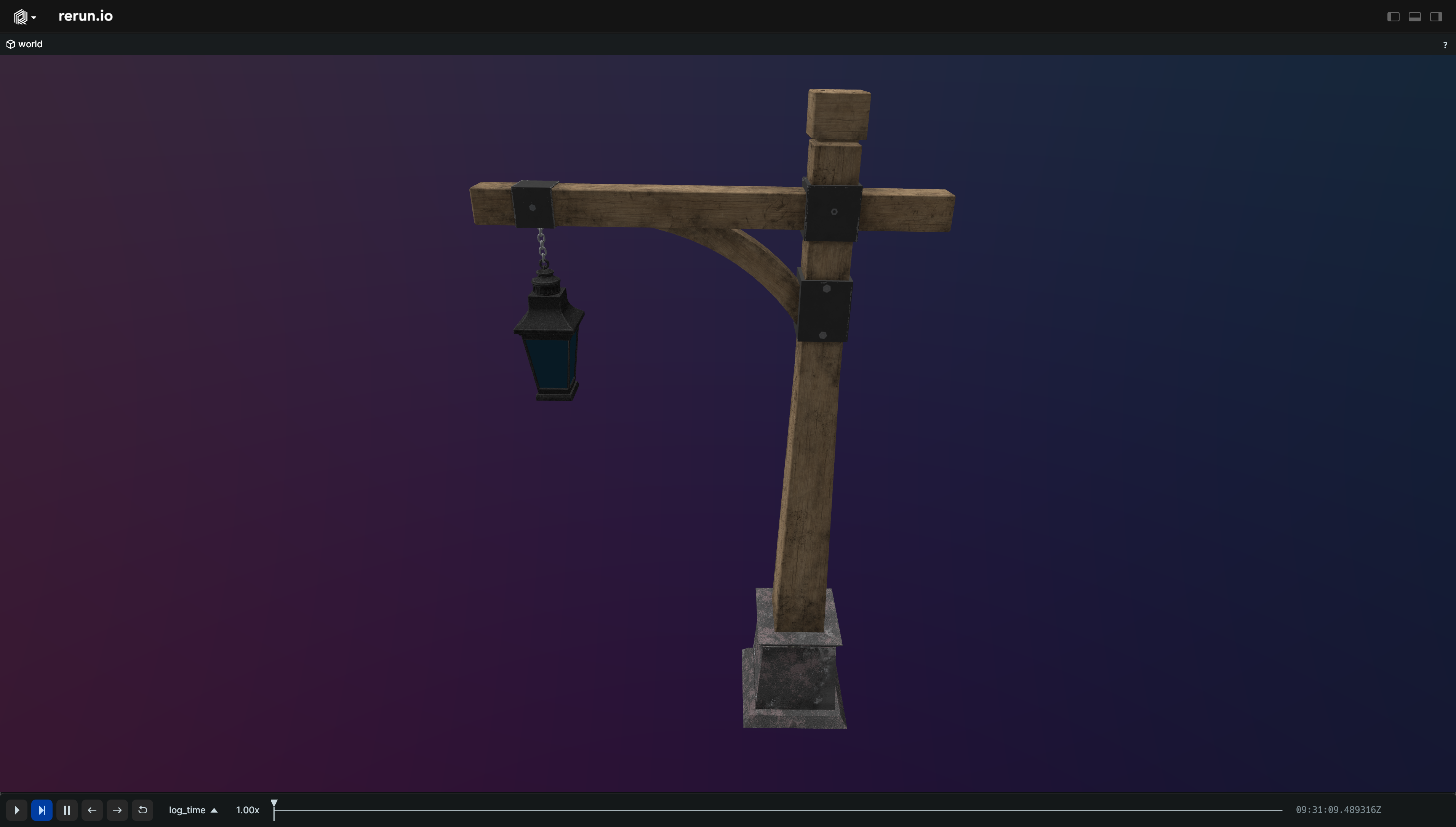
Simple 3D asset:
import sys

import rerun as rr

if len(sys.argv) < 2:
    print(f"Usage: {sys.argv[0]} <path_to_asset.[gltf|glb|obj|stl]>")
    sys.exit(1)

rr.init("rerun_example_asset3d", spawn=True)

rr.log(
    "world", rr.ViewCoordinates.RIGHT_HAND_Z_UP, static=True
)  # Set the 3D view's up direction
rr.log("world/asset", rr.Asset3D(path=sys.argv[1]))
__init__
def __init__(
    *,
    path: str | Path | None = None,
    contents: BlobLike | None = None,
    media_type: Utf8Like | None = None,
    albedo_factor: Rgba32Like | None = None,
) -> None
Create a new instance of the Asset3D archetype.
| PARAMETER | DESCRIPTION |
|---|---|
path
|
A path to an file stored on the local filesystem. Mutually
exclusive with |
contents
|
The contents of the file. Can be a BufferedReader, BytesIO, or
bytes. Mutually exclusive with
TYPE:
|
media_type
|
The Media Type of the asset. For instance:
* If omitted, it will be guessed from the
TYPE:
|
albedo_factor
|
Optional color multiplier for the whole mesh
TYPE:
|
columns
classmethod
def columns(
    *,
    blob: BlobArrayLike | None = None,
    media_type: Utf8ArrayLike | None = None,
    albedo_factor: Rgba32ArrayLike | None = None,
) -> ComponentColumnList
Construct a new column-oriented component bundle.
This makes it possible to use rr.send_columns to send columnar data directly into Rerun.
The returned columns will be partitioned into unit-length sub-batches by default.
Use ComponentColumnList.partition to repartition the data as needed.
| PARAMETER | DESCRIPTION |
|---|---|
blob
|
The asset's bytes.
TYPE:
|
media_type
|
The Media Type of the asset. Supported values:
* If omitted, the viewer will try to guess from the data blob. If it cannot guess, it won't be able to render the asset.
TYPE:
|
albedo_factor
|
A color multiplier applied to the whole asset. For mesh who already have
TYPE:
|
from_fields
classmethod
def from_fields(
    *,
    clear_unset: bool = False,
    blob: BlobLike | None = None,
    media_type: Utf8Like | None = None,
    albedo_factor: Rgba32Like | None = None,
) -> Asset3D
Update only some specific fields of a Asset3D.
| PARAMETER | DESCRIPTION |
|---|---|
clear_unset
|
If true, all unspecified fields will be explicitly cleared.
TYPE:
|
blob
|
The asset's bytes.
TYPE:
|
media_type
|
The Media Type of the asset. Supported values:
* If omitted, the viewer will try to guess from the data blob. If it cannot guess, it won't be able to render the asset.
TYPE:
|
albedo_factor
|
A color multiplier applied to the whole asset. For mesh who already have
TYPE:
|
visualizer
def visualizer(
    *,
    mappings: list[VisualizerComponentMappingLike]
    | None = None,
) -> Visualizer
Creates a visualizer for this archetype, using all currently set values as overrides.
| PARAMETER | DESCRIPTION |
|---|---|
mappings
|
Optional component mappings to control how the visualizer sources its data. ⚠️ Experimental: Component mappings are an experimental feature and may change. See https://github.com/rerun-io/rerun/issues/10631 for more information.
TYPE:
|
AssetAudio
Bases: AssetAudioExt, Archetype, VisualizableArchetype
Archetype: An audio file, stored as-is (.aac, .flac, .m4a, .mp3, .ogg, .wav).
The audio starts playing at the time it was logged,
so log it on a temporal timeline (duration or timestamp) at the point where playback should begin.
The viewer plays it while time is playing, in an views.AudioView.
⚠️ This type is unstable and may change significantly in a way that the data won't be backwards compatible.
Example
Simple audio asset:
import sys

import rerun as rr

if len(sys.argv) < 2:
    print(f"Usage: {sys.argv[0]} <path_to_audio.[aac|flac|m4a|mp3|ogg|wav]>")
    sys.exit(1)

rr.init("rerun_example_asset_audio", spawn=True)

rr.set_time("time", duration=0.0)
rr.log("audio", rr.AssetAudio(path=sys.argv[1]))
__init__
def __init__(
    *,
    path: str | Path | None = None,
    contents: BlobLike | None = None,
    media_type: Utf8Like | None = None,
) -> None
Create a new instance of the AssetAudio archetype.
| PARAMETER | DESCRIPTION |
|---|---|
path
|
A path to a file stored on the local filesystem. Mutually
exclusive with |
contents
|
The contents of the file. Can be a BufferedReader, BytesIO, or
bytes. Mutually exclusive with
TYPE:
|
media_type
|
The Media Type of the asset. For instance:
* If omitted, it will be guessed from the
TYPE:
|
columns
classmethod
def columns(
    *,
    blob: BlobArrayLike | None = None,
    media_type: Utf8ArrayLike | None = None,
) -> ComponentColumnList
Construct a new column-oriented component bundle.
This makes it possible to use rr.send_columns to send columnar data directly into Rerun.
The returned columns will be partitioned into unit-length sub-batches by default.
Use ComponentColumnList.partition to repartition the data as needed.
| PARAMETER | DESCRIPTION |
|---|---|
blob
|
The asset's bytes.
TYPE:
|
media_type
|
The Media Type of the asset. For instance:
* Any audio media type can be stored. Which ones the viewer can decode depends on the viewer version. If omitted, the viewer will try to guess from the data blob. If it cannot guess, it won't be able to play the asset.
TYPE:
|
from_fields
classmethod
def from_fields(
    *,
    clear_unset: bool = False,
    blob: BlobLike | None = None,
    media_type: Utf8Like | None = None,
) -> AssetAudio
Update only some specific fields of a AssetAudio.
| PARAMETER | DESCRIPTION |
|---|---|
clear_unset
|
If true, all unspecified fields will be explicitly cleared.
TYPE:
|
blob
|
The asset's bytes.
TYPE:
|
media_type
|
The Media Type of the asset. For instance:
* Any audio media type can be stored. Which ones the viewer can decode depends on the viewer version. If omitted, the viewer will try to guess from the data blob. If it cannot guess, it won't be able to play the asset.
TYPE:
|
visualizer
def visualizer(
    *,
    mappings: list[VisualizerComponentMappingLike]
    | None = None,
) -> Visualizer
Creates a visualizer for this archetype, using all currently set values as overrides.
| PARAMETER | DESCRIPTION |
|---|---|
mappings
|
Optional component mappings to control how the visualizer sources its data. ⚠️ Experimental: Component mappings are an experimental feature and may change. See https://github.com/rerun-io/rerun/issues/10631 for more information.
TYPE:
|
AssetVideo
Bases: AssetVideoExt, Archetype
Archetype: A video binary.
Only MP4 containers are currently supported.
See https://rerun.io/docs/reference/video for codec support and more general information.
In order to display a video, you also need to log a archetypes.VideoFrameReference for each frame.
Examples:
Video with automatically determined frames:
import sys

import rerun as rr

if len(sys.argv) < 2:
    # TODO(#7354): Only mp4 is supported for now.
    print(f"Usage: {sys.argv[0]} <path_to_video.[mp4]>")
    sys.exit(1)

rr.init("rerun_example_asset_video_auto_frames", spawn=True)

# Log video asset which is referred to by frame references.
video_asset = rr.AssetVideo(path=sys.argv[1])
rr.log("video", video_asset, static=True)

# Send automatically determined video frame timestamps.
frame_timestamps_ns = video_asset.read_frame_timestamps_nanos()
rr.send_columns(
    "video",
    # Note timeline values don't have to be the same as the video timestamps.
    indexes=[rr.TimeColumn("video_time", duration=1e-9 * frame_timestamps_ns)],
    columns=rr.VideoFrameReference.columns_nanos(frame_timestamps_ns),
)
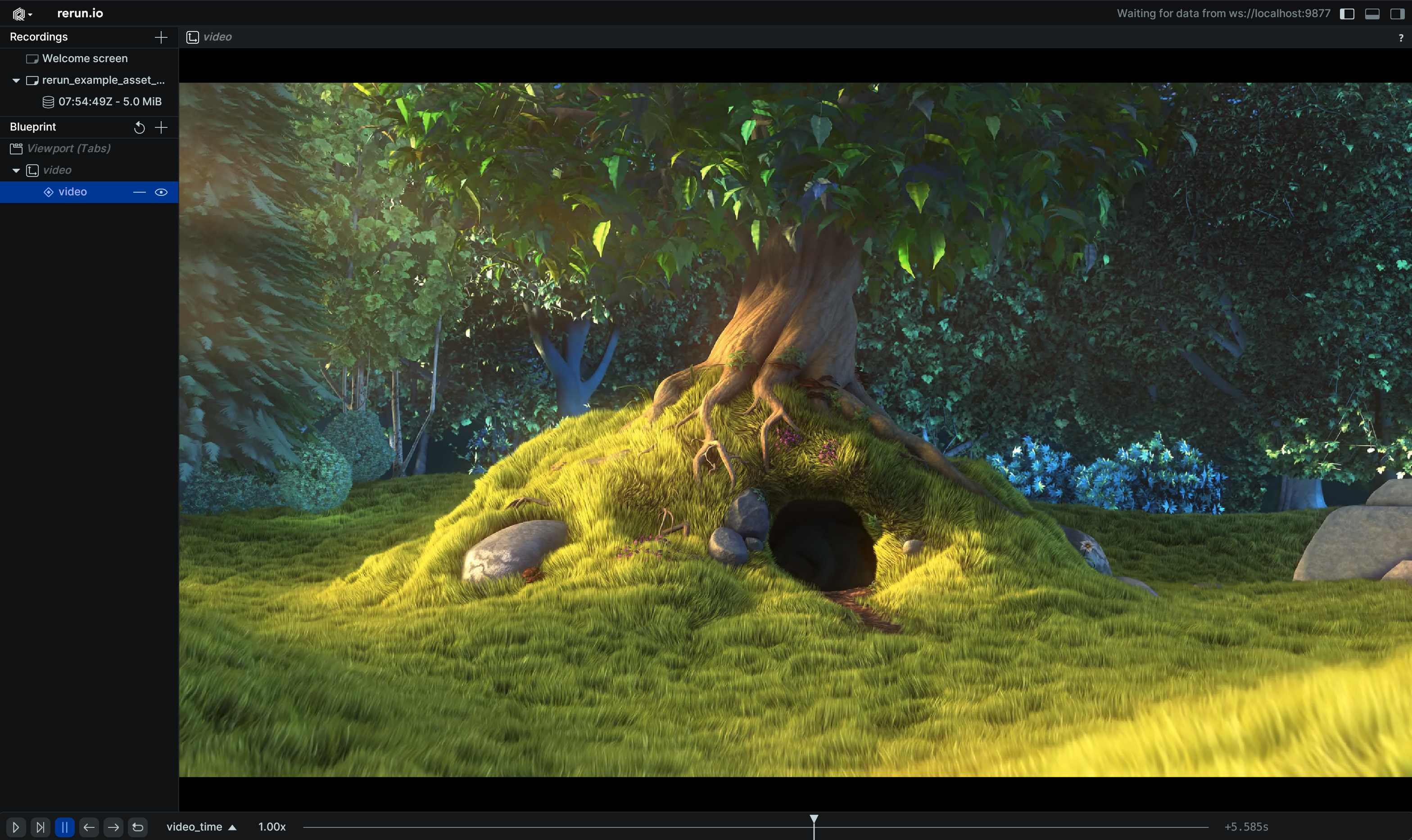
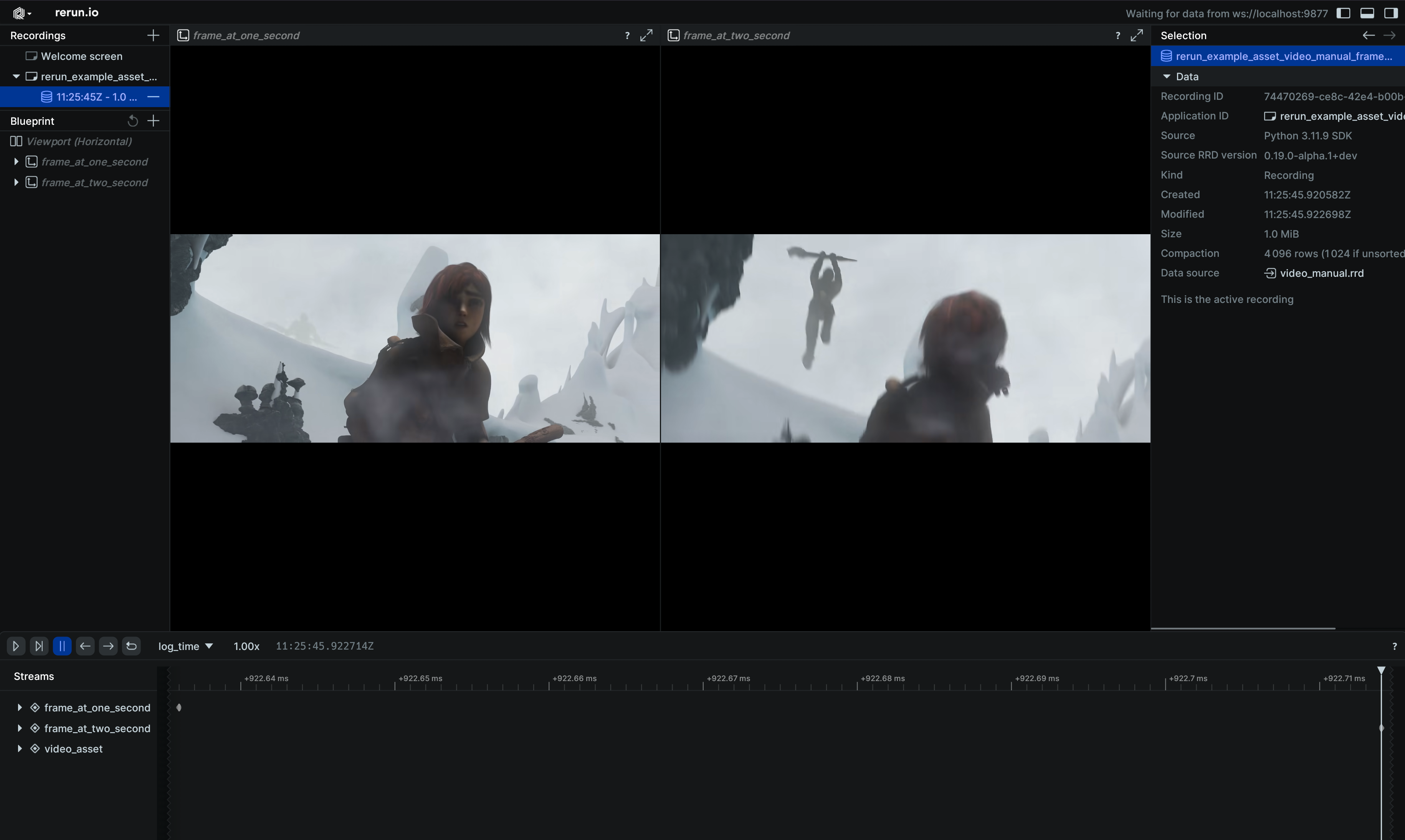
Demonstrates manual use of video frame references:
import sys

import rerun as rr
import rerun.blueprint as rrb

if len(sys.argv) < 2:
    # TODO(#7354): Only mp4 is supported for now.
    print(f"Usage: {sys.argv[0]} <path_to_video.[mp4]>")
    sys.exit(1)

rr.init("rerun_example_asset_video_manual_frames", spawn=True)

# Log video asset which is referred to by frame references.
rr.log("video_asset", rr.AssetVideo(path=sys.argv[1]), static=True)

# Create two entities, showing the same video frozen at different times.
rr.log(
    "frame_1s",
    rr.VideoFrameReference(seconds=1.0, video_reference="video_asset"),
)
rr.log(
    "frame_2s",
    rr.VideoFrameReference(seconds=2.0, video_reference="video_asset"),
)

# Send blueprint that shows two 2D views next to each other.
rr.send_blueprint(
    rrb.Horizontal(
        rrb.Spatial2DView(origin="frame_1s"),
        rrb.Spatial2DView(origin="frame_2s"),
    )
)
__init__
def __init__(
    *,
    path: str | Path | None = None,
    contents: BlobLike | None = None,
    media_type: Utf8Like | None = None,
) -> None
Create a new instance of the AssetVideo archetype.
| PARAMETER | DESCRIPTION |
|---|---|
path
|
A path to a file stored on the local filesystem. Mutually
exclusive with |
contents
|
The contents of the file. Can be a BufferedReader, BytesIO, or
bytes. Mutually exclusive with
TYPE:
|
media_type
|
The Media Type of the asset. For instance:
* If omitted, it will be guessed from the
TYPE:
|
columns
classmethod
def columns(
    *,
    blob: BlobArrayLike | None = None,
    media_type: Utf8ArrayLike | None = None,
) -> ComponentColumnList
Construct a new column-oriented component bundle.
This makes it possible to use rr.send_columns to send columnar data directly into Rerun.
The returned columns will be partitioned into unit-length sub-batches by default.
Use ComponentColumnList.partition to repartition the data as needed.
| PARAMETER | DESCRIPTION |
|---|---|
blob
|
The asset's bytes.
TYPE:
|
media_type
|
The Media Type of the asset. Supported values:
* If omitted, the viewer will try to guess from the data blob. If it cannot guess, it won't be able to render the asset.
TYPE:
|
from_fields
classmethod
def from_fields(
    *,
    clear_unset: bool = False,
    blob: BlobLike | None = None,
    media_type: Utf8Like | None = None,
) -> AssetVideo
Update only some specific fields of a AssetVideo.
| PARAMETER | DESCRIPTION |
|---|---|
clear_unset
|
If true, all unspecified fields will be explicitly cleared.
TYPE:
|
blob
|
The asset's bytes.
TYPE:
|
media_type
|
The Media Type of the asset. Supported values:
* If omitted, the viewer will try to guess from the data blob. If it cannot guess, it won't be able to render the asset.
TYPE:
|
BarChart
Bases: BarChartExt, Archetype, VisualizableArchetype
Archetype: A bar chart.
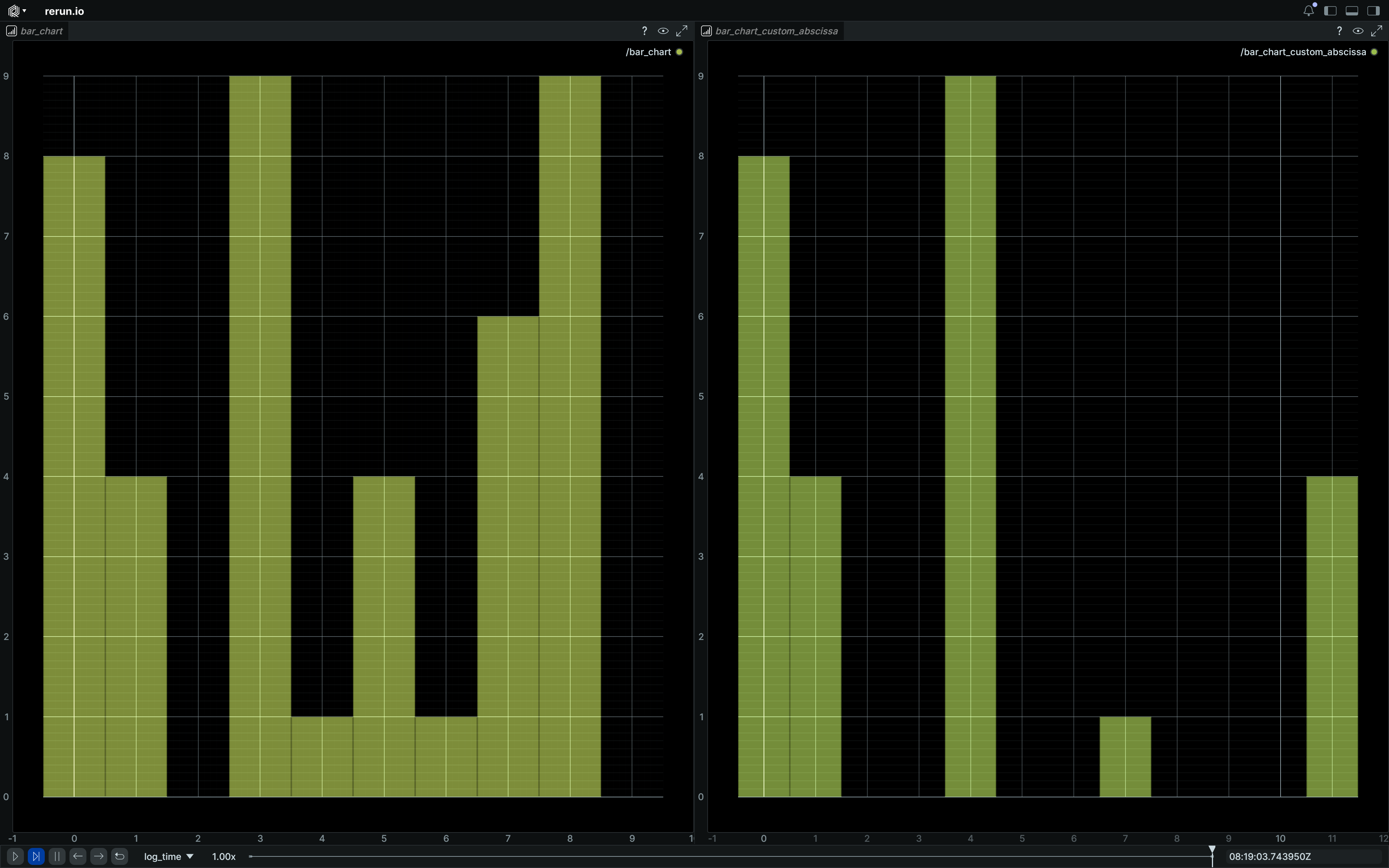
The bar heights will be the provided values, and the x coordinates of the bars will be the provided abscissa or default to the index of the provided values.
Example
Simple bar chart:
import rerun as rr

rr.init("rerun_example_bar_chart", spawn=True)
rr.log("bar_chart", rr.BarChart([8, 4, 0, 9, 1, 4, 1, 6, 9, 0]))
rr.log(
    "bar_chart_custom_abscissa",
    rr.BarChart([8, 4, 0, 9, 1, 4], abscissa=[0, 1, 3, 4, 7, 11]),
)
rr.log(
    "bar_chart_custom_abscissa_and_widths",
    rr.BarChart(
        [8, 4, 0, 9, 1, 4],
        abscissa=[0, 1, 3, 4, 7, 11],
        widths=[1, 2, 1, 3, 4, 1],
    ),
)
__init__
def __init__(
    values: TensorDataLike,
    *,
    color: Rgba32Like | None = None,
    abscissa: TensorDataLike | None = None,
    widths: Float32ArrayLike | None = None,
) -> None
Create a new instance of the BarChart archetype.
| PARAMETER | DESCRIPTION |
|---|---|
values
|
The values. Should always be a 1-dimensional tensor (i.e. a vector).
TYPE:
|
color
|
The color of the bar chart
TYPE:
|
abscissa
|
The abscissa corresponding to each value. Should be a 1-dimensional tensor (i.e. a vector) in same length as values.
TYPE:
|
widths
|
The width of the bins, defined in x-axis units and defaults to 1. Should be a 1-dimensional tensor (i.e. a vector) in same length as values.
TYPE:
|
columns
classmethod
def columns(
    *,
    values: TensorDataArrayLike | None = None,
    color: Rgba32ArrayLike | None = None,
    abscissa: TensorDataArrayLike | None = None,
    widths: Float32ArrayLike | None = None,
) -> ComponentColumnList
Construct a new column-oriented component bundle.
This makes it possible to use rr.send_columns to send columnar data directly into Rerun.
The returned columns will be partitioned into unit-length sub-batches by default.
Use ComponentColumnList.partition to repartition the data as needed.
| PARAMETER | DESCRIPTION |
|---|---|
values
|
The values. Should always be a 1-dimensional tensor (i.e. a vector).
TYPE:
|
color
|
The color of the bar chart
TYPE:
|
abscissa
|
The abscissa corresponding to each value. Should be a 1-dimensional tensor (i.e. a vector) in same length as values.
TYPE:
|
widths
|
The width of the bins, defined in x-axis units and defaults to 1. Should be a 1-dimensional tensor (i.e. a vector) in same length as values.
TYPE:
|
from_fields
classmethod
def from_fields(
    *,
    clear_unset: bool = False,
    values: TensorDataLike | None = None,
    color: Rgba32Like | None = None,
    abscissa: TensorDataLike | None = None,
    widths: Float32ArrayLike | None = None,
) -> BarChart
Update only some specific fields of a BarChart.
| PARAMETER | DESCRIPTION |
|---|---|
clear_unset
|
If true, all unspecified fields will be explicitly cleared.
TYPE:
|
values
|
The values. Should always be a 1-dimensional tensor (i.e. a vector).
TYPE:
|
color
|
The color of the bar chart
TYPE:
|
abscissa
|
The abscissa corresponding to each value. Should be a 1-dimensional tensor (i.e. a vector) in same length as values.
TYPE:
|
widths
|
The width of the bins, defined in x-axis units and defaults to 1. Should be a 1-dimensional tensor (i.e. a vector) in same length as values.
TYPE:
|
visualizer
def visualizer(
    *,
    mappings: list[VisualizerComponentMappingLike]
    | None = None,
) -> Visualizer
Creates a visualizer for this archetype, using all currently set values as overrides.
| PARAMETER | DESCRIPTION |
|---|---|
mappings
|
Optional component mappings to control how the visualizer sources its data. ⚠️ Experimental: Component mappings are an experimental feature and may change. See https://github.com/rerun-io/rerun/issues/10631 for more information.
TYPE:
|
BinaryStream
An encoded stream of bytes that can be saved as an rrd or sent to the viewer.
flush
Flushes the recording stream and ensures that all logged messages have been encoded into the stream.
This will block until the flush is complete.
If all the data was not successfully flushed within the given timeout, an exception will be raised.
| PARAMETER | DESCRIPTION |
|---|---|
timeout_sec
|
Wait at most this many seconds. If the timeout is reached, an error is raised. |
read
Reads the available bytes from the stream.
If using flush, the read call will first block until the flush is complete.
If all the data was not successfully flushed within the given timeout,
an exception will be raised.
| PARAMETER | DESCRIPTION |
|---|---|
flush
|
If true (default), the stream will be flushed before reading.
TYPE:
|
flush_timeout_sec
|
If |
Box2DFormat
Bases: Enum
How to specify 2D boxes (axis-aligned bounding boxes).
XCYCW2H2
class-attribute
instance-attribute
XCYCW2H2 = 'XCYCW2H2'
[x_center, y_center, width/2, height/2].
XCYCWH
class-attribute
instance-attribute
XCYCWH = 'XCYCWH'
[x_center, y_center, width, height].
XYWH
class-attribute
instance-attribute
XYWH = 'XYWH'
[x,y,w,h], with x,y = left,top.
XYXY
class-attribute
instance-attribute
XYXY = 'XYXY'
[x0, y0, x1, y1], with x0,y0 = left,top and x1,y1 = right,bottom.
YXHW
class-attribute
instance-attribute
YXHW = 'YXHW'
[y,x,h,w], with x,y = left,top.
YXYX
class-attribute
instance-attribute
YXYX = 'YXYX'
[y0, x0, y1, x1], with x0,y0 = left,top and x1,y1 = right,bottom.
Boxes2D
Bases: Boxes2DExt, Archetype, VisualizableArchetype
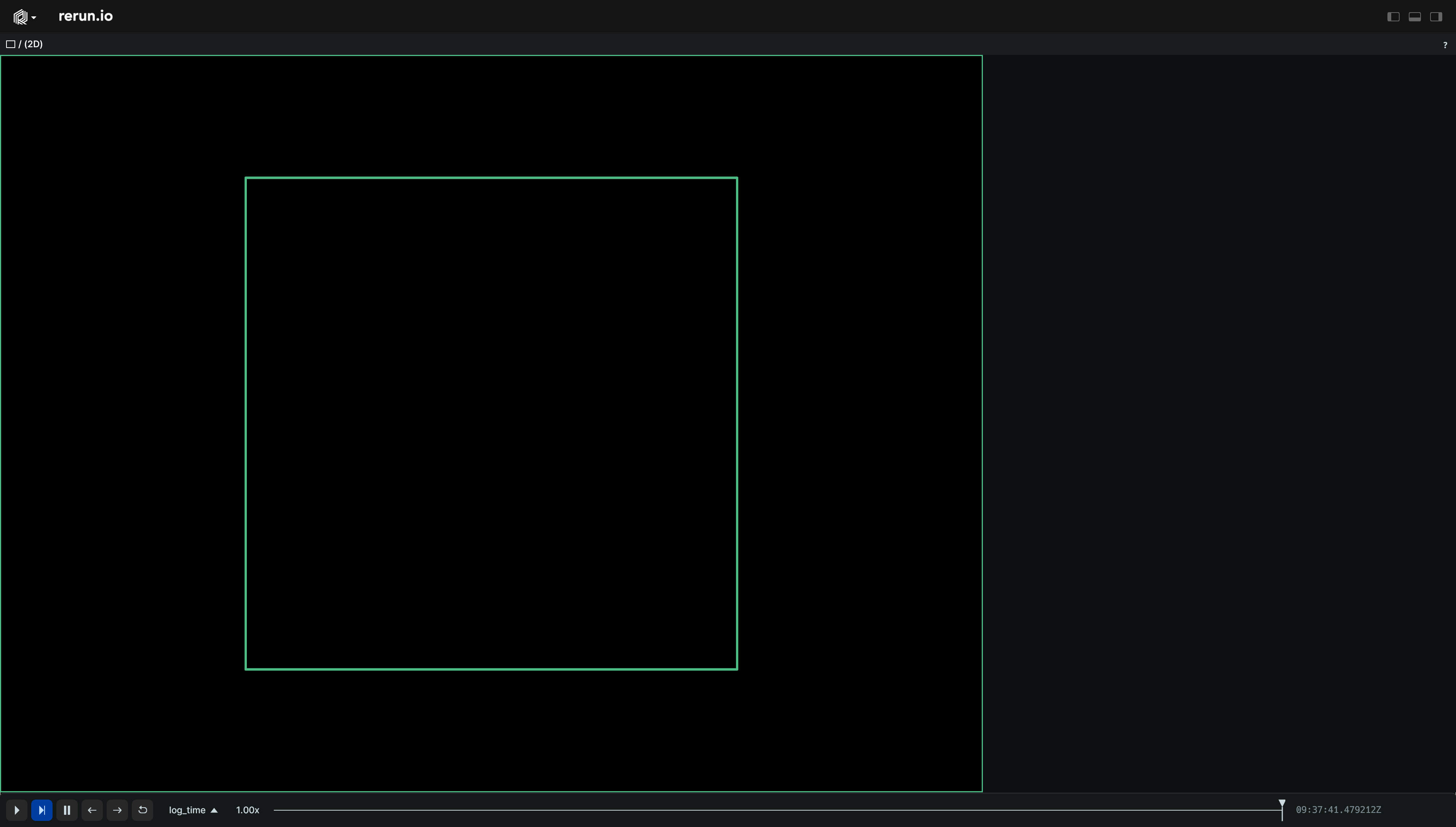
Archetype: 2D boxes with half-extents and optional center, colors etc.
Example
Simple 2D boxes:
import rerun as rr

rr.init("rerun_example_box2d", spawn=True)

rr.log("simple", rr.Boxes2D(mins=[-1, -1], sizes=[2, 2]))
__init__
def __init__(
    *,
    sizes: Vec2DArrayLike | None = None,
    mins: Vec2DArrayLike | None = None,
    half_sizes: Vec2DArrayLike | None = None,
    centers: Vec2DArrayLike | None = None,
    array: ArrayLike | None = None,
    array_format: Box2DFormat | None = None,
    radii: Float32ArrayLike | None = None,
    colors: Rgba32ArrayLike | None = None,
    labels: Utf8ArrayLike | None = None,
    show_labels: BoolLike | None = None,
    draw_order: Float32ArrayLike | None = None,
    class_ids: ClassIdArrayLike | None = None,
) -> None
Create a new instance of the Boxes2D archetype.
| PARAMETER | DESCRIPTION |
|---|---|
sizes
|
Full extents in x/y.
Incompatible with
TYPE:
|
half_sizes
|
All half-extents that make up the batch of boxes. Specify this instead of
TYPE:
|
mins
|
Minimum coordinates of the boxes. Specify this instead of
TYPE:
|
array
|
An array of boxes in the format specified by
TYPE:
|
array_format
|
How to interpret the data in
TYPE:
|
centers
|
Optional center positions of the boxes.
TYPE:
|
colors
|
Optional colors for the boxes.
TYPE:
|
radii
|
Optional radii for the lines that make up the boxes.
TYPE:
|
labels
|
Optional text labels for the boxes.
TYPE:
|
show_labels
|
Optional choice of whether the text labels should be shown by default.
TYPE:
|
draw_order
|
An optional floating point value that specifies the 2D drawing order. Objects with higher values are drawn on top of those with lower values. The default for 2D boxes is 10.0.
TYPE:
|
class_ids
|
Optional The class ID provides colors and labels if not specified explicitly.
TYPE:
|
columns
classmethod
def columns(
    *,
    half_sizes: Vec2DArrayLike | None = None,
    centers: Vec2DArrayLike | None = None,
    colors: Rgba32ArrayLike | None = None,
    radii: Float32ArrayLike | None = None,
    labels: Utf8ArrayLike | None = None,
    show_labels: BoolArrayLike | None = None,
    draw_order: Float32ArrayLike | None = None,
    class_ids: ClassIdArrayLike | None = None,
) -> ComponentColumnList
Construct a new column-oriented component bundle.
This makes it possible to use rr.send_columns to send columnar data directly into Rerun.
The returned columns will be partitioned into unit-length sub-batches by default.
Use ComponentColumnList.partition to repartition the data as needed.
| PARAMETER | DESCRIPTION |
|---|---|
half_sizes
|
All half-extents that make up the batch of boxes.
TYPE:
|
centers
|
Optional center positions of the boxes.
TYPE:
|
colors
|
Optional colors for the boxes.
TYPE:
|
radii
|
Optional radii for the lines that make up the boxes.
TYPE:
|
labels
|
Optional text labels for the boxes. If there's a single label present, it will be placed at the center of the entity. Otherwise, each instance will have its own label.
TYPE:
|
show_labels
|
Whether the text labels should be shown. If not set, labels will automatically appear when there is exactly one label for this entity or the number of instances on this entity is under a certain threshold.
TYPE:
|
draw_order
|
An optional floating point value that specifies the 2D drawing order. Objects with higher values are drawn on top of those with lower values.
Defaults to
TYPE:
|
class_ids
|
Optional The
TYPE:
|
from_fields
classmethod
def from_fields(
    *,
    clear_unset: bool = False,
    half_sizes: Vec2DArrayLike | None = None,
    centers: Vec2DArrayLike | None = None,
    colors: Rgba32ArrayLike | None = None,
    radii: Float32ArrayLike | None = None,
    labels: Utf8ArrayLike | None = None,
    show_labels: BoolLike | None = None,
    draw_order: Float32Like | None = None,
    class_ids: ClassIdArrayLike | None = None,
) -> Boxes2D
Update only some specific fields of a Boxes2D.
| PARAMETER | DESCRIPTION |
|---|---|
clear_unset
|
If true, all unspecified fields will be explicitly cleared.
TYPE:
|
half_sizes
|
All half-extents that make up the batch of boxes.
TYPE:
|
centers
|
Optional center positions of the boxes.
TYPE:
|
colors
|
Optional colors for the boxes.
TYPE:
|
radii
|
Optional radii for the lines that make up the boxes.
TYPE:
|
labels
|
Optional text labels for the boxes. If there's a single label present, it will be placed at the center of the entity. Otherwise, each instance will have its own label.
TYPE:
|
show_labels
|
Whether the text labels should be shown. If not set, labels will automatically appear when there is exactly one label for this entity or the number of instances on this entity is under a certain threshold.
TYPE:
|
draw_order
|
An optional floating point value that specifies the 2D drawing order. Objects with higher values are drawn on top of those with lower values.
Defaults to
TYPE:
|
class_ids
|
Optional The
TYPE:
|
visualizer
def visualizer(
    *,
    mappings: list[VisualizerComponentMappingLike]
    | None = None,
) -> Visualizer
Creates a visualizer for this archetype, using all currently set values as overrides.
| PARAMETER | DESCRIPTION |
|---|---|
mappings
|
Optional component mappings to control how the visualizer sources its data. ⚠️ Experimental: Component mappings are an experimental feature and may change. See https://github.com/rerun-io/rerun/issues/10631 for more information.
TYPE:
|
Boxes3D
Bases: Boxes3DExt, Archetype, VisualizableArchetype
Archetype: 3D boxes with half-extents and optional center, rotations, colors etc.
If there's more instance poses than half sizes, the last box's orientation will be repeated for the remaining poses.
Orienting and placing boxes forms a separate transform that is applied prior to archetypes.InstancePoses3D and archetypes.Transform3D.
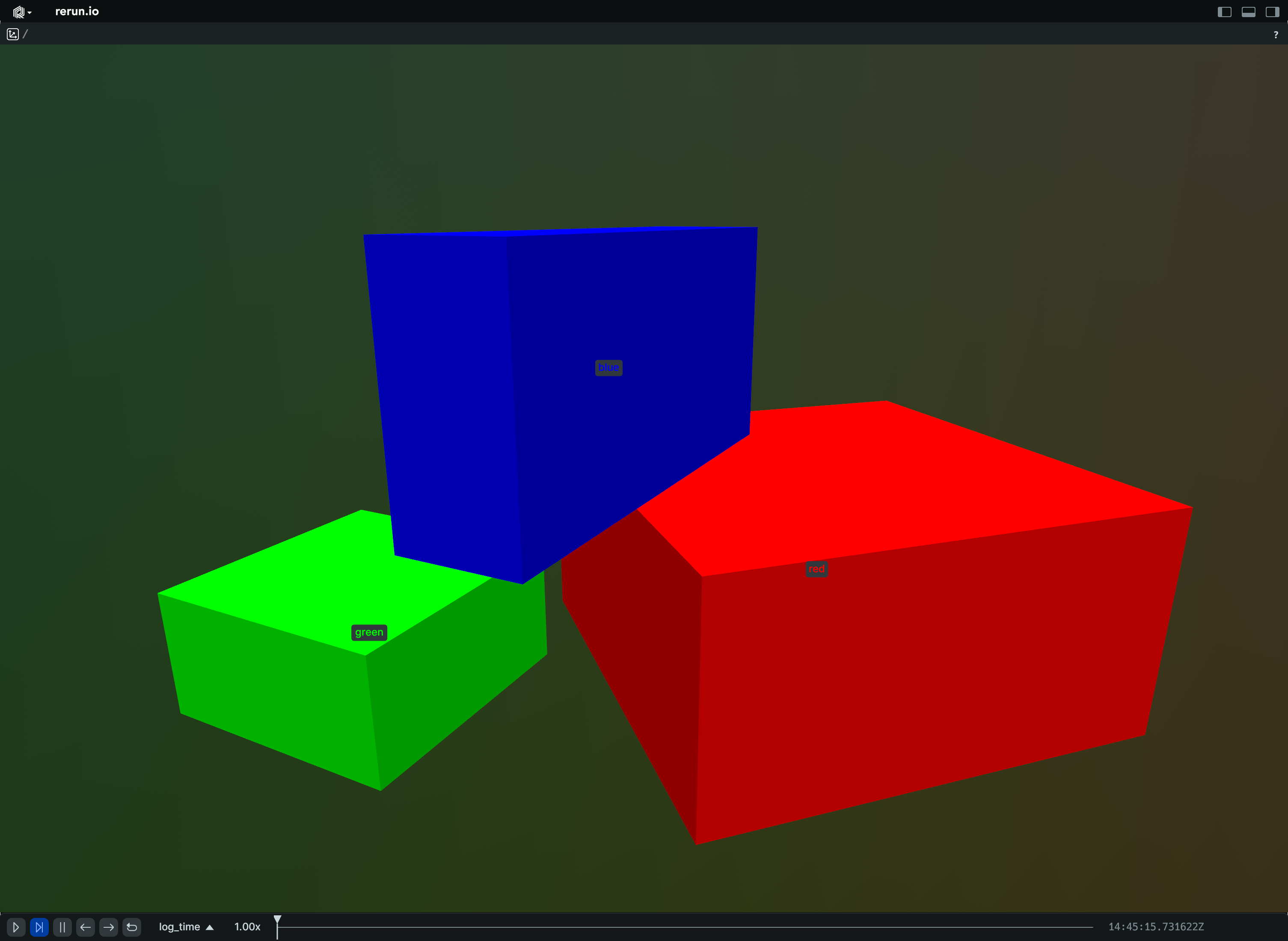
Example
Batch of 3D boxes:
import rerun as rr

rr.init("rerun_example_box3d_batch", spawn=True)

rr.log(
    "batch",
    rr.Boxes3D(
        centers=[[2, 0, 0], [-2, 0, 0], [0, 0, 2]],
        half_sizes=[[2.0, 2.0, 1.0], [1.0, 1.0, 0.5], [2.0, 0.5, 1.0]],
        quaternions=[
            rr.Quaternion.identity(),
            rr.Quaternion(
                xyzw=[0.0, 0.0, 0.382683, 0.923880]
            ),  # 45 degrees around Z
        ],
        radii=0.025,
        colors=[(255, 0, 0), (0, 255, 0), (0, 0, 255)],
        fill_mode="solid",
        labels=["red", "green", "blue"],
    ),
)
__init__
def __init__(
    *,
    sizes: Vec3DArrayLike | None = None,
    mins: Vec3DArrayLike | None = None,
    half_sizes: Vec3DArrayLike | None = None,
    centers: Vec3DArrayLike | None = None,
    rotation_axis_angles: RotationAxisAngleArrayLike
    | None = None,
    quaternions: QuaternionArrayLike | None = None,
    rotations: RotationAxisAngleArrayLike
    | QuaternionArrayLike
    | None = None,
    colors: Rgba32ArrayLike | None = None,
    radii: Float32ArrayLike | None = None,
    fill_mode: FillModeLike | None = None,
    labels: Utf8ArrayLike | None = None,
    show_labels: BoolLike | None = None,
    class_ids: ClassIdArrayLike | None = None,
) -> None
Create a new instance of the Boxes3D archetype.
| PARAMETER | DESCRIPTION |
|---|---|
sizes
|
Full extents in x/y/z. Specify this instead of
TYPE:
|
half_sizes
|
All half-extents that make up the batch of boxes. Specify this instead of
TYPE:
|
mins
|
Minimum coordinates of the boxes. Specify this instead of Only valid when used together with either
TYPE:
|
centers
|
Optional center positions of the boxes. If not specified, the centers will be at (0, 0, 0).
TYPE:
|
rotation_axis_angles
|
Rotations via axis + angle. If no rotation is specified, the axes of the boxes align with the axes of the local coordinate system.
TYPE:
|
quaternions
|
Rotations via quaternion. If no rotation is specified, the axes of the boxes align with the axes of the local coordinate system.
TYPE:
|
rotations
|
Backwards compatible parameter for specifying rotations. Tries to infer the type of rotation from the input. Prefer using
TYPE:
|
colors
|
Optional colors for the boxes.
TYPE:
|
radii
|
Optional radii for the lines that make up the boxes.
TYPE:
|
fill_mode
|
Optionally choose whether the boxes are drawn with lines or solid.
TYPE:
|
labels
|
Optional text labels for the boxes.
TYPE:
|
show_labels
|
Optional choice of whether the text labels should be shown by default.
TYPE:
|
class_ids
|
Optional The class ID provides colors and labels if not specified explicitly.
TYPE:
|
columns
classmethod
def columns(
    *,
    half_sizes: Vec3DArrayLike | None = None,
    centers: Vec3DArrayLike | None = None,
    rotation_axis_angles: RotationAxisAngleArrayLike
    | None = None,
    quaternions: QuaternionArrayLike | None = None,
    colors: Rgba32ArrayLike | None = None,
    radii: Float32ArrayLike | None = None,
    fill_mode: FillModeArrayLike | None = None,
    labels: Utf8ArrayLike | None = None,
    show_labels: BoolArrayLike | None = None,
    class_ids: ClassIdArrayLike | None = None,
) -> ComponentColumnList
Construct a new column-oriented component bundle.
This makes it possible to use rr.send_columns to send columnar data directly into Rerun.
The returned columns will be partitioned into unit-length sub-batches by default.
Use ComponentColumnList.partition to repartition the data as needed.
| PARAMETER | DESCRIPTION |
|---|---|
half_sizes
|
All half-extents that make up the batch of boxes.
TYPE:
|
centers
|
Optional center positions of the boxes. If not specified, the centers will be at (0, 0, 0).
TYPE:
|
rotation_axis_angles
|
Rotations via axis + angle. If no rotation is specified, the axes of the boxes align with the axes of the local coordinate system.
TYPE:
|
quaternions
|
Rotations via quaternion. If no rotation is specified, the axes of the boxes align with the axes of the local coordinate system.
TYPE:
|
colors
|
Optional colors for the boxes. Alpha channel is used for transparency for solid fill-mode.
TYPE:
|
radii
|
Optional radii for the lines that make up the boxes.
TYPE:
|
fill_mode
|
Optionally choose whether the boxes are drawn with lines or solid.
TYPE:
|
labels
|
Optional text labels for the boxes. If there's a single label present, it will be placed at the center of the entity. Otherwise, each instance will have its own label.
TYPE:
|
show_labels
|
Whether the text labels should be shown. If not set, labels will automatically appear when there is exactly one label for this entity or the number of instances on this entity is under a certain threshold.
TYPE:
|
class_ids
|
Optional The
TYPE:
|
from_fields
classmethod
def from_fields(
    *,
    clear_unset: bool = False,
    half_sizes: Vec3DArrayLike | None = None,
    centers: Vec3DArrayLike | None = None,
    rotation_axis_angles: RotationAxisAngleArrayLike
    | None = None,
    quaternions: QuaternionArrayLike | None = None,
    colors: Rgba32ArrayLike | None = None,
    radii: Float32ArrayLike | None = None,
    fill_mode: FillModeLike | None = None,
    labels: Utf8ArrayLike | None = None,
    show_labels: BoolLike | None = None,
    class_ids: ClassIdArrayLike | None = None,
) -> Boxes3D
Update only some specific fields of a Boxes3D.
| PARAMETER | DESCRIPTION |
|---|---|
clear_unset
|
If true, all unspecified fields will be explicitly cleared.
TYPE:
|
half_sizes
|
All half-extents that make up the batch of boxes.
TYPE:
|
centers
|
Optional center positions of the boxes. If not specified, the centers will be at (0, 0, 0).
TYPE:
|
rotation_axis_angles
|
Rotations via axis + angle. If no rotation is specified, the axes of the boxes align with the axes of the local coordinate system.
TYPE:
|
quaternions
|
Rotations via quaternion. If no rotation is specified, the axes of the boxes align with the axes of the local coordinate system.
TYPE:
|
colors
|
Optional colors for the boxes. Alpha channel is used for transparency for solid fill-mode.
TYPE:
|
radii
|
Optional radii for the lines that make up the boxes.
TYPE:
|
fill_mode
|
Optionally choose whether the boxes are drawn with lines or solid.
TYPE:
|
labels
|
Optional text labels for the boxes. If there's a single label present, it will be placed at the center of the entity. Otherwise, each instance will have its own label.
TYPE:
|
show_labels
|
Whether the text labels should be shown. If not set, labels will automatically appear when there is exactly one label for this entity or the number of instances on this entity is under a certain threshold.
TYPE:
|
class_ids
|
Optional The
TYPE:
|
visualizer
def visualizer(
    *,
    mappings: list[VisualizerComponentMappingLike]
    | None = None,
) -> Visualizer
Creates a visualizer for this archetype, using all currently set values as overrides.
| PARAMETER | DESCRIPTION |
|---|---|
mappings
|
Optional component mappings to control how the visualizer sources its data. ⚠️ Experimental: Component mappings are an experimental feature and may change. See https://github.com/rerun-io/rerun/issues/10631 for more information.
TYPE:
|
Capsules3D
Bases: Capsules3DExt, Archetype, VisualizableArchetype
Archetype: 3D capsules; cylinders with hemispherical caps.
Capsules are defined by two endpoints (the centers of their end cap spheres), which are located at (0, 0, 0) and (0, 0, length), that is, extending along the positive direction of the Z axis. Capsules in other orientations may be produced by applying a rotation to the entity or instances.
If there's more instance poses than lengths & radii, the last capsule's orientation will be repeated for the remaining poses.
Orienting and placing capsules forms a separate transform that is applied prior to archetypes.InstancePoses3D and archetypes.Transform3D.
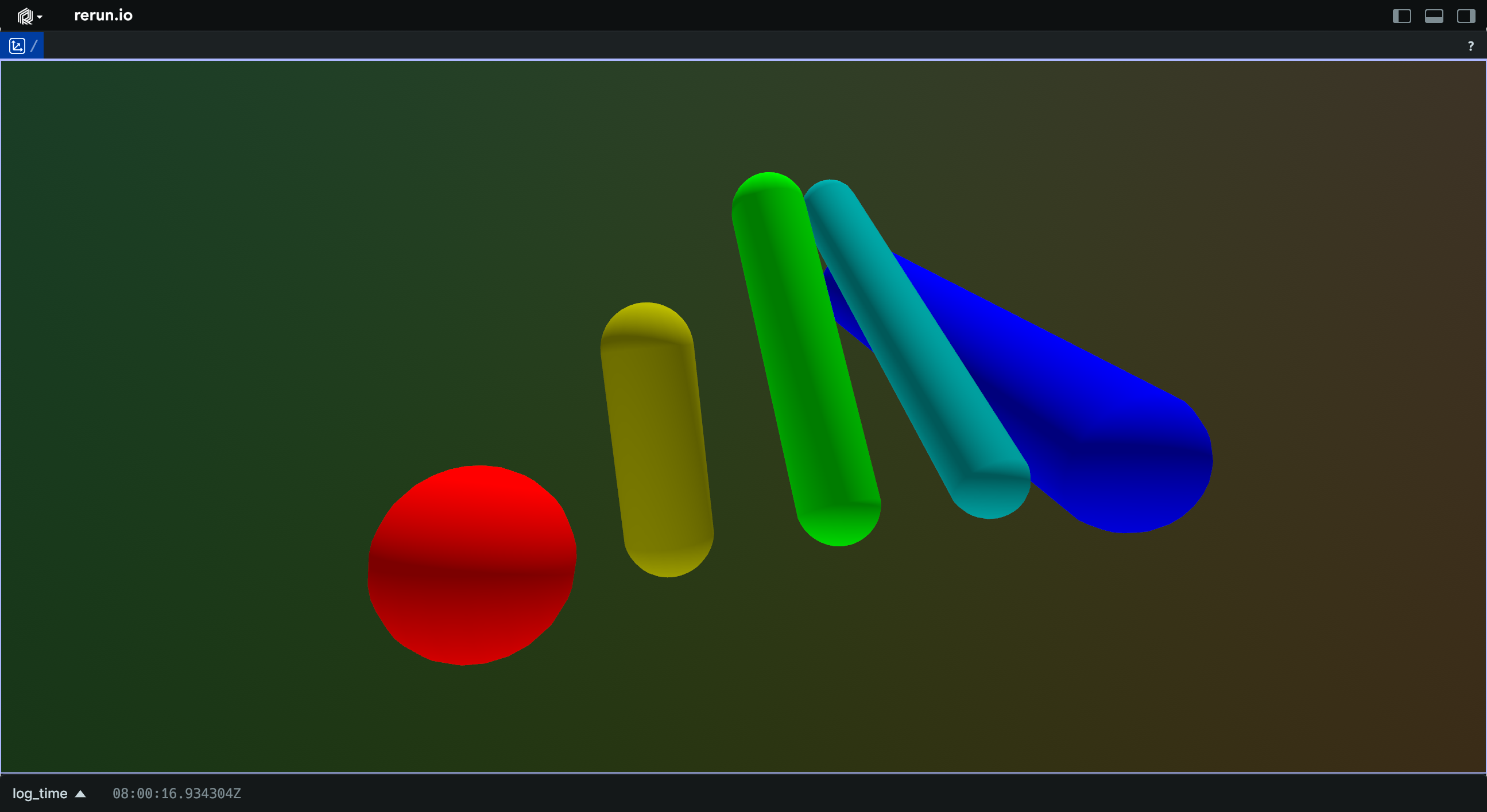
Example
Batch of capsules:
import rerun as rr

rr.init("rerun_example_capsule3d_batch", spawn=True)

rr.log(
    "capsules",
    rr.Capsules3D(
        lengths=[0.0, 2.0, 4.0, 6.0, 8.0],
        radii=[1.0, 0.5, 0.5, 0.5, 1.0],
        colors=[
            (255, 0, 0),
            (188, 188, 0),
            (0, 255, 0),
            (0, 188, 188),
            (0, 0, 255),
        ],
        translations=[
            (0.0, 0.0, 0.0),
            (2.0, 0.0, 0.0),
            (4.0, 0.0, 0.0),
            (6.0, 0.0, 0.0),
            (8.0, 0.0, 0.0),
        ],
        rotation_axis_angles=[
            rr.RotationAxisAngle(
                [1.0, 0.0, 0.0],
                rr.Angle(deg=float(i) * -22.5),
            )
            for i in range(5)
        ],
    ),
)
__init__
def __init__(
    *,
    lengths: Float32ArrayLike | None = None,
    radii: Float32ArrayLike | None = None,
    translations: Vec3DArrayLike | None = None,
    rotation_axis_angles: RotationAxisAngleArrayLike
    | None = None,
    quaternions: QuaternionArrayLike | None = None,
    colors: Rgba32ArrayLike | None = None,
    line_radii: Float32ArrayLike | None = None,
    fill_mode: FillModeLike | None = None,
    labels: Utf8ArrayLike | None = None,
    show_labels: BoolLike | None = None,
    class_ids: ClassIdArrayLike | None = None,
) -> None
Create a new instance of the Capsules3D archetype.
| PARAMETER | DESCRIPTION |
|---|---|
lengths
|
All lengths of the capsules.
TYPE:
|
radii
|
All radii of the capsules.
TYPE:
|
translations
|
Optional translations of the capsules. If not specified, one end of each capsule will be at (0, 0, 0).
TYPE:
|
rotation_axis_angles
|
Rotations via axis + angle. If no rotation is specified, the capsules align with the +Z axis of the local coordinate system.
TYPE:
|
quaternions
|
Rotations via quaternion. If no rotation is specified, the capsules align with the +Z axis of the local coordinate system.
TYPE:
|
colors
|
Optional colors for the capsules.
TYPE:
|
line_radii
|
Optional radii for the lines used when the cylinder is rendered as a wireframe.
TYPE:
|
fill_mode
|
Optionally choose whether the cylinders are drawn with lines or solid.
TYPE:
|
labels
|
Optional text labels for the capsules.
TYPE:
|
show_labels
|
Optional choice of whether the text labels should be shown by default.
TYPE:
|
class_ids
|
Optional The class ID provides colors and labels if not specified explicitly.
TYPE:
|
columns
classmethod
def columns(
    *,
    lengths: Float32ArrayLike | None = None,
    radii: Float32ArrayLike | None = None,
    translations: Vec3DArrayLike | None = None,
    rotation_axis_angles: RotationAxisAngleArrayLike
    | None = None,
    quaternions: QuaternionArrayLike | None = None,
    colors: Rgba32ArrayLike | None = None,
    line_radii: Float32ArrayLike | None = None,
    fill_mode: FillModeArrayLike | None = None,
    labels: Utf8ArrayLike | None = None,
    show_labels: BoolArrayLike | None = None,
    class_ids: ClassIdArrayLike | None = None,
) -> ComponentColumnList
Construct a new column-oriented component bundle.
This makes it possible to use rr.send_columns to send columnar data directly into Rerun.
The returned columns will be partitioned into unit-length sub-batches by default.
Use ComponentColumnList.partition to repartition the data as needed.
| PARAMETER | DESCRIPTION |
|---|---|
lengths
|
Lengths of the capsules, defined as the distance between the centers of the endcaps.
TYPE:
|
radii
|
Radii of the capsules.
TYPE:
|
translations
|
Optional translations of the capsules. If not specified, one end of each capsule will be at (0, 0, 0).
TYPE:
|
rotation_axis_angles
|
Rotations via axis + angle. If no rotation is specified, the capsules align with the +Z axis of the local coordinate system.
TYPE:
|
quaternions
|
Rotations via quaternion. If no rotation is specified, the capsules align with the +Z axis of the local coordinate system.
TYPE:
|
colors
|
Optional colors for the capsules. Alpha channel is used for transparency for solid fill-mode.
TYPE:
|
line_radii
|
Optional radii for the lines used when the cylinder is rendered as a wireframe.
TYPE:
|
fill_mode
|
Optionally choose whether the cylinders are drawn with lines or solid.
TYPE:
|
labels
|
Optional text labels for the capsules, which will be located at their centers.
TYPE:
|
show_labels
|
Whether the text labels should be shown. If not set, labels will automatically appear when there is exactly one label for this entity or the number of instances on this entity is under a certain threshold.
TYPE:
|
class_ids
|
Optional class ID for the ellipsoids. The class ID provides colors and labels if not specified explicitly.
TYPE:
|
from_fields
classmethod
def from_fields(
    *,
    clear_unset: bool = False,
    lengths: Float32ArrayLike | None = None,
    radii: Float32ArrayLike | None = None,
    translations: Vec3DArrayLike | None = None,
    rotation_axis_angles: RotationAxisAngleArrayLike
    | None = None,
    quaternions: QuaternionArrayLike | None = None,
    colors: Rgba32ArrayLike | None = None,
    line_radii: Float32ArrayLike | None = None,
    fill_mode: FillModeLike | None = None,
    labels: Utf8ArrayLike | None = None,
    show_labels: BoolLike | None = None,
    class_ids: ClassIdArrayLike | None = None,
) -> Capsules3D
Update only some specific fields of a Capsules3D.
| PARAMETER | DESCRIPTION |
|---|---|
clear_unset
|
If true, all unspecified fields will be explicitly cleared.
TYPE:
|
lengths
|
Lengths of the capsules, defined as the distance between the centers of the endcaps.
TYPE:
|
radii
|
Radii of the capsules.
TYPE:
|
translations
|
Optional translations of the capsules. If not specified, one end of each capsule will be at (0, 0, 0).
TYPE:
|
rotation_axis_angles
|
Rotations via axis + angle. If no rotation is specified, the capsules align with the +Z axis of the local coordinate system.
TYPE:
|
quaternions
|
Rotations via quaternion. If no rotation is specified, the capsules align with the +Z axis of the local coordinate system.
TYPE:
|
colors
|
Optional colors for the capsules. Alpha channel is used for transparency for solid fill-mode.
TYPE:
|
line_radii
|
Optional radii for the lines used when the cylinder is rendered as a wireframe.
TYPE:
|
fill_mode
|
Optionally choose whether the cylinders are drawn with lines or solid.
TYPE:
|
labels
|
Optional text labels for the capsules, which will be located at their centers.
TYPE:
|
show_labels
|
Whether the text labels should be shown. If not set, labels will automatically appear when there is exactly one label for this entity or the number of instances on this entity is under a certain threshold.
TYPE:
|
class_ids
|
Optional class ID for the ellipsoids. The class ID provides colors and labels if not specified explicitly.
TYPE:
|
visualizer
def visualizer(
    *,
    mappings: list[VisualizerComponentMappingLike]
    | None = None,
) -> Visualizer
Creates a visualizer for this archetype, using all currently set values as overrides.
| PARAMETER | DESCRIPTION |
|---|---|
mappings
|
Optional component mappings to control how the visualizer sources its data. ⚠️ Experimental: Component mappings are an experimental feature and may change. See https://github.com/rerun-io/rerun/issues/10631 for more information.
TYPE:
|
ChannelDatatype
Bases: ChannelDatatypeExt, Enum
Encoding: The innermost datatype of an image.
How individual color channel components are encoded.
F16
class-attribute
instance-attribute
F16 = 33
16-bit IEEE-754 floating point, also known as half.
F32
class-attribute
instance-attribute
F32 = 34
32-bit IEEE-754 floating point, also known as float or single.
F64
class-attribute
instance-attribute
F64 = 35
64-bit IEEE-754 floating point, also known as double.
I16
class-attribute
instance-attribute
I16 = 9
16-bit signed integer.
I32
class-attribute
instance-attribute
I32 = 11
32-bit signed integer.
I64
class-attribute
instance-attribute
I64 = 13
64-bit signed integer.
I8
class-attribute
instance-attribute
I8 = 7
8-bit signed integer.
U16
class-attribute
instance-attribute
U16 = 8
16-bit unsigned integer.
U32
class-attribute
instance-attribute
U32 = 10
32-bit unsigned integer.
U64
class-attribute
instance-attribute
U64 = 12
64-bit unsigned integer.
U8
class-attribute
instance-attribute
U8 = 6
8-bit unsigned integer.
auto
classmethod
def auto(val: str | int | ChannelDatatype) -> ChannelDatatype
Best-effort converter, including a case-insensitive string matcher.
ChunkBatcherConfig
Defines the different batching thresholds used within the RecordingStream.
chunk_max_rows_if_unsorted
property
writable
chunk_max_rows_if_unsorted: int
Split a chunk if it contains >= rows than this threshold and one or more of its timelines are unsorted.
Equivalent to setting: RERUN_CHUNK_MAX_ROWS_IF_UNSORTED environment variable.
flush_num_bytes
property
writable
flush_num_bytes: int
Flush if the accumulated payload has a size in bytes equal or greater than this.
Equivalent to setting: RERUN_FLUSH_NUM_BYTES environment variable.
flush_num_rows
property
writable
flush_num_rows: int
Flush if the accumulated payload has a number of rows equal or greater than this.
Equivalent to setting: RERUN_FLUSH_NUM_ROWS environment variable.
flush_tick
property
writable
flush_tick: timedelta
Duration of the periodic tick.
Equivalent to setting: RERUN_FLUSH_TICK_SECS environment variable.
ALWAYS_TEST_ONLY
staticmethod
def ALWAYS_TEST_ONLY() -> ChunkBatcherConfig
Always flushes ASAP.
Warning
Test-only configuration. Produces an unrealistically large number of chunks and is
not suitable for production workloads. With a file sink in particular, per-chunk
metadata is accumulated in memory until the SDK process ends and the file footer
can be written, which can drive memory usage through the roof. Use
LOW_LATENCY instead for fast
flushing in real applications.
DEFAULT
staticmethod
def DEFAULT() -> ChunkBatcherConfig
Default configuration, applicable to most use cases.
LOW_LATENCY
staticmethod
def LOW_LATENCY() -> ChunkBatcherConfig
Low-latency configuration, preferred when streaming directly to a viewer.
NEVER
staticmethod
def NEVER() -> ChunkBatcherConfig
Never flushes unless manually told to (or hitting one the builtin invariants).
__init__
def __init__(
    flush_tick: int | float | timedelta | None = None,
    flush_num_bytes: int | None = None,
    flush_num_rows: int | None = None,
    chunk_max_rows_if_unsorted: int | None = None,
) -> None
Initialize the chunk batcher configuration.
| PARAMETER | DESCRIPTION |
|---|---|
flush_tick
|
Duration of the periodic tick, by default |
flush_num_bytes
|
Flush if the accumulated payload has a size in bytes equal or greater than this, by default
TYPE:
|
flush_num_rows
|
Flush if the accumulated payload has a number of rows equal or greater than this, by default
TYPE:
|
chunk_max_rows_if_unsorted
|
Split a chunk if it contains >= rows than this threshold and one or more of its timelines are unsorted,
by default
TYPE:
|
ClassDescription
Bases: ClassDescriptionExt
Encoding: The description of a semantic Class.
If an entity is annotated with a corresponding components.ClassId, Rerun will use
the attached encodings.AnnotationInfo to derive labels and colors.
Keypoints within an annotation class can similarly be annotated with a
components.KeypointId in which case we should defer to the label and color for the
encodings.AnnotationInfo specifically associated with the Keypoint.
Keypoints within the class can also be decorated with skeletal edges.
Keypoint-connections are pairs of components.KeypointIds. If an edge is
defined, and both keypoints exist within the instance of the class, then the
keypoints should be connected with an edge. The edge should be labeled and
colored as described by the class's encodings.AnnotationInfo.
Note that a ClassDescription can be directly logged using rerun.log.
This is equivalent to logging a rerun.AnnotationContext containing
a single ClassDescription.
__init__
def __init__(
    *,
    info: AnnotationInfoLike,
    keypoint_annotations: Sequence[AnnotationInfoLike]
    | None = [],
    keypoint_connections: Sequence[KeypointPairLike]
    | None = [],
) -> None
Create a new instance of the ClassDescription datatype.
| PARAMETER | DESCRIPTION |
|---|---|
info
|
The
TYPE:
|
keypoint_annotations
|
The
TYPE:
|
keypoint_connections
|
The connections between keypoints.
TYPE:
|
Clear
Bases: ClearExt, Archetype
Archetype: Empties all the components of an entity.
The presence of a clear means that a latest-at query of components at a given path(s) will not return any components that were logged at those paths before the clear. Any logged components after the clear are unaffected by the clear.
This implies that a range query that includes time points that are before the clear, still returns all components at the given path(s). Meaning that in practice clears are ineffective when making use of visible time ranges. Scalar plots are an exception: they track clears and use them to represent holes in the data (i.e. discontinuous lines).
Example
Flat:
import rerun as rr

rr.init("rerun_example_clear", spawn=True)

vectors = [(1.0, 0.0, 0.0), (0.0, -1.0, 0.0), (-1.0, 0.0, 0.0), (0.0, 1.0, 0.0)]
origins = [
    (-0.5, 0.5, 0.0),
    (0.5, 0.5, 0.0),
    (0.5, -0.5, 0.0),
    (-0.5, -0.5, 0.0),
]
colors = [(200, 0, 0), (0, 200, 0), (0, 0, 200), (200, 0, 200)]

# Log a handful of arrows.
for i, (vector, origin, color) in enumerate(
    zip(vectors, origins, colors, strict=False)
):
    rr.log(
        f"arrows/{i}", rr.Arrows3D(vectors=vector, origins=origin, colors=color)
    )

# Now clear them, one by one on each tick.
for i in range(len(vectors)):
    rr.log(f"arrows/{i}", rr.Clear(recursive=False))  # or `rr.Clear.flat()`
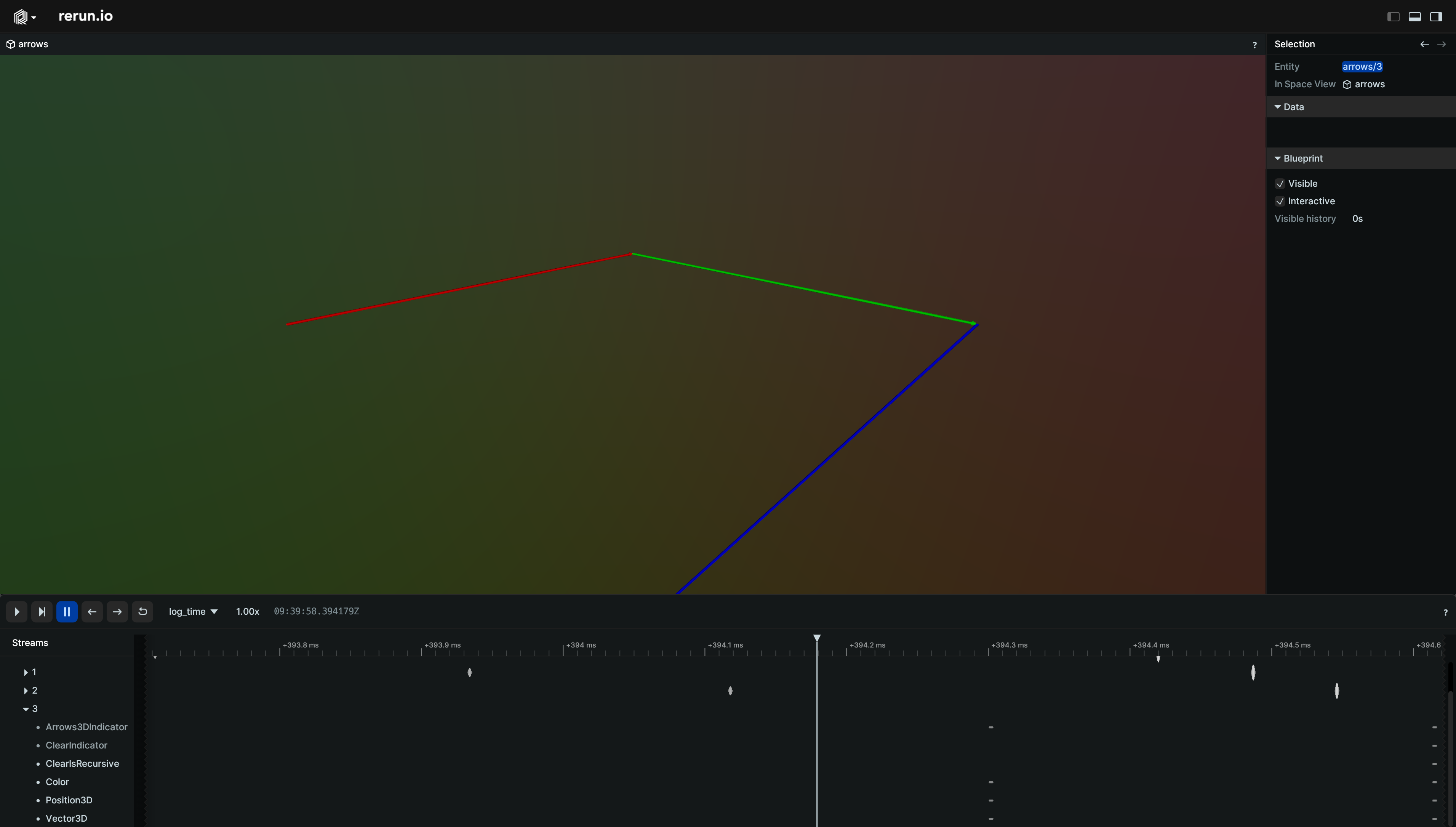
__init__
def __init__(*, recursive: bool) -> None
Create a new instance of the Clear archetype.
| PARAMETER | DESCRIPTION |
|---|---|
recursive
|
Whether to recursively clear all children.
TYPE:
|
columns
classmethod
def columns(
    *, is_recursive: BoolArrayLike | None = None
) -> ComponentColumnList
Construct a new column-oriented component bundle.
This makes it possible to use rr.send_columns to send columnar data directly into Rerun.
The returned columns will be partitioned into unit-length sub-batches by default.
Use ComponentColumnList.partition to repartition the data as needed.
flat
staticmethod
def flat() -> Clear
Returns a non-recursive clear archetype.
This will empty all components of the associated entity at the logged timepoint. Children will be left untouched.
from_fields
classmethod
Update only some specific fields of a Clear.
recursive
staticmethod
def recursive() -> Clear
Returns a recursive clear archetype.
This will empty all components of the associated entity at the logged timepoint, as well as all components of all its recursive children.
ColorModel
Bases: ColorModelExt, Enum
Encoding: Specifies what color components are present in an archetypes.Image.
This combined with encodings.ChannelDatatype determines the pixel format of an image.
BGR
class-attribute
instance-attribute
BGR = 4
Blue, Green, Red
BGRA
class-attribute
instance-attribute
BGRA = 5
Blue, Green, Red, Alpha
L
class-attribute
instance-attribute
L = 1
Grayscale luminance intencity/brightness/value, sometimes called Y
RGB
class-attribute
instance-attribute
RGB = 2
Red, Green, Blue
RGBA
class-attribute
instance-attribute
RGBA = 3
Red, Green, Blue, Alpha
auto
classmethod
def auto(val: str | int | ColorModel) -> ColorModel
Best-effort converter, including a case-insensitive string matcher.
ComponentBatchLike
ComponentBatchMixin
Bases: ComponentBatchLike
component_type
def component_type() -> str
Returns the name of the component.
Part of the rerun.ComponentBatchLike logging interface.
described
def described(
    descriptor: ComponentDescriptor,
) -> DescribedComponentBatch
Wraps the current ComponentBatchLike in a DescribedComponentBatch with the given descriptor.
partition
def partition(
    lengths: ArrayLike | None = None,
) -> ComponentColumn
Partitions the component batch into multiple sub-batches, forming a column.
This makes it possible to use rr.send_columns to send columnar data directly into Rerun.
The returned columns will be partitioned into unit-length sub-batches by default.
Use ComponentColumn.partition to repartition the data as needed.
| PARAMETER | DESCRIPTION |
|---|---|
lengths
|
The offsets to partition the component at.
If specified,
TYPE:
|
| RETURNS | DESCRIPTION |
|---|---|
The partitioned component batch as a column.
|
|
ComponentColumn
A column of components that can be sent using send_columns.
This is represented by a ComponentBatch array that has been partitioned into multiple segments.
This is useful for reinterpreting a single contiguous batch as multiple sub-batches
to use with the send_columns API.
__init__
def __init__(
    descriptor: str | ComponentDescriptor,
    component_batch: ComponentBatchLike,
) -> None
def __init__(
    descriptor: str | ComponentDescriptor,
    component_batch: ComponentBatchLike,
    *,
    lengths: ArrayLike,
) -> None
def __init__(
    descriptor: str | ComponentDescriptor,
    component_batch: ComponentBatchLike,
    *,
    offsets: NDArray[int32],
) -> None
def __init__(
    descriptor: str | ComponentDescriptor,
    component_batch: ComponentBatchLike,
    *,
    lengths: ArrayLike | None = None,
) -> None
def __init__(
    descriptor: str | ComponentDescriptor,
    component_batch: ComponentBatchLike,
    *,
    lengths: ArrayLike | None = None,
    offsets: NDArray[int32] | None = None,
) -> None
Construct a new component column.
This makes it possible to use rr.send_columns to send columnar data directly into Rerun.
The returned column will be partitioned into unit-length sub-batches by default.
Use ComponentColumn.partition to repartition the data as needed.
| PARAMETER | DESCRIPTION |
|---|---|
descriptor
|
The component descriptor for this component batch.
TYPE:
|
component_batch
|
The component batch to partition into a column.
TYPE:
|
lengths
|
The lengths of each partition. Must sum to the total length of the component batch.
If left unspecified, it will default to unit-length batches.
Mutually exclusive with
TYPE:
|
offsets
|
Pre-computed int32 offsets array (including the leading 0).
Mutually exclusive with |
as_arrow_array
def as_arrow_array() -> Array
The component as an arrow batch.
Part of the rerun.ComponentBatchLike logging interface.
component_descriptor
def component_descriptor() -> ComponentDescriptor
Returns the complete descriptor of the component.
Part of the rerun.ComponentBatchLike logging interface.
partition
def partition(lengths: ArrayLike) -> ComponentColumn
(Re)Partitions the column.
This makes it possible to use rr.send_columns to send columnar data directly into Rerun.
The returned columns will be partitioned into unit-length sub-batches by default.
Use ComponentColumn.partition to repartition the data as needed.
| PARAMETER | DESCRIPTION |
|---|---|
lengths
|
The offsets to partition the component at.
TYPE:
|
| RETURNS | DESCRIPTION |
|---|---|
The (re)partitioned column.
|
|
ComponentColumnList
Bases: Iterable[ComponentColumn]
A collection of ComponentColumns.
Useful to partition and log multiple columns at once.
partition
def partition(lengths: ArrayLike) -> ComponentColumnList
(Re)Partitions the columns.
This makes it possible to use rr.send_columns to send columnar data directly into Rerun.
The returned columns will be partitioned into unit-length sub-batches by default.
Use ComponentColumn.partition to repartition the data as needed.
| PARAMETER | DESCRIPTION |
|---|---|
lengths
|
The offsets to partition the component at.
If specified,
TYPE:
|
| RETURNS | DESCRIPTION |
|---|---|
The partitioned component batch as a column.
|
|
ComponentDescriptor
A ComponentDescriptor fully describes the semantics of a column of data.
Every component at a given entity path is uniquely identified by the
component field of the descriptor. The archetype and component_type
fields provide additional information about the semantics of the data.
archetype
property
archetype: str | None
Optional name of the Archetype associated with this data.
None if the data wasn't logged through an archetype.
Example: rerun.archetypes.Points3D.
component
property
component: str
Uniquely identifies of the component associated with this data.
Example: Points3D:positions.
component_type
property
component_type: str | None
Optional type information for this component.
Can be used to inform applications on how to interpret the data.
Example: rerun.components.Position3D.
__init__
def __init__(
    component: str,
    archetype: str | None = None,
    component_type: str | None = None,
) -> None
Creates a component descriptor.
or_with_overrides
def or_with_overrides(
    archetype: str | None = None,
    component_type: str | None = None,
) -> ComponentDescriptor
Sets archetype and component_type to the given one iff it's not already set.
with_builtin_archetype
def with_builtin_archetype(
    archetype: str,
) -> ComponentDescriptor
Sets archetype in a format similar to built-in archetypes.
with_overrides
def with_overrides(
    archetype: str | None = None,
    component_type: str | None = None,
) -> ComponentDescriptor
Unconditionally sets archetype and component_type to the given ones (if specified).
ComponentMixin
Bases: ComponentBatchLike
Makes components adhere to the ComponentBatchLike interface.
A single component will always map to a batch of size 1.
The class using the mixin must define the _BATCH_TYPE field, which should be a subclass of BaseBatch.
arrow_type
classmethod
def arrow_type() -> DataType
The pyarrow type of this batch.
Part of the rerun.ComponentBatchLike logging interface.
as_arrow_array
def as_arrow_array() -> Array
The component as an arrow batch.
Part of the rerun.ComponentBatchLike logging interface.
component_type
classmethod
def component_type() -> str
Returns the name of the component.
Part of the rerun.ComponentBatchLike logging interface.
CoordinateFrame
Bases: Archetype
Archetype: Specifies the coordinate frame for an entity.
If not specified, the coordinate frame uses an implicit frame derived from the entity path.
The implicit frame's name is tf#/your/entity/path and has an identity transform connection to its parent path.
To learn more about transforms see Spaces & Transforms in the reference.
Example
Change coordinate frame to different built-in frames:
import rerun as rr

rr.init("rerun_example_transform3d_hierarchy", spawn=True)

rr.set_time("time", sequence=0)
rr.log(
    "red_box",
    rr.Boxes3D(half_sizes=[0.5, 0.5, 0.5], colors=[255, 0, 0]),
    # Use Transform3D to place the box, so we actually change the underlying
    # coordinate frame and not just the box's pose.
    rr.Transform3D(translation=[2.0, 0.0, 0.0]),
)
rr.log(
    "blue_box",
    rr.Boxes3D(half_sizes=[0.5, 0.5, 0.5], colors=[0, 0, 255]),
    # Use Transform3D to place the box, so we actually change the underlying
    # coordinate frame and not just the box's pose.
    rr.Transform3D(translation=[-2.0, 0.0, 0.0]),
)
rr.log("point", rr.Points3D([0.0, 0.0, 0.0], radii=0.5))

# Change where the point is located by cycling through its coordinate frame.
for t, frame_id in enumerate(["tf#/red_box", "tf#/blue_box"]):
    rr.set_time("time", sequence=t + 1)  # leave it untouched at t==0.
    rr.log("point", rr.CoordinateFrame(frame_id))
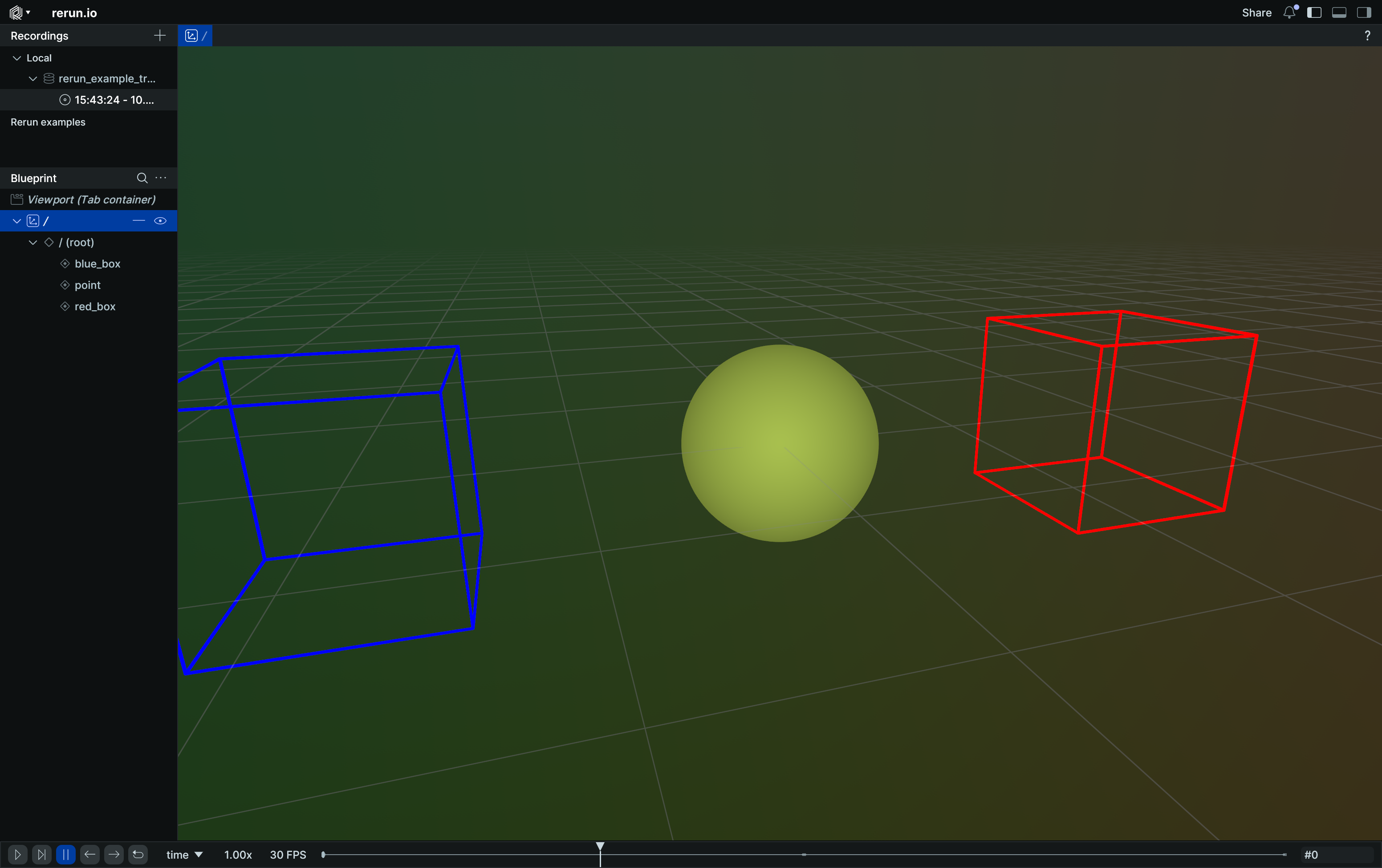
__init__
def __init__(frame: Utf8Like) -> None
Create a new instance of the CoordinateFrame archetype.
| PARAMETER | DESCRIPTION |
|---|---|
frame
|
The coordinate frame to use for the current entity. Note that empty strings are not valid transform frame IDs.
TYPE:
|
columns
classmethod
def columns(
    *, frame: Utf8ArrayLike | None = None
) -> ComponentColumnList
Construct a new column-oriented component bundle.
This makes it possible to use rr.send_columns to send columnar data directly into Rerun.
The returned columns will be partitioned into unit-length sub-batches by default.
Use ComponentColumnList.partition to repartition the data as needed.
| PARAMETER | DESCRIPTION |
|---|---|
frame
|
The coordinate frame to use for the current entity. Note that empty strings are not valid transform frame IDs.
TYPE:
|
from_fields
classmethod
def from_fields(
    *,
    clear_unset: bool = False,
    frame: Utf8Like | None = None,
) -> CoordinateFrame
Update only some specific fields of a CoordinateFrame.
| PARAMETER | DESCRIPTION |
|---|---|
clear_unset
|
If true, all unspecified fields will be explicitly cleared.
TYPE:
|
frame
|
The coordinate frame to use for the current entity. Note that empty strings are not valid transform frame IDs.
TYPE:
|
Cylinders3D
Bases: Cylinders3DExt, Archetype, VisualizableArchetype
Archetype: 3D cylinders with flat caps.
This archetype is for cylinder primitives defined by their axial length and radius.
For points whose radii are for visualization purposes, use archetypes.Points3D instead.
Orienting and placing cylinders forms a separate transform that is applied prior to archetypes.InstancePoses3D and archetypes.Transform3D.
Example
Batch of cylinders:
import rerun as rr

rr.init("rerun_example_cylinders3d_batch", spawn=True)

rr.log(
    "cylinders",
    rr.Cylinders3D(
        lengths=[0.0, 2.0, 4.0, 6.0, 8.0],
        radii=[1.0, 0.5, 0.5, 0.5, 1.0],
        colors=[
            (255, 0, 0),
            (188, 188, 0),
            (0, 255, 0),
            (0, 188, 188),
            (0, 0, 255),
        ],
        centers=[
            (0.0, 0.0, 0.0),
            (2.0, 0.0, 0.0),
            (4.0, 0.0, 0.0),
            (6.0, 0.0, 0.0),
            (8.0, 0.0, 0.0),
        ],
        rotation_axis_angles=[
            rr.RotationAxisAngle(
                [1.0, 0.0, 0.0],
                rr.Angle(deg=float(i) * -22.5),
            )
            for i in range(5)
        ],
    ),
)
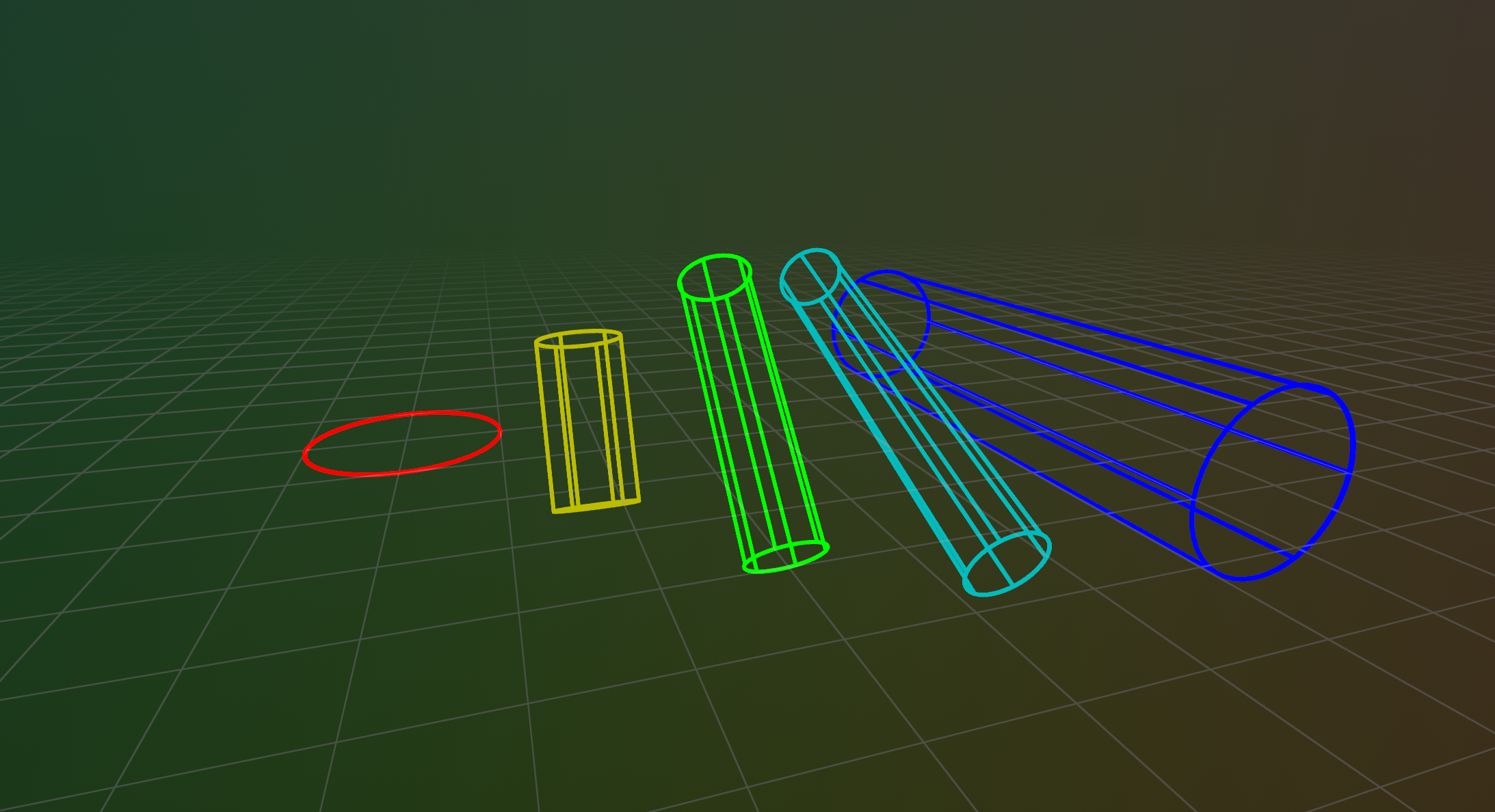
__init__
def __init__(
    *,
    lengths: Float32ArrayLike | None = None,
    radii: Float32ArrayLike | None = None,
    centers: Vec3DArrayLike | None = None,
    rotation_axis_angles: RotationAxisAngleArrayLike
    | None = None,
    quaternions: QuaternionArrayLike | None = None,
    colors: Rgba32ArrayLike | None = None,
    line_radii: Float32ArrayLike | None = None,
    fill_mode: FillModeLike | None = None,
    labels: Utf8ArrayLike | None = None,
    show_labels: BoolLike | None = None,
    class_ids: ClassIdArrayLike | None = None,
) -> None
Create a new instance of the Cylinders3D archetype.
| PARAMETER | DESCRIPTION |
|---|---|
lengths
|
All lengths of the cylinders.
TYPE:
|
radii
|
All radii of the cylinders.
TYPE:
|
centers
|
Optional centers of the cylinders. If not specified, each cylinder will be centered at (0, 0, 0).
TYPE:
|
rotation_axis_angles
|
Rotations via axis + angle. If no rotation is specified, the cylinders align with the +Z axis of the local coordinate system.
TYPE:
|
quaternions
|
Rotations via quaternion. If no rotation is specified, the cylinders align with the +Z axis of the local coordinate system.
TYPE:
|
colors
|
Optional colors for the cylinders.
TYPE:
|
line_radii
|
Optional radii for the lines that make up the cylinders.
TYPE:
|
fill_mode
|
Optionally choose whether the cylinders are drawn with lines or solid.
TYPE:
|
labels
|
Optional text labels for the cylinders.
TYPE:
|
show_labels
|
Optional choice of whether the text labels should be shown by default.
TYPE:
|
class_ids
|
Optional The class ID provides colors and labels if not specified explicitly.
TYPE:
|
columns
classmethod
def columns(
    *,
    lengths: Float32ArrayLike | None = None,
    radii: Float32ArrayLike | None = None,
    centers: Vec3DArrayLike | None = None,
    rotation_axis_angles: RotationAxisAngleArrayLike
    | None = None,
    quaternions: QuaternionArrayLike | None = None,
    colors: Rgba32ArrayLike | None = None,
    line_radii: Float32ArrayLike | None = None,
    fill_mode: FillModeArrayLike | None = None,
    labels: Utf8ArrayLike | None = None,
    show_labels: BoolArrayLike | None = None,
    class_ids: ClassIdArrayLike | None = None,
) -> ComponentColumnList
Construct a new column-oriented component bundle.
This makes it possible to use rr.send_columns to send columnar data directly into Rerun.
The returned columns will be partitioned into unit-length sub-batches by default.
Use ComponentColumnList.partition to repartition the data as needed.
| PARAMETER | DESCRIPTION |
|---|---|
lengths
|
The total axial length of the cylinder, measured as the straight-line distance between the centers of its two endcaps.
TYPE:
|
radii
|
Radii of the cylinders.
TYPE:
|
centers
|
Optional centers of the cylinders. If not specified, each cylinder will be centered at (0, 0, 0).
TYPE:
|
rotation_axis_angles
|
Rotations via axis + angle. If no rotation is specified, the cylinders align with the +Z axis of the local coordinate system.
TYPE:
|
quaternions
|
Rotations via quaternion. If no rotation is specified, the cylinders align with the +Z axis of the local coordinate system.
TYPE:
|
colors
|
Optional colors for the cylinders. Alpha channel is used for transparency for solid fill-mode.
TYPE:
|
line_radii
|
Optional radii for the lines used when the cylinder is rendered as a wireframe.
TYPE:
|
fill_mode
|
Optionally choose whether the cylinders are drawn with lines or solid.
TYPE:
|
labels
|
Optional text labels for the cylinders, which will be located at their centers.
TYPE:
|
show_labels
|
Whether the text labels should be shown. If not set, labels will automatically appear when there is exactly one label for this entity or the number of instances on this entity is under a certain threshold.
TYPE:
|
class_ids
|
Optional class ID for the ellipsoids. The class ID provides colors and labels if not specified explicitly.
TYPE:
|
from_fields
classmethod
def from_fields(
    *,
    clear_unset: bool = False,
    lengths: Float32ArrayLike | None = None,
    radii: Float32ArrayLike | None = None,
    centers: Vec3DArrayLike | None = None,
    rotation_axis_angles: RotationAxisAngleArrayLike
    | None = None,
    quaternions: QuaternionArrayLike | None = None,
    colors: Rgba32ArrayLike | None = None,
    line_radii: Float32ArrayLike | None = None,
    fill_mode: FillModeLike | None = None,
    labels: Utf8ArrayLike | None = None,
    show_labels: BoolLike | None = None,
    class_ids: ClassIdArrayLike | None = None,
) -> Cylinders3D
Update only some specific fields of a Cylinders3D.
| PARAMETER | DESCRIPTION |
|---|---|
clear_unset
|
If true, all unspecified fields will be explicitly cleared.
TYPE:
|
lengths
|
The total axial length of the cylinder, measured as the straight-line distance between the centers of its two endcaps.
TYPE:
|
radii
|
Radii of the cylinders.
TYPE:
|
centers
|
Optional centers of the cylinders. If not specified, each cylinder will be centered at (0, 0, 0).
TYPE:
|
rotation_axis_angles
|
Rotations via axis + angle. If no rotation is specified, the cylinders align with the +Z axis of the local coordinate system.
TYPE:
|
quaternions
|
Rotations via quaternion. If no rotation is specified, the cylinders align with the +Z axis of the local coordinate system.
TYPE:
|
colors
|
Optional colors for the cylinders. Alpha channel is used for transparency for solid fill-mode.
TYPE:
|
line_radii
|
Optional radii for the lines used when the cylinder is rendered as a wireframe.
TYPE:
|
fill_mode
|
Optionally choose whether the cylinders are drawn with lines or solid.
TYPE:
|
labels
|
Optional text labels for the cylinders, which will be located at their centers.
TYPE:
|
show_labels
|
Whether the text labels should be shown. If not set, labels will automatically appear when there is exactly one label for this entity or the number of instances on this entity is under a certain threshold.
TYPE:
|
class_ids
|
Optional class ID for the ellipsoids. The class ID provides colors and labels if not specified explicitly.
TYPE:
|
visualizer
def visualizer(
    *,
    mappings: list[VisualizerComponentMappingLike]
    | None = None,
) -> Visualizer
Creates a visualizer for this archetype, using all currently set values as overrides.
| PARAMETER | DESCRIPTION |
|---|---|
mappings
|
Optional component mappings to control how the visualizer sources its data. ⚠️ Experimental: Component mappings are an experimental feature and may change. See https://github.com/rerun-io/rerun/issues/10631 for more information.
TYPE:
|
DepthImage
Bases: DepthImageExt, Archetype, VisualizableArchetype
Archetype: A depth image, i.e. as captured by a depth camera.
Each pixel corresponds to a depth value in units specified by components.DepthMeter.
Example
Depth to 3D example:
import numpy as np

import rerun as rr

depth_image = 65535 * np.ones((200, 300), dtype=np.uint16)
depth_image[50:150, 50:150] = 20000
depth_image[130:180, 100:280] = 45000

rr.init("rerun_example_depth_image_3d", spawn=True)

# If we log a pinhole camera model, the depth gets automatically
# back-projected to 3D
rr.log(
    "world/camera",
    rr.Pinhole(
        width=depth_image.shape[1],
        height=depth_image.shape[0],
        focal_length=200,
    ),
)

# Log the tensor.
rr.log(
    "world/camera/depth",
    rr.DepthImage(depth_image, meter=10_000.0, colormap="viridis"),
)
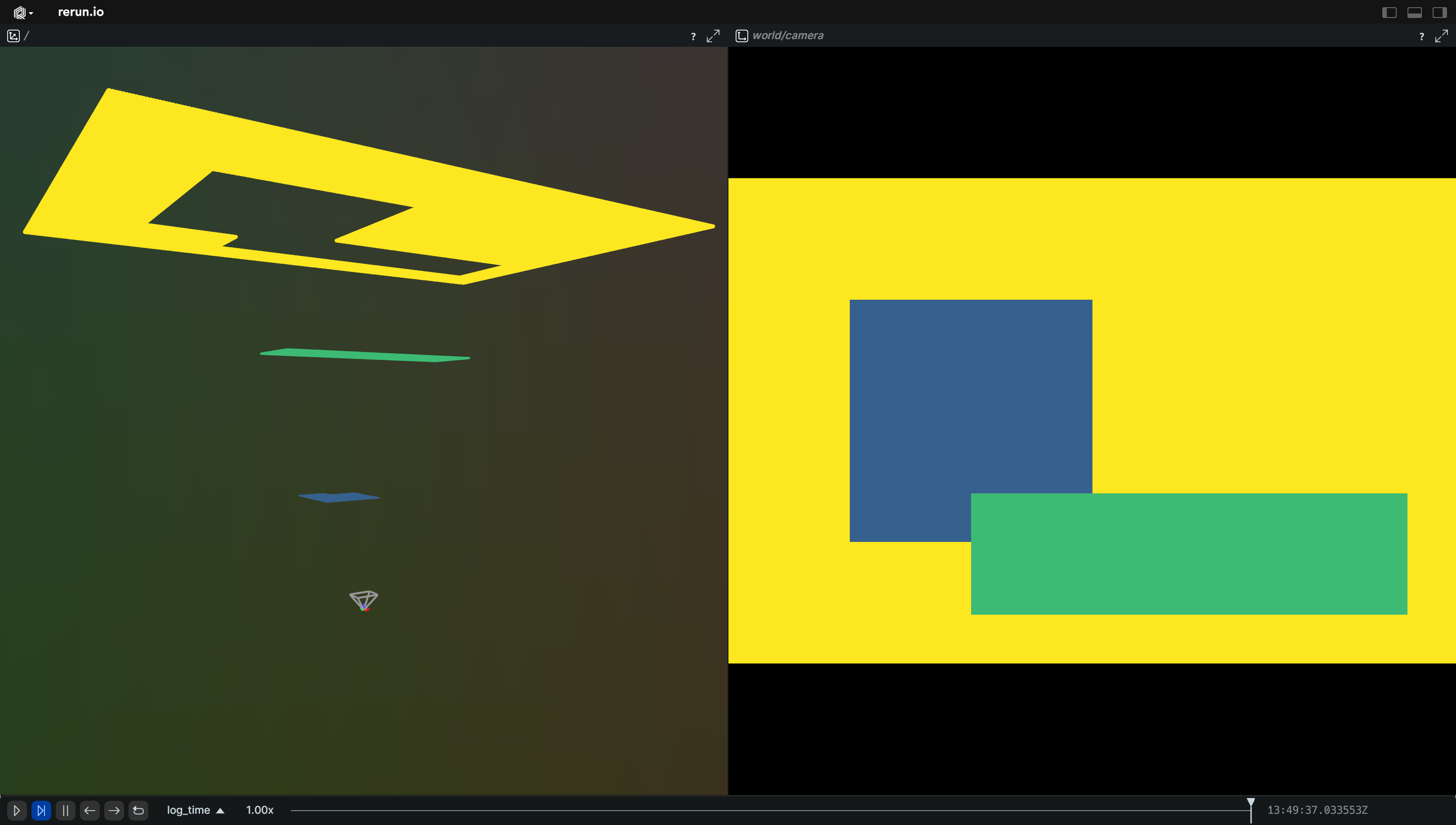
__init__
def __init__(
    image: ImageLike,
    *,
    meter: Float32Like | None = None,
    colormap: ColormapLike | None = None,
    depth_range: Range1DLike | None = None,
    point_fill_ratio: Float32Like | None = None,
    draw_order: Float32Like | None = None,
    magnification_filter: MagnificationFilterLike
    | None = None,
) -> None
Create a new instance of the DepthImage archetype.
| PARAMETER | DESCRIPTION |
|---|---|
image
|
A numpy array or tensor with the depth image data.
Leading and trailing unit-dimensions are ignored, so that
TYPE:
|
meter
|
An optional floating point value that specifies how long a meter is in the native depth units. For instance: with uint16, perhaps meter=1000 which would mean you have millimeter precision and a range of up to ~65 meters (2^16 / 1000). Note that the only effect on 2D views is the physical depth values shown when hovering the image. In 3D views on the other hand, this affects where the points of the point cloud are placed.
TYPE:
|
colormap
|
Colormap to use for rendering the depth image. If not set, the depth image will be rendered using the Turbo colormap.
TYPE:
|
depth_range
|
The expected range of depth values. This is typically the expected range of valid values. Everything outside of the range is clamped to the range for the purpose of colormpaping. Note that point clouds generated from this image will still display all points, regardless of this range. If not specified, the range will be automatically be estimated from the data. Note that the Viewer may try to guess a wider range than the minimum/maximum of values in the contents of the depth image. E.g. if all values are positive, some bigger than 1.0 and all smaller than 255.0, the Viewer will guess that the data likely came from an 8bit image, thus assuming a range of 0-255.
TYPE:
|
point_fill_ratio
|
Scale the radii of the points in the point cloud generated from this image. A fill ratio of 1.0 (the default) means that each point is as big as to touch the center of its neighbor if it is at the same depth, leaving no gaps. A fill ratio of 0.5 means that each point touches the edge of its neighbor if it has the same depth. TODO(#6744): This applies only to 3D views!
TYPE:
|
draw_order
|
An optional floating point value that specifies the 2D drawing order, used only if the depth image is shown as a 2D image. Objects with higher values are drawn on top of those with lower values.
TYPE:
|
magnification_filter
|
Optional filter used when a texel is magnified (displayed larger than a screen pixel) in 2D views.
TYPE:
|
as_pil_image
def as_pil_image() -> Image
Convert the depth image to a PIL Image.
columns
classmethod
def columns(
    *,
    buffer: BlobArrayLike | None = None,
    format: ImageFormatArrayLike | None = None,
    meter: Float32ArrayLike | None = None,
    colormap: ColormapArrayLike | None = None,
    depth_range: Range1DArrayLike | None = None,
    point_fill_ratio: Float32ArrayLike | None = None,
    draw_order: Float32ArrayLike | None = None,
    magnification_filter: MagnificationFilterArrayLike
    | None = None,
) -> ComponentColumnList
Construct a new column-oriented component bundle.
This makes it possible to use rr.send_columns to send columnar data directly into Rerun.
The returned columns will be partitioned into unit-length sub-batches by default.
Use ComponentColumnList.partition to repartition the data as needed.
| PARAMETER | DESCRIPTION |
|---|---|
buffer
|
The raw depth image data.
TYPE:
|
format
|
The format of the image.
TYPE:
|
meter
|
An optional floating point value that specifies how long a meter is in the native depth units. For instance: with uint16, perhaps meter=1000 which would mean you have millimeter precision and a range of up to ~65 meters (2^16 / 1000). If omitted, the Viewer defaults to Note that the only effect on 2D views is the physical depth values shown when hovering the image. In 3D views on the other hand, this affects where the points of the point cloud are placed.
TYPE:
|
colormap
|
Colormap to use for rendering the depth image. If not set, the depth image will be rendered using the Turbo colormap.
TYPE:
|
depth_range
|
The expected range of depth values. This is typically the expected range of valid values. Everything outside of the range is clamped to the range for the purpose of colormpaping. Note that point clouds generated from this image will still display all points, regardless of this range. If not specified, the range will be automatically estimated from the data. Note that the Viewer may try to guess a wider range than the minimum/maximum of values in the contents of the depth image. E.g. if all values are positive, some bigger than 1.0 and all smaller than 255.0, the Viewer will guess that the data likely came from an 8bit image, thus assuming a range of 0-255.
TYPE:
|
point_fill_ratio
|
Scale the radii of the points in the point cloud generated from this image. A fill ratio of 1.0 (the default) means that each point is as big as to touch the center of its neighbor if it is at the same depth, leaving no gaps. A fill ratio of 0.5 means that each point touches the edge of its neighbor if it has the same depth. TODO(#6744): This applies only to 3D views!
TYPE:
|
draw_order
|
An optional floating point value that specifies the 2D drawing order, used only if the depth image is shown as a 2D image. Objects with higher values are drawn on top of those with lower values.
Defaults to
TYPE:
|
magnification_filter
|
Optional filter used when a texel is magnified (displayed larger than a screen pixel) in 2D views. The filter is applied to the scalar values before they are mapped to color via the colormap. Has no effect in 3D views.
TYPE:
|
compress
def compress(
    compress_level: int = 6,
) -> EncodedDepthImage | DepthImage
Compress the given depth image as a PNG.
PNG compression is lossless. Only U8 and U16 depth images are supported, as these are the only single-channel types the Rerun Viewer can decode from encoded depth PNGs.
Note that compressing to PNG costs a bit of CPU time, both when logging and later when viewing them.
| PARAMETER | DESCRIPTION |
|---|---|
compress_level
|
PNG compression level, 0-9. Higher means smaller files but slower. 0 = no compression, 1 = fastest, 9 = smallest. Default is 6.
TYPE:
|
from_fields
classmethod
def from_fields(
    *,
    clear_unset: bool = False,
    buffer: BlobLike | None = None,
    format: ImageFormatLike | None = None,
    meter: Float32Like | None = None,
    colormap: ColormapLike | None = None,
    depth_range: Range1DLike | None = None,
    point_fill_ratio: Float32Like | None = None,
    draw_order: Float32Like | None = None,
    magnification_filter: MagnificationFilterLike
    | None = None,
) -> DepthImage
Update only some specific fields of a DepthImage.
| PARAMETER | DESCRIPTION |
|---|---|
clear_unset
|
If true, all unspecified fields will be explicitly cleared.
TYPE:
|
buffer
|
The raw depth image data.
TYPE:
|
format
|
The format of the image.
TYPE:
|
meter
|
An optional floating point value that specifies how long a meter is in the native depth units. For instance: with uint16, perhaps meter=1000 which would mean you have millimeter precision and a range of up to ~65 meters (2^16 / 1000). If omitted, the Viewer defaults to Note that the only effect on 2D views is the physical depth values shown when hovering the image. In 3D views on the other hand, this affects where the points of the point cloud are placed.
TYPE:
|
colormap
|
Colormap to use for rendering the depth image. If not set, the depth image will be rendered using the Turbo colormap.
TYPE:
|
depth_range
|
The expected range of depth values. This is typically the expected range of valid values. Everything outside of the range is clamped to the range for the purpose of colormpaping. Note that point clouds generated from this image will still display all points, regardless of this range. If not specified, the range will be automatically estimated from the data. Note that the Viewer may try to guess a wider range than the minimum/maximum of values in the contents of the depth image. E.g. if all values are positive, some bigger than 1.0 and all smaller than 255.0, the Viewer will guess that the data likely came from an 8bit image, thus assuming a range of 0-255.
TYPE:
|
point_fill_ratio
|
Scale the radii of the points in the point cloud generated from this image. A fill ratio of 1.0 (the default) means that each point is as big as to touch the center of its neighbor if it is at the same depth, leaving no gaps. A fill ratio of 0.5 means that each point touches the edge of its neighbor if it has the same depth. TODO(#6744): This applies only to 3D views!
TYPE:
|
draw_order
|
An optional floating point value that specifies the 2D drawing order, used only if the depth image is shown as a 2D image. Objects with higher values are drawn on top of those with lower values.
Defaults to
TYPE:
|
magnification_filter
|
Optional filter used when a texel is magnified (displayed larger than a screen pixel) in 2D views. The filter is applied to the scalar values before they are mapped to color via the colormap. Has no effect in 3D views.
TYPE:
|
visualizer
def visualizer(
    *,
    mappings: list[VisualizerComponentMappingLike]
    | None = None,
) -> Visualizer
Creates a visualizer for this archetype, using all currently set values as overrides.
| PARAMETER | DESCRIPTION |
|---|---|
mappings
|
Optional component mappings to control how the visualizer sources its data. ⚠️ Experimental: Component mappings are an experimental feature and may change. See https://github.com/rerun-io/rerun/issues/10631 for more information.
TYPE:
|
DescribedComponentBatch
A ComponentBatchLike object with its associated ComponentDescriptor.
Used by implementers of AsComponents to both efficiently expose their component data
and assign the right tags given the surrounding context.
as_arrow_array
def as_arrow_array() -> Array
Returns a pyarrow.Array of the component data.
Part of the rerun.ComponentBatchLike logging interface.
component_descriptor
def component_descriptor() -> ComponentDescriptor
Returns the complete descriptor of the component.
partition
def partition(
    lengths: ArrayLike | None = None,
) -> ComponentColumn
Partitions the component batch into multiple sub-batches, forming a column.
This makes it possible to use rr.send_columns to send columnar data directly into Rerun.
The returned columns will be partitioned into unit-length sub-batches by default.
Use ComponentColumn.partition to repartition the data as needed.
| PARAMETER | DESCRIPTION |
|---|---|
lengths
|
The offsets to partition the component at.
If specified,
TYPE:
|
| RETURNS | DESCRIPTION |
|---|---|
The partitioned component batch as a column.
|
|
DynamicArchetype
Bases: AsComponents
Helper to log data as a dynamically defined archetype.
Example
rr.log(
    "some_type", rr.DynamicArchetype(
        archetype="my_archetype",
        components = {
            "confidence":[1.2, 3.4, 5.6],
            "description":"Bla bla bla…",
            # URIs will become clickable links
            "homepage":"https://www.rerun.io",
            "repository":"https://github.com/rerun-io/rerun",
        },
    ),
)
Component values can also be Rerun batch types, which is useful when you need proper type handling (e.g. RGBA color packing):
rr.log(
    "my_entity", rr.DynamicArchetype(
        archetype="MyColors",
        components={
            "colors": rr.components.ColorBatch([[255, 0, 0], [0, 255, 0]]),
        },
    ),
)
__init__
def __init__(
    archetype: str,
    drop_untyped_nones: bool = True,
    components: Mapping[str, ComponentValueLike | None]
    | None = None,
) -> None
Construct a new DynamicArchetype.
Each of the provided components will be logged as a separate component batch with the same archetype using the provided data.
- The key will be used as the name of the component
- The value can be any Rerun component batch type (e.g. rr.components.ColorBatch(...),
rr.components.ScalarBatch(...)) or any data convertible to a pyarrow array.
Using Rerun batch types is recommended when the component needs specific type
handling (e.g. RGBA color packing from Nx3/Nx4 arrays).
Note: rerun requires that a given component only take on a single type. The first type logged will be the type that is used for all future logs of that component. The API will make a best effort to do type conversion if supported by numpy and arrow. Any components that can't be converted will result in a warning (or an exception in strict mode).
None values provide a particular challenge as they have no type
information until after the component has been logged with a particular
type. By default, these values are dropped. This should generally be
fine as logging None to clear the value before it has been logged is
meaningless unless you are logging out-of-order data. In such cases,
consider introducing your own typed component via
rerun.ComponentBatchLike.
You can change this behavior by setting drop_untyped_nones to False,
but be aware that this will result in potential warnings (or exceptions
in strict mode).
If you are want to inspect how your component will be converted to the underlying arrow code, the following snippet is what is happening internally:
np_value = np.atleast_1d(np.array(value, copy=False))
pa_value = pa.array(value)
| PARAMETER | DESCRIPTION |
|---|---|
archetype
|
All values in this class will be grouped under this archetype.
TYPE:
|
drop_untyped_nones
|
If True, any components that are either None or empty will be dropped unless they have been previously logged with a type.
TYPE:
|
components
|
The components to be logged.
TYPE:
|
columns
classmethod
def columns(
    archetype: str,
    drop_untyped_nones: bool = True,
    components: Mapping[str, ComponentValueLike | None]
    | None = None,
) -> ComponentColumnList
Construct a new column-oriented DynamicArchetype bundle.
This makes it possible to use rr.send_columns to send columnar data directly into Rerun.
The returned columns will be partitioned into unit-length sub-batches by default.
Use ComponentColumnList.partition to repartition the data as needed.
Each of the components will be logged as a separate component column using the provided data. - The key will be used as the name of the component - The value must be able to be converted to an array of arrow types. In general, if you can pass it to pyarrow.array you can log it as a extension component.
Note: rerun requires that a given component only take on a single type. The first type logged will be the type that is used for all future logs of that component. The API will make a best effort to do type conversion if supported by numpy and arrow. Any components that can't be converted will result in a warning (or an exception in strict mode).
None values provide a particular challenge as they have no type
information until after the component has been logged with a particular
type. By default, these values are dropped. This should generally be
fine as logging None to clear the value before it has been logged is
meaningless unless you are logging out-of-order data. In such cases,
consider introducing your own typed component via
rerun.ComponentBatchLike.
You can change this behavior by setting drop_untyped_nones to False,
but be aware that this will result in potential warnings (or exceptions
in strict mode).
If you are want to inspect how your component will be converted to the underlying arrow code, the following snippet is what is happening internally:
np_value = np.atleast_1d(np.array(value, copy=False))
pa_value = pa.array(value)
| PARAMETER | DESCRIPTION |
|---|---|
archetype
|
All values in this class will be grouped under this archetype.
TYPE:
|
drop_untyped_nones
|
If True, any components that are either None or empty will be dropped unless they have been previously logged with a type.
TYPE:
|
components
|
The components to be logged.
TYPE:
|
with_component_from_data
def with_component_from_data(
    field: str,
    value: ComponentValueLike | None,
    *,
    drop_untyped_nones: bool = True,
) -> DynamicArchetype
Adds a Batch to this DynamicArchetype bundle.
with_component_override
def with_component_override(
    field: str,
    component_type: str,
    value: ComponentValueLike | None,
    *,
    drop_untyped_nones: bool = True,
) -> DynamicArchetype
Adds a Batch to this DynamicArchetype bundle with name and component type.
Ellipses2D
Bases: Ellipses2DExt, Archetype, VisualizableArchetype
Archetype: 2D ellipses with half-extents (semi-axes) and optional center, colors etc.
The half-sizes specify the lengths of the ellipse's two axes along the local x and y directions. If both half-sizes are equal, the ellipse is a circle.
Examples:
Simple 2D ellipses:
import rerun as rr

rr.init("rerun_example_ellipses2d", spawn=True)

rr.log("simple", rr.Ellipses2D(half_sizes=[(2.0, 1.0)], centers=[(0.0, 0.0)]))
Batch of 2D ellipses:
import rerun as rr

rr.init("rerun_example_ellipses2d_batch", spawn=True)

rr.log(
    "batch",
    rr.Ellipses2D(
        centers=[(-2.0, 0.0), (0.0, 0.0), (2.5, 0.0)],
        half_sizes=[(1.5, 0.75), (0.5, 0.5), (0.75, 1.5)],
        line_radii=[0.025, 0.05, 0.025],
        colors=[(255, 0, 0), (0, 255, 0), (0, 0, 255)],
        labels=["wide", "circle", "tall"],
    ),
)
__init__
def __init__(
    *,
    half_sizes: Vec2DArrayLike | None = None,
    centers: Vec2DArrayLike | None = None,
    line_radii: Float32ArrayLike | None = None,
    colors: Rgba32ArrayLike | None = None,
    labels: Utf8ArrayLike | None = None,
    show_labels: BoolLike | None = None,
    draw_order: Float32ArrayLike | None = None,
    class_ids: ClassIdArrayLike | None = None,
) -> None
Create a new instance of the Ellipses2D archetype.
| PARAMETER | DESCRIPTION |
|---|---|
half_sizes
|
All half-extents (semi-axes) that make up the batch of ellipses.
TYPE:
|
centers
|
Optional center positions of the ellipses.
TYPE:
|
colors
|
Optional colors for the ellipses.
TYPE:
|
line_radii
|
Optional radii for the lines that make up the ellipses.
TYPE:
|
labels
|
Optional text labels for the ellipses.
TYPE:
|
show_labels
|
Optional choice of whether the text labels should be shown by default.
TYPE:
|
draw_order
|
An optional floating point value that specifies the 2D drawing order. Objects with higher values are drawn on top of those with lower values. The default for 2D ellipses is 10.0.
TYPE:
|
class_ids
|
Optional The class ID provides colors and labels if not specified explicitly.
TYPE:
|
columns
classmethod
def columns(
    *,
    half_sizes: Vec2DArrayLike | None = None,
    centers: Vec2DArrayLike | None = None,
    colors: Rgba32ArrayLike | None = None,
    line_radii: Float32ArrayLike | None = None,
    labels: Utf8ArrayLike | None = None,
    show_labels: BoolArrayLike | None = None,
    draw_order: Float32ArrayLike | None = None,
    class_ids: ClassIdArrayLike | None = None,
) -> ComponentColumnList
Construct a new column-oriented component bundle.
This makes it possible to use rr.send_columns to send columnar data directly into Rerun.
The returned columns will be partitioned into unit-length sub-batches by default.
Use ComponentColumnList.partition to repartition the data as needed.
| PARAMETER | DESCRIPTION |
|---|---|
half_sizes
|
All half-extents (semi-axes) that make up the batch of ellipses.
TYPE:
|
centers
|
Optional center positions of the ellipses.
TYPE:
|
colors
|
Optional colors for the ellipses.
TYPE:
|
line_radii
|
Optional radii for the lines that make up the ellipses.
TYPE:
|
labels
|
Optional text labels for the ellipses. If there's a single label present, it will be placed at the center of the entity. Otherwise, each instance will have its own label.
TYPE:
|
show_labels
|
Whether the text labels should be shown. If not set, labels will automatically appear when there is exactly one label for this entity or the number of instances on this entity is under a certain threshold.
TYPE:
|
draw_order
|
An optional floating point value that specifies the 2D drawing order. Objects with higher values are drawn on top of those with lower values.
Defaults to
TYPE:
|
class_ids
|
Optional The
TYPE:
|
from_fields
classmethod
def from_fields(
    *,
    clear_unset: bool = False,
    half_sizes: Vec2DArrayLike | None = None,
    centers: Vec2DArrayLike | None = None,
    colors: Rgba32ArrayLike | None = None,
    line_radii: Float32ArrayLike | None = None,
    labels: Utf8ArrayLike | None = None,
    show_labels: BoolLike | None = None,
    draw_order: Float32Like | None = None,
    class_ids: ClassIdArrayLike | None = None,
) -> Ellipses2D
Update only some specific fields of a Ellipses2D.
| PARAMETER | DESCRIPTION |
|---|---|
clear_unset
|
If true, all unspecified fields will be explicitly cleared.
TYPE:
|
half_sizes
|
All half-extents (semi-axes) that make up the batch of ellipses.
TYPE:
|
centers
|
Optional center positions of the ellipses.
TYPE:
|
colors
|
Optional colors for the ellipses.
TYPE:
|
line_radii
|
Optional radii for the lines that make up the ellipses.
TYPE:
|
labels
|
Optional text labels for the ellipses. If there's a single label present, it will be placed at the center of the entity. Otherwise, each instance will have its own label.
TYPE:
|
show_labels
|
Whether the text labels should be shown. If not set, labels will automatically appear when there is exactly one label for this entity or the number of instances on this entity is under a certain threshold.
TYPE:
|
draw_order
|
An optional floating point value that specifies the 2D drawing order. Objects with higher values are drawn on top of those with lower values.
Defaults to
TYPE:
|
class_ids
|
Optional The
TYPE:
|
visualizer
def visualizer(
    *,
    mappings: list[VisualizerComponentMappingLike]
    | None = None,
) -> Visualizer
Creates a visualizer for this archetype, using all currently set values as overrides.
| PARAMETER | DESCRIPTION |
|---|---|
mappings
|
Optional component mappings to control how the visualizer sources its data. ⚠️ Experimental: Component mappings are an experimental feature and may change. See https://github.com/rerun-io/rerun/issues/10631 for more information.
TYPE:
|
Ellipsoids3D
Bases: Ellipsoids3DExt, Archetype, VisualizableArchetype
Archetype: 3D ellipsoids or spheres.
This archetype is for ellipsoids or spheres whose size is a key part of the data
(e.g. a bounding sphere).
For points whose radii are for the sake of visualization, use archetypes.Points3D instead.
If there's more instance poses than half sizes, the last ellipsoid/sphere's orientation will be repeated for the remaining poses.
Orienting and placing ellipsoids/spheres forms a separate transform that is applied prior to archetypes.InstancePoses3D and archetypes.Transform3D.
Example
Covariance ellipsoid:
import numpy as np

import rerun as rr

rr.init("rerun_example_ellipsoid_simple", spawn=True)

center = np.array([0, 0, 0])
sigmas = np.array([5, 3, 1])
rng = np.random.default_rng(0)
points = rng.standard_normal((50_000, 3)) * sigmas.reshape(1, -1)

rr.log("points", rr.Points3D(points, radii=0.02, colors=[188, 77, 185]))
rr.log(
    "ellipsoid",
    rr.Ellipsoids3D(
        centers=[center, center],
        half_sizes=[sigmas, 3 * sigmas],
        colors=[[255, 255, 0], [64, 64, 0]],
    ),
)
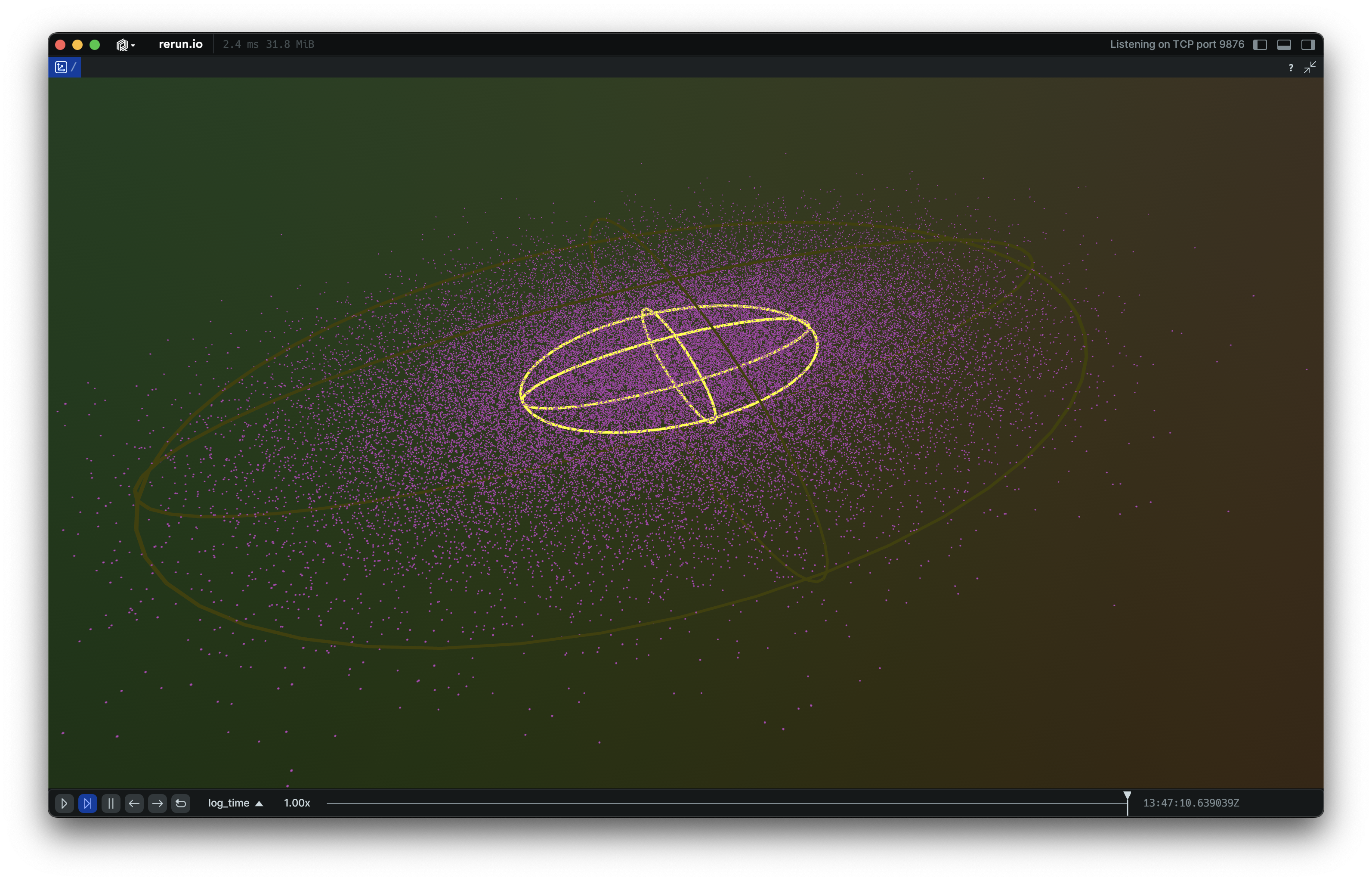
__init__
def __init__(
    *,
    half_sizes: Vec3DArrayLike | None = None,
    radii: Float32ArrayLike | None = None,
    centers: Vec3DArrayLike | None = None,
    rotation_axis_angles: RotationAxisAngleArrayLike
    | None = None,
    quaternions: QuaternionArrayLike | None = None,
    colors: Rgba32ArrayLike | None = None,
    line_radii: Float32ArrayLike | None = None,
    fill_mode: FillModeLike | None = None,
    labels: Utf8ArrayLike | None = None,
    show_labels: BoolLike | None = None,
    class_ids: ClassIdArrayLike | None = None,
) -> None
Create a new instance of the Ellipsoids3D archetype.
| PARAMETER | DESCRIPTION |
|---|---|
half_sizes
|
All half-extents that make up the batch of ellipsoids.
Specify this instead of
TYPE:
|
radii
|
All radii that make up this batch of spheres.
Specify this instead of
TYPE:
|
centers
|
Optional center positions of the ellipsoids.
TYPE:
|
rotation_axis_angles
|
Rotations via axis + angle. If no rotation is specified, the axes of the boxes align with the axes of the local coordinate system.
TYPE:
|
quaternions
|
Rotations via quaternion. If no rotation is specified, the axes of the boxes align with the axes of the local coordinate system.
TYPE:
|
colors
|
Optional colors for the ellipsoids.
TYPE:
|
line_radii
|
Optional radii for the lines that make up the ellipsoids.
TYPE:
|
fill_mode
|
Optionally choose whether the ellipsoids are drawn with lines or solid.
TYPE:
|
labels
|
Optional text labels for the ellipsoids.
TYPE:
|
show_labels
|
Optional choice of whether the text labels should be shown by default.
TYPE:
|
class_ids
|
Optional The class ID provides colors and labels if not specified explicitly.
TYPE:
|
columns
classmethod
def columns(
    *,
    half_sizes: Vec3DArrayLike | None = None,
    centers: Vec3DArrayLike | None = None,
    rotation_axis_angles: RotationAxisAngleArrayLike
    | None = None,
    quaternions: QuaternionArrayLike | None = None,
    colors: Rgba32ArrayLike | None = None,
    line_radii: Float32ArrayLike | None = None,
    fill_mode: FillModeArrayLike | None = None,
    labels: Utf8ArrayLike | None = None,
    show_labels: BoolArrayLike | None = None,
    class_ids: ClassIdArrayLike | None = None,
) -> ComponentColumnList
Construct a new column-oriented component bundle.
This makes it possible to use rr.send_columns to send columnar data directly into Rerun.
The returned columns will be partitioned into unit-length sub-batches by default.
Use ComponentColumnList.partition to repartition the data as needed.
| PARAMETER | DESCRIPTION |
|---|---|
half_sizes
|
For each ellipsoid, half of its size on its three axes. If all components are equal, then it is a sphere with that radius.
TYPE:
|
centers
|
Optional center positions of the ellipsoids. If not specified, the centers will be at (0, 0, 0).
TYPE:
|
rotation_axis_angles
|
Rotations via axis + angle. If no rotation is specified, the axes of the ellipsoid align with the axes of the local coordinate system.
TYPE:
|
quaternions
|
Rotations via quaternion. If no rotation is specified, the axes of the ellipsoid align with the axes of the local coordinate system.
TYPE:
|
colors
|
Optional colors for the ellipsoids. Alpha channel is used for transparency for solid fill-mode.
TYPE:
|
line_radii
|
Optional radii for the lines used when the ellipsoid is rendered as a wireframe.
TYPE:
|
fill_mode
|
Optionally choose whether the ellipsoids are drawn with lines or solid.
TYPE:
|
labels
|
Optional text labels for the ellipsoids.
TYPE:
|
show_labels
|
Whether the text labels should be shown. If not set, labels will automatically appear when there is exactly one label for this entity or the number of instances on this entity is under a certain threshold.
TYPE:
|
class_ids
|
Optional class ID for the ellipsoids. The class ID provides colors and labels if not specified explicitly.
TYPE:
|
from_fields
classmethod
def from_fields(
    *,
    clear_unset: bool = False,
    half_sizes: Vec3DArrayLike | None = None,
    centers: Vec3DArrayLike | None = None,
    rotation_axis_angles: RotationAxisAngleArrayLike
    | None = None,
    quaternions: QuaternionArrayLike | None = None,
    colors: Rgba32ArrayLike | None = None,
    line_radii: Float32ArrayLike | None = None,
    fill_mode: FillModeLike | None = None,
    labels: Utf8ArrayLike | None = None,
    show_labels: BoolLike | None = None,
    class_ids: ClassIdArrayLike | None = None,
) -> Ellipsoids3D
Update only some specific fields of a Ellipsoids3D.
| PARAMETER | DESCRIPTION |
|---|---|
clear_unset
|
If true, all unspecified fields will be explicitly cleared.
TYPE:
|
half_sizes
|
For each ellipsoid, half of its size on its three axes. If all components are equal, then it is a sphere with that radius.
TYPE:
|
centers
|
Optional center positions of the ellipsoids. If not specified, the centers will be at (0, 0, 0).
TYPE:
|
rotation_axis_angles
|
Rotations via axis + angle. If no rotation is specified, the axes of the ellipsoid align with the axes of the local coordinate system.
TYPE:
|
quaternions
|
Rotations via quaternion. If no rotation is specified, the axes of the ellipsoid align with the axes of the local coordinate system.
TYPE:
|
colors
|
Optional colors for the ellipsoids. Alpha channel is used for transparency for solid fill-mode.
TYPE:
|
line_radii
|
Optional radii for the lines used when the ellipsoid is rendered as a wireframe.
TYPE:
|
fill_mode
|
Optionally choose whether the ellipsoids are drawn with lines or solid.
TYPE:
|
labels
|
Optional text labels for the ellipsoids.
TYPE:
|
show_labels
|
Whether the text labels should be shown. If not set, labels will automatically appear when there is exactly one label for this entity or the number of instances on this entity is under a certain threshold.
TYPE:
|
class_ids
|
Optional class ID for the ellipsoids. The class ID provides colors and labels if not specified explicitly.
TYPE:
|
visualizer
def visualizer(
    *,
    mappings: list[VisualizerComponentMappingLike]
    | None = None,
) -> Visualizer
Creates a visualizer for this archetype, using all currently set values as overrides.
| PARAMETER | DESCRIPTION |
|---|---|
mappings
|
Optional component mappings to control how the visualizer sources its data. ⚠️ Experimental: Component mappings are an experimental feature and may change. See https://github.com/rerun-io/rerun/issues/10631 for more information.
TYPE:
|
EncodedDepthImage
Bases: Archetype, VisualizableArchetype
Archetype: A depth image encoded with a codec (e.g. RVL, PNG, or TIFF).
Rerun also supports uncompressed depth images with the archetypes.DepthImage.
⚠️ This type is unstable and may change significantly in a way that the data won't be backwards compatible.
Example
Encoded depth image:
import sys
from pathlib import Path

import rerun as rr

if len(sys.argv) < 2:
    print(
        f"Usage: {sys.argv[0]} <path_to_depth_image.[png|rvl]>", file=sys.stderr
    )
    sys.exit(1)

depth_path = Path(sys.argv[1])

rr.init("rerun_example_encoded_depth_image", spawn=True)

depth_png = depth_path.read_bytes()
if depth_path.suffix.lower() == ".png":
    media_type = rr.components.MediaType.PNG
else:
    media_type = rr.components.MediaType.RVL

rr.log(
    "depth/encoded",
    rr.EncodedDepthImage(
        blob=depth_png,
        media_type=media_type,
        meter=0.001,
    ),
)
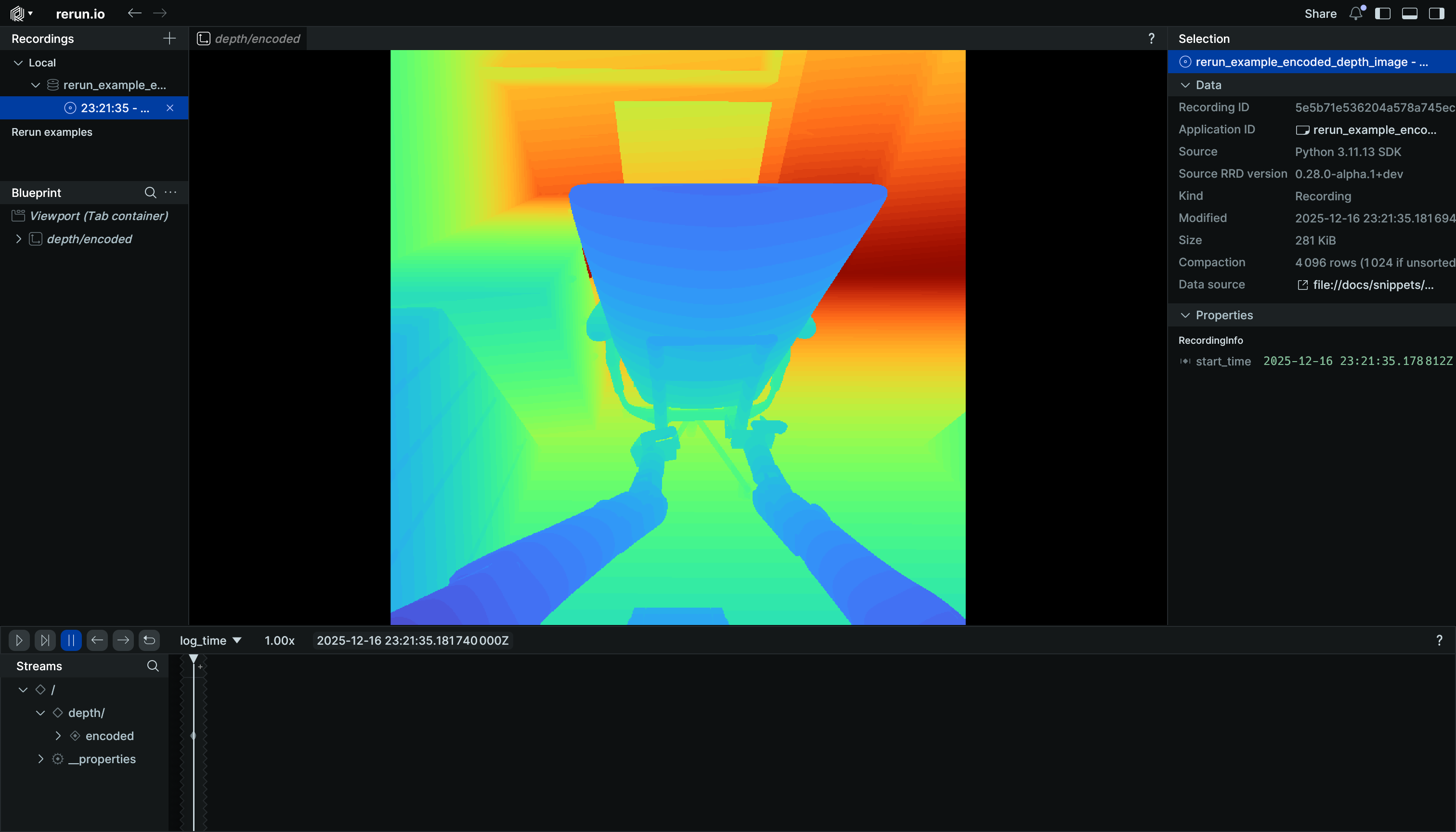
__init__
def __init__(
    blob: BlobLike,
    *,
    media_type: Utf8Like | None = None,
    meter: Float32Like | None = None,
    colormap: ColormapLike | None = None,
    depth_range: Range1DLike | None = None,
    point_fill_ratio: Float32Like | None = None,
    draw_order: Float32Like | None = None,
    magnification_filter: MagnificationFilterLike
    | None = None,
) -> None
Create a new instance of the EncodedDepthImage archetype.
| PARAMETER | DESCRIPTION |
|---|---|
blob
|
The encoded depth payload. Supported are:
* single channel PNG
* single channel TIFF with
TYPE:
|
media_type
|
Media type of the blob, e.g.:
TYPE:
|
meter
|
Conversion from native units to meters (e.g. If omitted, the Viewer defaults to
TYPE:
|
colormap
|
Optional colormap for visualization of decoded depth.
TYPE:
|
depth_range
|
Optional visualization range for depth values.
TYPE:
|
point_fill_ratio
|
Optional point fill ratio for point-cloud projection.
TYPE:
|
draw_order
|
Optional 2D draw order.
TYPE:
|
magnification_filter
|
Optional filter used when a texel is magnified (displayed larger than a screen pixel) in 2D views. The filter is applied to the scalar values before they are mapped to color via the colormap. Has no effect in 3D views.
TYPE:
|
columns
classmethod
def columns(
    *,
    blob: BlobArrayLike | None = None,
    media_type: Utf8ArrayLike | None = None,
    meter: Float32ArrayLike | None = None,
    colormap: ColormapArrayLike | None = None,
    depth_range: Range1DArrayLike | None = None,
    point_fill_ratio: Float32ArrayLike | None = None,
    draw_order: Float32ArrayLike | None = None,
    magnification_filter: MagnificationFilterArrayLike
    | None = None,
) -> ComponentColumnList
Construct a new column-oriented component bundle.
This makes it possible to use rr.send_columns to send columnar data directly into Rerun.
The returned columns will be partitioned into unit-length sub-batches by default.
Use ComponentColumnList.partition to repartition the data as needed.
| PARAMETER | DESCRIPTION |
|---|---|
blob
|
The encoded depth payload. Supported are:
* single channel PNG
* single channel TIFF with
TYPE:
|
media_type
|
Media type of the blob, e.g.:
TYPE:
|
meter
|
Conversion from native units to meters (e.g. If omitted, the Viewer defaults to
TYPE:
|
colormap
|
Optional colormap for visualization of decoded depth.
TYPE:
|
depth_range
|
Optional visualization range for depth values.
TYPE:
|
point_fill_ratio
|
Optional point fill ratio for point-cloud projection.
TYPE:
|
draw_order
|
Optional 2D draw order.
TYPE:
|
magnification_filter
|
Optional filter used when a texel is magnified (displayed larger than a screen pixel) in 2D views. The filter is applied to the scalar values before they are mapped to color via the colormap. Has no effect in 3D views.
TYPE:
|
from_fields
classmethod
def from_fields(
    *,
    clear_unset: bool = False,
    blob: BlobLike | None = None,
    media_type: Utf8Like | None = None,
    meter: Float32Like | None = None,
    colormap: ColormapLike | None = None,
    depth_range: Range1DLike | None = None,
    point_fill_ratio: Float32Like | None = None,
    draw_order: Float32Like | None = None,
    magnification_filter: MagnificationFilterLike
    | None = None,
) -> EncodedDepthImage
Update only some specific fields of a EncodedDepthImage.
| PARAMETER | DESCRIPTION |
|---|---|
clear_unset
|
If true, all unspecified fields will be explicitly cleared.
TYPE:
|
blob
|
The encoded depth payload. Supported are:
* single channel PNG
* single channel TIFF with
TYPE:
|
media_type
|
Media type of the blob, e.g.:
TYPE:
|
meter
|
Conversion from native units to meters (e.g. If omitted, the Viewer defaults to
TYPE:
|
colormap
|
Optional colormap for visualization of decoded depth.
TYPE:
|
depth_range
|
Optional visualization range for depth values.
TYPE:
|
point_fill_ratio
|
Optional point fill ratio for point-cloud projection.
TYPE:
|
draw_order
|
Optional 2D draw order.
TYPE:
|
magnification_filter
|
Optional filter used when a texel is magnified (displayed larger than a screen pixel) in 2D views. The filter is applied to the scalar values before they are mapped to color via the colormap. Has no effect in 3D views.
TYPE:
|
visualizer
def visualizer(
    *,
    mappings: list[VisualizerComponentMappingLike]
    | None = None,
) -> Visualizer
Creates a visualizer for this archetype, using all currently set values as overrides.
| PARAMETER | DESCRIPTION |
|---|---|
mappings
|
Optional component mappings to control how the visualizer sources its data. ⚠️ Experimental: Component mappings are an experimental feature and may change. See https://github.com/rerun-io/rerun/issues/10631 for more information.
TYPE:
|
EncodedImage
Bases: EncodedImageExt, Archetype, VisualizableArchetype
Archetype: An image encoded as e.g. a JPEG or PNG.
Rerun also supports uncompressed images with the archetypes.Image.
For images that refer to video frames see archetypes.VideoFrameReference.
To compress an image, use rerun.Image.compress.
Example
Encoded image:
from pathlib import Path

import rerun as rr

image_file_path = Path(__file__).parent / "ferris.png"

rr.init("rerun_example_encoded_image", spawn=True)

rr.log("image", rr.EncodedImage(path=image_file_path))
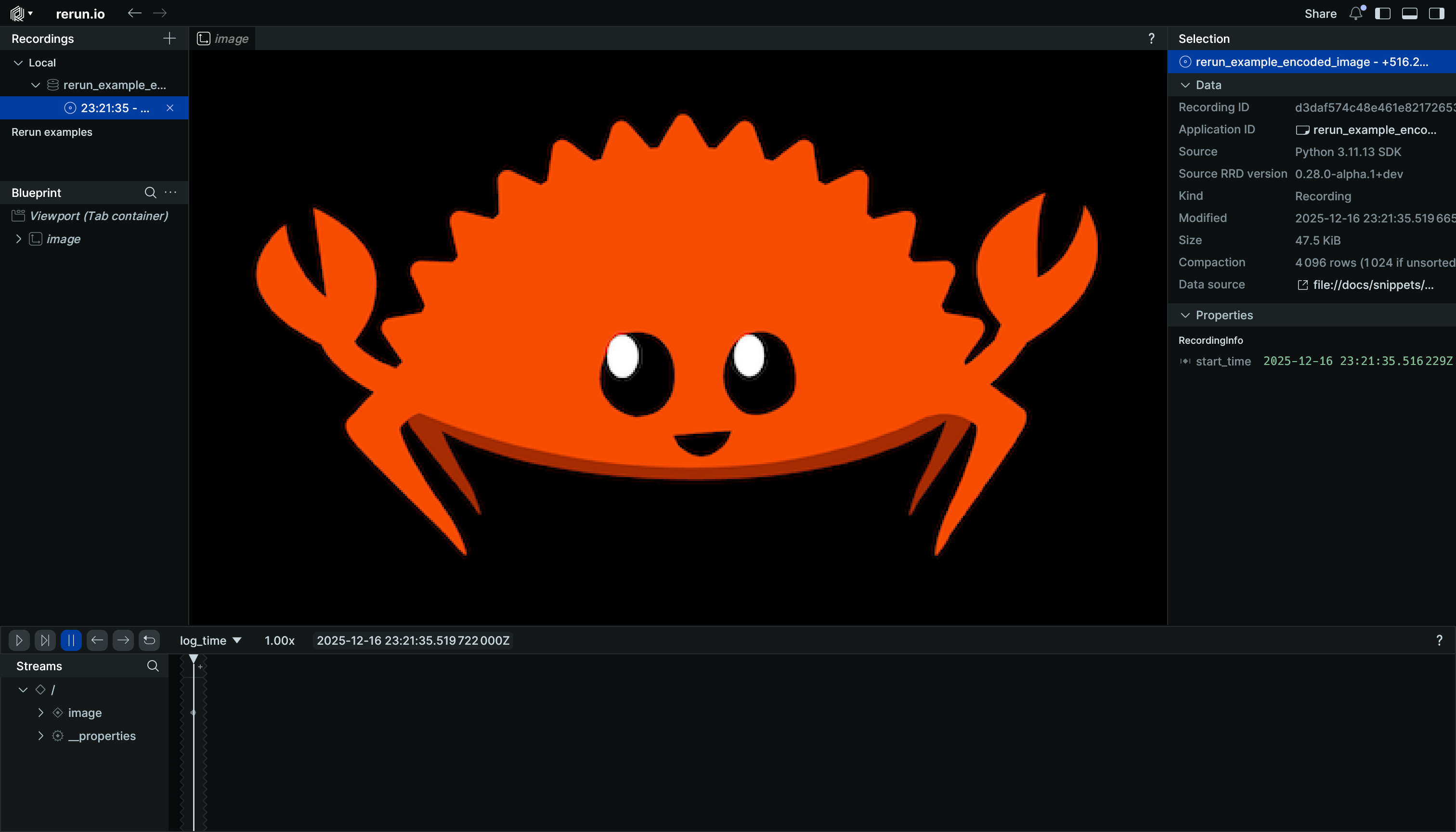
__init__
def __init__(
    *,
    path: str | Path | None = None,
    contents: bytes | IO[bytes] | BlobLike | None = None,
    media_type: Utf8Like | None = None,
    opacity: Float32Like | None = None,
    draw_order: Float32Like | None = None,
    magnification_filter: MagnificationFilterLike
    | None = None,
) -> None
Create a new instance of the EncodedImage archetype.
| PARAMETER | DESCRIPTION |
|---|---|
path
|
A path to an file stored on the local filesystem. Mutually
exclusive with |
contents
|
The contents of the file. Can be a BufferedReader, BytesIO, or
bytes. Mutually exclusive with |
media_type
|
The Media Type of the asset. For instance:
* If omitted, it will be guessed from the
TYPE:
|
opacity
|
Opacity of the image, useful for layering several media. Defaults to 1.0 (fully opaque).
TYPE:
|
draw_order
|
An optional floating point value that specifies the 2D drawing order. Objects with higher values are drawn on top of those with lower values.
TYPE:
|
magnification_filter
|
Optional filter used when a texel is magnified (displayed larger than a screen pixel).
TYPE:
|
columns
classmethod
def columns(
    *,
    blob: BlobArrayLike | None = None,
    media_type: Utf8ArrayLike | None = None,
    opacity: Float32ArrayLike | None = None,
    draw_order: Float32ArrayLike | None = None,
    magnification_filter: MagnificationFilterArrayLike
    | None = None,
) -> ComponentColumnList
Construct a new column-oriented component bundle.
This makes it possible to use rr.send_columns to send columnar data directly into Rerun.
The returned columns will be partitioned into unit-length sub-batches by default.
Use ComponentColumnList.partition to repartition the data as needed.
| PARAMETER | DESCRIPTION |
|---|---|
blob
|
The encoded content of some image file, e.g. a PNG or JPEG.
TYPE:
|
media_type
|
The Media Type of the asset. Supported values:
* If omitted, the viewer will try to guess from the data blob. If it cannot guess, it won't be able to render the asset.
TYPE:
|
opacity
|
Opacity of the image, useful for layering several media. Defaults to 1.0 (fully opaque).
TYPE:
|
draw_order
|
An optional floating point value that specifies the 2D drawing order. Objects with higher values are drawn on top of those with lower values.
TYPE:
|
magnification_filter
|
Optional filter used when a texel is magnified (displayed larger than a screen pixel).
TYPE:
|
from_fields
classmethod
def from_fields(
    *,
    clear_unset: bool = False,
    blob: BlobLike | None = None,
    media_type: Utf8Like | None = None,
    opacity: Float32Like | None = None,
    draw_order: Float32Like | None = None,
    magnification_filter: MagnificationFilterLike
    | None = None,
) -> EncodedImage
Update only some specific fields of a EncodedImage.
| PARAMETER | DESCRIPTION |
|---|---|
clear_unset
|
If true, all unspecified fields will be explicitly cleared.
TYPE:
|
blob
|
The encoded content of some image file, e.g. a PNG or JPEG.
TYPE:
|
media_type
|
The Media Type of the asset. Supported values:
* If omitted, the viewer will try to guess from the data blob. If it cannot guess, it won't be able to render the asset.
TYPE:
|
opacity
|
Opacity of the image, useful for layering several media. Defaults to 1.0 (fully opaque).
TYPE:
|
draw_order
|
An optional floating point value that specifies the 2D drawing order. Objects with higher values are drawn on top of those with lower values.
TYPE:
|
magnification_filter
|
Optional filter used when a texel is magnified (displayed larger than a screen pixel).
TYPE:
|
visualizer
def visualizer(
    *,
    mappings: list[VisualizerComponentMappingLike]
    | None = None,
) -> Visualizer
Creates a visualizer for this archetype, using all currently set values as overrides.
| PARAMETER | DESCRIPTION |
|---|---|
mappings
|
Optional component mappings to control how the visualizer sources its data. ⚠️ Experimental: Component mappings are an experimental feature and may change. See https://github.com/rerun-io/rerun/issues/10631 for more information.
TYPE:
|
FileSink
Used in rerun.RecordingStream.set_sinks.
Save the recording stream to a file.
__init__
Initialize a file sink.
| PARAMETER | DESCRIPTION |
|---|---|
path
|
Path to write to. The file will be overwritten. |
write_footer
|
Whether to emit a complete RRD footer (including a manifest of every chunk) at the
end of the stream. Defaults to Producing a footer keeps per-chunk metadata in memory for the lifetime of the sink,
which grows linearly with the number of chunks logged. Pass Warning: lack of footer will significantly hurt random-access performance and some tools (e.g. LazyStore) may not work properly.
TYPE:
|
GaussianSplats3D
Bases: Archetype, VisualizableArchetype
Archetype: 3D gaussian splats, e.g. from a 3D Gaussian Splatting (3DGS) reconstruction.
Each gaussian is an anisotropic 3D gaussian distribution: a unit isotropic gaussian scaled per-axis, rotated, and translated. The scales are the standard deviations along the principal axes, in scene units.
Note that unlike 3DGS training checkpoints (e.g. PLY files), all values are stored in their natural form: linear scales, and base colors with opacity as RGBA.
⚠️ This type is unstable and may change significantly in a way that the data won't be backwards compatible.
Examples:
Log a few gaussian splats:
import rerun as rr

rr.init("rerun_example_gaussian_splats3d", spawn=True)

rr.log(
    "gaussians",
    rr.GaussianSplats3D(
        centers=[[0, 0, 0], [2, 0, 0], [4, 0, 0]],
        scales=[[1.0, 0.5, 0.25], [0.5, 1.0, 0.5], [0.25, 0.5, 1.0]],
        quaternions=[
            rr.Quaternion.identity(),
            rr.Quaternion(
                xyzw=[0.0, 0.0, 0.382683, 0.923880]
            ),  # 45 degrees around Z
            rr.Quaternion.identity(),
        ],
        colors=[(255, 0, 0, 128), (0, 255, 0, 200), (0, 0, 255, 255)],
        # 15 view-dependent RGB coefficients (degrees 1-3) per splat:
        sh_coefficients=[
            [[0.5, 0.0, 0.0]] * 15,
            [[0.0, 0.5, 0.0]] * 15,
            [[0.0, 0.0, 0.5]] * 15,
        ],
    ),
)
Log a 3D gaussian splatting (3DGS) PLY file:
import sys

import rerun as rr

if len(sys.argv) < 2:
    print(f"Usage: {sys.argv[0]} <path_to_splats.ply>")
    sys.exit(1)

rr.init("rerun_example_gaussian_splats3d_ply", spawn=True)

rr.log_file_from_path(sys.argv[1])
__init__
def __init__(
    centers: Vec3DArrayLike,
    *,
    scales: Vec3DArrayLike | None = None,
    quaternions: QuaternionArrayLike | None = None,
    colors: Rgba32ArrayLike | None = None,
    sh_coefficients: SphericalHarmonics3RgbArrayLike
    | None = None,
    spherical_harmonics_degree: UInt32Like | None = None,
) -> None
Create a new instance of the GaussianSplats3D archetype.
| PARAMETER | DESCRIPTION |
|---|---|
centers
|
The centers (means) of the gaussians.
TYPE:
|
scales
|
Per-axis standard deviations of the gaussians, in scene units.
TYPE:
|
quaternions
|
The orientations of the gaussians.
TYPE:
|
colors
|
The base colors and opacities of the gaussians. The RGB part is the view-independent base color, i.e. the degree-0 (DC) term of the spherical harmonics. The alpha part is the peak opacity of the gaussian; the gaussian falloff further modulates it spatially.
TYPE:
|
sh_coefficients
|
Higher-order spherical harmonics coefficients for view-dependent color.
TYPE:
|
spherical_harmonics_degree
|
The highest spherical harmonics degree to evaluate when rendering, 0-3. Lower values render faster;
TYPE:
|
columns
classmethod
def columns(
    *,
    centers: Vec3DArrayLike | None = None,
    scales: Vec3DArrayLike | None = None,
    quaternions: QuaternionArrayLike | None = None,
    colors: Rgba32ArrayLike | None = None,
    sh_coefficients: SphericalHarmonics3RgbArrayLike
    | None = None,
    spherical_harmonics_degree: UInt32ArrayLike
    | None = None,
) -> ComponentColumnList
Construct a new column-oriented component bundle.
This makes it possible to use rr.send_columns to send columnar data directly into Rerun.
The returned columns will be partitioned into unit-length sub-batches by default.
Use ComponentColumnList.partition to repartition the data as needed.
| PARAMETER | DESCRIPTION |
|---|---|
centers
|
The centers (means) of the gaussians.
TYPE:
|
scales
|
Per-axis standard deviations of the gaussians, in scene units.
TYPE:
|
quaternions
|
The orientations of the gaussians.
TYPE:
|
colors
|
The base colors and opacities of the gaussians. The RGB part is the view-independent base color, i.e. the degree-0 (DC) term of the spherical harmonics. The alpha part is the peak opacity of the gaussian; the gaussian falloff further modulates it spatially.
TYPE:
|
sh_coefficients
|
Higher-order spherical harmonics coefficients for view-dependent color.
TYPE:
|
spherical_harmonics_degree
|
The highest spherical harmonics degree to evaluate when rendering, 0-3. Lower values render faster;
TYPE:
|
from_fields
classmethod
def from_fields(
    *,
    clear_unset: bool = False,
    centers: Vec3DArrayLike | None = None,
    scales: Vec3DArrayLike | None = None,
    quaternions: QuaternionArrayLike | None = None,
    colors: Rgba32ArrayLike | None = None,
    sh_coefficients: SphericalHarmonics3RgbArrayLike
    | None = None,
    spherical_harmonics_degree: UInt32Like | None = None,
) -> GaussianSplats3D
Update only some specific fields of a GaussianSplats3D.
| PARAMETER | DESCRIPTION |
|---|---|
clear_unset
|
If true, all unspecified fields will be explicitly cleared.
TYPE:
|
centers
|
The centers (means) of the gaussians.
TYPE:
|
scales
|
Per-axis standard deviations of the gaussians, in scene units.
TYPE:
|
quaternions
|
The orientations of the gaussians.
TYPE:
|
colors
|
The base colors and opacities of the gaussians. The RGB part is the view-independent base color, i.e. the degree-0 (DC) term of the spherical harmonics. The alpha part is the peak opacity of the gaussian; the gaussian falloff further modulates it spatially.
TYPE:
|
sh_coefficients
|
Higher-order spherical harmonics coefficients for view-dependent color.
TYPE:
|
spherical_harmonics_degree
|
The highest spherical harmonics degree to evaluate when rendering, 0-3. Lower values render faster;
TYPE:
|
visualizer
def visualizer(
    *,
    mappings: list[VisualizerComponentMappingLike]
    | None = None,
) -> Visualizer
Creates a visualizer for this archetype, using all currently set values as overrides.
| PARAMETER | DESCRIPTION |
|---|---|
mappings
|
Optional component mappings to control how the visualizer sources its data. ⚠️ Experimental: Component mappings are an experimental feature and may change. See https://github.com/rerun-io/rerun/issues/10631 for more information.
TYPE:
|
GeoLineStrings
Bases: GeoLineStringsExt, Archetype, VisualizableArchetype
Archetype: Geospatial line strings with positions expressed in EPSG:4326 latitude and longitude (North/East-positive degrees), and optional colors and radii.
Also known as "line strips" or "polylines".
Example
Log a geospatial line string:
import rerun as rr

rr.init("rerun_example_geo_line_strings", spawn=True)

rr.log(
    "colorado",
    rr.GeoLineStrings(
        lat_lon=[
            [41.0000, -109.0452],
            [41.0000, -102.0415],
            [36.9931, -102.0415],
            [36.9931, -109.0452],
            [41.0000, -109.0452],
        ],
        radii=rr.Radius.ui_points(2.0),
        colors=[0, 0, 255],
    ),
)
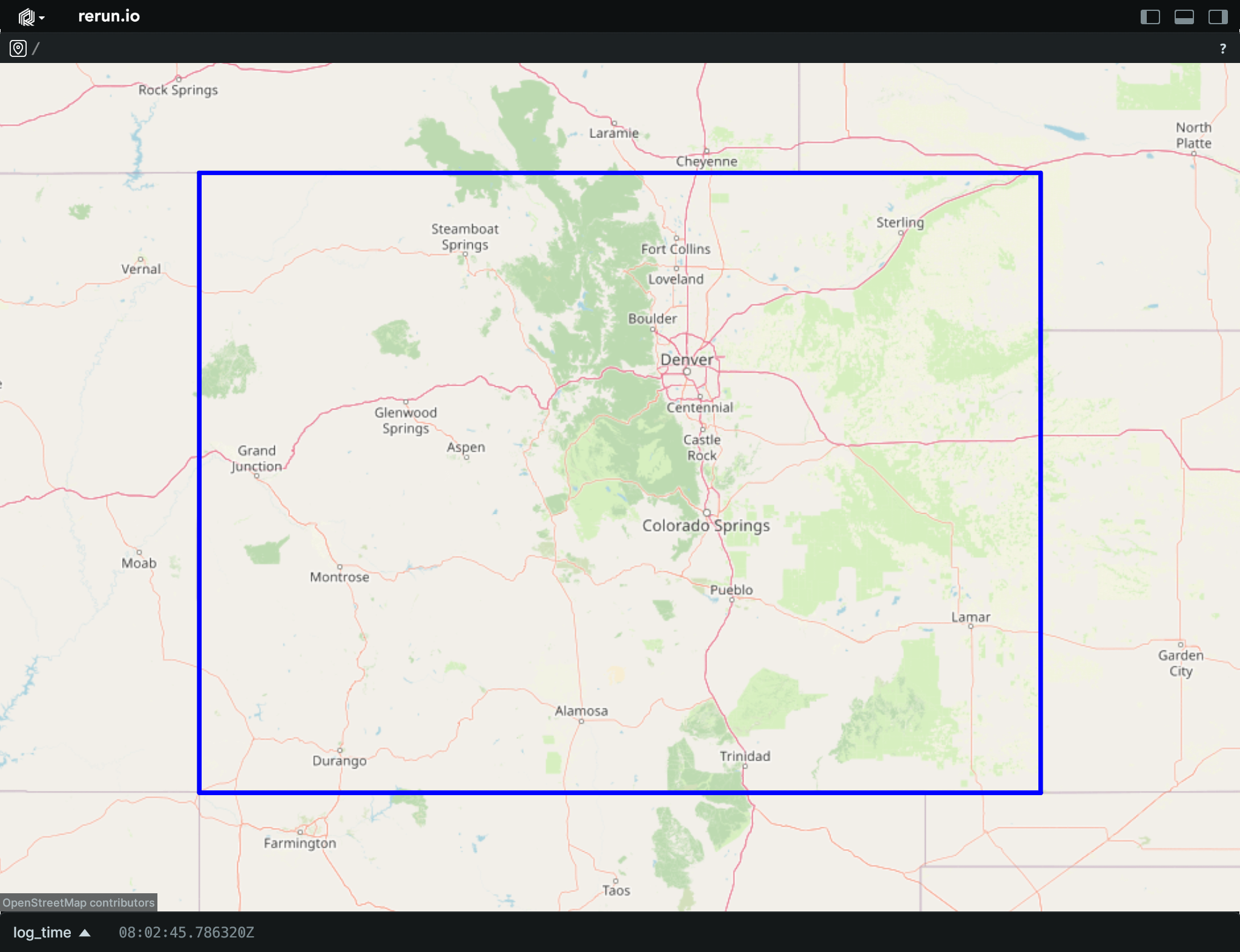
__init__
def __init__(
    *,
    lat_lon: GeoLineStringArrayLike,
    radii: Float32ArrayLike | None = None,
    colors: Rgba32ArrayLike | None = None,
) -> None
Create a new instance of the GeoLineStrings archetype.
| PARAMETER | DESCRIPTION |
|---|---|
lat_lon
|
The line strings, expressed in EPSG:4326 coordinates (North/East-positive degrees).
TYPE:
|
radii
|
Optional radii for the line strings. Each radius applies to one line string, not to an individual vertex.
TYPE:
|
colors
|
Optional colors for the line strings. Each color applies to one line string, not to an individual vertex. The colors are interpreted as RGB or RGBA in sRGB gamma-space, As either 0-1 floats or 0-255 integers, with separate alpha.
TYPE:
|
columns
classmethod
def columns(
    *,
    line_strings: GeoLineStringArrayLike | None = None,
    radii: Float32ArrayLike | None = None,
    colors: Rgba32ArrayLike | None = None,
) -> ComponentColumnList
Construct a new column-oriented component bundle.
This makes it possible to use rr.send_columns to send columnar data directly into Rerun.
The returned columns will be partitioned into unit-length sub-batches by default.
Use ComponentColumnList.partition to repartition the data as needed.
| PARAMETER | DESCRIPTION |
|---|---|
line_strings
|
The line strings, expressed in EPSG:4326 coordinates (North/East-positive degrees).
TYPE:
|
radii
|
Optional radii for the line strings. Each radius applies to one line string, not to an individual vertex. Note: scene units radiii are interpreted as meters. Currently, the display scale only considers the latitude of the first vertex of each line string (see this issue).
TYPE:
|
colors
|
Optional colors for the line strings. Each color applies to one line string, not to an individual vertex. The colors are interpreted as RGB or RGBA in sRGB gamma-space, As either 0-1 floats or 0-255 integers, with separate alpha.
TYPE:
|
from_fields
classmethod
def from_fields(
    *,
    clear_unset: bool = False,
    line_strings: GeoLineStringArrayLike | None = None,
    radii: Float32ArrayLike | None = None,
    colors: Rgba32ArrayLike | None = None,
) -> GeoLineStrings
Update only some specific fields of a GeoLineStrings.
| PARAMETER | DESCRIPTION |
|---|---|
clear_unset
|
If true, all unspecified fields will be explicitly cleared.
TYPE:
|
line_strings
|
The line strings, expressed in EPSG:4326 coordinates (North/East-positive degrees).
TYPE:
|
radii
|
Optional radii for the line strings. Each radius applies to one line string, not to an individual vertex. Note: scene units radiii are interpreted as meters. Currently, the display scale only considers the latitude of the first vertex of each line string (see this issue).
TYPE:
|
colors
|
Optional colors for the line strings. Each color applies to one line string, not to an individual vertex. The colors are interpreted as RGB or RGBA in sRGB gamma-space, As either 0-1 floats or 0-255 integers, with separate alpha.
TYPE:
|
visualizer
def visualizer(
    *,
    mappings: list[VisualizerComponentMappingLike]
    | None = None,
) -> Visualizer
Creates a visualizer for this archetype, using all currently set values as overrides.
| PARAMETER | DESCRIPTION |
|---|---|
mappings
|
Optional component mappings to control how the visualizer sources its data. ⚠️ Experimental: Component mappings are an experimental feature and may change. See https://github.com/rerun-io/rerun/issues/10631 for more information.
TYPE:
|
GeoPoints
Bases: GeoPointsExt, Archetype, VisualizableArchetype
Archetype: Geospatial points with positions expressed in EPSG:4326 latitude and longitude (North/East-positive degrees), and optional colors and radii.
Example
Log a geospatial point:
import rerun as rr

rr.init("rerun_example_geo_points", spawn=True)

rr.log(
    "rerun_hq",
    rr.GeoPoints(
        lat_lon=[59.319221, 18.075631],
        radii=rr.Radius.ui_points(10.0),
        colors=[255, 0, 0],
    ),
)
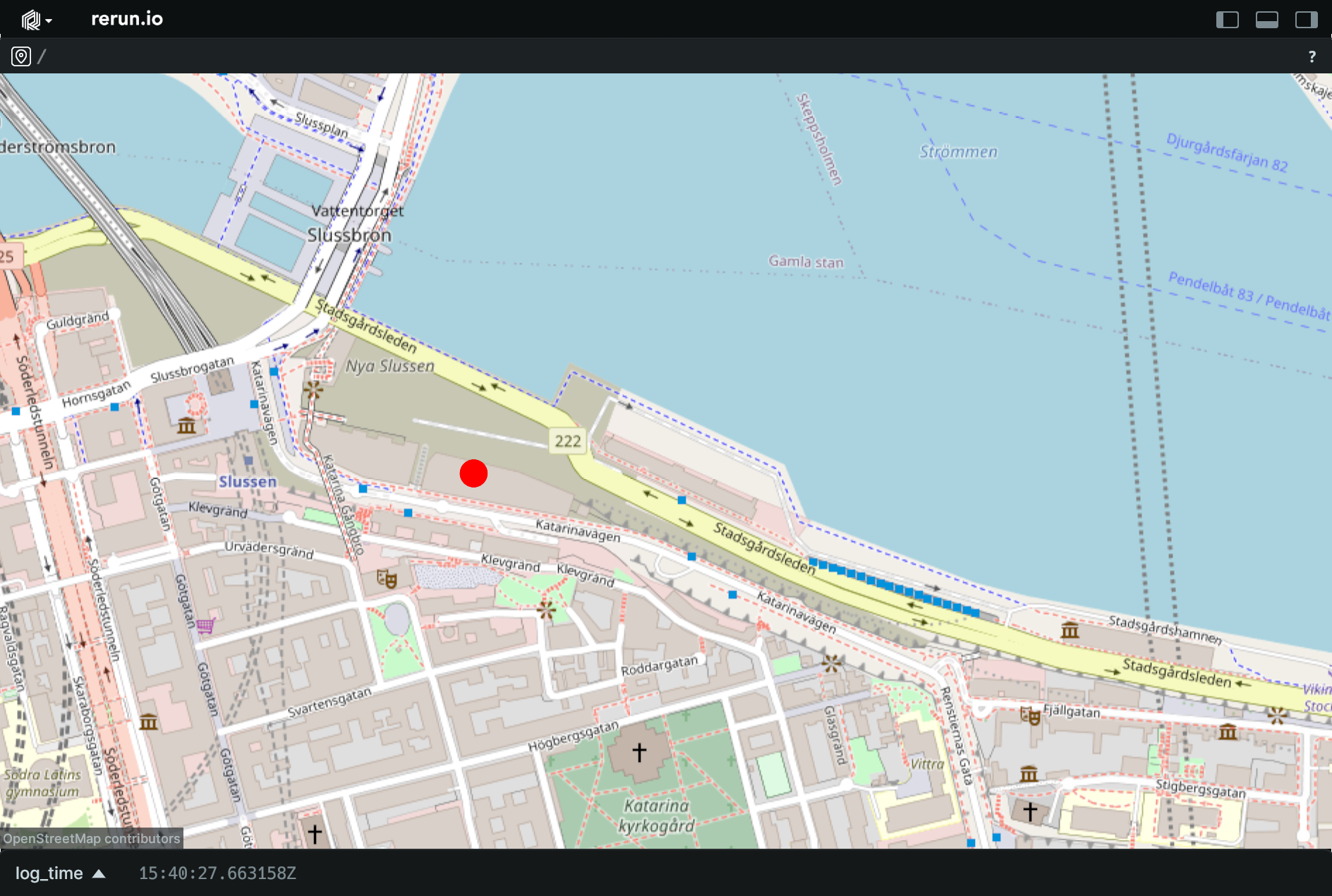
__init__
def __init__(
    *,
    lat_lon: DVec2DArrayLike,
    radii: Float32ArrayLike | None = None,
    colors: Rgba32ArrayLike | None = None,
    class_ids: ClassIdArrayLike | None = None,
) -> None
Create a new instance of the GeoPoints archetype.
| PARAMETER | DESCRIPTION |
|---|---|
lat_lon
|
The EPSG:4326 coordinates for the points (North/East-positive degrees).
TYPE:
|
radii
|
Optional radii for the points, effectively turning them into circles.
TYPE:
|
colors
|
Optional colors for the points. The colors are interpreted as RGB or RGBA in sRGB gamma-space, As either 0-1 floats or 0-255 integers, with separate alpha.
TYPE:
|
class_ids
|
Optional class Ids for the points. The
TYPE:
|
columns
classmethod
def columns(
    *,
    positions: DVec2DArrayLike | None = None,
    radii: Float32ArrayLike | None = None,
    colors: Rgba32ArrayLike | None = None,
    class_ids: ClassIdArrayLike | None = None,
) -> ComponentColumnList
Construct a new column-oriented component bundle.
This makes it possible to use rr.send_columns to send columnar data directly into Rerun.
The returned columns will be partitioned into unit-length sub-batches by default.
Use ComponentColumnList.partition to repartition the data as needed.
| PARAMETER | DESCRIPTION |
|---|---|
positions
|
The EPSG:4326 coordinates for the points (North/East-positive degrees).
TYPE:
|
radii
|
Optional radii for the points, effectively turning them into circles. Note: scene units radiii are interpreted as meters.
TYPE:
|
colors
|
Optional colors for the points. The colors are interpreted as RGB or RGBA in sRGB gamma-space, As either 0-1 floats or 0-255 integers, with separate alpha.
TYPE:
|
class_ids
|
Optional class Ids for the points. The
TYPE:
|
from_fields
classmethod
def from_fields(
    *,
    clear_unset: bool = False,
    positions: DVec2DArrayLike | None = None,
    radii: Float32ArrayLike | None = None,
    colors: Rgba32ArrayLike | None = None,
    class_ids: ClassIdArrayLike | None = None,
) -> GeoPoints
Update only some specific fields of a GeoPoints.
| PARAMETER | DESCRIPTION |
|---|---|
clear_unset
|
If true, all unspecified fields will be explicitly cleared.
TYPE:
|
positions
|
The EPSG:4326 coordinates for the points (North/East-positive degrees).
TYPE:
|
radii
|
Optional radii for the points, effectively turning them into circles. Note: scene units radiii are interpreted as meters.
TYPE:
|
colors
|
Optional colors for the points. The colors are interpreted as RGB or RGBA in sRGB gamma-space, As either 0-1 floats or 0-255 integers, with separate alpha.
TYPE:
|
class_ids
|
Optional class Ids for the points. The
TYPE:
|
visualizer
def visualizer(
    *,
    mappings: list[VisualizerComponentMappingLike]
    | None = None,
) -> Visualizer
Creates a visualizer for this archetype, using all currently set values as overrides.
| PARAMETER | DESCRIPTION |
|---|---|
mappings
|
Optional component mappings to control how the visualizer sources its data. ⚠️ Experimental: Component mappings are an experimental feature and may change. See https://github.com/rerun-io/rerun/issues/10631 for more information.
TYPE:
|
GraphEdge
Bases: Utf8Pair, ComponentMixin
Component: An edge in a graph connecting two nodes.
__init__
arrow_type
classmethod
def arrow_type() -> DataType
The pyarrow type of this batch.
Part of the rerun.ComponentBatchLike logging interface.
as_arrow_array
def as_arrow_array() -> Array
The component as an arrow batch.
Part of the rerun.ComponentBatchLike logging interface.
component_type
classmethod
def component_type() -> str
Returns the name of the component.
Part of the rerun.ComponentBatchLike logging interface.
GraphEdges
Bases: Archetype, VisualizableArchetype
Archetype: A list of edges in a graph.
By default, edges are undirected.
Example
Simple directed graph:
import rerun as rr

rr.init("rerun_example_graph_directed", spawn=True)

rr.log(
    "simple",
    rr.GraphNodes(
        node_ids=["a", "b", "c"],
        positions=[(0.0, 100.0), (-100.0, 0.0), (100.0, 0.0)],
        labels=["A", "B", "C"],
    ),
    rr.GraphEdges(
        edges=[("a", "b"), ("b", "c"), ("c", "a")], graph_type="directed"
    ),
)
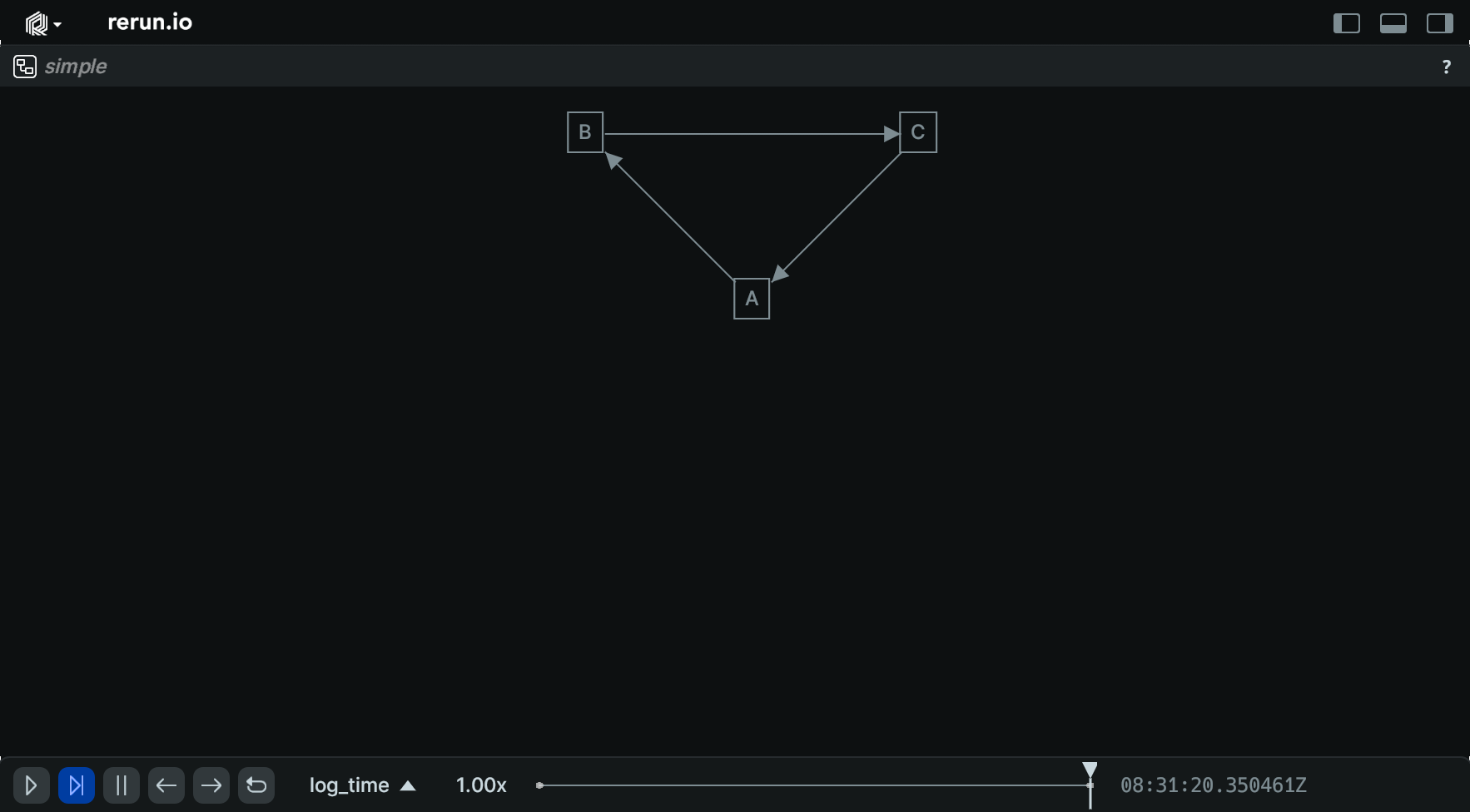
__init__
def __init__(
    edges: Utf8PairArrayLike,
    *,
    graph_type: GraphTypeLike | None = None,
) -> None
Create a new instance of the GraphEdges archetype.
| PARAMETER | DESCRIPTION |
|---|---|
edges
|
A list of node tuples.
TYPE:
|
graph_type
|
Specifies if the graph is directed or undirected. If no
TYPE:
|
columns
classmethod
def columns(
    *,
    edges: Utf8PairArrayLike | None = None,
    graph_type: GraphTypeArrayLike | None = None,
) -> ComponentColumnList
Construct a new column-oriented component bundle.
This makes it possible to use rr.send_columns to send columnar data directly into Rerun.
The returned columns will be partitioned into unit-length sub-batches by default.
Use ComponentColumnList.partition to repartition the data as needed.
| PARAMETER | DESCRIPTION |
|---|---|
edges
|
A list of node tuples.
TYPE:
|
graph_type
|
Specifies if the graph is directed or undirected. If no
TYPE:
|
from_fields
classmethod
def from_fields(
    *,
    clear_unset: bool = False,
    edges: Utf8PairArrayLike | None = None,
    graph_type: GraphTypeLike | None = None,
) -> GraphEdges
Update only some specific fields of a GraphEdges.
| PARAMETER | DESCRIPTION |
|---|---|
clear_unset
|
If true, all unspecified fields will be explicitly cleared.
TYPE:
|
edges
|
A list of node tuples.
TYPE:
|
graph_type
|
Specifies if the graph is directed or undirected. If no
TYPE:
|
visualizer
def visualizer(
    *,
    mappings: list[VisualizerComponentMappingLike]
    | None = None,
) -> Visualizer
Creates a visualizer for this archetype, using all currently set values as overrides.
| PARAMETER | DESCRIPTION |
|---|---|
mappings
|
Optional component mappings to control how the visualizer sources its data. ⚠️ Experimental: Component mappings are an experimental feature and may change. See https://github.com/rerun-io/rerun/issues/10631 for more information.
TYPE:
|
GraphNodes
Bases: Archetype, VisualizableArchetype
Archetype: A list of nodes in a graph with optional labels, colors, etc.
Example
Simple directed graph:
import rerun as rr

rr.init("rerun_example_graph_directed", spawn=True)

rr.log(
    "simple",
    rr.GraphNodes(
        node_ids=["a", "b", "c"],
        positions=[(0.0, 100.0), (-100.0, 0.0), (100.0, 0.0)],
        labels=["A", "B", "C"],
    ),
    rr.GraphEdges(
        edges=[("a", "b"), ("b", "c"), ("c", "a")], graph_type="directed"
    ),
)
__init__
def __init__(
    node_ids: Utf8ArrayLike,
    *,
    positions: Vec2DArrayLike | None = None,
    colors: Rgba32ArrayLike | None = None,
    labels: Utf8ArrayLike | None = None,
    show_labels: BoolLike | None = None,
    radii: Float32ArrayLike | None = None,
) -> None
Create a new instance of the GraphNodes archetype.
| PARAMETER | DESCRIPTION |
|---|---|
node_ids
|
A list of node IDs.
TYPE:
|
positions
|
Optional center positions of the nodes.
TYPE:
|
colors
|
Optional colors for the boxes.
TYPE:
|
labels
|
Optional text labels for the node.
TYPE:
|
show_labels
|
Whether the text labels should be shown. If not set, labels will automatically appear when there is exactly one label for this entity or the number of instances on this entity is under a certain threshold.
TYPE:
|
radii
|
Optional radii for nodes.
TYPE:
|
columns
classmethod
def columns(
    *,
    node_ids: Utf8ArrayLike | None = None,
    positions: Vec2DArrayLike | None = None,
    colors: Rgba32ArrayLike | None = None,
    labels: Utf8ArrayLike | None = None,
    show_labels: BoolArrayLike | None = None,
    radii: Float32ArrayLike | None = None,
) -> ComponentColumnList
Construct a new column-oriented component bundle.
This makes it possible to use rr.send_columns to send columnar data directly into Rerun.
The returned columns will be partitioned into unit-length sub-batches by default.
Use ComponentColumnList.partition to repartition the data as needed.
| PARAMETER | DESCRIPTION |
|---|---|
node_ids
|
A list of node IDs.
TYPE:
|
positions
|
Optional center positions of the nodes.
TYPE:
|
colors
|
Optional colors for the boxes.
TYPE:
|
labels
|
Optional text labels for the node.
TYPE:
|
show_labels
|
Whether the text labels should be shown. If not set, labels will automatically appear when there is exactly one label for this entity or the number of instances on this entity is under a certain threshold.
TYPE:
|
radii
|
Optional radii for nodes.
TYPE:
|
from_fields
classmethod
def from_fields(
    *,
    clear_unset: bool = False,
    node_ids: Utf8ArrayLike | None = None,
    positions: Vec2DArrayLike | None = None,
    colors: Rgba32ArrayLike | None = None,
    labels: Utf8ArrayLike | None = None,
    show_labels: BoolLike | None = None,
    radii: Float32ArrayLike | None = None,
) -> GraphNodes
Update only some specific fields of a GraphNodes.
| PARAMETER | DESCRIPTION |
|---|---|
clear_unset
|
If true, all unspecified fields will be explicitly cleared.
TYPE:
|
node_ids
|
A list of node IDs.
TYPE:
|
positions
|
Optional center positions of the nodes.
TYPE:
|
colors
|
Optional colors for the boxes.
TYPE:
|
labels
|
Optional text labels for the node.
TYPE:
|
show_labels
|
Whether the text labels should be shown. If not set, labels will automatically appear when there is exactly one label for this entity or the number of instances on this entity is under a certain threshold.
TYPE:
|
radii
|
Optional radii for nodes.
TYPE:
|
visualizer
def visualizer(
    *,
    mappings: list[VisualizerComponentMappingLike]
    | None = None,
) -> Visualizer
Creates a visualizer for this archetype, using all currently set values as overrides.
| PARAMETER | DESCRIPTION |
|---|---|
mappings
|
Optional component mappings to control how the visualizer sources its data. ⚠️ Experimental: Component mappings are an experimental feature and may change. See https://github.com/rerun-io/rerun/issues/10631 for more information.
TYPE:
|
GraphType
Bases: Enum
Component: Specifies if a graph has directed or undirected edges.
Directed
class-attribute
instance-attribute
Directed = 2
The graph has directed edges.
Undirected
class-attribute
instance-attribute
Undirected = 1
The graph has undirected edges.
GridMap
Bases: Archetype
Archetype: A 2D grid map stored as raster data in an image buffer, with a cell size in scene units and pose.
This archetype is intended for robotics applications like occupancy maps or navigation costmaps, but can also be useful for other use cases where an image buffer needs to be placed in a scene.
Examples:
Simple occupancy grid map:
import numpy as np

import rerun as rr

width, height = 64, 64
cell_size = 0.1

# Create a synthetic image with ROS `nav_msgs/OccupancyGrid` cell value
# conventions: -1 (255) unknown, 0 free, 100 occupied.
grid = np.full((height, width), -1, dtype=np.int8)
grid[8:56, 8:56] = 0
grid[20:44, 20:44] = 100

rr.init("rerun_example_grid_map", spawn=True)

rr.log(
    "world/map",
    rr.GridMap(
        data=grid.tobytes(),
        format=rr.components.ImageFormat(
            width=width,
            height=height,
            color_model="L",
            channel_datatype="U8",
        ),
        cell_size=cell_size,
        translation=[
            -(width * cell_size) / 2.0,
            -(height * cell_size) / 2.0,
            0.0,
        ],
        colormap=rr.components.Colormap.RvizMap,
    ),
)
Log a grid map at a specific pose:
import math
from pathlib import Path

from PIL import Image as PILImage

import rerun as rr
import rerun.blueprint as rrb

rr.init("rerun_example_grid_map_pose", spawn=True)

# Log the transform for the map origin.
# Here we use ROS TF-style parent & child frame names.
rr.log(
    "/tf",
    rr.Transform3D(
        translation=[1.0, 2.0, 0.0],
        rotation_axis_angle=rr.components.RotationAxisAngle(
            [0, 0, 1], -math.pi / 3
        ),
        parent_frame="world",
        child_frame="map",
    ),
    static=True,
)

# We use a dummy image for the map in this example.
image = PILImage.open(Path(__file__).parent / "ferris.png").convert("RGBA")

# Log the grid map at the map origin.
rr.log(
    "demo_map",
    rr.CoordinateFrame("map"),
    rr.GridMap(
        data=image.tobytes(),
        format=rr.components.ImageFormat(
            width=image.size[0],
            height=image.size[1],
            color_model="RGBA",
            channel_datatype="U8",
        ),
        opacity=0.5,
        # The size of a pixel in scene units.
        cell_size=0.01,
        # Specify the pose of the lower-left image corner relative to the
        # map frame, in scene units.
        translation=[1.1, -1.6, 0.0],
        rotation_axis_angle=rr.components.RotationAxisAngle(
            [0, 0, 1], math.pi / 4.0
        ),
    ),
)

# Show transform axes with frame names.
rr.send_blueprint(
    rrb.Spatial3DView(
        origin="/",
        overrides={
            "/tf": [rr.TransformAxes3D(axis_length=0.5, show_frame=True)],
        },
    )
)
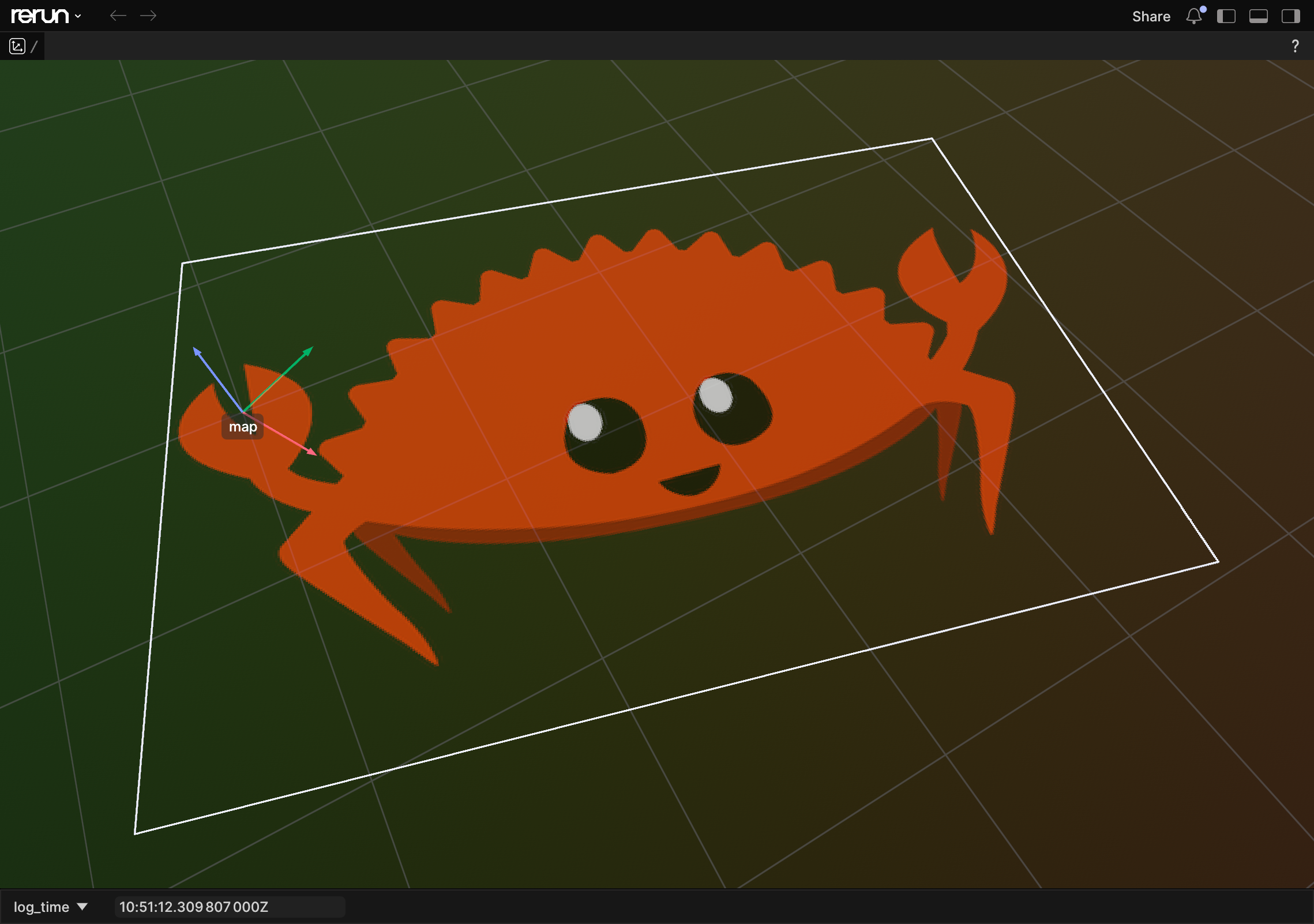
__init__
def __init__(
    *,
    data: BlobLike,
    format: ImageFormatLike,
    cell_size: Float32Like,
    translation: Vec3DLike | None = None,
    rotation_axis_angle: RotationAxisAngleLike
    | None = None,
    quaternion: QuaternionLike | None = None,
    opacity: Float32Like | None = None,
    draw_order: Float32Like | None = None,
    colormap: ColormapLike | None = None,
) -> None
Create a new instance of the GridMap archetype.
| PARAMETER | DESCRIPTION |
|---|---|
data
|
The raw grid data.
TYPE:
|
format
|
The format of the grid's image data.
TYPE:
|
cell_size
|
The scene unit size of a single grid cell (e.g. m / pixel). Defaults to 0.01 scene units per pixel.
TYPE:
|
translation
|
Translation of the lower-left corner of the grid map in space. Together with If not set, the lower-left image corner is placed at origin of the map's parent coordinate frame.
TYPE:
|
rotation_axis_angle
|
Rotation of the lower-left corner of the grid map in space via axis + angle. Together with Note: either this or
TYPE:
|
quaternion
|
Rotation of the lower-left corner of the grid map in space via quaternion. Together with
TYPE:
|
opacity
|
Opacity of the grid map texture after all image decoding and colormap application. Defaults to 1.0 (fully opaque).
TYPE:
|
draw_order
|
Optional draw order for layering multiple grid maps that overlap in space. Higher values are drawn on top of lower values.
TYPE:
|
colormap
|
Colormap to use for rendering single-channel grid maps. If not set, the grid map is shown using the underlying
TYPE:
|
columns
classmethod
def columns(
    *,
    data: BlobArrayLike | None = None,
    format: ImageFormatArrayLike | None = None,
    cell_size: Float32ArrayLike | None = None,
    translation: Vec3DArrayLike | None = None,
    rotation_axis_angle: RotationAxisAngleArrayLike
    | None = None,
    quaternion: QuaternionArrayLike | None = None,
    opacity: Float32ArrayLike | None = None,
    draw_order: Float32ArrayLike | None = None,
    colormap: ColormapArrayLike | None = None,
) -> ComponentColumnList
Construct a new column-oriented component bundle.
This makes it possible to use rr.send_columns to send columnar data directly into Rerun.
The returned columns will be partitioned into unit-length sub-batches by default.
Use ComponentColumnList.partition to repartition the data as needed.
| PARAMETER | DESCRIPTION |
|---|---|
data
|
The raw grid data.
TYPE:
|
format
|
The format of the grid's image data.
TYPE:
|
cell_size
|
The scene unit size of a single grid cell (e.g. m / pixel). Defaults to 0.01 scene units per pixel.
TYPE:
|
translation
|
Translation of the lower-left corner of the grid map in space. Together with If not set, the lower-left image corner is placed at origin of the map's parent coordinate frame.
TYPE:
|
rotation_axis_angle
|
Rotation of the lower-left corner of the grid map in space via axis + angle. Together with Note: either this or
TYPE:
|
quaternion
|
Rotation of the lower-left corner of the grid map in space via quaternion. Together with
TYPE:
|
opacity
|
Opacity of the grid map texture after all image decoding and colormap application. Defaults to 1.0 (fully opaque).
TYPE:
|
draw_order
|
Optional draw order for layering multiple grid maps that overlap in space. Higher values are drawn on top of lower values.
TYPE:
|
colormap
|
Colormap to use for rendering single-channel grid maps. If not set, the grid map is shown using the underlying
TYPE:
|
from_fields
classmethod
def from_fields(
    *,
    clear_unset: bool = False,
    data: BlobLike | None = None,
    format: ImageFormatLike | None = None,
    cell_size: Float32Like | None = None,
    translation: Vec3DLike | None = None,
    rotation_axis_angle: RotationAxisAngleLike
    | None = None,
    quaternion: QuaternionLike | None = None,
    opacity: Float32Like | None = None,
    draw_order: Float32Like | None = None,
    colormap: ColormapLike | None = None,
) -> GridMap
Update only some specific fields of a GridMap.
| PARAMETER | DESCRIPTION |
|---|---|
clear_unset
|
If true, all unspecified fields will be explicitly cleared.
TYPE:
|
data
|
The raw grid data.
TYPE:
|
format
|
The format of the grid's image data.
TYPE:
|
cell_size
|
The scene unit size of a single grid cell (e.g. m / pixel). Defaults to 0.01 scene units per pixel.
TYPE:
|
translation
|
Translation of the lower-left corner of the grid map in space. Together with If not set, the lower-left image corner is placed at origin of the map's parent coordinate frame.
TYPE:
|
rotation_axis_angle
|
Rotation of the lower-left corner of the grid map in space via axis + angle. Together with Note: either this or
TYPE:
|
quaternion
|
Rotation of the lower-left corner of the grid map in space via quaternion. Together with
TYPE:
|
opacity
|
Opacity of the grid map texture after all image decoding and colormap application. Defaults to 1.0 (fully opaque).
TYPE:
|
draw_order
|
Optional draw order for layering multiple grid maps that overlap in space. Higher values are drawn on top of lower values.
TYPE:
|
colormap
|
Colormap to use for rendering single-channel grid maps. If not set, the grid map is shown using the underlying
TYPE:
|
GrpcServerSink
Host a Rerun gRPC server and stream the recording to connected clients.
This is a gRPC server: SDKs and Viewers connect to it.
Use rerun.GrpcSink to connect as a client to an existing server.
Replacing the recording's sinks or dropping the recording shuts down the server.
Used in rerun.RecordingStream.set_sinks.
GrpcSink
Connect to an existing Rerun gRPC server and stream the recording to it.
This is a gRPC client: it connects to a server but does not host one.
Use rerun.GrpcServerSink to host a server that SDKs and Viewers can connect to.
Used in rerun.RecordingStream.set_sinks.
__init__
def __init__(url: str | None = None) -> None
Initialize a gRPC sink.
| PARAMETER | DESCRIPTION |
|---|---|
url
|
The URL to connect to The scheme must be one of The default is
TYPE:
|
Image
Bases: ImageExt, Archetype, VisualizableArchetype
Archetype: A monochrome or color image.
See also archetypes.DepthImage and archetypes.SegmentationImage.
Rerun also supports compressed images (JPEG, PNG, …), using archetypes.EncodedImage.
For images that refer to video frames see archetypes.VideoFrameReference.
Compressing images or using video data instead can save a lot of bandwidth and memory.
The raw image data is stored as a single buffer of bytes in a components.Blob.
The meaning of these bytes is determined by the components.ImageFormat which specifies the resolution
and the pixel format (e.g. RGB, RGBA, …).
The order of dimensions in the underlying components.Blob follows the typical
row-major, interleaved-pixel image format.
Examples:
image_simple:
import numpy as np

import rerun as rr

# Create an image with numpy
image = np.zeros((200, 300, 3), dtype=np.uint8)
image[:, :, 0] = 255
image[50:150, 50:150] = (0, 255, 0)

rr.init("rerun_example_image", spawn=True)

rr.log("image", rr.Image(image))
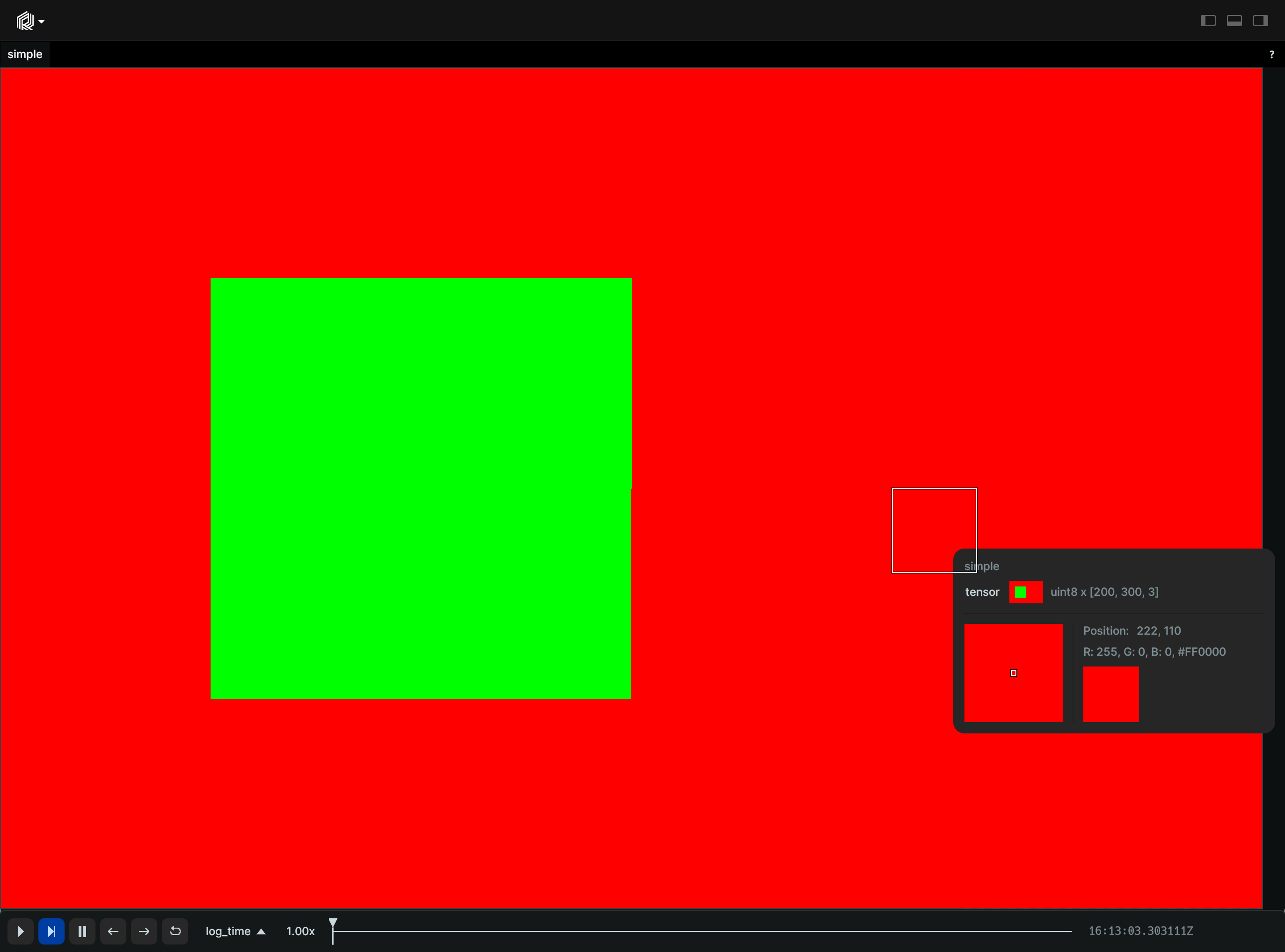
Logging images with various formats:
import numpy as np

import rerun as rr

rr.init("rerun_example_image_formats", spawn=True)

# Simple gradient image, logged in different formats.
image = np.array(
    [[[x, min(255, x + y), y] for x in range(256)] for y in range(256)],
    dtype=np.uint8,
)
rr.log("image_rgb", rr.Image(image))
rr.log(
    "image_green_only", rr.Image(image[:, :, 1], color_model="l")
)  # Luminance only
rr.log("image_bgr", rr.Image(image[:, :, ::-1], color_model="bgr"))  # BGR

# New image with Separate Y/U/V planes with 4:2:2 chroma downsampling
y = bytes([128 for y in range(256) for x in range(256)])
u = bytes([
    x * 2 for y in range(256) for x in range(128)
])  # Half horizontal resolution for chroma.
v = bytes([y for y in range(256) for x in range(128)])
rr.log(
    "image_yuv422",
    rr.Image(
        bytes=y + u + v,
        width=256,
        height=256,
        pixel_format=rr.PixelFormat.Y_U_V16_FullRange,
    ),
)
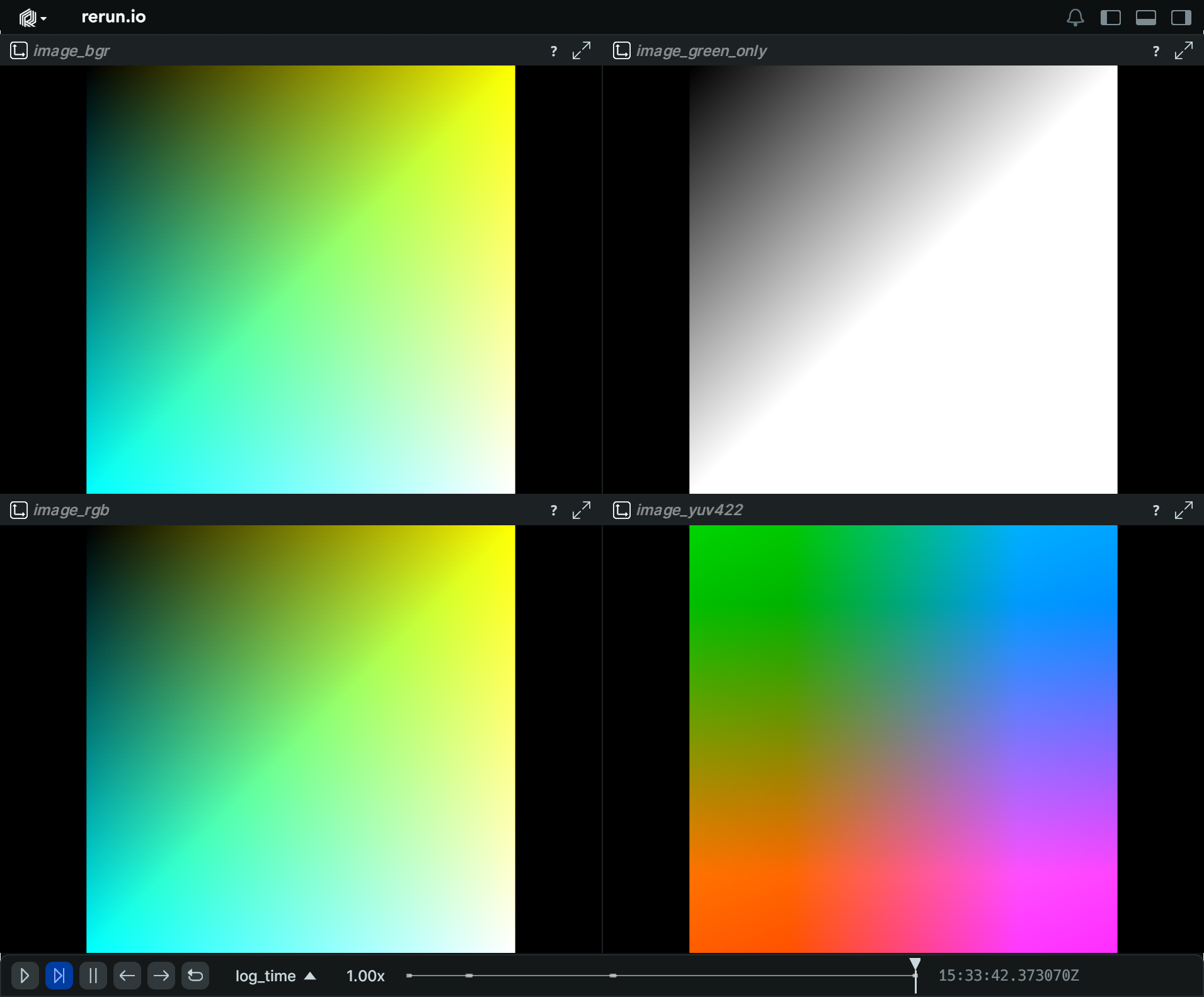
__init__
def __init__(
    image: ImageLike | None = None,
    color_model: ColorModelLike | None = None,
    *,
    pixel_format: PixelFormatLike | None = None,
    datatype: ChannelDatatypeLike | type | None = None,
    bytes: bytes | None = None,
    width: int | None = None,
    height: int | None = None,
    opacity: Float32Like | None = None,
    draw_order: Float32Like | None = None,
    magnification_filter: MagnificationFilterLike
    | None = None,
) -> None
Create a new image with a given format.
There are three ways to create an image:
* By specifying an image as an appropriately shaped ndarray with an appropriate color_model.
* By specifying bytes of an image with a pixel_format, together with width, height.
* By specifying bytes of an image with a datatype and color_model, together with width, height.
| PARAMETER | DESCRIPTION |
|---|---|
image
|
A numpy array or tensor with the image data.
Leading and trailing unit-dimensions are ignored, so that
TYPE:
|
color_model
|
L, RGB, RGBA, BGR, BGRA, etc, specifying how to interpret
TYPE:
|
pixel_format
|
NV12, YUV420, etc. For chroma-downsampling.
Requires
TYPE:
|
datatype
|
The datatype of the image data. If not specified, it is inferred from the
TYPE:
|
bytes
|
The raw bytes of an image specified by
TYPE:
|
width
|
The width of the image. Only requires for
TYPE:
|
height
|
The height of the image. Only requires for
TYPE:
|
opacity
|
Optional opacity of the image, in 0-1. Set to 0.5 for a translucent image.
TYPE:
|
draw_order
|
An optional floating point value that specifies the 2D drawing order. Objects with higher values are drawn on top of those with lower values.
TYPE:
|
magnification_filter
|
Optional filter used when a texel is magnified (displayed larger than a screen pixel).
TYPE:
|
as_pil_image
def as_pil_image() -> Image
Convert the image to a PIL Image.
columns
classmethod
def columns(
    *,
    buffer: BlobArrayLike | None = None,
    format: ImageFormatArrayLike | None = None,
    opacity: Float32ArrayLike | None = None,
    draw_order: Float32ArrayLike | None = None,
    magnification_filter: MagnificationFilterArrayLike
    | None = None,
) -> ComponentColumnList
Construct a new column-oriented component bundle.
This makes it possible to use rr.send_columns to send columnar data directly into Rerun.
The returned columns will be partitioned into unit-length sub-batches by default.
Use ComponentColumnList.partition to repartition the data as needed.
| PARAMETER | DESCRIPTION |
|---|---|
buffer
|
The raw image data.
TYPE:
|
format
|
The format of the image.
TYPE:
|
opacity
|
Opacity of the image, useful for layering several media. Defaults to 1.0 (fully opaque).
TYPE:
|
draw_order
|
An optional floating point value that specifies the 2D drawing order. Objects with higher values are drawn on top of those with lower values.
Defaults to
TYPE:
|
magnification_filter
|
Optional filter used when a texel is magnified (displayed larger than a screen pixel).
TYPE:
|
compress
def compress(jpeg_quality: int = 95) -> EncodedImage | Image
Compress the given image as a JPEG.
JPEG compression works best for photographs. Only U8 RGB and grayscale images are supported, not RGBA. Note that compressing to JPEG costs a bit of CPU time, both when logging and later when viewing them.
| PARAMETER | DESCRIPTION |
|---|---|
jpeg_quality
|
Higher quality = larger file size. A quality of 95 saves a lot of space, but is still visually very similar.
TYPE:
|
from_fields
classmethod
def from_fields(
    *,
    clear_unset: bool = False,
    buffer: BlobLike | None = None,
    format: ImageFormatLike | None = None,
    opacity: Float32Like | None = None,
    draw_order: Float32Like | None = None,
    magnification_filter: MagnificationFilterLike
    | None = None,
) -> Image
Update only some specific fields of a Image.
| PARAMETER | DESCRIPTION |
|---|---|
clear_unset
|
If true, all unspecified fields will be explicitly cleared.
TYPE:
|
buffer
|
The raw image data.
TYPE:
|
format
|
The format of the image.
TYPE:
|
opacity
|
Opacity of the image, useful for layering several media. Defaults to 1.0 (fully opaque).
TYPE:
|
draw_order
|
An optional floating point value that specifies the 2D drawing order. Objects with higher values are drawn on top of those with lower values.
Defaults to
TYPE:
|
magnification_filter
|
Optional filter used when a texel is magnified (displayed larger than a screen pixel).
TYPE:
|
visualizer
def visualizer(
    *,
    mappings: list[VisualizerComponentMappingLike]
    | None = None,
) -> Visualizer
Creates a visualizer for this archetype, using all currently set values as overrides.
| PARAMETER | DESCRIPTION |
|---|---|
mappings
|
Optional component mappings to control how the visualizer sources its data. ⚠️ Experimental: Component mappings are an experimental feature and may change. See https://github.com/rerun-io/rerun/issues/10631 for more information.
TYPE:
|
InstancePoses3D
Bases: Archetype
Archetype: One or more transforms applied on the current entity's transform frame.
Unlike archetypes.Transform3D, it is not propagated in the transform hierarchy.
If archetypes.CoordinateFrame is specified, it acts relative to that coordinate frame,
otherwise it is relative to the entity's implicit coordinate frame.
Whenever you log this archetype, the state of the resulting overall pose is fully reset to the new archetype. This means that if you first log a pose with only a translation, and then log one with only a rotation, it will be resolved to a pose with only a rotation. (This is unlike how we usually apply latest-at semantics on an archetype where we take the latest state of any component independently)
From the point of view of the entity's coordinate system, all components are applied in the inverse order they are listed here. E.g. if both a translation and a mat3x3 transform are present, the 3x3 matrix is applied first, followed by the translation.
Currently, many visualizers support only a single instance transform per entity.
Check archetype documentations for details - if not otherwise specified, only the first instance transform is applied.
Some visualizers like the mesh visualizer used for archetypes.Mesh3D,
will draw an object for every pose, a behavior also known as "instancing".
Example
Regular & instance transforms in tandem:
import numpy as np

import rerun as rr

rr.init("rerun_example_instance_pose3d_combined", spawn=True)

rr.set_time("frame", sequence=0)

# Log a box and points further down in the hierarchy.
rr.log("world/box", rr.Boxes3D(half_sizes=[[1.0, 1.0, 1.0]]))
lin = np.linspace(-10, 10, 10)
z, y, x = np.meshgrid(lin, lin, lin, indexing="ij")
point_grid = np.vstack([x.flatten(), y.flatten(), z.flatten()]).T
rr.log("world/box/points", rr.Points3D(point_grid))

for i in range(180):
    rr.set_time("frame", sequence=i)

    # Log a regular transform which affects both the box and the points.
    rr.log(
        "world/box",
        rr.Transform3D(
            rotation_axis_angle=rr.RotationAxisAngle(
                [0, 0, 1], angle=rr.Angle(deg=i * 2)
            )
        ),
    )

    # Log an instance pose which affects only the box.
    rr.log(
        "world/box",
        rr.InstancePoses3D(translations=[0, 0, abs(i * 0.1 - 5.0) - 5.0]),
    )
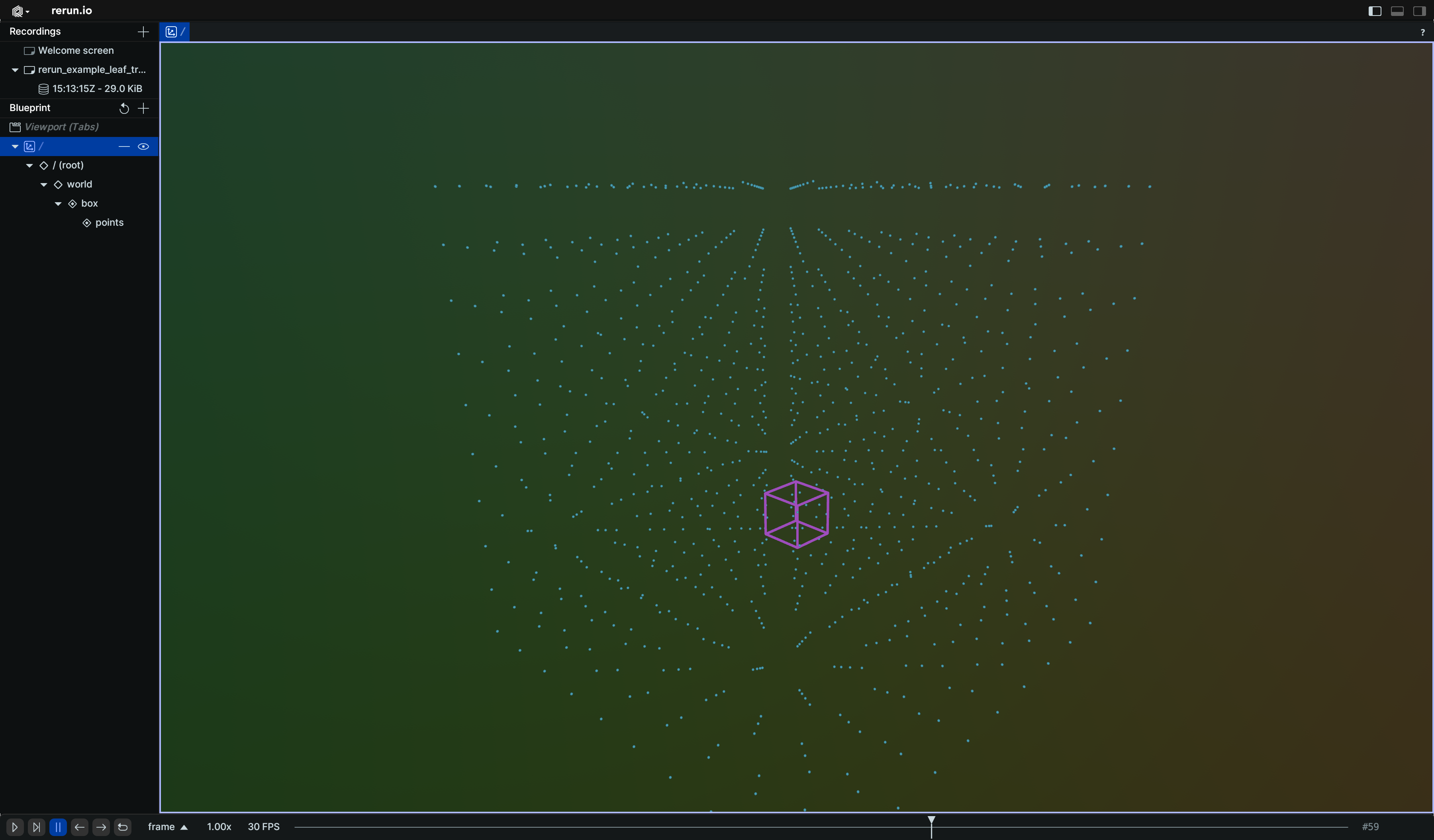
__init__
def __init__(
    *,
    translations: Vec3DArrayLike | None = None,
    rotation_axis_angles: RotationAxisAngleArrayLike
    | None = None,
    quaternions: QuaternionArrayLike | None = None,
    scales: Vec3DArrayLike | None = None,
    mat3x3: Mat3x3ArrayLike | None = None,
) -> None
Create a new instance of the InstancePoses3D archetype.
| PARAMETER | DESCRIPTION |
|---|---|
translations
|
Translation vectors.
TYPE:
|
rotation_axis_angles
|
Rotations via axis + angle.
TYPE:
|
quaternions
|
Rotations via quaternion.
TYPE:
|
scales
|
Scaling factors.
TYPE:
|
mat3x3
|
3x3 transformation matrices.
TYPE:
|
columns
classmethod
def columns(
    *,
    translations: Vec3DArrayLike | None = None,
    rotation_axis_angles: RotationAxisAngleArrayLike
    | None = None,
    quaternions: QuaternionArrayLike | None = None,
    scales: Vec3DArrayLike | None = None,
    mat3x3: Mat3x3ArrayLike | None = None,
) -> ComponentColumnList
Construct a new column-oriented component bundle.
This makes it possible to use rr.send_columns to send columnar data directly into Rerun.
The returned columns will be partitioned into unit-length sub-batches by default.
Use ComponentColumnList.partition to repartition the data as needed.
| PARAMETER | DESCRIPTION |
|---|---|
translations
|
Translation vectors.
TYPE:
|
rotation_axis_angles
|
Rotations via axis + angle.
TYPE:
|
quaternions
|
Rotations via quaternion.
TYPE:
|
scales
|
Scaling factors.
TYPE:
|
mat3x3
|
3x3 transformation matrices.
TYPE:
|
from_fields
classmethod
def from_fields(
    *,
    clear_unset: bool = False,
    translations: Vec3DArrayLike | None = None,
    rotation_axis_angles: RotationAxisAngleArrayLike
    | None = None,
    quaternions: QuaternionArrayLike | None = None,
    scales: Vec3DArrayLike | None = None,
    mat3x3: Mat3x3ArrayLike | None = None,
) -> InstancePoses3D
Update only some specific fields of a InstancePoses3D.
| PARAMETER | DESCRIPTION |
|---|---|
clear_unset
|
If true, all unspecified fields will be explicitly cleared.
TYPE:
|
translations
|
Translation vectors.
TYPE:
|
rotation_axis_angles
|
Rotations via axis + angle.
TYPE:
|
quaternions
|
Rotations via quaternion.
TYPE:
|
scales
|
Scaling factors.
TYPE:
|
mat3x3
|
3x3 transformation matrices.
TYPE:
|
LineStrips2D
Bases: Archetype, VisualizableArchetype
Archetype: 2D line strips with positions and optional colors, radii, labels, etc.
Examples:
line_strips2d_batch:
import rerun as rr
import rerun.blueprint as rrb

rr.init("rerun_example_line_strip2d_batch", spawn=True)

rr.log(
    "strips",
    rr.LineStrips2D(
        [
            [[0, 0], [2, 1], [4, -1], [6, 0]],
            [[0, 3], [1, 4], [2, 2], [3, 4], [4, 2], [5, 4], [6, 3]],
        ],
        colors=[[255, 0, 0], [0, 255, 0]],
        radii=[0.025, 0.005],
        labels=["one strip here", "and one strip there"],
    ),
)

# Set view bounds:
rr.send_blueprint(
    rrb.Spatial2DView(
        visual_bounds=rrb.VisualBounds2D(x_range=[-1, 7], y_range=[-3, 6])
    )
)
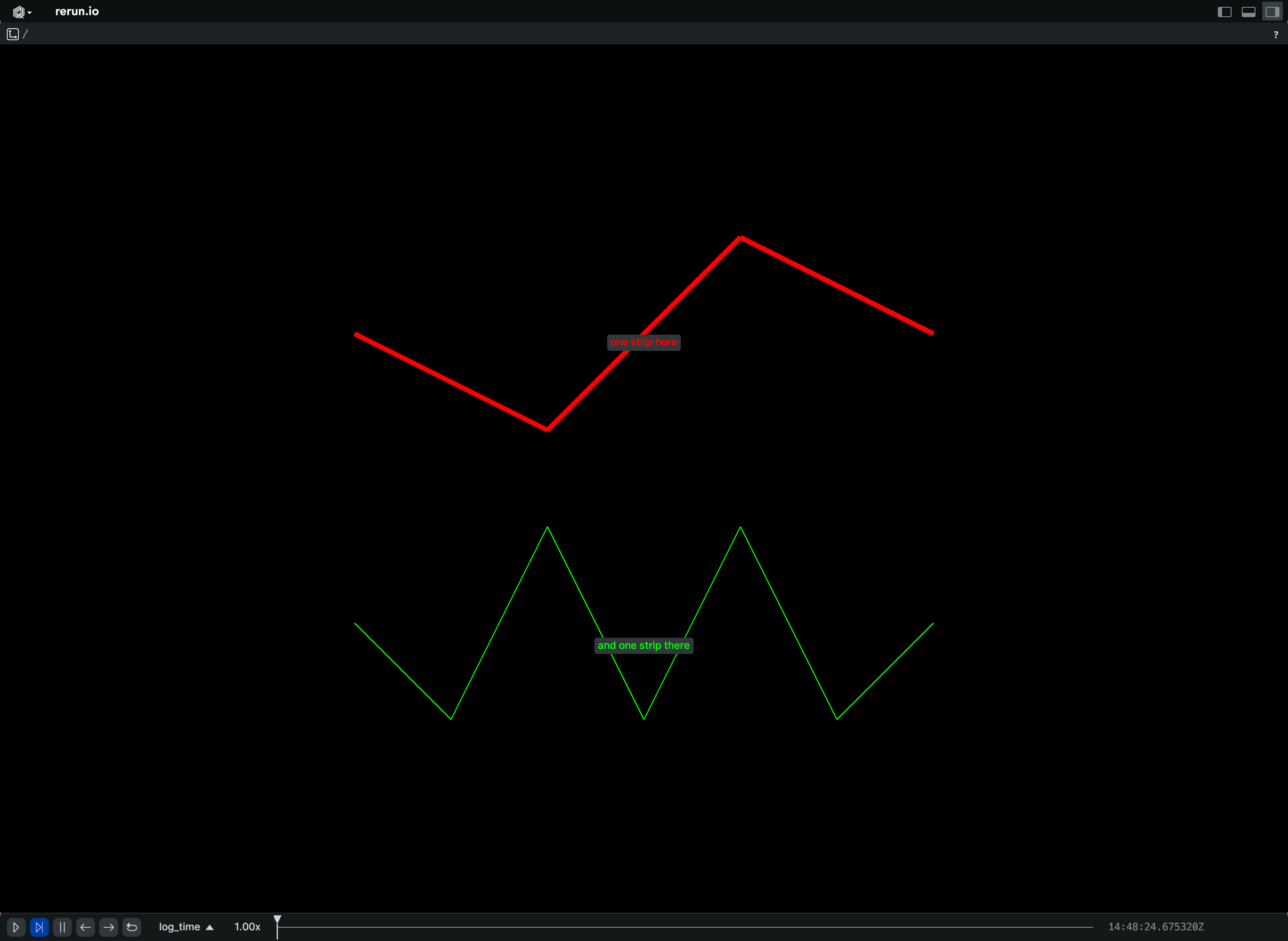
Lines with scene & UI radius each:
import rerun as rr
import rerun.blueprint as rrb

rr.init("rerun_example_line_strip2d_ui_radius", spawn=True)

# A blue line with a scene unit radii of 0.01.
points = [[0, 0], [0, 1], [1, 0], [1, 1]]
rr.log(
    "scene_unit_line",
    rr.LineStrips2D(
        [points],
        # By default, radii are interpreted as world-space units.
        radii=0.01,
        colors=[0, 0, 255],
    ),
)

# A red line with a ui point radii of 5.
# UI points are independent of zooming in Views, but are sensitive to the
# application UI scaling.
# For 100% ui scaling, UI points are equal to pixels.
points = [[3, 0], [3, 1], [4, 0], [4, 1]]
rr.log(
    "ui_points_line",
    rr.LineStrips2D(
        [points],
        # rr.Radius.ui_points produces radii that the viewer interprets
        # as given in ui points.
        radii=rr.Radius.ui_points(5.0),
        colors=[255, 0, 0],
    ),
)

# Set view bounds:
rr.send_blueprint(
    rrb.Spatial2DView(
        visual_bounds=rrb.VisualBounds2D(x_range=[-1, 5], y_range=[-1, 2])
    )
)
__init__
def __init__(
    strips: LineStrip2DArrayLike,
    *,
    radii: Float32ArrayLike | None = None,
    colors: Rgba32ArrayLike | None = None,
    labels: Utf8ArrayLike | None = None,
    show_labels: BoolLike | None = None,
    draw_order: Float32Like | None = None,
    class_ids: ClassIdArrayLike | None = None,
) -> None
Create a new instance of the LineStrips2D archetype.
| PARAMETER | DESCRIPTION |
|---|---|
strips
|
All the actual 2D line strips that make up the batch.
TYPE:
|
radii
|
Optional radii for the line strips.
TYPE:
|
colors
|
Optional colors for the line strips.
TYPE:
|
labels
|
Optional text labels for the line strips. If there's a single label present, it will be placed at the center of the entity. Otherwise, each instance will have its own label.
TYPE:
|
show_labels
|
Whether the text labels should be shown. If not set, labels will automatically appear when there is exactly one label for this entity or the number of instances on this entity is under a certain threshold.
TYPE:
|
draw_order
|
An optional floating point value that specifies the 2D drawing order of each line strip. Objects with higher values are drawn on top of those with lower values.
Defaults to
TYPE:
|
class_ids
|
Optional The
TYPE:
|
columns
classmethod
def columns(
    *,
    strips: LineStrip2DArrayLike | None = None,
    radii: Float32ArrayLike | None = None,
    colors: Rgba32ArrayLike | None = None,
    labels: Utf8ArrayLike | None = None,
    show_labels: BoolArrayLike | None = None,
    draw_order: Float32ArrayLike | None = None,
    class_ids: ClassIdArrayLike | None = None,
) -> ComponentColumnList
Construct a new column-oriented component bundle.
This makes it possible to use rr.send_columns to send columnar data directly into Rerun.
The returned columns will be partitioned into unit-length sub-batches by default.
Use ComponentColumnList.partition to repartition the data as needed.
| PARAMETER | DESCRIPTION |
|---|---|
strips
|
All the actual 2D line strips that make up the batch.
TYPE:
|
radii
|
Optional radii for the line strips.
TYPE:
|
colors
|
Optional colors for the line strips.
TYPE:
|
labels
|
Optional text labels for the line strips. If there's a single label present, it will be placed at the center of the entity. Otherwise, each instance will have its own label.
TYPE:
|
show_labels
|
Whether the text labels should be shown. If not set, labels will automatically appear when there is exactly one label for this entity or the number of instances on this entity is under a certain threshold.
TYPE:
|
draw_order
|
An optional floating point value that specifies the 2D drawing order of each line strip. Objects with higher values are drawn on top of those with lower values.
Defaults to
TYPE:
|
class_ids
|
Optional The
TYPE:
|
from_fields
classmethod
def from_fields(
    *,
    clear_unset: bool = False,
    strips: LineStrip2DArrayLike | None = None,
    radii: Float32ArrayLike | None = None,
    colors: Rgba32ArrayLike | None = None,
    labels: Utf8ArrayLike | None = None,
    show_labels: BoolLike | None = None,
    draw_order: Float32Like | None = None,
    class_ids: ClassIdArrayLike | None = None,
) -> LineStrips2D
Update only some specific fields of a LineStrips2D.
| PARAMETER | DESCRIPTION |
|---|---|
clear_unset
|
If true, all unspecified fields will be explicitly cleared.
TYPE:
|
strips
|
All the actual 2D line strips that make up the batch.
TYPE:
|
radii
|
Optional radii for the line strips.
TYPE:
|
colors
|
Optional colors for the line strips.
TYPE:
|
labels
|
Optional text labels for the line strips. If there's a single label present, it will be placed at the center of the entity. Otherwise, each instance will have its own label.
TYPE:
|
show_labels
|
Whether the text labels should be shown. If not set, labels will automatically appear when there is exactly one label for this entity or the number of instances on this entity is under a certain threshold.
TYPE:
|
draw_order
|
An optional floating point value that specifies the 2D drawing order of each line strip. Objects with higher values are drawn on top of those with lower values.
Defaults to
TYPE:
|
class_ids
|
Optional The
TYPE:
|
visualizer
def visualizer(
    *,
    mappings: list[VisualizerComponentMappingLike]
    | None = None,
) -> Visualizer
Creates a visualizer for this archetype, using all currently set values as overrides.
| PARAMETER | DESCRIPTION |
|---|---|
mappings
|
Optional component mappings to control how the visualizer sources its data. ⚠️ Experimental: Component mappings are an experimental feature and may change. See https://github.com/rerun-io/rerun/issues/10631 for more information.
TYPE:
|
LineStrips3D
Bases: Archetype, VisualizableArchetype
Archetype: 3D line strips with positions and optional colors, radii, labels, etc.
Examples:
Many strips:
import rerun as rr

rr.init("rerun_example_line_strip3d_batch", spawn=True)

rr.log(
    "strips",
    rr.LineStrips3D(
        [
            [
                [0, 0, 2],
                [1, 0, 2],
                [1, 1, 2],
                [0, 1, 2],
            ],
            [
                [0, 0, 0],
                [0, 0, 1],
                [1, 0, 0],
                [1, 0, 1],
                [1, 1, 0],
                [1, 1, 1],
                [0, 1, 0],
                [0, 1, 1],
            ],
        ],
        colors=[[255, 0, 0], [0, 255, 0]],
        radii=[0.025, 0.005],
        labels=["one strip here", "and one strip there"],
    ),
)
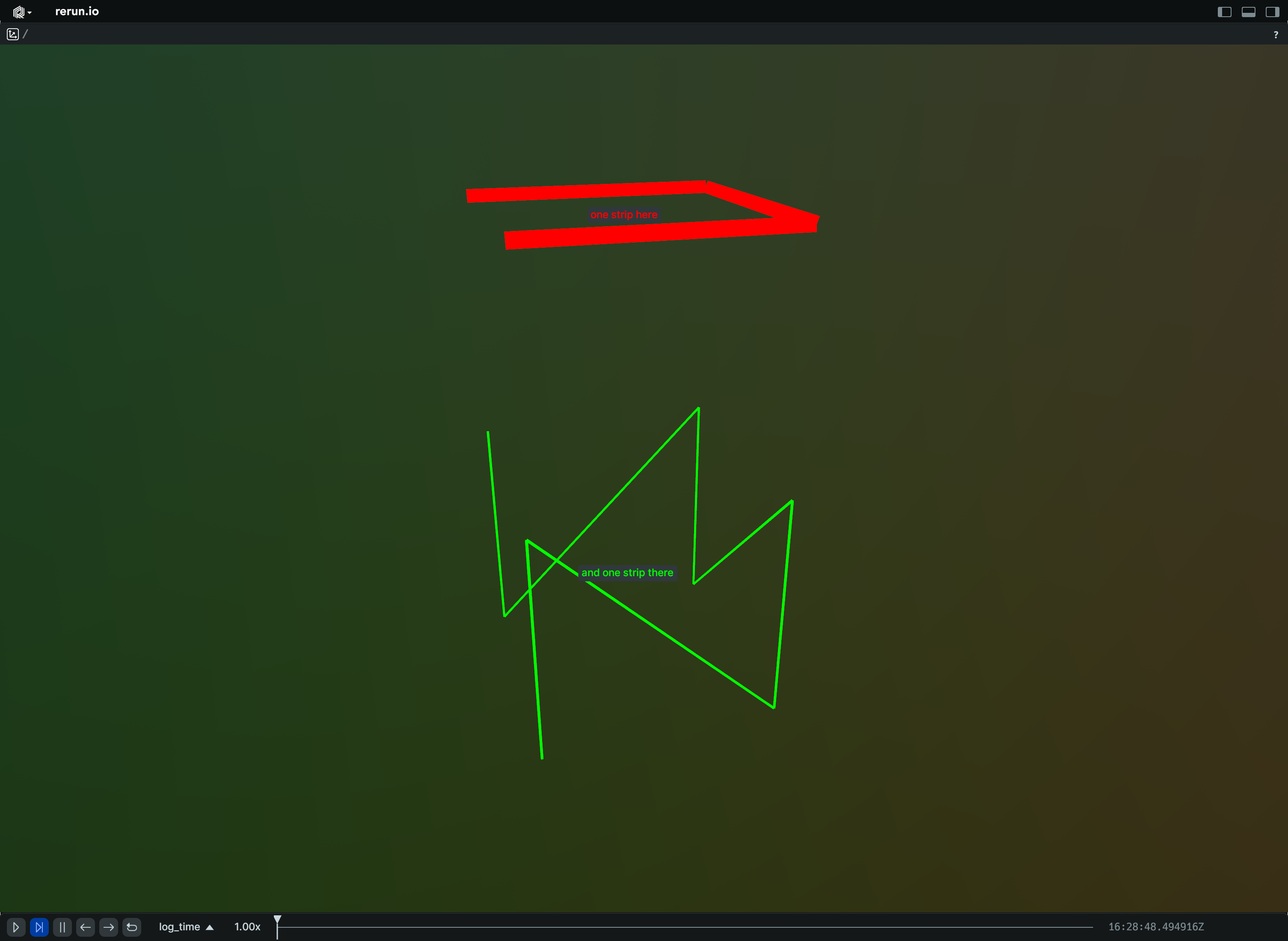
Lines with scene & UI radius each:
import rerun as rr

rr.init("rerun_example_line_strip3d_ui_radius", spawn=True)

# A blue line with a scene unit radii of 0.01.
points = [[0, 0, 0], [0, 0, 1], [1, 0, 0], [1, 0, 1]]
rr.log(
    "scene_unit_line",
    rr.LineStrips3D(
        [points],
        # By default, radii are interpreted as world-space units.
        radii=0.01,
        colors=[0, 0, 255],
    ),
)

# A red line with a ui point radii of 5.
# UI points are independent of zooming in Views, but are sensitive to the
# application UI scaling.
# For 100% ui scaling, UI points are equal to pixels.
points = [[3, 0, 0], [3, 0, 1], [4, 0, 0], [4, 0, 1]]
rr.log(
    "ui_points_line",
    rr.LineStrips3D(
        [points],
        # rr.Radius.ui_points produces radii that the viewer interprets
        # as given in ui points.
        radii=rr.Radius.ui_points(5.0),
        colors=[255, 0, 0],
    ),
)
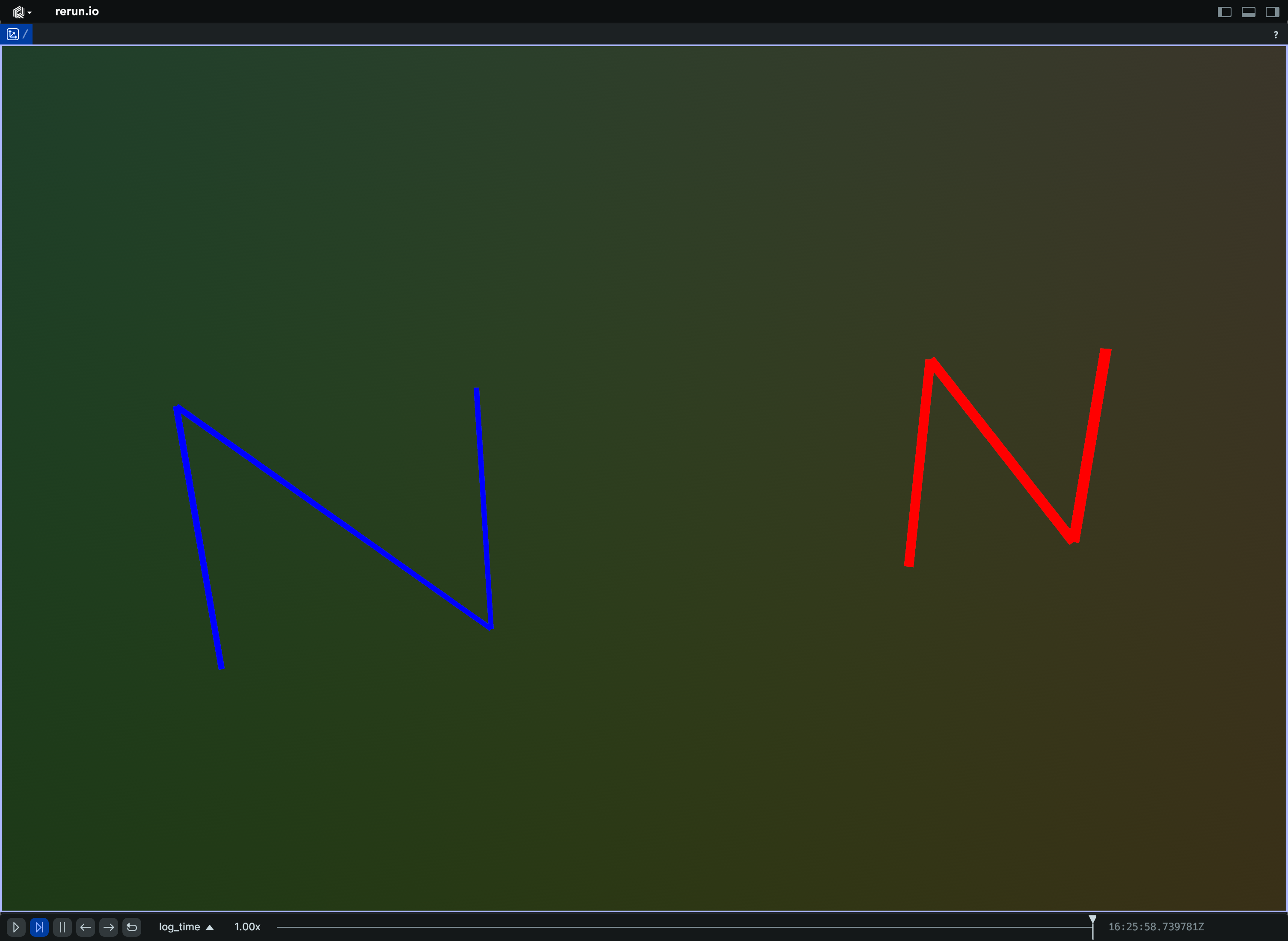
Time-windowed trails (e.g. Trajectories):
import math

import rerun as rr
import rerun.blueprint as rrb


def point(t: float, phase: float) -> list[float]:
    # Sample a point on a helix.
    angle = 0.5 * t + phase
    return [math.cos(angle), math.sin(angle), 0.1 * t]


rr.init("rerun_example_line_strips3d_time_window", spawn=True)

# Configure the visible time range in the blueprint.
# You can also override this per entity.
rr.send_blueprint(
    rrb.Spatial3DView(
        origin="/",
        time_ranges=rrb.VisibleTimeRange(
            "time",
            start=rrb.TimeRangeBoundary.cursor_relative(seconds=-5.0),
            end=rrb.TimeRangeBoundary.cursor_relative(),
        ),
    )
)

# Log the line strip increments with timestamps.
for i in range(600):
    t0 = i / 30.0
    t1 = (i + 1) / 30.0

    rr.set_time("time", duration=t1)
    rr.log(
        "trails",
        rr.LineStrips3D(
            [
                [point(t0, 0.0), point(t1, 0.0)],
                [point(t0, math.pi), point(t1, math.pi)],
            ],
            colors=[[255, 120, 0], [0, 180, 255]],
            radii=0.02,
        ),
    )
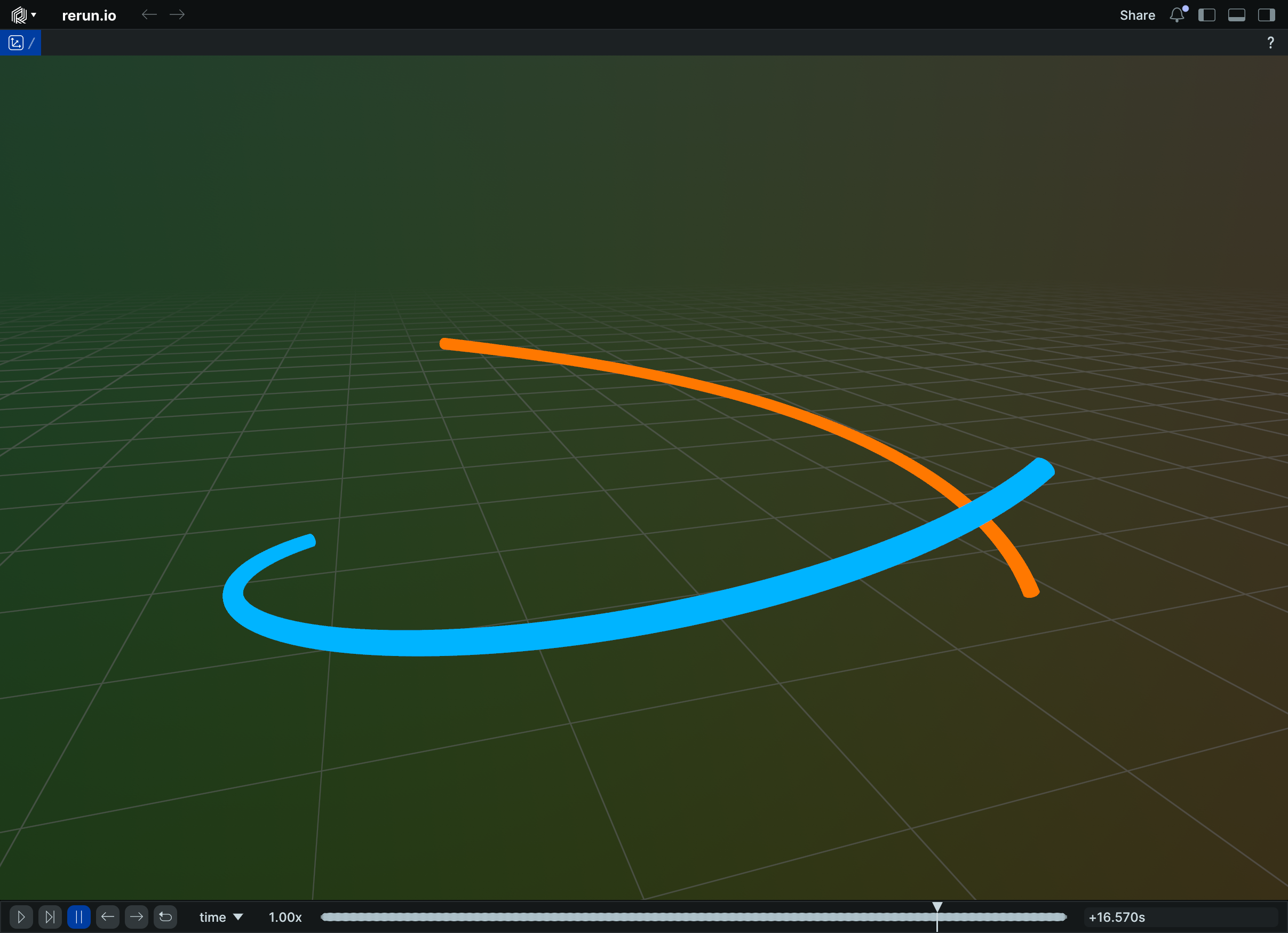
__init__
def __init__(
    strips: LineStrip3DArrayLike,
    *,
    radii: Float32ArrayLike | None = None,
    colors: Rgba32ArrayLike | None = None,
    labels: Utf8ArrayLike | None = None,
    show_labels: BoolLike | None = None,
    class_ids: ClassIdArrayLike | None = None,
) -> None
Create a new instance of the LineStrips3D archetype.
| PARAMETER | DESCRIPTION |
|---|---|
strips
|
All the actual 3D line strips that make up the batch.
TYPE:
|
radii
|
Optional radii for the line strips.
TYPE:
|
colors
|
Optional colors for the line strips. The alpha channel is ignored.
TYPE:
|
labels
|
Optional text labels for the line strips. If there's a single label present, it will be placed at the center of the entity. Otherwise, each instance will have its own label.
TYPE:
|
show_labels
|
Whether the text labels should be shown. If not set, labels will automatically appear when there is exactly one label for this entity or the number of instances on this entity is under a certain threshold.
TYPE:
|
class_ids
|
Optional The
TYPE:
|
columns
classmethod
def columns(
    *,
    strips: LineStrip3DArrayLike | None = None,
    radii: Float32ArrayLike | None = None,
    colors: Rgba32ArrayLike | None = None,
    labels: Utf8ArrayLike | None = None,
    show_labels: BoolArrayLike | None = None,
    class_ids: ClassIdArrayLike | None = None,
) -> ComponentColumnList
Construct a new column-oriented component bundle.
This makes it possible to use rr.send_columns to send columnar data directly into Rerun.
The returned columns will be partitioned into unit-length sub-batches by default.
Use ComponentColumnList.partition to repartition the data as needed.
| PARAMETER | DESCRIPTION |
|---|---|
strips
|
All the actual 3D line strips that make up the batch.
TYPE:
|
radii
|
Optional radii for the line strips.
TYPE:
|
colors
|
Optional colors for the line strips. The alpha channel is ignored.
TYPE:
|
labels
|
Optional text labels for the line strips. If there's a single label present, it will be placed at the center of the entity. Otherwise, each instance will have its own label.
TYPE:
|
show_labels
|
Whether the text labels should be shown. If not set, labels will automatically appear when there is exactly one label for this entity or the number of instances on this entity is under a certain threshold.
TYPE:
|
class_ids
|
Optional The
TYPE:
|
from_fields
classmethod
def from_fields(
    *,
    clear_unset: bool = False,
    strips: LineStrip3DArrayLike | None = None,
    radii: Float32ArrayLike | None = None,
    colors: Rgba32ArrayLike | None = None,
    labels: Utf8ArrayLike | None = None,
    show_labels: BoolLike | None = None,
    class_ids: ClassIdArrayLike | None = None,
) -> LineStrips3D
Update only some specific fields of a LineStrips3D.
| PARAMETER | DESCRIPTION |
|---|---|
clear_unset
|
If true, all unspecified fields will be explicitly cleared.
TYPE:
|
strips
|
All the actual 3D line strips that make up the batch.
TYPE:
|
radii
|
Optional radii for the line strips.
TYPE:
|
colors
|
Optional colors for the line strips. The alpha channel is ignored.
TYPE:
|
labels
|
Optional text labels for the line strips. If there's a single label present, it will be placed at the center of the entity. Otherwise, each instance will have its own label.
TYPE:
|
show_labels
|
Whether the text labels should be shown. If not set, labels will automatically appear when there is exactly one label for this entity or the number of instances on this entity is under a certain threshold.
TYPE:
|
class_ids
|
Optional The
TYPE:
|
visualizer
def visualizer(
    *,
    mappings: list[VisualizerComponentMappingLike]
    | None = None,
) -> Visualizer
Creates a visualizer for this archetype, using all currently set values as overrides.
| PARAMETER | DESCRIPTION |
|---|---|
mappings
|
Optional component mappings to control how the visualizer sources its data. ⚠️ Experimental: Component mappings are an experimental feature and may change. See https://github.com/rerun-io/rerun/issues/10631 for more information.
TYPE:
|
LoggingHandler
Bases: Handler
Provides a logging handler that forwards all events to the Rerun SDK.
McapChannel
Bases: Archetype
Archetype: A channel within an MCAP file that defines how messages are structured and encoded.
Channels in MCAP files group messages by topic and define their encoding format. Each channel has a unique identifier and specifies the message schema and encoding used for all messages published to that topic.
See also archetypes.McapMessage for individual messages within a channel,
archetypes.McapSchema for the data structure definitions, and the
MCAP specification for complete format details.
⚠️ This type is unstable and may change significantly in a way that the data won't be backwards compatible.
__init__
def __init__(
    *,
    id: UInt16Like,
    topic: Utf8Like,
    message_encoding: Utf8Like,
    metadata: KeyValuePairsLike | None = None,
) -> None
Create a new instance of the McapChannel archetype.
| PARAMETER | DESCRIPTION |
|---|---|
id
|
Unique identifier for this channel within the MCAP file. Channel IDs must be unique within a single MCAP file and are used to associate messages with their corresponding channel definition.
TYPE:
|
topic
|
The topic name that this channel publishes to. Topics are hierarchical paths from the original robotics system (e.g., "/sensors/camera/image") that categorize and organize different data streams. Topics are separate from Rerun's entity paths, but they often can be mapped to them.
TYPE:
|
message_encoding
|
The encoding format used for messages in this channel. Common encodings include:
*
TYPE:
|
metadata
|
Additional metadata for this channel stored as key-value pairs. This can include channel-specific configuration, description, units, coordinate frames, or any other contextual information that helps interpret the data in this channel.
TYPE:
|
columns
classmethod
def columns(
    *,
    id: UInt16ArrayLike | None = None,
    topic: Utf8ArrayLike | None = None,
    message_encoding: Utf8ArrayLike | None = None,
    metadata: KeyValuePairsArrayLike | None = None,
) -> ComponentColumnList
Construct a new column-oriented component bundle.
This makes it possible to use rr.send_columns to send columnar data directly into Rerun.
The returned columns will be partitioned into unit-length sub-batches by default.
Use ComponentColumnList.partition to repartition the data as needed.
| PARAMETER | DESCRIPTION |
|---|---|
id
|
Unique identifier for this channel within the MCAP file. Channel IDs must be unique within a single MCAP file and are used to associate messages with their corresponding channel definition.
TYPE:
|
topic
|
The topic name that this channel publishes to. Topics are hierarchical paths from the original robotics system (e.g., "/sensors/camera/image") that categorize and organize different data streams. Topics are separate from Rerun's entity paths, but they often can be mapped to them.
TYPE:
|
message_encoding
|
The encoding format used for messages in this channel. Common encodings include:
*
TYPE:
|
metadata
|
Additional metadata for this channel stored as key-value pairs. This can include channel-specific configuration, description, units, coordinate frames, or any other contextual information that helps interpret the data in this channel.
TYPE:
|
from_fields
classmethod
def from_fields(
    *,
    clear_unset: bool = False,
    id: UInt16Like | None = None,
    topic: Utf8Like | None = None,
    message_encoding: Utf8Like | None = None,
    metadata: KeyValuePairsLike | None = None,
) -> McapChannel
Update only some specific fields of a McapChannel.
| PARAMETER | DESCRIPTION |
|---|---|
clear_unset
|
If true, all unspecified fields will be explicitly cleared.
TYPE:
|
id
|
Unique identifier for this channel within the MCAP file. Channel IDs must be unique within a single MCAP file and are used to associate messages with their corresponding channel definition.
TYPE:
|
topic
|
The topic name that this channel publishes to. Topics are hierarchical paths from the original robotics system (e.g., "/sensors/camera/image") that categorize and organize different data streams. Topics are separate from Rerun's entity paths, but they often can be mapped to them.
TYPE:
|
message_encoding
|
The encoding format used for messages in this channel. Common encodings include:
*
TYPE:
|
metadata
|
Additional metadata for this channel stored as key-value pairs. This can include channel-specific configuration, description, units, coordinate frames, or any other contextual information that helps interpret the data in this channel.
TYPE:
|
McapMessage
Bases: Archetype
Archetype: The binary payload of a single MCAP message, without metadata.
This archetype represents only the raw message data from an MCAP file. It does not include MCAP message metadata such as timestamps, channel IDs, sequence numbers, or publication times. The binary payload represents sensor data, commands, or other information encoded according to the format specified by the associated channel.
See archetypes.McapChannel for channel definitions that specify message encoding,
archetypes.McapSchema for data structure definitions, and the
MCAP specification for complete format details.
⚠️ This type is unstable and may change significantly in a way that the data won't be backwards compatible.
__init__
def __init__(data: BlobLike) -> None
Create a new instance of the McapMessage archetype.
| PARAMETER | DESCRIPTION |
|---|---|
data
|
The raw message payload as a binary blob. This contains the actual message data encoded according to the format specified
by the associated channel's
TYPE:
|
columns
classmethod
def columns(
    *, data: BlobArrayLike | None = None
) -> ComponentColumnList
Construct a new column-oriented component bundle.
This makes it possible to use rr.send_columns to send columnar data directly into Rerun.
The returned columns will be partitioned into unit-length sub-batches by default.
Use ComponentColumnList.partition to repartition the data as needed.
| PARAMETER | DESCRIPTION |
|---|---|
data
|
The raw message payload as a binary blob. This contains the actual message data encoded according to the format specified
by the associated channel's
TYPE:
|
from_fields
classmethod
def from_fields(
    *,
    clear_unset: bool = False,
    data: BlobLike | None = None,
) -> McapMessage
Update only some specific fields of a McapMessage.
| PARAMETER | DESCRIPTION |
|---|---|
clear_unset
|
If true, all unspecified fields will be explicitly cleared.
TYPE:
|
data
|
The raw message payload as a binary blob. This contains the actual message data encoded according to the format specified
by the associated channel's
TYPE:
|
McapSchema
Bases: Archetype
Archetype: A schema definition that describes the structure of messages in an MCAP file.
Schemas define the data types and field structures used by messages in MCAP channels. They provide the blueprint for interpreting message payloads, specifying field names, types, and organization. Each schema is referenced by channels to indicate how their messages should be decoded and understood.
See also archetypes.McapChannel for channels that reference these schemas,
archetypes.McapMessage for the messages that conform to these schemas, and the
MCAP specification for complete format details.
⚠️ This type is unstable and may change significantly in a way that the data won't be backwards compatible.
__init__
def __init__(
    *,
    id: UInt16Like,
    name: Utf8Like,
    encoding: Utf8Like,
    data: BlobLike,
) -> None
Create a new instance of the McapSchema archetype.
| PARAMETER | DESCRIPTION |
|---|---|
id
|
Unique identifier for this schema within the MCAP file. Schema IDs must be unique within an MCAP file and are referenced by channels to specify their message structure. A single schema can be shared across multiple channels.
TYPE:
|
name
|
Human-readable name identifying this schema. Schema names typically describe the message type or data structure
(e.g.,
TYPE:
|
encoding
|
The schema definition format used to describe the message structure. Common schema encodings include:
*
TYPE:
|
data
|
The schema definition content as binary data. This contains the actual schema specification in the format indicated by the
TYPE:
|
columns
classmethod
def columns(
    *,
    id: UInt16ArrayLike | None = None,
    name: Utf8ArrayLike | None = None,
    encoding: Utf8ArrayLike | None = None,
    data: BlobArrayLike | None = None,
) -> ComponentColumnList
Construct a new column-oriented component bundle.
This makes it possible to use rr.send_columns to send columnar data directly into Rerun.
The returned columns will be partitioned into unit-length sub-batches by default.
Use ComponentColumnList.partition to repartition the data as needed.
| PARAMETER | DESCRIPTION |
|---|---|
id
|
Unique identifier for this schema within the MCAP file. Schema IDs must be unique within an MCAP file and are referenced by channels to specify their message structure. A single schema can be shared across multiple channels.
TYPE:
|
name
|
Human-readable name identifying this schema. Schema names typically describe the message type or data structure
(e.g.,
TYPE:
|
encoding
|
The schema definition format used to describe the message structure. Common schema encodings include:
*
TYPE:
|
data
|
The schema definition content as binary data. This contains the actual schema specification in the format indicated by the
TYPE:
|
from_fields
classmethod
def from_fields(
    *,
    clear_unset: bool = False,
    id: UInt16Like | None = None,
    name: Utf8Like | None = None,
    encoding: Utf8Like | None = None,
    data: BlobLike | None = None,
) -> McapSchema
Update only some specific fields of a McapSchema.
| PARAMETER | DESCRIPTION |
|---|---|
clear_unset
|
If true, all unspecified fields will be explicitly cleared.
TYPE:
|
id
|
Unique identifier for this schema within the MCAP file. Schema IDs must be unique within an MCAP file and are referenced by channels to specify their message structure. A single schema can be shared across multiple channels.
TYPE:
|
name
|
Human-readable name identifying this schema. Schema names typically describe the message type or data structure
(e.g.,
TYPE:
|
encoding
|
The schema definition format used to describe the message structure. Common schema encodings include:
*
TYPE:
|
data
|
The schema definition content as binary data. This contains the actual schema specification in the format indicated by the
TYPE:
|
McapStatistics
Bases: Archetype
Archetype: Recording-level statistics about an MCAP file.
This archetype contains summary information about an entire MCAP recording, including counts of messages, schemas, channels, and other records, as well as timing information spanning the full recording duration. It is typically logged once per recording to provide an overview of the dataset's structure and content.
See also archetypes.McapChannel for individual channel definitions,
archetypes.McapMessage for message content, archetypes.McapSchema for schema definitions,
and the MCAP specification for complete format details.
⚠️ This type is unstable and may change significantly in a way that the data won't be backwards compatible.
__init__
def __init__(
    *,
    message_count: UInt64Like,
    schema_count: UInt64Like,
    channel_count: UInt64Like,
    attachment_count: UInt64Like,
    metadata_count: UInt64Like,
    chunk_count: UInt64Like,
    message_start_time: TimeIntLike,
    message_end_time: TimeIntLike,
    channel_message_counts: ChannelMessageCountsLike
    | None = None,
) -> None
Create a new instance of the McapStatistics archetype.
| PARAMETER | DESCRIPTION |
|---|---|
message_count
|
Total number of data messages contained in the MCAP recording. This count includes all timestamped data messages but excludes metadata records, schema definitions, and other non-message records.
TYPE:
|
schema_count
|
Number of unique schema definitions in the recording. Each schema defines the structure for one or more message types used by channels.
TYPE:
|
channel_count
|
Number of channels defined in the recording. Each channel represents a unique topic and encoding combination for publishing messages.
TYPE:
|
attachment_count
|
Number of file attachments embedded in the recording. Attachments can include calibration files, configuration data, or other auxiliary files.
TYPE:
|
metadata_count
|
Number of metadata records providing additional context about the recording. Metadata records contain key-value pairs with information about the recording environment, system configuration, or other contextual data.
TYPE:
|
chunk_count
|
Number of data chunks used to organize messages in the file. Chunks group related messages together for efficient storage and indexed access.
TYPE:
|
message_start_time
|
Timestamp of the earliest message in the recording. This marks the beginning of the recorded data timeline.
TYPE:
|
message_end_time
|
Timestamp of the latest message in the recording. Together with
TYPE:
|
channel_message_counts
|
Detailed breakdown of message counts per channel.
TYPE:
|
columns
classmethod
def columns(
    *,
    message_count: UInt64ArrayLike | None = None,
    schema_count: UInt64ArrayLike | None = None,
    channel_count: UInt64ArrayLike | None = None,
    attachment_count: UInt64ArrayLike | None = None,
    metadata_count: UInt64ArrayLike | None = None,
    chunk_count: UInt64ArrayLike | None = None,
    message_start_time: TimeIntArrayLike | None = None,
    message_end_time: TimeIntArrayLike | None = None,
    channel_message_counts: ChannelMessageCountsArrayLike
    | None = None,
) -> ComponentColumnList
Construct a new column-oriented component bundle.
This makes it possible to use rr.send_columns to send columnar data directly into Rerun.
The returned columns will be partitioned into unit-length sub-batches by default.
Use ComponentColumnList.partition to repartition the data as needed.
| PARAMETER | DESCRIPTION |
|---|---|
message_count
|
Total number of data messages contained in the MCAP recording. This count includes all timestamped data messages but excludes metadata records, schema definitions, and other non-message records.
TYPE:
|
schema_count
|
Number of unique schema definitions in the recording. Each schema defines the structure for one or more message types used by channels.
TYPE:
|
channel_count
|
Number of channels defined in the recording. Each channel represents a unique topic and encoding combination for publishing messages.
TYPE:
|
attachment_count
|
Number of file attachments embedded in the recording. Attachments can include calibration files, configuration data, or other auxiliary files.
TYPE:
|
metadata_count
|
Number of metadata records providing additional context about the recording. Metadata records contain key-value pairs with information about the recording environment, system configuration, or other contextual data.
TYPE:
|
chunk_count
|
Number of data chunks used to organize messages in the file. Chunks group related messages together for efficient storage and indexed access.
TYPE:
|
message_start_time
|
Timestamp of the earliest message in the recording. This marks the beginning of the recorded data timeline.
TYPE:
|
message_end_time
|
Timestamp of the latest message in the recording. Together with
TYPE:
|
channel_message_counts
|
Detailed breakdown of message counts per channel.
TYPE:
|
from_fields
classmethod
def from_fields(
    *,
    clear_unset: bool = False,
    message_count: UInt64Like | None = None,
    schema_count: UInt64Like | None = None,
    channel_count: UInt64Like | None = None,
    attachment_count: UInt64Like | None = None,
    metadata_count: UInt64Like | None = None,
    chunk_count: UInt64Like | None = None,
    message_start_time: TimeIntLike | None = None,
    message_end_time: TimeIntLike | None = None,
    channel_message_counts: ChannelMessageCountsLike
    | None = None,
) -> McapStatistics
Update only some specific fields of a McapStatistics.
| PARAMETER | DESCRIPTION |
|---|---|
clear_unset
|
If true, all unspecified fields will be explicitly cleared.
TYPE:
|
message_count
|
Total number of data messages contained in the MCAP recording. This count includes all timestamped data messages but excludes metadata records, schema definitions, and other non-message records.
TYPE:
|
schema_count
|
Number of unique schema definitions in the recording. Each schema defines the structure for one or more message types used by channels.
TYPE:
|
channel_count
|
Number of channels defined in the recording. Each channel represents a unique topic and encoding combination for publishing messages.
TYPE:
|
attachment_count
|
Number of file attachments embedded in the recording. Attachments can include calibration files, configuration data, or other auxiliary files.
TYPE:
|
metadata_count
|
Number of metadata records providing additional context about the recording. Metadata records contain key-value pairs with information about the recording environment, system configuration, or other contextual data.
TYPE:
|
chunk_count
|
Number of data chunks used to organize messages in the file. Chunks group related messages together for efficient storage and indexed access.
TYPE:
|
message_start_time
|
Timestamp of the earliest message in the recording. This marks the beginning of the recorded data timeline.
TYPE:
|
message_end_time
|
Timestamp of the latest message in the recording. Together with
TYPE:
|
channel_message_counts
|
Detailed breakdown of message counts per channel.
TYPE:
|
Measurements
Bases: Archetype, VisualizableArchetype
Archetype: One or more scalar measurements, each with a variance and a unit.
Use this for sensors that report a value together with its uncertainty: pressure, temperature, illuminance, relative humidity, range, and so on.
In a views.TimeSeriesView each series is drawn as a line with a translucent
band around it, one standard deviation (the square root of the variance) wide in each direction.
Leave variances unset if the uncertainty is unknown.
The current timeline value is used for the time/X-axis, so measurements should not be static. Number of values per timestamp is expected to be the same over time.
Unlike archetypes.Scalars, this archetype carries its own styling, so values and style
are logged together.
Changes over time are supported for most but not all styling fields (see respective fields for details).
⚠️ This type is unstable and may change significantly in a way that the data won't be backwards compatible.
Example
Pressure with variance:
import math

import rerun as rr

rr.init("rerun_example_measurements_simple", spawn=True)

# Two parallel pressure sensors (in Pa), each with slowly drifting variance.
for step in range(64):
    rr.set_time("step", sequence=step)
    pressures = [
        101_325.0 + 50.0 * math.sin(step / 10.0),
        101_300.0 + 30.0 * math.cos(step / 8.0),
    ]
    variances = [
        100.0 + 25.0 * math.sin(step / 7.0),
        80.0 + 15.0 * math.cos(step / 11.0),
    ]
    rr.log(
        "pressure",
        rr.Measurements(values=pressures, variances=variances, units="Pa"),
    )
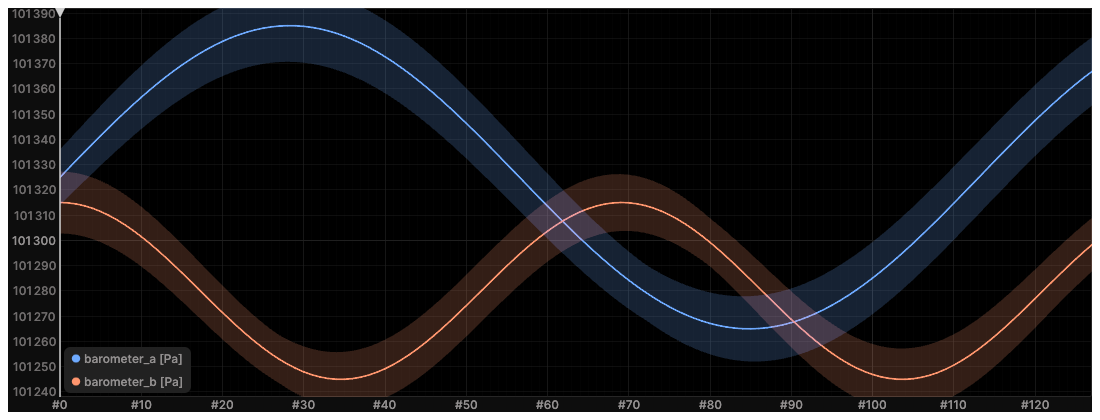
__init__
def __init__(
    values: Float64ArrayLike,
    *,
    variances: Float64ArrayLike | None = None,
    units: Utf8ArrayLike | None = None,
    colors: Rgba32ArrayLike | None = None,
    widths: Float32ArrayLike | None = None,
    names: Utf8ArrayLike | None = None,
    visible_series: BoolArrayLike | None = None,
    aggregation_policy: AggregationPolicyLike | None = None,
    interpolation_mode: InterpolationModeLike | None = None,
) -> None
Create a new instance of the Measurements archetype.
| PARAMETER | DESCRIPTION |
|---|---|
values
|
The measured scalar values.
TYPE:
|
variances
|
Variances of the measurements (σ², in the units of When set, length is expected to match
TYPE:
|
units
|
Units of the measurements, shown in the legend and in tooltips. When set, length is expected to match
TYPE:
|
colors
|
Color for the corresponding series. May change over time, but can cause discontinuities in the line.
TYPE:
|
widths
|
Stroke width for the corresponding series. May change over time, but can cause discontinuities in the line.
TYPE:
|
names
|
Display name of the series. Used in the legend. Expected to be unchanging over time.
TYPE:
|
visible_series
|
Which series are visible. If not set, all series on this entity are visible. Unlike with the regular visibility property of the entire entity, any series that is hidden via this property will still be visible in the legend. May change over time, but can cause discontinuities in the line.
TYPE:
|
aggregation_policy
|
Configures the zoom-dependent scalar aggregation. This is done only if steps on the X axis go below a single pixel, i.e. a single pixel covers more than one tick worth of data. It can greatly improve performance (and readability) in such situations as it prevents overdraw. Expected to be unchanging over time.
TYPE:
|
interpolation_mode
|
Specifies how values between data points are interpolated. Defaults to linear interpolation. Use one of the Expected to be unchanging over time.
TYPE:
|
columns
classmethod
def columns(
    *,
    values: Float64ArrayLike | None = None,
    variances: Float64ArrayLike | None = None,
    units: Utf8ArrayLike | None = None,
    colors: Rgba32ArrayLike | None = None,
    widths: Float32ArrayLike | None = None,
    names: Utf8ArrayLike | None = None,
    visible_series: BoolArrayLike | None = None,
    aggregation_policy: AggregationPolicyArrayLike
    | None = None,
    interpolation_mode: InterpolationModeArrayLike
    | None = None,
) -> ComponentColumnList
Construct a new column-oriented component bundle.
This makes it possible to use rr.send_columns to send columnar data directly into Rerun.
The returned columns will be partitioned into unit-length sub-batches by default.
Use ComponentColumnList.partition to repartition the data as needed.
| PARAMETER | DESCRIPTION |
|---|---|
values
|
The measured scalar values.
TYPE:
|
variances
|
Variances of the measurements (σ², in the units of When set, length is expected to match
TYPE:
|
units
|
Units of the measurements, shown in the legend and in tooltips. When set, length is expected to match
TYPE:
|
colors
|
Color for the corresponding series. May change over time, but can cause discontinuities in the line.
TYPE:
|
widths
|
Stroke width for the corresponding series. May change over time, but can cause discontinuities in the line.
TYPE:
|
names
|
Display name of the series. Used in the legend. Expected to be unchanging over time.
TYPE:
|
visible_series
|
Which series are visible. If not set, all series on this entity are visible. Unlike with the regular visibility property of the entire entity, any series that is hidden via this property will still be visible in the legend. May change over time, but can cause discontinuities in the line.
TYPE:
|
aggregation_policy
|
Configures the zoom-dependent scalar aggregation. This is done only if steps on the X axis go below a single pixel, i.e. a single pixel covers more than one tick worth of data. It can greatly improve performance (and readability) in such situations as it prevents overdraw. Expected to be unchanging over time.
TYPE:
|
interpolation_mode
|
Specifies how values between data points are interpolated. Defaults to linear interpolation. Use one of the Expected to be unchanging over time.
TYPE:
|
from_fields
classmethod
def from_fields(
    *,
    clear_unset: bool = False,
    values: Float64ArrayLike | None = None,
    variances: Float64ArrayLike | None = None,
    units: Utf8ArrayLike | None = None,
    colors: Rgba32ArrayLike | None = None,
    widths: Float32ArrayLike | None = None,
    names: Utf8ArrayLike | None = None,
    visible_series: BoolArrayLike | None = None,
    aggregation_policy: AggregationPolicyLike | None = None,
    interpolation_mode: InterpolationModeLike | None = None,
) -> Measurements
Update only some specific fields of a Measurements.
| PARAMETER | DESCRIPTION |
|---|---|
clear_unset
|
If true, all unspecified fields will be explicitly cleared.
TYPE:
|
values
|
The measured scalar values.
TYPE:
|
variances
|
Variances of the measurements (σ², in the units of When set, length is expected to match
TYPE:
|
units
|
Units of the measurements, shown in the legend and in tooltips. When set, length is expected to match
TYPE:
|
colors
|
Color for the corresponding series. May change over time, but can cause discontinuities in the line.
TYPE:
|
widths
|
Stroke width for the corresponding series. May change over time, but can cause discontinuities in the line.
TYPE:
|
names
|
Display name of the series. Used in the legend. Expected to be unchanging over time.
TYPE:
|
visible_series
|
Which series are visible. If not set, all series on this entity are visible. Unlike with the regular visibility property of the entire entity, any series that is hidden via this property will still be visible in the legend. May change over time, but can cause discontinuities in the line.
TYPE:
|
aggregation_policy
|
Configures the zoom-dependent scalar aggregation. This is done only if steps on the X axis go below a single pixel, i.e. a single pixel covers more than one tick worth of data. It can greatly improve performance (and readability) in such situations as it prevents overdraw. Expected to be unchanging over time.
TYPE:
|
interpolation_mode
|
Specifies how values between data points are interpolated. Defaults to linear interpolation. Use one of the Expected to be unchanging over time.
TYPE:
|
visualizer
def visualizer(
    *,
    mappings: list[VisualizerComponentMappingLike]
    | None = None,
) -> Visualizer
Creates a visualizer for this archetype, using all currently set values as overrides.
| PARAMETER | DESCRIPTION |
|---|---|
mappings
|
Optional component mappings to control how the visualizer sources its data. ⚠️ Experimental: Component mappings are an experimental feature and may change. See https://github.com/rerun-io/rerun/issues/10631 for more information.
TYPE:
|
MediaType
Bases: MediaTypeExt, Utf8, ComponentMixin
Component: A standardized media type (RFC2046, formerly known as MIME types), encoded as a string.
The complete reference of officially registered media types is maintained by the IANA and can be consulted at https://www.iana.org/assignments/media-types/media-types.xhtml.
GLB
class-attribute
GLB: MediaType
Binary glTF: model/gltf-binary.
https://www.iana.org/assignments/media-types/model/gltf-binary
GLTF
class-attribute
GLTF: MediaType
glTF: model/gltf+json.
https://www.iana.org/assignments/media-types/model/gltf+json
MP3
class-attribute
MP3: MediaType
MP4
class-attribute
MP4: MediaType
OBJ
class-attribute
OBJ: MediaType
PLY
class-attribute
PLY: MediaType
PLY (Polygon File Format): application/x-ply.
Holds either a mesh or a point cloud, depending on its header.
PNG
class-attribute
PNG: MediaType
RVL
class-attribute
RVL: MediaType
RVL compressed depth: application/rvl.
Run length encoding and Variable Length encoding schemes (RVL) compressed depth data format. https://www.microsoft.com/en-us/research/wp-content/uploads/2018/09/p100-wilson.pdf
arrow_type
classmethod
def arrow_type() -> DataType
The pyarrow type of this batch.
Part of the rerun.ComponentBatchLike logging interface.
as_arrow_array
def as_arrow_array() -> Array
The component as an arrow batch.
Part of the rerun.ComponentBatchLike logging interface.
component_type
classmethod
def component_type() -> str
Returns the name of the component.
Part of the rerun.ComponentBatchLike logging interface.
MemoryRecording
A recording that stores data in memory.
drain_as_bytes
def drain_as_bytes() -> bytes
Drains the MemoryRecording and returns the data as bytes.
This will flush the current sink before returning.
num_msgs
def num_msgs() -> int
The number of pending messages in the MemoryRecording.
Note: counting the messages will flush the batcher in order to get a deterministic count.
Mesh3D
Bases: Mesh3DExt, Archetype, VisualizableArchetype
Archetype: A 3D triangle mesh as specified by its per-mesh and per-vertex properties.
See also archetypes.Asset3D.
If there are multiple archetypes.InstancePoses3D instances logged to the same entity as a mesh,
an instance of the mesh will be drawn for each transform.
For transparency ordering, as well as back face culling (disabled by default), front faces are assumed to be those with counter clockwise triangle winding order (this is the same as in the GLTF specification).
Examples:
Simple indexed 3D mesh:
import rerun as rr

rr.init("rerun_example_mesh3d_indexed", spawn=True)

rr.log(
    "triangle",
    rr.Mesh3D(
        vertex_positions=[[0.0, 1.0, 0.0], [1.0, 0.0, 0.0], [0.0, 0.0, 0.0]],
        vertex_normals=[0.0, 0.0, 1.0],
        vertex_colors=[[0, 0, 255], [0, 255, 0], [255, 0, 0]],
        triangle_indices=[2, 1, 0],
    ),
)
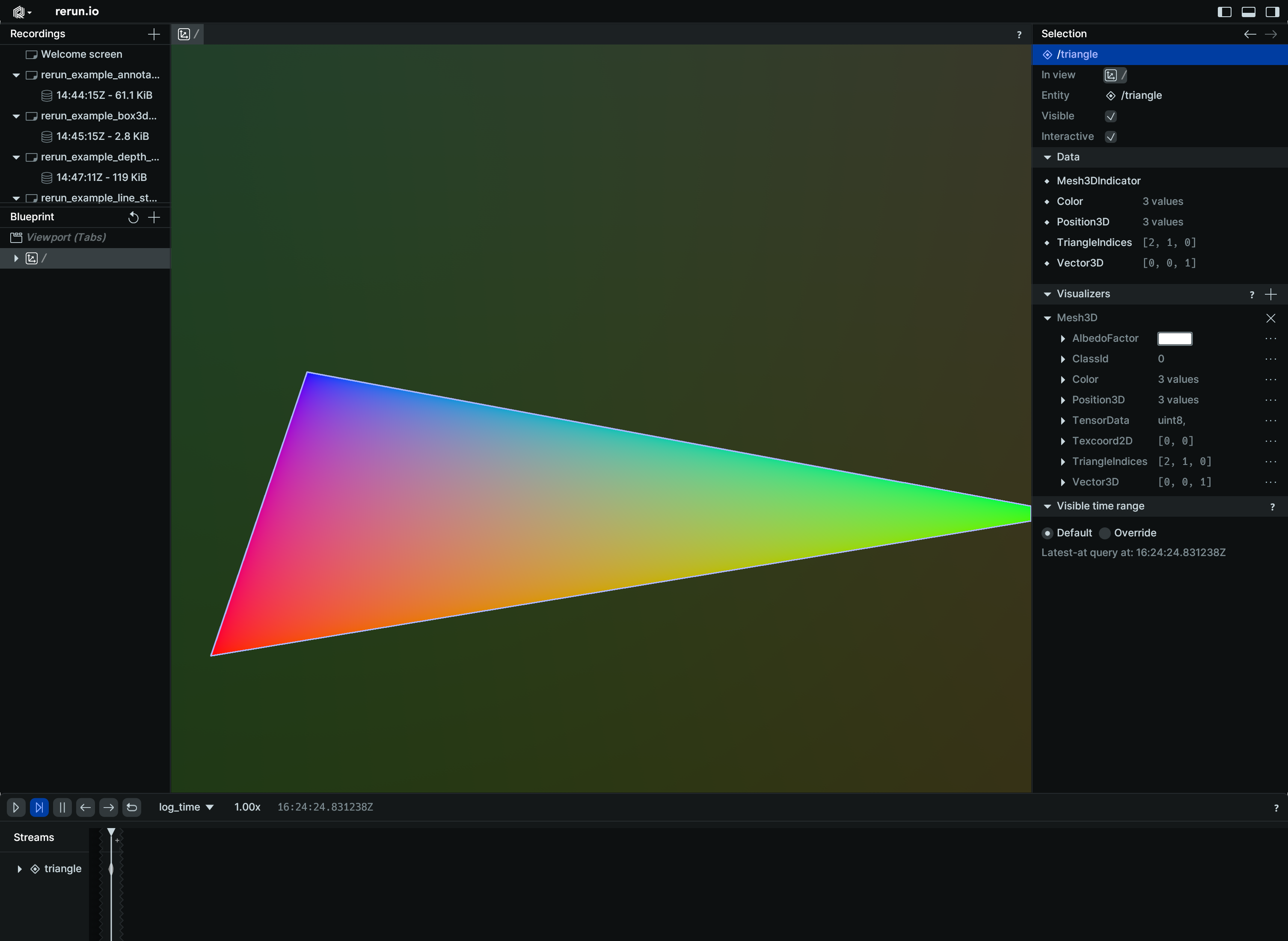
3D mesh with instancing:
import rerun as rr

rr.init("rerun_example_mesh3d_instancing", spawn=True)
rr.set_time("frame", sequence=0)

rr.log(
    "shape",
    rr.Mesh3D(
        vertex_positions=[[1, 1, 1], [-1, -1, 1], [-1, 1, -1], [1, -1, -1]],
        triangle_indices=[[0, 2, 1], [0, 3, 1], [0, 3, 2], [1, 3, 2]],
        vertex_colors=[[255, 0, 0], [0, 255, 0], [0, 0, 255], [255, 255, 0]],
    ),
)
# This box will not be affected by its parent's instance poses!
rr.log(
    "shape/box",
    rr.Boxes3D(half_sizes=[[5.0, 5.0, 5.0]]),
)

for i in range(100):
    rr.set_time("frame", sequence=i)
    rr.log(
        "shape",
        rr.InstancePoses3D(
            translations=[[2, 0, 0], [0, 2, 0], [0, -2, 0], [-2, 0, 0]],
            rotation_axis_angles=rr.RotationAxisAngle(
                [0, 0, 1], rr.Angle(deg=i * 2)
            ),
        ),
    )
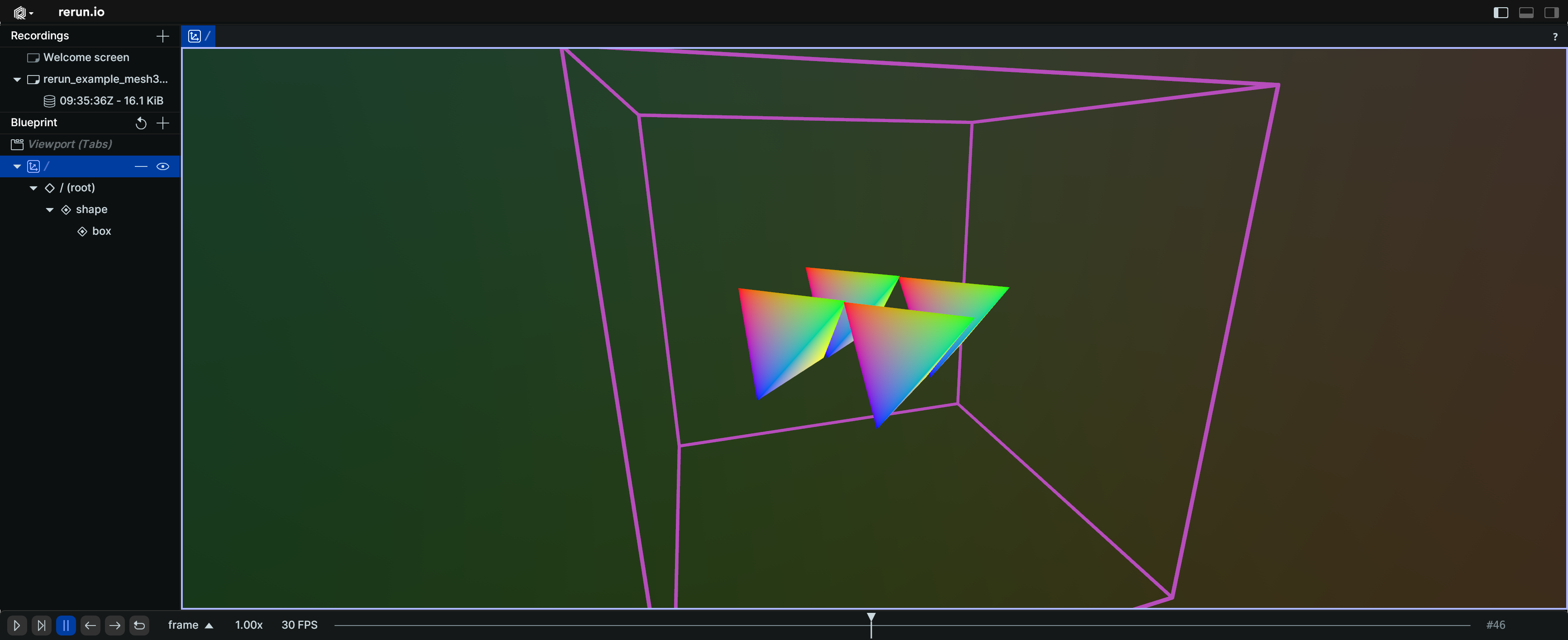
Image as a 3D quad:
import numpy as np

import rerun as rr

rr.init("rerun_example_mesh3d_image", spawn=True)

# Simple gradient image
image = np.array(
    [[[x, y, 0] for x in range(256)] for y in range(256)],
    dtype=np.uint8,
)

top_left = [1.0, 1.0, 1.0]
top_right = [1.0, 0.0, 1.0]
bottom_right = [1.0, 0.0, 0.0]
bottom_left = [1.0, 1.0, 0.0]
alpha = 255

# Inset by half a pixel so opposite edges of the image don't leak
# onto the border.
height, width = image.shape[:2]
u0, v0 = 0.5 / width, 0.5 / height
u1, v1 = 1.0 - u0, 1.0 - v0

rr.log(
    "image",
    rr.Mesh3D(
        vertex_positions=[top_left, top_right, bottom_right, bottom_left],
        vertex_texcoords=[[u0, v0], [u1, v0], [u1, v1], [u0, v1]],
        triangle_indices=[[0, 2, 1], [0, 3, 2]],
        albedo_texture=image,
        albedo_factor=[255, 255, 255, alpha],
    ),
)
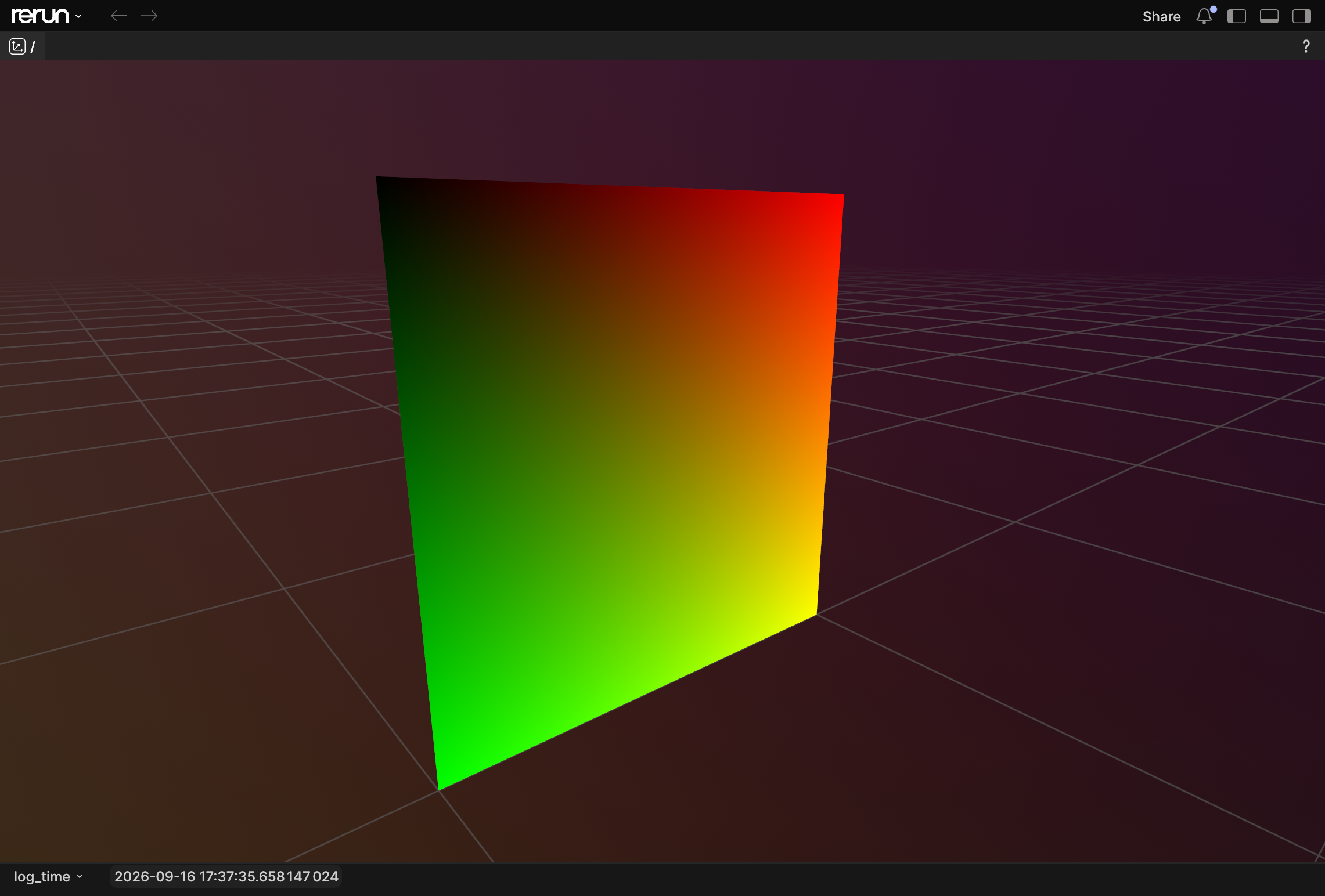
__init__
def __init__(
    *,
    vertex_positions: Vec3DArrayLike,
    triangle_indices: UVec3DArrayLike | None = None,
    vertex_normals: Vec3DArrayLike | None = None,
    vertex_colors: Rgba32ArrayLike | None = None,
    vertex_texcoords: Vec2DArrayLike | None = None,
    albedo_texture: ImageLike | None = None,
    albedo_factor: Rgba32Like | None = None,
    face_rendering: MeshFaceRenderingLike | None = None,
    class_ids: ClassIdArrayLike | None = None,
) -> None
Create a new instance of the Mesh3D archetype.
| PARAMETER | DESCRIPTION |
|---|---|
vertex_positions
|
The positions of each vertex.
If no
TYPE:
|
triangle_indices
|
Optional indices for the triangles that make up the mesh.
TYPE:
|
vertex_normals
|
An optional normal for each vertex.
If specified, this must have as many elements as
TYPE:
|
vertex_texcoords
|
An optional texture coordinate for each vertex.
If specified, this must have as many elements as
TYPE:
|
vertex_colors
|
An optional color for each vertex.
TYPE:
|
albedo_factor
|
Optional color multiplier for the whole mesh
TYPE:
|
albedo_texture
|
Optional albedo texture. Used with
TYPE:
|
face_rendering
|
Determines which faces of the mesh are rendered.
The default is
TYPE:
|
class_ids
|
Optional class Ids for the vertices. The class ID provides colors and labels if not specified explicitly.
TYPE:
|
columns
classmethod
def columns(
    *,
    vertex_positions: Vec3DArrayLike | None = None,
    triangle_indices: UVec3DArrayLike | None = None,
    vertex_normals: Vec3DArrayLike | None = None,
    vertex_colors: Rgba32ArrayLike | None = None,
    vertex_texcoords: Vec2DArrayLike | None = None,
    albedo_factor: Rgba32ArrayLike | None = None,
    face_rendering: MeshFaceRenderingArrayLike
    | None = None,
    albedo_texture_buffer: BlobArrayLike | None = None,
    albedo_texture_format: ImageFormatArrayLike
    | None = None,
    class_ids: ClassIdArrayLike | None = None,
) -> ComponentColumnList
Construct a new column-oriented component bundle.
This makes it possible to use rr.send_columns to send columnar data directly into Rerun.
The returned columns will be partitioned into unit-length sub-batches by default.
Use ComponentColumnList.partition to repartition the data as needed.
| PARAMETER | DESCRIPTION |
|---|---|
vertex_positions
|
The positions of each vertex. If no
TYPE:
|
triangle_indices
|
Optional indices for the triangles that make up the mesh.
TYPE:
|
vertex_normals
|
An optional normal for each vertex.
TYPE:
|
vertex_colors
|
An optional color for each vertex. The alpha channel is ignored.
TYPE:
|
vertex_texcoords
|
An optional uv texture coordinate for each vertex.
TYPE:
|
albedo_factor
|
A color multiplier applied to the whole mesh. Alpha channel governs the overall mesh transparency.
TYPE:
|
face_rendering
|
Determines which faces of the mesh are rendered. The default is
TYPE:
|
albedo_texture_buffer
|
Optional albedo texture. Used with the Currently supports only sRGB(A) textures, ignoring alpha.
(meaning that the tensor must have 3 or 4 channels and use the The alpha channel is ignored.
TYPE:
|
albedo_texture_format
|
The format of the
TYPE:
|
class_ids
|
Optional class Ids for the vertices. The
TYPE:
|
from_fields
classmethod
def from_fields(
*,
clear_unset: bool = False,
vertex_positions: Vec3DArrayLike | None = None,
triangle_indices: UVec3DArrayLike | None = None,
vertex_normals: Vec3DArrayLike | None = None,
vertex_colors: Rgba32ArrayLike | None = None,
vertex_texcoords: Vec2DArrayLike | None = None,
albedo_factor: Rgba32Like | None = None,
face_rendering: MeshFaceRenderingLike | None = None,
albedo_texture_buffer: BlobLike | None = None,
albedo_texture_format: ImageFormatLike | None = None,
class_ids: ClassIdArrayLike | None = None,
) -> Mesh3D
Update only some specific fields of a Mesh3D.
| PARAMETER | DESCRIPTION |
|---|---|
clear_unset
|
If true, all unspecified fields will be explicitly cleared.
TYPE:
|
vertex_positions
|
The positions of each vertex. If no
TYPE:
|
triangle_indices
|
Optional indices for the triangles that make up the mesh.
TYPE:
|
vertex_normals
|
An optional normal for each vertex.
TYPE:
|
vertex_colors
|
An optional color for each vertex. The alpha channel is ignored.
TYPE:
|
vertex_texcoords
|
An optional uv texture coordinate for each vertex.
TYPE:
|
albedo_factor
|
A color multiplier applied to the whole mesh. Alpha channel governs the overall mesh transparency.
TYPE:
|
face_rendering
|
Determines which faces of the mesh are rendered. The default is
TYPE:
|
albedo_texture_buffer
|
Optional albedo texture. Used with the Currently supports only sRGB(A) textures, ignoring alpha.
(meaning that the tensor must have 3 or 4 channels and use the The alpha channel is ignored.
TYPE:
|
albedo_texture_format
|
The format of the
TYPE:
|
class_ids
|
Optional class Ids for the vertices. The
TYPE:
|
visualizer
def visualizer(
*,
mappings: list[VisualizerComponentMappingLike]
| None = None,
) -> Visualizer
Creates a visualizer for this archetype, using all currently set values as overrides.
| PARAMETER | DESCRIPTION |
|---|---|
mappings
|
Optional component mappings to control how the visualizer sources its data. ⚠️ Experimental: Component mappings are an experimental feature and may change. See https://github.com/rerun-io/rerun/issues/10631 for more information.
TYPE:
|
Pinhole
Bases: PinholeExt, Archetype, VisualizableArchetype
Archetype: Camera perspective projection (a.k.a. intrinsics).
If archetypes.Transform3D is logged for the same child/parent relationship (e.g. for the camera extrinsics), it takes precedence over archetypes.Pinhole.
If you use named transform frames via the child_frame and parent_frame fields, you don't have to use archetypes.CoordinateFrame
as it is the case with other visualizations: for any entity with an archetypes.Pinhole the viewer will always visualize it
directly without needing a archetypes.CoordinateFrame to refer to the pinhole's child/parent frame.
Examples:
Simple pinhole camera:
import numpy as np
import rerun as rr
rr.init("rerun_example_pinhole", spawn=True)
rng = np.random.default_rng(12345)
image = rng.uniform(0, 255, size=[3, 3, 3])
rr.log("world/image", rr.Pinhole(focal_length=3, width=3, height=3))
rr.log("world/image", rr.Image(image))
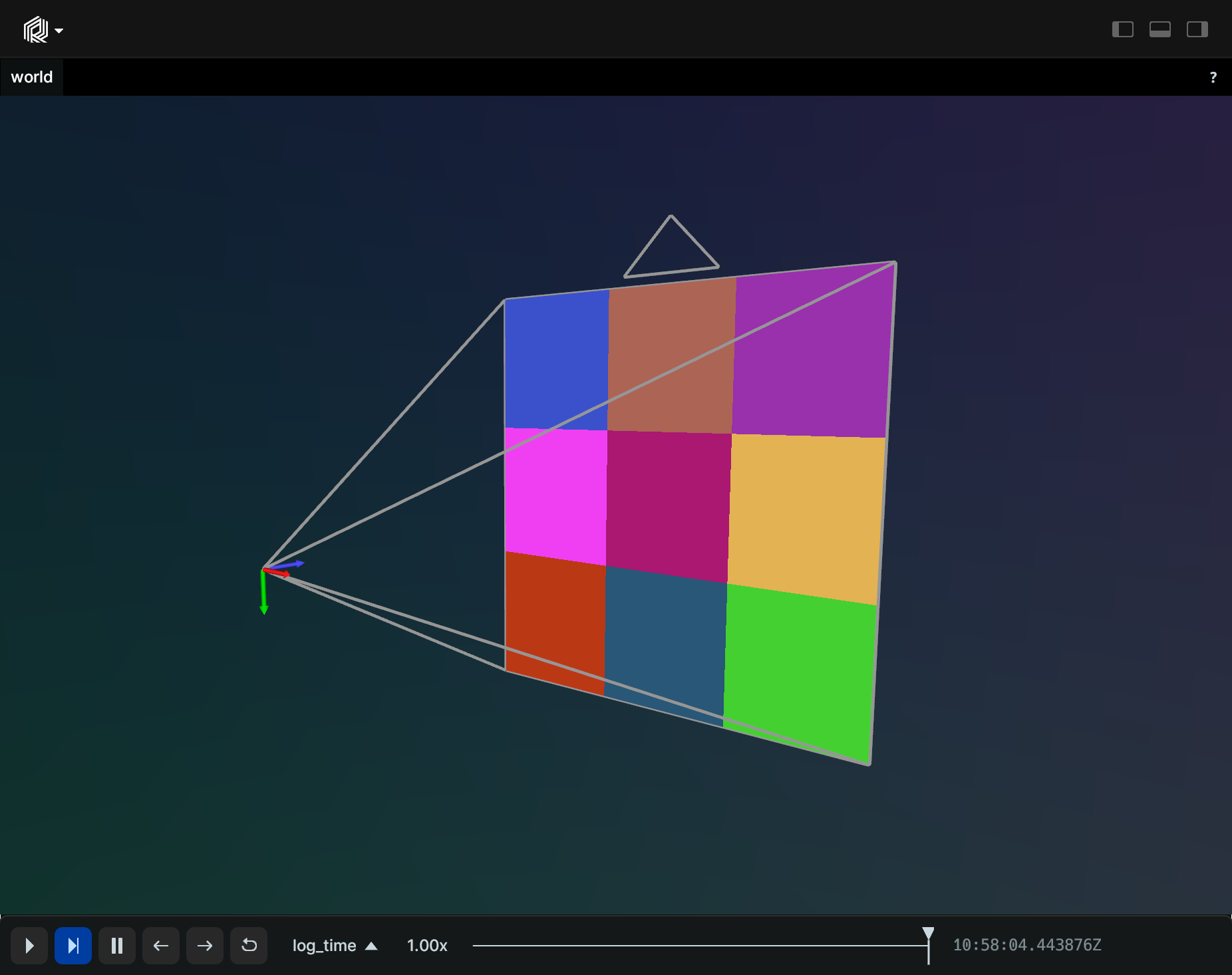
Perspective pinhole camera:
import rerun as rr
rr.init("rerun_example_pinhole_perspective", spawn=True)
rr.log(
"world/cam",
rr.Pinhole(
fov_y=0.7853982,
aspect_ratio=1.7777778,
camera_xyz=rr.ViewCoordinates.RUB,
image_plane_distance=0.1,
color=[255, 128, 0],
line_width=0.003,
),
)
rr.log(
"world/points",
rr.Points3D(
[(0.0, 0.0, -0.5), (0.1, 0.1, -0.5), (-0.1, -0.1, -0.5)], radii=0.025
),
)
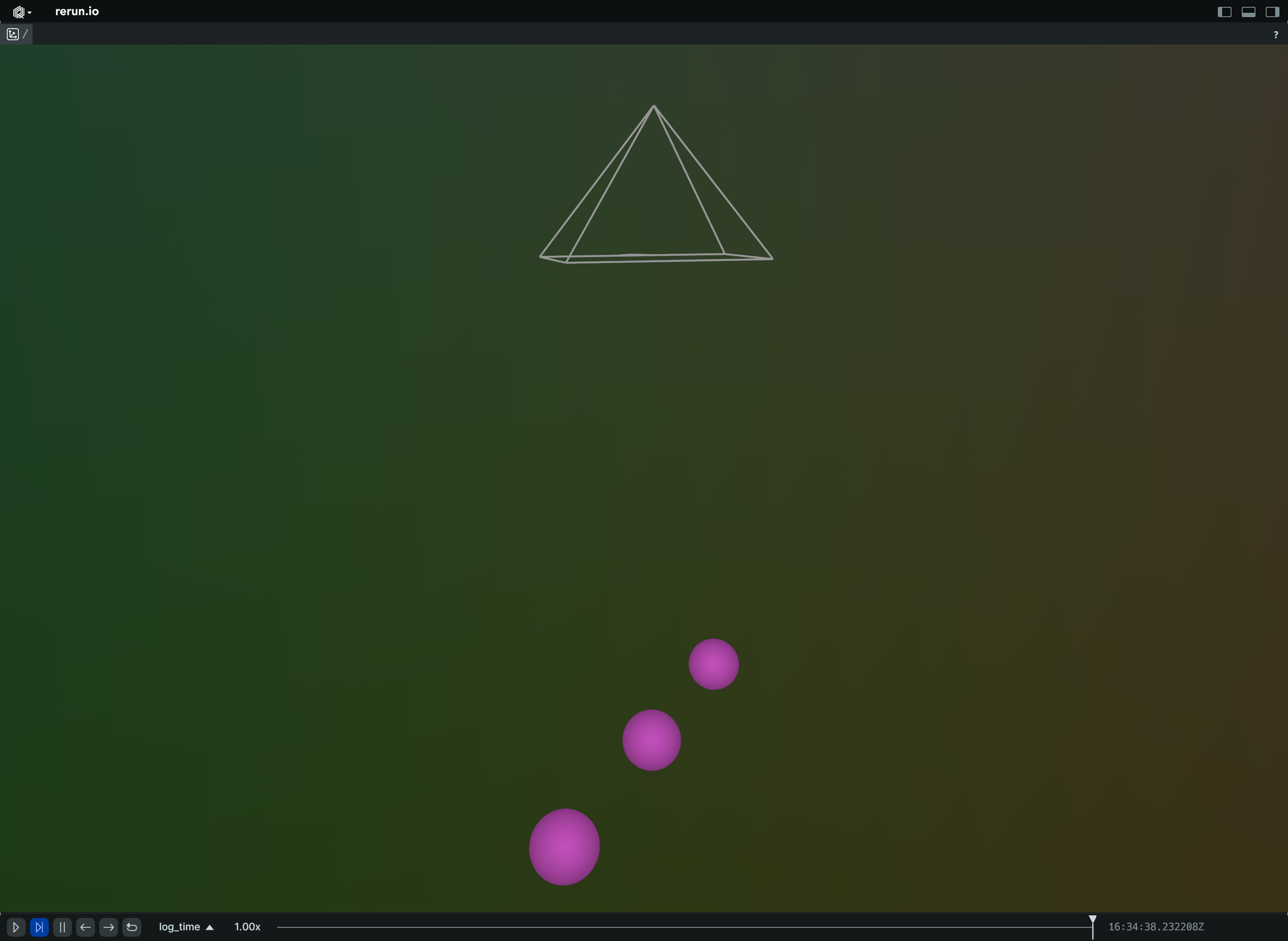
__init__
def __init__(
*,
image_from_camera: Mat3x3Like | None = None,
resolution: Vec2DLike | None = None,
camera_xyz: ViewCoordinatesLike | None = None,
width: int | float | None = None,
height: int | float | None = None,
focal_length: float | ArrayLike | None = None,
principal_point: ArrayLike | None = None,
fov_y: float | None = None,
aspect_ratio: float | None = None,
child_frame: Utf8Like | None = None,
parent_frame: Utf8Like | None = None,
image_plane_distance: float | None = None,
color: Rgba32Like | None = None,
line_width: Float32Like | None = None,
) -> None
Create a new instance of the Pinhole archetype.
| PARAMETER | DESCRIPTION |
|---|---|
image_from_camera
|
Row-major intrinsics matrix for projecting from camera space to image space.
The first two axes are X=Right and Y=Down, respectively.
Projection is done along the positive third (Z=Forward) axis.
This can be specified instead of
TYPE:
|
resolution
|
Pixel resolution (usually integers) of child image space. Width and height.
TYPE:
|
camera_xyz
|
Sets the camera orientation convention. All common values are available as constants on the The default is The camera frustum points along the axis set to The frustum's up direction is the axis set to The frustum's right direction is the axis set to Other common formats are
TYPE:
|
focal_length
|
The focal length of the camera in pixels. This is the diagonal of the projection matrix. Set one value for symmetric cameras, or two values (X=Right, Y=Down) for anamorphic cameras. |
principal_point
|
The center of the camera in pixels. The default is half the width and height. This is the last column of the projection matrix. Expects two values along the dimensions Right and Down
TYPE:
|
width
|
Width of the image in pixels. |
height
|
Height of the image in pixels. |
fov_y
|
Vertical field of view in radians.
TYPE:
|
aspect_ratio
|
Aspect ratio (width/height).
TYPE:
|
child_frame
|
The child frame this transform transforms from. The entity at which the transform relationship of any given child frame is specified mustn't change over time, but is allowed to be different for static time.
E.g. if you specified the child frame If not specified, this is set to the implicit transform frame of the current entity path.
This means that if a To set the frame an entity is part of see Any update to this field will reset all other transform properties that aren't changed in the same log call or
TYPE:
|
parent_frame
|
The parent frame this transform transforms into. If not specified, this is set to the implicit transform frame of the current entity path's parent.
This means that if a To set the frame an entity is part of see Any update to this field will reset all other transform properties that aren't changed in the same log call or
TYPE:
|
image_plane_distance
|
The distance from the camera origin to the image plane when the projection is shown in a 3D viewer. This is only used for visualization purposes, and does not affect the projection itself.
TYPE:
|
color
|
Color of the camera frustum lines in the 3D viewer.
TYPE:
|
line_width
|
Width of the camera frustum lines in the 3D viewer.
TYPE:
|
columns
classmethod
def columns(
*,
image_from_camera: Mat3x3ArrayLike | None = None,
resolution: Vec2DArrayLike | None = None,
camera_xyz: ViewCoordinatesArrayLike | None = None,
child_frame: Utf8ArrayLike | None = None,
parent_frame: Utf8ArrayLike | None = None,
image_plane_distance: Float32ArrayLike | None = None,
color: Rgba32ArrayLike | None = None,
line_width: Float32ArrayLike | None = None,
) -> ComponentColumnList
Construct a new column-oriented component bundle.
This makes it possible to use rr.send_columns to send columnar data directly into Rerun.
The returned columns will be partitioned into unit-length sub-batches by default.
Use ComponentColumnList.partition to repartition the data as needed.
| PARAMETER | DESCRIPTION |
|---|---|
image_from_camera
|
Camera projection, from image coordinates to view coordinates. Any update to this field will reset all other transform properties that aren't changed in the same log call or
TYPE:
|
resolution
|
Pixel resolution (usually integers) of child image space. Width and height. Example:
Any update to this field will reset all other transform properties that aren't changed in the same log call or
TYPE:
|
camera_xyz
|
Sets the camera orientation convention. All common values are available as constants on the The default is The camera frustum points along the axis set to The frustum's up direction is the axis set to The frustum's right direction is the axis set to Other common formats are
TYPE:
|
child_frame
|
The child frame this transform transforms from. The entity at which the transform relationship of any given child frame is specified mustn't change over time, but is allowed to be different for static time.
E.g. if you specified the child frame If not specified, this is set to the implicit transform frame of the current entity path.
This means that if a To set the frame an entity is part of see Any update to this field will reset all other transform properties that aren't changed in the same log call or
TYPE:
|
parent_frame
|
The parent frame this transform transforms into. If not specified, this is set to the implicit transform frame of the current entity path's parent.
This means that if a To set the frame an entity is part of see Any update to this field will reset all other transform properties that aren't changed in the same log call or
TYPE:
|
image_plane_distance
|
The distance from the camera origin to the image plane when the projection is shown in a 3D viewer. This is only used for visualization purposes, and does not affect the projection itself.
TYPE:
|
color
|
Color of the camera wireframe.
TYPE:
|
line_width
|
Width of the camera wireframe lines.
TYPE:
|
from_fields
classmethod
def from_fields(
*,
clear_unset: bool = False,
image_from_camera: Mat3x3Like | None = None,
resolution: Vec2DLike | None = None,
camera_xyz: ViewCoordinatesLike | None = None,
child_frame: Utf8Like | None = None,
parent_frame: Utf8Like | None = None,
image_plane_distance: Float32Like | None = None,
color: Rgba32Like | None = None,
line_width: Float32Like | None = None,
) -> Pinhole
Update only some specific fields of a Pinhole.
| PARAMETER | DESCRIPTION |
|---|---|
clear_unset
|
If true, all unspecified fields will be explicitly cleared.
TYPE:
|
image_from_camera
|
Camera projection, from image coordinates to view coordinates. Any update to this field will reset all other transform properties that aren't changed in the same log call or
TYPE:
|
resolution
|
Pixel resolution (usually integers) of child image space. Width and height. Example:
Any update to this field will reset all other transform properties that aren't changed in the same log call or
TYPE:
|
camera_xyz
|
Sets the camera orientation convention. All common values are available as constants on the The default is The camera frustum points along the axis set to The frustum's up direction is the axis set to The frustum's right direction is the axis set to Other common formats are
TYPE:
|
child_frame
|
The child frame this transform transforms from. The entity at which the transform relationship of any given child frame is specified mustn't change over time, but is allowed to be different for static time.
E.g. if you specified the child frame If not specified, this is set to the implicit transform frame of the current entity path.
This means that if a To set the frame an entity is part of see Any update to this field will reset all other transform properties that aren't changed in the same log call or
TYPE:
|
parent_frame
|
The parent frame this transform transforms into. If not specified, this is set to the implicit transform frame of the current entity path's parent.
This means that if a To set the frame an entity is part of see Any update to this field will reset all other transform properties that aren't changed in the same log call or
TYPE:
|
image_plane_distance
|
The distance from the camera origin to the image plane when the projection is shown in a 3D viewer. This is only used for visualization purposes, and does not affect the projection itself.
TYPE:
|
color
|
Color of the camera wireframe.
TYPE:
|
line_width
|
Width of the camera wireframe lines.
TYPE:
|
visualizer
def visualizer(
*,
mappings: list[VisualizerComponentMappingLike]
| None = None,
) -> Visualizer
Creates a visualizer for this archetype, using all currently set values as overrides.
| PARAMETER | DESCRIPTION |
|---|---|
mappings
|
Optional component mappings to control how the visualizer sources its data. ⚠️ Experimental: Component mappings are an experimental feature and may change. See https://github.com/rerun-io/rerun/issues/10631 for more information.
TYPE:
|
PixelFormat
Bases: Enum
Encoding: Specifieds a particular format of an archetypes.Image.
Most images can be described by a encodings.ColorModel and a encodings.ChannelDatatype,
e.g. RGB and U8 respectively.
However, some image formats has chroma downsampling and/or
use differing number of bits per channel, and that is what this encodings.PixelFormat is for.
All these formats support random access.
For more compressed image formats, see archetypes.EncodedImage.
BayerBGGR8
class-attribute
instance-attribute
BayerBGGR8 = 129
Raw Bayer image with 8 bits per pixel, using the BGGR color filter pattern.
Every pixel holds a single color sample, in one plane. The pattern repeats every 2x2 pixels, with blue and green in even rows, and green and red in odd rows.
The viewer reconstructs RGB using bilinear demosaicing.
BayerGBRG8
class-attribute
instance-attribute
BayerGBRG8 = 130
Raw Bayer image with 8 bits per pixel, using the GBRG color filter pattern.
Every pixel holds a single color sample, in one plane. The pattern repeats every 2x2 pixels, with green and blue in even rows, and red and green in odd rows.
The viewer reconstructs RGB using bilinear demosaicing.
BayerGRBG8
class-attribute
instance-attribute
BayerGRBG8 = 131
Raw Bayer image with 8 bits per pixel, using the GRBG color filter pattern.
Every pixel holds a single color sample, in one plane. The pattern repeats every 2x2 pixels, with green and red in even rows, and blue and green in odd rows.
The viewer reconstructs RGB using bilinear demosaicing.
BayerRGGB8
class-attribute
instance-attribute
BayerRGGB8 = 128
Raw Bayer image with 8 bits per pixel, using the RGGB color filter pattern.
Every pixel holds a single color sample, in one plane. The pattern repeats every 2x2 pixels, with red and green in even rows, and green and blue in odd rows.
The viewer reconstructs RGB using bilinear demosaicing.
NV12
class-attribute
instance-attribute
NV12 = 26
NV12 (aka Y_UV12) is a YUV 4:2:0 chroma downsampled form at with 12 bits per pixel and 8 bits per channel.
This uses limited range YUV, i.e. Y is expected to be within [16, 235] and U/V within [16, 240].
First comes entire image in Y in one plane, followed by a plane with interleaved lines ordered as U0, V0, U1, V1, etc.
Y8_FullRange
class-attribute
instance-attribute
Y8_FullRange = 30
Monochrome Y plane only, essentially a YUV 4:0:0 planar format.
Also known as just "gray". This is virtually identical to a 8bit luminance/grayscale (see encodings.ColorModel).
This uses entire range YUV, i.e. Y is expected to be within [0, 255]. (as opposed to "limited range" YUV as used e.g. in NV12).
Y8_LimitedRange
class-attribute
instance-attribute
Y8_LimitedRange = 41
Monochrome Y plane only, essentially a YUV 4:0:0 planar format.
Also known as just "gray".
This uses limited range YUV, i.e. Y is expected to be within [16, 235].
If not for this range limitation/remapping, this is almost identical to 8bit luminace/grayscale (see encodings.ColorModel).
YUY2
class-attribute
instance-attribute
YUY2 = 27
YUY2 (aka 'YUYV', 'YUYV16' or 'NV21'), is a YUV 4:2:2 chroma downsampled format with 16 bits per pixel and 8 bits per channel.
This uses limited range YUV, i.e. Y is expected to be within [16, 235] and U/V within [16, 240].
The order of the channels is Y0, U0, Y1, V0, all in the same plane.
Y_U_V12_FullRange
class-attribute
instance-attribute
Y_U_V12_FullRange = 44
Y_U_V12 is a YUV 4:2:0 fully planar YUV format without chroma downsampling, also known as I420.
This uses full range YUV with all components ranging from 0 to 255 (as opposed to "limited range" YUV as used e.g. in NV12).
First comes entire image in Y in one plane, followed by the U and V planes, which each only have half the resolution of the Y plane.
Y_U_V12_LimitedRange
class-attribute
instance-attribute
Y_U_V12_LimitedRange = 20
Y_U_V12 is a YUV 4:2:0 fully planar YUV format without chroma downsampling, also known as I420.
This uses limited range YUV, i.e. Y is expected to be within [16, 235] and U/V within [16, 240].
First comes entire image in Y in one plane, followed by the U and V planes, which each only have half the resolution of the Y plane.
Y_U_V16_FullRange
class-attribute
instance-attribute
Y_U_V16_FullRange = 50
Y_U_V16 is a YUV 4:2:2 fully planar YUV format without chroma downsampling, also known as I422.
This uses full range YUV with all components ranging from 0 to 255 (as opposed to "limited range" YUV as used e.g. in NV12).
First comes entire image in Y in one plane, followed by the U and V planes, which each only have half the horizontal resolution of the Y plane.
Y_U_V16_LimitedRange
class-attribute
instance-attribute
Y_U_V16_LimitedRange = 49
Y_U_V16 is a YUV 4:2:2 fully planar YUV format without chroma downsampling, also known as I422.
This uses limited range YUV, i.e. Y is expected to be within [16, 235] and U/V within [16, 240].
First comes entire image in Y in one plane, followed by the U and V planes, which each only have half the horizontal resolution of the Y plane.
Y_U_V24_FullRange
class-attribute
instance-attribute
Y_U_V24_FullRange = 40
Y_U_V24 is a YUV 4:4:4 fully planar YUV format without chroma downsampling, also known as I444.
This uses full range YUV with all components ranging from 0 to 255 (as opposed to "limited range" YUV as used e.g. in NV12).
First comes entire image in Y in one plane, followed by the U and V planes.
Y_U_V24_LimitedRange
class-attribute
instance-attribute
Y_U_V24_LimitedRange = 39
Y_U_V24 is a YUV 4:4:4 fully planar YUV format without chroma downsampling, also known as I444.
This uses limited range YUV, i.e. Y is expected to be within [16, 235] and U/V within [16, 240].
First comes entire image in Y in one plane, followed by the U and V planes.
auto
classmethod
def auto(val: str | int | PixelFormat) -> PixelFormat
Best-effort converter, including a case-insensitive string matcher.
Points2D
Bases: Points2DExt, Archetype, VisualizableArchetype
Archetype: A 2D point cloud with positions and optional colors, radii, labels, etc.
Examples:
Randomly distributed 2D points with varying color and radius:
from numpy.random import default_rng
import rerun as rr
import rerun.blueprint as rrb
rr.init("rerun_example_points2d_random", spawn=True)
rng = default_rng(12345)
positions = rng.uniform(-3, 3, size=[10, 2])
colors = rng.uniform(0, 255, size=[10, 4])
radii = rng.uniform(0, 1, size=[10])
rr.log("random", rr.Points2D(positions, colors=colors, radii=radii))
# Set view bounds:
rr.send_blueprint(
rrb.Spatial2DView(
visual_bounds=rrb.VisualBounds2D(x_range=[-4, 4], y_range=[-4, 4])
)
)
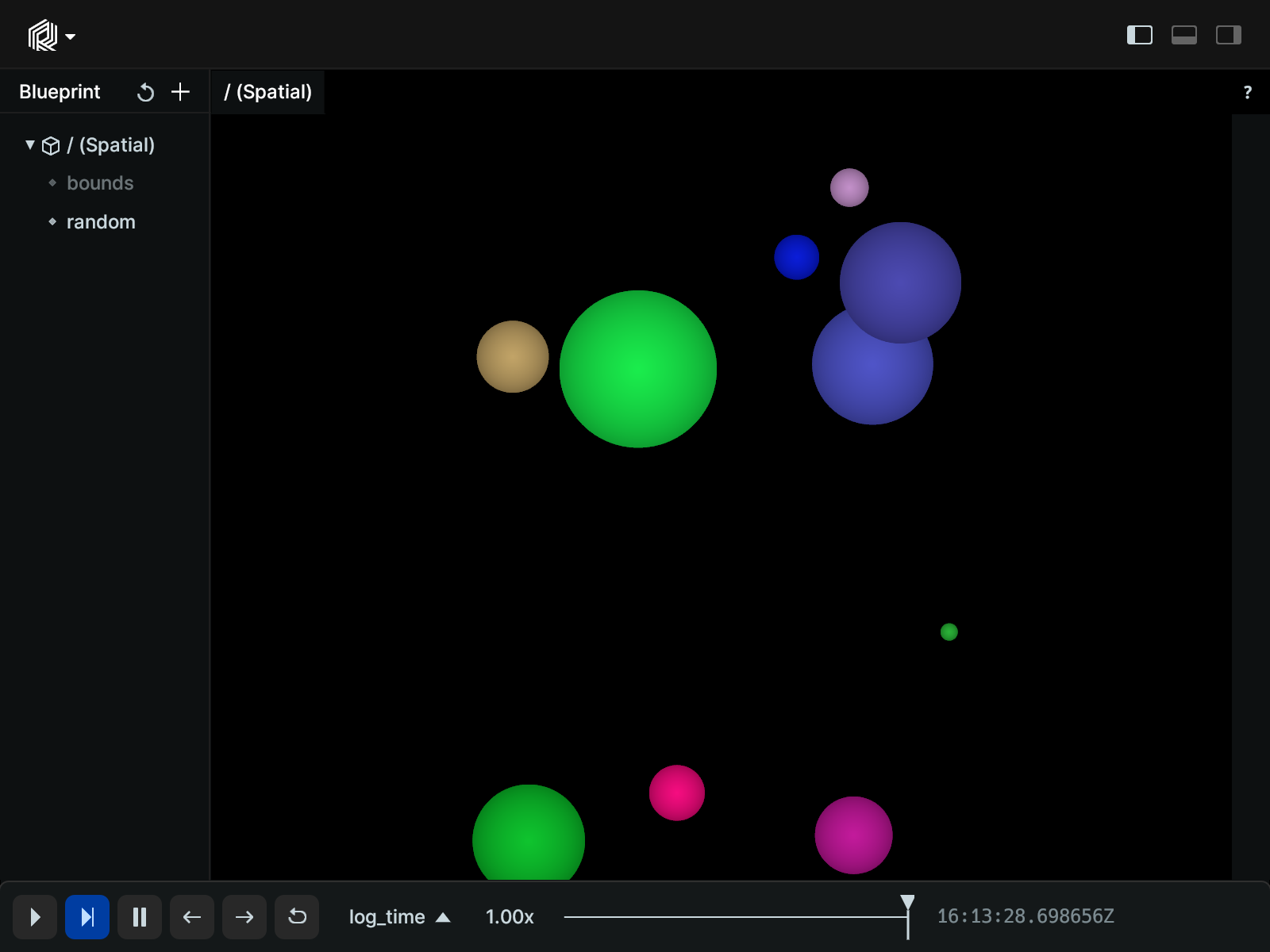
Log points with radii given in UI points:
import rerun as rr
import rerun.blueprint as rrb
rr.init("rerun_example_points2d_ui_radius", spawn=True)
# Two blue points with scene unit radii of 0.1 and 0.3.
rr.log(
"scene_units",
rr.Points2D(
[[0, 0], [0, 1]],
# By default, radii are interpreted as world-space units.
radii=[0.1, 0.3],
colors=[0, 0, 255],
),
)
# Two red points with ui point radii of 40 and 60.
# UI points are independent of zooming in Views, but are sensitive to the
# application UI scaling.
# For 100% ui scaling, UI points are equal to pixels.
rr.log(
"ui_points",
rr.Points2D(
[[1, 0], [1, 1]],
# rr.Radius.ui_points produces radii that the viewer interprets
# as given in ui points.
radii=rr.Radius.ui_points([40.0, 60.0]),
colors=[255, 0, 0],
),
)
# Set view bounds:
rr.send_blueprint(
rrb.Spatial2DView(
visual_bounds=rrb.VisualBounds2D(x_range=[-1, 2], y_range=[-1, 2])
)
)
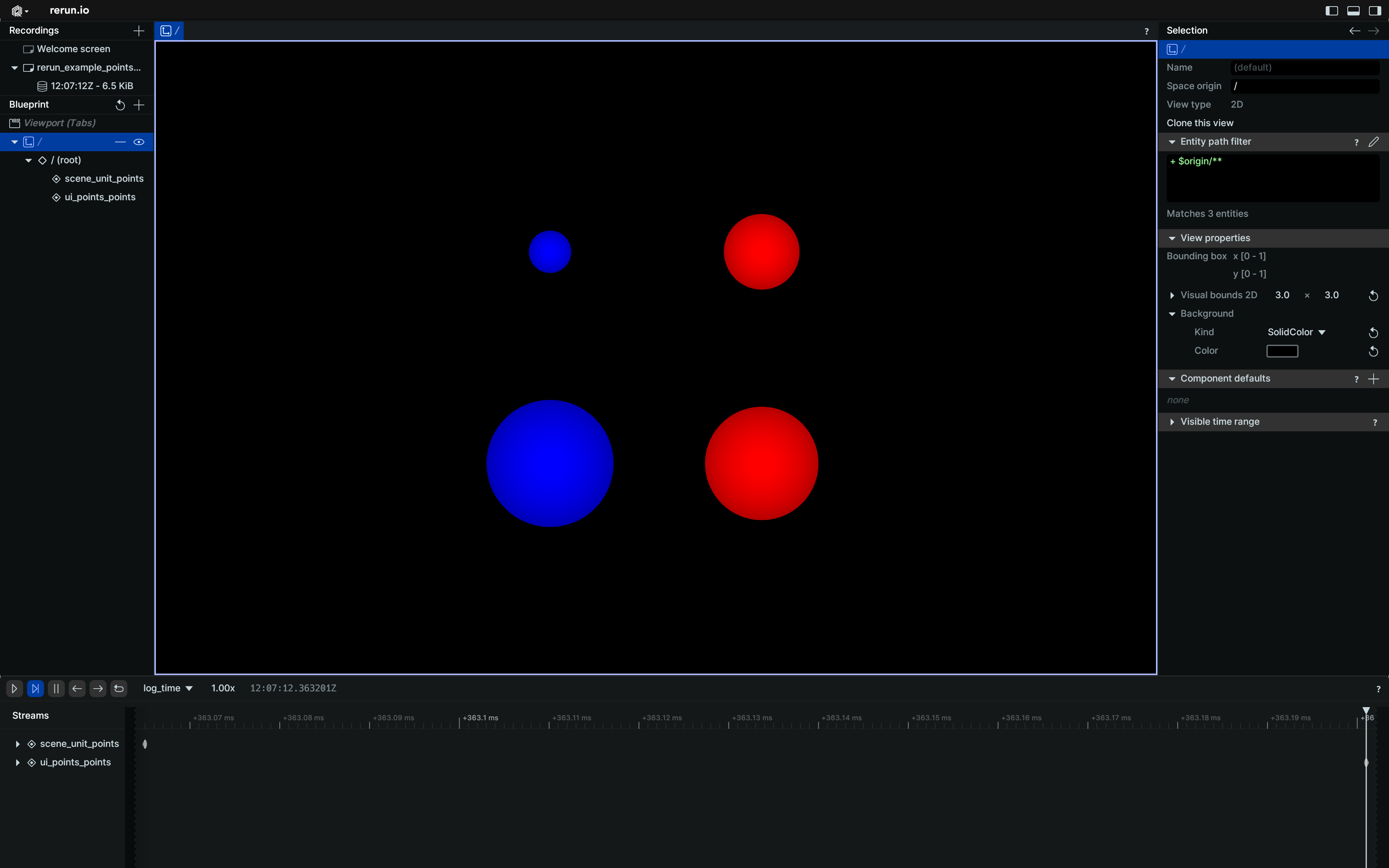
__init__
def __init__(
positions: Vec2DArrayLike,
*,
radii: Float32ArrayLike | None = None,
colors: Rgba32ArrayLike | None = None,
labels: Utf8ArrayLike | None = None,
show_labels: BoolLike | None = None,
draw_order: Float32ArrayLike | None = None,
class_ids: ClassIdArrayLike | None = None,
keypoint_ids: KeypointIdArrayLike | None = None,
) -> None
Create a new instance of the Points2D archetype.
| PARAMETER | DESCRIPTION |
|---|---|
positions
|
All the 2D positions at which the point cloud shows points.
TYPE:
|
radii
|
Optional radii for the points, effectively turning them into circles.
TYPE:
|
colors
|
Optional colors for the points. The colors are interpreted as RGB or RGBA in sRGB gamma-space, As either 0-1 floats or 0-255 integers, with separate alpha.
TYPE:
|
labels
|
Optional text labels for the points.
TYPE:
|
show_labels
|
Optional choice of whether the text labels should be shown by default.
TYPE:
|
draw_order
|
An optional floating point value that specifies the 2D drawing order. Objects with higher values are drawn on top of those with lower values.
TYPE:
|
class_ids
|
Optional class Ids for the points. The class ID provides colors and labels if not specified explicitly.
TYPE:
|
keypoint_ids
|
Optional keypoint IDs for the points, identifying them within a class. If keypoint IDs are passed in but no class IDs were specified, the class ID will
default to 0.
This is useful to identify points within a single classification (which is identified
with
TYPE:
|
columns
classmethod
def columns(
*,
positions: Vec2DArrayLike | None = None,
radii: Float32ArrayLike | None = None,
colors: Rgba32ArrayLike | None = None,
labels: Utf8ArrayLike | None = None,
show_labels: BoolArrayLike | None = None,
draw_order: Float32ArrayLike | None = None,
class_ids: ClassIdArrayLike | None = None,
keypoint_ids: KeypointIdArrayLike | None = None,
) -> ComponentColumnList
Construct a new column-oriented component bundle.
This makes it possible to use rr.send_columns to send columnar data directly into Rerun.
The returned columns will be partitioned into unit-length sub-batches by default.
Use ComponentColumnList.partition to repartition the data as needed.
| PARAMETER | DESCRIPTION |
|---|---|
positions
|
All the 2D positions at which the point cloud shows points.
TYPE:
|
radii
|
Optional radii for the points, effectively turning them into circles.
TYPE:
|
colors
|
Optional colors for the points. The colors are interpreted as RGB or RGBA in sRGB gamma-space, As either 0-1 floats or 0-255 integers, with separate alpha.
TYPE:
|
labels
|
Optional text labels for the points. If there's a single label present, it will be placed at the center of the entity. Otherwise, each instance will have its own label.
TYPE:
|
show_labels
|
Whether the text labels should be shown. If not set, labels will automatically appear when there is exactly one label for this entity or the number of instances on this entity is under a certain threshold.
TYPE:
|
draw_order
|
An optional floating point value that specifies the 2D drawing order. Objects with higher values are drawn on top of those with lower values.
Defaults to
TYPE:
|
class_ids
|
Optional class Ids for the points. The
TYPE:
|
keypoint_ids
|
Optional keypoint IDs for the points, identifying them within a class. If keypoint IDs are passed in but no
TYPE:
|
from_fields
classmethod
def from_fields(
*,
clear_unset: bool = False,
positions: Vec2DArrayLike | None = None,
radii: Float32ArrayLike | None = None,
colors: Rgba32ArrayLike | None = None,
labels: Utf8ArrayLike | None = None,
show_labels: BoolLike | None = None,
draw_order: Float32Like | None = None,
class_ids: ClassIdArrayLike | None = None,
keypoint_ids: KeypointIdArrayLike | None = None,
) -> Points2D
Update only some specific fields of a Points2D.
| PARAMETER | DESCRIPTION |
|---|---|
clear_unset
|
If true, all unspecified fields will be explicitly cleared.
TYPE:
|
positions
|
All the 2D positions at which the point cloud shows points.
TYPE:
|
radii
|
Optional radii for the points, effectively turning them into circles.
TYPE:
|
colors
|
Optional colors for the points. The colors are interpreted as RGB or RGBA in sRGB gamma-space, As either 0-1 floats or 0-255 integers, with separate alpha.
TYPE:
|
labels
|
Optional text labels for the points. If there's a single label present, it will be placed at the center of the entity. Otherwise, each instance will have its own label.
TYPE:
|
show_labels
|
Whether the text labels should be shown. If not set, labels will automatically appear when there is exactly one label for this entity or the number of instances on this entity is under a certain threshold.
TYPE:
|
draw_order
|
An optional floating point value that specifies the 2D drawing order. Objects with higher values are drawn on top of those with lower values.
Defaults to
TYPE:
|
class_ids
|
Optional class Ids for the points. The
TYPE:
|
keypoint_ids
|
Optional keypoint IDs for the points, identifying them within a class. If keypoint IDs are passed in but no
TYPE:
|
visualizer
def visualizer(
*,
mappings: list[VisualizerComponentMappingLike]
| None = None,
) -> Visualizer
Creates a visualizer for this archetype, using all currently set values as overrides.
| PARAMETER | DESCRIPTION |
|---|---|
mappings
|
Optional component mappings to control how the visualizer sources its data. ⚠️ Experimental: Component mappings are an experimental feature and may change. See https://github.com/rerun-io/rerun/issues/10631 for more information.
TYPE:
|
Points3D
Bases: Points3DExt, Archetype, VisualizableArchetype
Archetype: A 3D point cloud with positions and optional colors, radii, labels, etc.
If there are multiple instance poses, the entire point cloud will be repeated for each of the poses.
Examples:
Simple 3D points:
import rerun as rr
rr.init("rerun_example_points3d", spawn=True)
rr.log("points", rr.Points3D([[0, 0, 0], [1, 1, 1]]))
Update a point cloud over time:
import numpy as np
import rerun as rr
rr.init("rerun_example_points3d_row_updates", spawn=True)
# Prepare a point cloud that evolves over 5 timesteps, changing the
# number of points in the process.
times = np.arange(10, 15, 1.0)
# fmt: off
positions = [
[[1.0, 0.0, 1.0], [0.5, 0.5, 2.0]],
[[1.5, -0.5, 1.5], [1.0, 1.0, 2.5], [-0.5, 1.5, 1.0], [-1.5, 0.0, 2.0]],
[[2.0, 0.0, 2.0], [1.5, -1.5, 3.0], [0.0, -2.0, 2.5], [1.0, -1.0, 3.5]],
[[-2.0, 0.0, 2.0], [-1.5, 1.5, 3.0], [-1.0, 1.0, 3.5]],
[[1.0, -1.0, 1.0], [2.0, -2.0, 2.0], [3.0, -1.0, 3.0], [2.0, 0.0, 4.0]],
]
# fmt: on
# At each timestep, all points in the cloud share the same but changing
# color and radius.
colors = [0xFF0000FF, 0x00FF00FF, 0x0000FFFF, 0xFFFF00FF, 0x00FFFFFF]
radii = [0.05, 0.01, 0.2, 0.1, 0.3]
for i in range(5):
rr.set_time("time", duration=10 + i)
rr.log(
"points", rr.Points3D(positions[i], colors=colors[i], radii=radii[i])
)
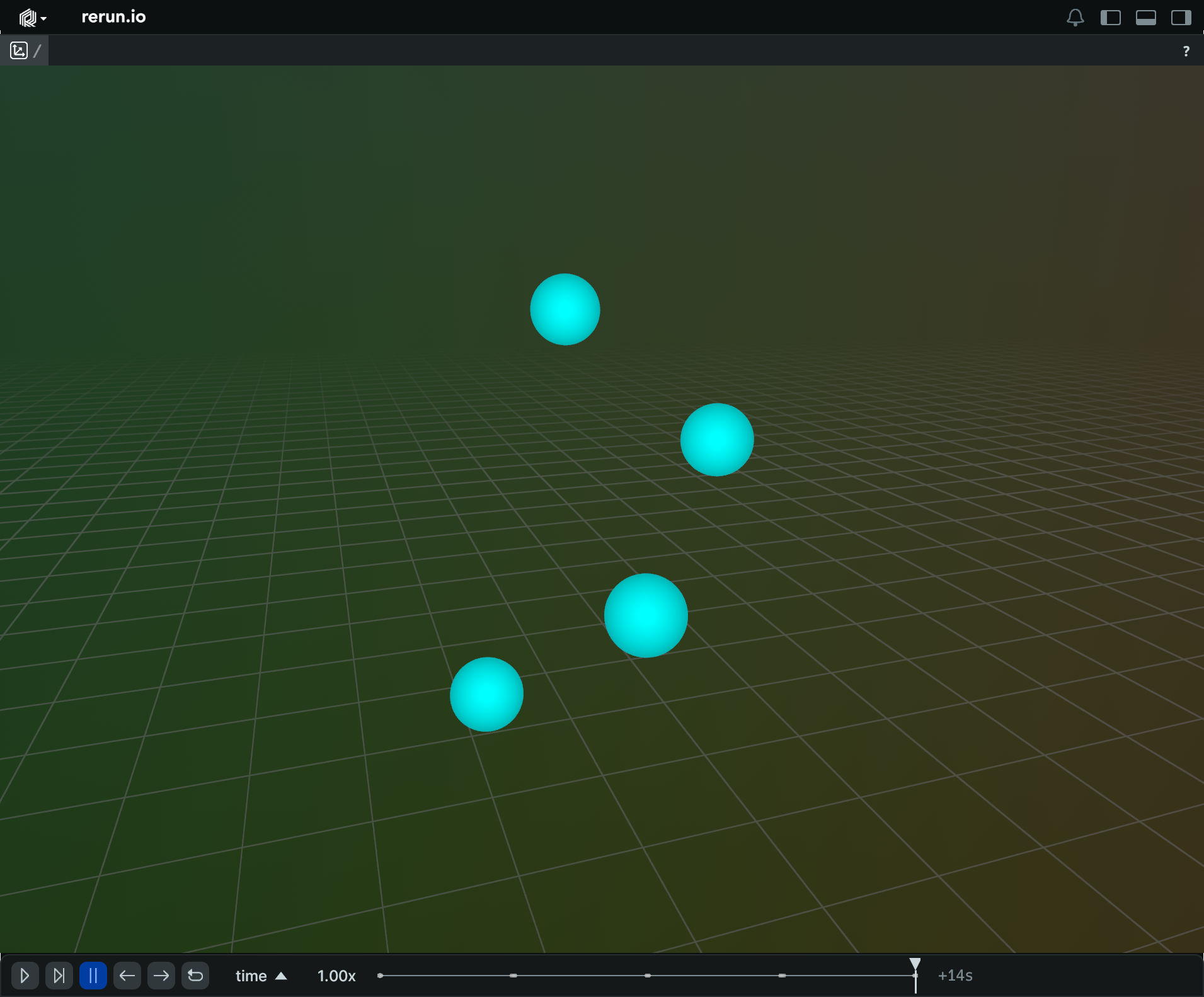
Update a point cloud over time, in a single operation:
from __future__ import annotations
import numpy as np
import rerun as rr
rr.init("rerun_example_points3d_column_updates", spawn=True)
# Prepare a point cloud that evolves over 5 timesteps, changing the
# number of points in the process.
times = np.arange(10, 15, 1.0)
# fmt: off
positions = [
[1.0, 0.0, 1.0], [0.5, 0.5, 2.0],
[1.5, -0.5, 1.5], [1.0, 1.0, 2.5], [-0.5, 1.5, 1.0], [-1.5, 0.0, 2.0],
[2.0, 0.0, 2.0], [1.5, -1.5, 3.0], [0.0, -2.0, 2.5], [1.0, -1.0, 3.5],
[-2.0, 0.0, 2.0], [-1.5, 1.5, 3.0], [-1.0, 1.0, 3.5],
[1.0, -1.0, 1.0], [2.0, -2.0, 2.0], [3.0, -1.0, 3.0], [2.0, 0.0, 4.0],
]
# fmt: on
# At each timestep, all points in the cloud share the same but changing
# color and radius.
colors = [0xFF0000FF, 0x00FF00FF, 0x0000FFFF, 0xFFFF00FF, 0x00FFFFFF]
radii = [0.05, 0.01, 0.2, 0.1, 0.3]
rr.send_columns(
"points",
indexes=[rr.TimeColumn("time", duration=times)],
columns=[
*rr.Points3D.columns(positions=positions).partition(
lengths=[2, 4, 4, 3, 4]
),
*rr.Points3D.columns(colors=colors, radii=radii),
],
)
Update specific properties of a point cloud over time:
import rerun as rr
rr.init("rerun_example_points3d_partial_updates", spawn=True)
positions = [[i, 0, 0] for i in range(10)]
rr.set_time("frame", sequence=0)
rr.log("points", rr.Points3D(positions))
for i in range(10):
colors = [[20, 200, 20] if n < i else [200, 20, 20] for n in range(10)]
radii = [0.6 if n < i else 0.2 for n in range(10)]
# Update only the colors and radii, leaving everything else as-is.
rr.set_time("frame", sequence=i)
rr.log("points", rr.Points3D.from_fields(radii=radii, colors=colors))
# Update the positions and radii, and clear everything else in the process.
rr.set_time("frame", sequence=20)
rr.log(
"points",
rr.Points3D.from_fields(clear_unset=True, positions=positions, radii=0.3),
)
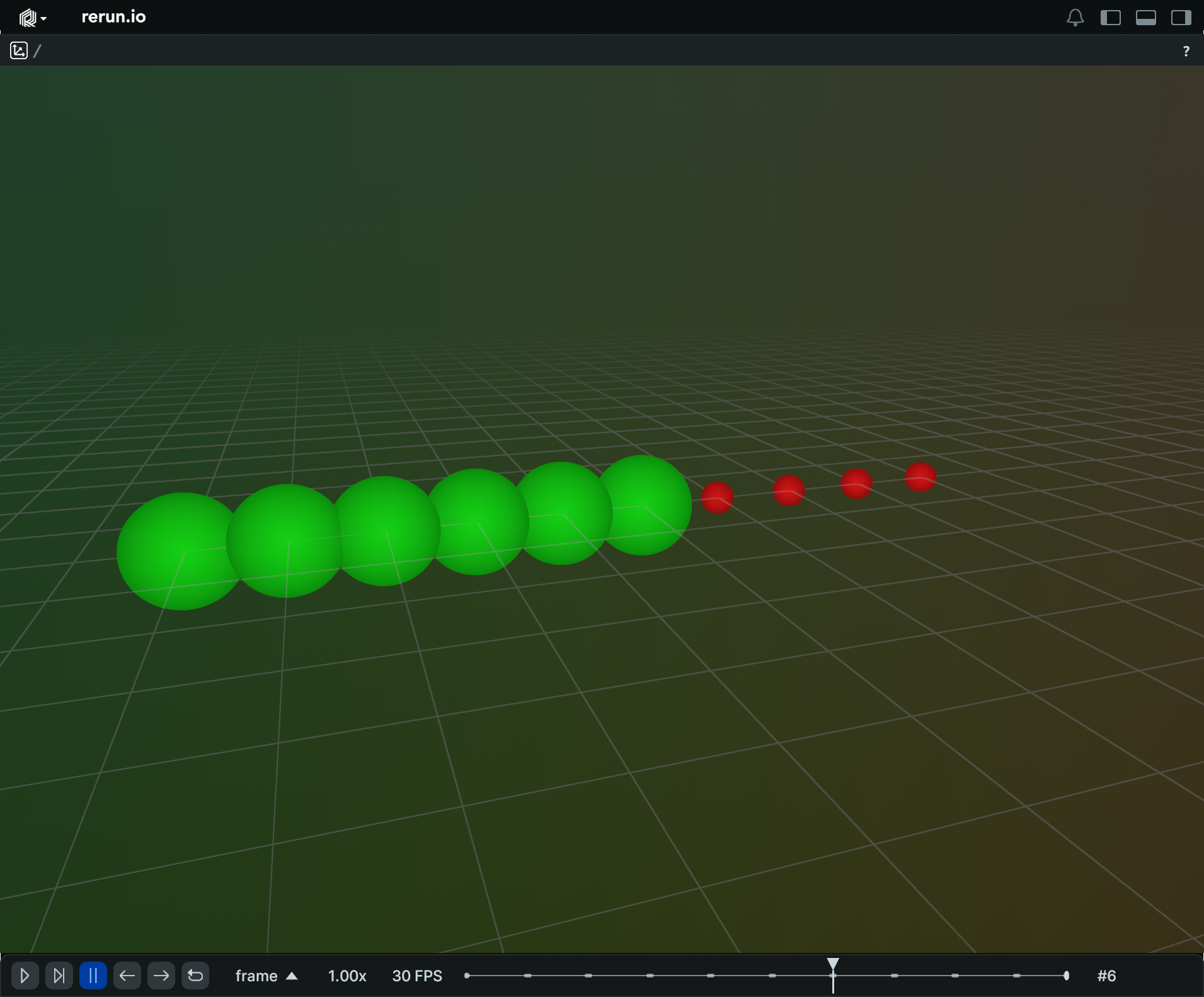
__init__
def __init__(
positions: Vec3DArrayLike,
*,
radii: Float32ArrayLike | None = None,
colors: Rgba32ArrayLike | None = None,
labels: Utf8ArrayLike | None = None,
show_labels: BoolLike | None = None,
point_shading: PointShadingLike | None = None,
class_ids: ClassIdArrayLike | None = None,
keypoint_ids: KeypointIdArrayLike | None = None,
) -> None
Create a new instance of the Points3D archetype.
| PARAMETER | DESCRIPTION |
|---|---|
positions
|
All the 3D positions at which the point cloud shows points.
TYPE:
|
radii
|
Optional radii for the points, effectively turning them into circles.
TYPE:
|
colors
|
Optional colors for the points. The colors are interpreted as RGB or RGBA in sRGB gamma-space, As either 0-1 floats or 0-255 integers, with separate alpha.
TYPE:
|
labels
|
Optional text labels for the points.
TYPE:
|
show_labels
|
Optional choice of whether the text labels should be shown by default.
TYPE:
|
point_shading
|
Optional choice of whether points should be shaded like spheres.
TYPE:
|
class_ids
|
Optional class Ids for the points. The class ID provides colors and labels if not specified explicitly.
TYPE:
|
keypoint_ids
|
Optional keypoint IDs for the points, identifying them within a class. If keypoint IDs are passed in but no class IDs were specified, the class ID will
default to 0.
This is useful to identify points within a single classification (which is identified
with
TYPE:
|
columns
classmethod
def columns(
*,
positions: Vec3DArrayLike | None = None,
radii: Float32ArrayLike | None = None,
colors: Rgba32ArrayLike | None = None,
labels: Utf8ArrayLike | None = None,
show_labels: BoolArrayLike | None = None,
point_shading: PointShadingArrayLike | None = None,
class_ids: ClassIdArrayLike | None = None,
keypoint_ids: KeypointIdArrayLike | None = None,
) -> ComponentColumnList
Construct a new column-oriented component bundle.
This makes it possible to use rr.send_columns to send columnar data directly into Rerun.
The returned columns will be partitioned into unit-length sub-batches by default.
Use ComponentColumnList.partition to repartition the data as needed.
| PARAMETER | DESCRIPTION |
|---|---|
positions
|
All the 3D positions at which the point cloud shows points.
TYPE:
|
radii
|
Optional radii for the points, effectively turning them into circles.
TYPE:
|
colors
|
Optional colors for the points. The colors are interpreted as RGB or RGBA in sRGB gamma-space, As either 0-1 floats or 0-255 integers, with separate alpha. By default, the alpha channel affects brightness rather than transparency. TODO(#1611): To use the alpha channel for transparency, enable the experimental "Transparent point clouds" feature flag.
TYPE:
|
labels
|
Optional text labels for the points. If there's a single label present, it will be placed at the center of the entity. Otherwise, each instance will have its own label.
TYPE:
|
show_labels
|
Whether the text labels should be shown. If not set, labels will automatically appear when there is exactly one label for this entity or the number of instances on this entity is under a certain threshold.
TYPE:
|
point_shading
|
How points should be shaded. If not set, points are rendered with
TYPE:
|
class_ids
|
Optional class Ids for the points. The
TYPE:
|
keypoint_ids
|
Optional keypoint IDs for the points, identifying them within a class. If keypoint IDs are passed in but no
TYPE:
|
from_fields
classmethod
def from_fields(
*,
clear_unset: bool = False,
positions: Vec3DArrayLike | None = None,
radii: Float32ArrayLike | None = None,
colors: Rgba32ArrayLike | None = None,
labels: Utf8ArrayLike | None = None,
show_labels: BoolLike | None = None,
point_shading: PointShadingLike | None = None,
class_ids: ClassIdArrayLike | None = None,
keypoint_ids: KeypointIdArrayLike | None = None,
) -> Points3D
Update only some specific fields of a Points3D.
| PARAMETER | DESCRIPTION |
|---|---|
clear_unset
|
If true, all unspecified fields will be explicitly cleared.
TYPE:
|
positions
|
All the 3D positions at which the point cloud shows points.
TYPE:
|
radii
|
Optional radii for the points, effectively turning them into circles.
TYPE:
|
colors
|
Optional colors for the points. The colors are interpreted as RGB or RGBA in sRGB gamma-space, As either 0-1 floats or 0-255 integers, with separate alpha. By default, the alpha channel affects brightness rather than transparency. TODO(#1611): To use the alpha channel for transparency, enable the experimental "Transparent point clouds" feature flag.
TYPE:
|
labels
|
Optional text labels for the points. If there's a single label present, it will be placed at the center of the entity. Otherwise, each instance will have its own label.
TYPE:
|
show_labels
|
Whether the text labels should be shown. If not set, labels will automatically appear when there is exactly one label for this entity or the number of instances on this entity is under a certain threshold.
TYPE:
|
point_shading
|
How points should be shaded. If not set, points are rendered with
TYPE:
|
class_ids
|
Optional class Ids for the points. The
TYPE:
|
keypoint_ids
|
Optional keypoint IDs for the points, identifying them within a class. If keypoint IDs are passed in but no
TYPE:
|
visualizer
def visualizer(
*,
mappings: list[VisualizerComponentMappingLike]
| None = None,
) -> Visualizer
Creates a visualizer for this archetype, using all currently set values as overrides.
| PARAMETER | DESCRIPTION |
|---|---|
mappings
|
Optional component mappings to control how the visualizer sources its data. ⚠️ Experimental: Component mappings are an experimental feature and may change. See https://github.com/rerun-io/rerun/issues/10631 for more information.
TYPE:
|
Quaternion
Bases: QuaternionExt
Encoding: A Quaternion represented by 4 real numbers.
Note: although the x,y,z,w components of the quaternion will be passed through to the datastore as provided, when used in the Viewer Quaternions will always be normalized.
Radius
Bases: RadiusExt, Float32, ComponentMixin
Component: The radius of something, e.g. a point.
Internally, positive values indicate scene units, whereas negative values are interpreted as UI points.
UI points are independent of zooming in Views, but are sensitive to the application UI scaling. at 100% UI scaling, UI points are equal to pixels The Viewer's UI scaling defaults to the OS scaling which typically is 100% for full HD screens and 200% for 4k screens.
arrow_type
classmethod
def arrow_type() -> DataType
The pyarrow type of this batch.
Part of the rerun.ComponentBatchLike logging interface.
as_arrow_array
def as_arrow_array() -> Array
The component as an arrow batch.
Part of the rerun.ComponentBatchLike logging interface.
component_type
classmethod
def component_type() -> str
Returns the name of the component.
Part of the rerun.ComponentBatchLike logging interface.
ui_points
staticmethod
Create a radius or list of radii in UI points.
By default, radii are interpreted as scene units. Ui points on the other hand are independent of zooming in Views, but are sensitive to the application UI scaling. at 100% UI scaling, UI points are equal to pixels The Viewer's UI scaling defaults to the OS scaling which typically is 100% for full HD screens and 200% for 4k screens.
Internally, ui radii are stored as negative values. Therefore, all this method does is to ensure that all returned values are negative.
RecordingStream
A RecordingStream is used to send data to Rerun.
You can instantiate a RecordingStream by calling either rerun.init (to create a global
recording) or rerun.RecordingStream (for more advanced use cases).
Multithreading
A RecordingStream can safely be copied and sent to other threads.
You can also set a recording as the global active one for all threads (rerun.set_global_data_recording)
or just for the current thread (rerun.set_thread_local_data_recording).
Similarly, the with keyword can be used to temporarily set the active recording for the
current thread, e.g.:
with rec:
rr.log(...)
rerun.recording_stream_generator_ctx decorator.
Flushing or context manager exit guarantees that all previous data sent by the calling thread has been recorded and (if applicable) flushed to the underlying OS-managed file descriptor, but other threads may still have data in flight.
On context manager exit, file-like sinks (e.g. those created by rerun.RecordingStream.save)
are also finalized so the resulting .rrd is consumable immediately — without this, the file's
footer would only be written when the RecordingStream is garbage-collected. Streaming sinks
(e.g. rerun.RecordingStream.connect_grpc, rerun.RecordingStream.serve_grpc) are left
intact and continue to receive data after the with-block exits. After a file-like sink has
been finalized this way, subsequent log calls on the same RecordingStream go to a buffered
sink until a new sink is attached.
See also: rerun.get_data_recording, rerun.get_global_data_recording,
rerun.get_thread_local_data_recording.
Available methods
Every function in the Rerun SDK that takes an optional RecordingStream as a parameter can also be called as a method on RecordingStream itself.
This includes, but isn't limited to:
- Metadata-related functions:
rerun.is_enabled,rerun.get_recording_id, … - Sink-related functions:
rerun.connect_grpc,rerun.spawn, … - Time-related functions:
rerun.set_time,rerun.disable_timeline,rerun.reset_time, … - Log-related functions:
rerun.log, …
For an exhaustive list, see help(rerun.RecordingStream).
Micro-batching
Micro-batching using both space and time triggers (whichever comes first) is done automatically in a dedicated background thread.
You can configure the frequency of the batches using the batcher_config parameter when creating
the RecordingStream, or via the following environment variables:
RERUN_FLUSH_TICK_SECS: Flush frequency in seconds (default:0.2(200ms)).RERUN_FLUSH_NUM_BYTES: Flush threshold in bytes (default:1048576(1MiB)).RERUN_FLUSH_NUM_ROWS: Flush threshold in number of rows (default:18446744073709551615(u64::MAX)).
__init__
def __init__(
application_id: str,
*,
recording_id: str | UUID | None = None,
make_default: bool = False,
make_thread_default: bool = False,
default_enabled: bool = True,
send_properties: bool = True,
batcher_config: ChunkBatcherConfig | None = None,
) -> None
Creates a new recording stream with a user-chosen application id (name) that can be used to log data.
If you only need a single global recording, rerun.init might be simpler.
Note that new recording streams always begin connected to a buffered sink.
To send the data to a viewer or file you will likely want to call rerun.connect_grpc or rerun.save
explicitly.
Warning
If you don't specify a recording_id, it will default to a random value that is generated once
at the start of the process.
That value will be kept around for the whole lifetime of the process, and even inherited by all
its subprocesses, if any.
This makes it trivial to log data to the same recording in a multiprocess setup, but it also means that the following code will not create two distinct recordings:
rr.init("my_app")
rr.init("my_app")
To create distinct recordings from the same process, specify distinct recording IDs:
from uuid import uuid4
rec = rr.RecordingStream(application_id="test", recording_id=uuid4())
rec = rr.RecordingStream(application_id="test", recording_id=uuid4())
| PARAMETER | DESCRIPTION |
|---|---|
application_id
|
Your Rerun recordings will be categorized by this application id, so try to pick a unique one for each application that uses the Rerun SDK. For example, if you have one application doing object detection
and another doing camera calibration, you could have
TYPE:
|
recording_id
|
Set the recording ID that this process is logging to, as a UUIDv4. The default recording_id is based on If you are not using |
make_default
|
If true (not the default), the newly initialized recording will replace the current active one (if any) in the global scope.
TYPE:
|
make_thread_default
|
If true (not the default), the newly initialized recording will replace the current active one (if any) in the thread-local scope.
TYPE:
|
default_enabled
|
Should Rerun logging be on by default?
Can be overridden with the RERUN env-var, e.g.
TYPE:
|
send_properties
|
Immediately send the recording properties to the viewer (default: True)
TYPE:
|
batcher_config
|
Optional configuration for the chunk batcher.
TYPE:
|
| RETURNS | DESCRIPTION |
|---|---|
RecordingStream
|
A handle to the |
Examples:
Using a recording stream object directly.
from uuid import uuid4
stream = rr.RecordingStream("my_app", recording_id=uuid4())
stream.connect_grpc()
stream.log("hello", rr.TextLog("Hello world"))
connect_grpc
def connect_grpc(
url: str | None = None,
*,
default_blueprint: BlueprintLike | None = None,
) -> None
Connect to a remote Rerun Viewer on the given URL.
This function returns immediately.
| PARAMETER | DESCRIPTION |
|---|---|
url
|
The URL to connect to The scheme must be one of The default is
TYPE:
|
default_blueprint
|
Optionally set a default blueprint to use for this application. If the application
already has an active blueprint, the new blueprint won't become active until the user
clicks the "reset blueprint" button. If you want to activate the new blueprint
immediately, instead use the
TYPE:
|
disable_timeline
def disable_timeline(timeline: str) -> None
Clear time information for the specified timeline on this thread.
| PARAMETER | DESCRIPTION |
|---|---|
timeline
|
The name of the timeline to clear the time for.
TYPE:
|
disconnect
def disconnect() -> None
Closes all gRPC connections, servers, and files.
Closes all gRPC connections, servers, and files that have been opened with
rerun.RecordingStream.connect_grpc, rerun.RecordingStream.serve_grpc,
rerun.RecordingStream.save or rerun.RecordingStream.spawn.
flush
def flush(*, timeout_sec: float = 1e+38) -> None
Initiates a flush the batching pipeline and optionally waits for it to propagate to the underlying file descriptor (if any).
| PARAMETER | DESCRIPTION |
|---|---|
timeout_sec
|
Wait at most this many seconds. If the timeout is reached, an error is raised. If set to zero, the flush will be started but not waited for.
TYPE:
|
get_recording_id
def get_recording_id() -> str
Get the recording ID that this recording is logging to, as a UUIDv4.
| RETURNS | DESCRIPTION |
|---|---|
str
|
The recording ID that this recording is logging to. |
log
def log(
entity_path: str | list[object],
entity: AsComponents
| Iterable[DescribedComponentBatch],
*extra: AsComponents
| Iterable[DescribedComponentBatch],
static: bool = False,
strict: bool | None = None,
) -> None
Log data to Rerun.
This is the main entry point for logging data to rerun. It can be used to log anything
that implements the rerun.AsComponents interface, or a collection of rerun.ComponentBatchLike objects.
When logging data, you must always provide an entity_path for identifying the data. Note that paths prefixed with "__" are considered reserved for use by the Rerun SDK itself and should not be used for logging user data. This is where Rerun will log additional information such as properties and warnings.
The most common way to log is with one of the rerun archetypes, all of which implement
the rerun.AsComponents interface.
For example, to log a 3D point:
rr.log("my/point", rr.Points3D(position=[1.0, 2.0, 3.0]))
The log function can flexibly accept an arbitrary number of additional objects which will
be merged into the first entity so long as they don't expose conflicting components, for instance:
# Log three points with arrows sticking out of them,
# and a custom "confidence" component.
rr.log(
"my/points",
rr.Points3D([[0.2, 0.5, 0.3], [0.9, 1.2, 0.1], [1.0, 4.2, 0.3]], radii=[0.1, 0.2, 0.3]),
rr.Arrows3D(vectors=[[0.3, 2.1, 0.2], [0.9, -1.1, 2.3], [-0.4, 0.5, 2.9]]),
rr.AnyValues(confidence=[0.3, 0.4, 0.9]),
)
| PARAMETER | DESCRIPTION |
|---|---|
entity_path
|
Path to the entity in the space hierarchy. The entity path can either be a string
(with special characters escaped, split on unescaped slashes)
or a list of unescaped strings.
This means that logging to See https://www.rerun.io/docs/concepts/logging-and-ingestion/entity-path for more on entity paths. |
entity
|
Anything that implements the
TYPE:
|
*extra
|
An arbitrary number of additional component bundles implementing the
TYPE:
|
static
|
If true, the components will be logged as static data. Static data has no time associated with it, exists on all timelines, and unconditionally shadows any temporal data of the same type. Otherwise, the data will be timestamped automatically with
TYPE:
|
strict
|
If True, raise exceptions on non-loggable data.
If False, warn on non-loggable data.
if None, use the global default from
TYPE:
|
log_file_from_contents
def log_file_from_contents(
file_path: str | Path,
file_contents: bytes,
*,
entity_path_prefix: str | None = None,
static: bool = False,
) -> None
Logs the given file_contents using all Importers available.
A single path might be handled by more than one importer.
This method blocks until either at least one Importer starts
streaming data in or all of them fail.
See https://www.rerun.io/docs/getting-started/data-in/open-any-file for more information.
| PARAMETER | DESCRIPTION |
|---|---|
file_path
|
Path to the file that the |
file_contents
|
Contents to be logged.
TYPE:
|
entity_path_prefix
|
What should the logged entity paths be prefixed with?
TYPE:
|
static
|
If true, the components will be logged as static data. Static data has no time associated with it, exists on all timelines, and unconditionally shadows any temporal data of the same type. Otherwise, the data will be timestamped automatically with
TYPE:
|
log_file_from_path
def log_file_from_path(
file_path: str | Path,
*,
entity_path_prefix: str | None = None,
static: bool = False,
) -> None
Logs the file at the given path using all Importers available.
A single path might be handled by more than one importer.
This method blocks until either at least one Importer starts
streaming data in or all of them fail.
See https://www.rerun.io/docs/getting-started/data-in/open-any-file for more information.
| PARAMETER | DESCRIPTION |
|---|---|
file_path
|
Path to the file to be logged. |
entity_path_prefix
|
What should the logged entity paths be prefixed with?
TYPE:
|
static
|
If true, the components will be logged as static data. Static data has no time associated with it, exists on all timelines, and unconditionally shadows any temporal data of the same type. Otherwise, the data will be timestamped automatically with
TYPE:
|
memory_recording
def memory_recording() -> MemoryRecording
Streams all log-data to a memory buffer.
This can be used to display the RRD to alternative formats such as html. See: rerun.notebook_show.
| RETURNS | DESCRIPTION |
|---|---|
MemoryRecording
|
A memory recording object that can be used to read the data. |
notebook_show
def notebook_show(
*,
width: int | None = None,
height: int | None = None,
blueprint: BlueprintLike | None = None,
) -> None
Output the Rerun viewer in a notebook using IPython IPython.core.display.HTML.
Any data logged to the recording after initialization will be sent directly to the viewer.
Note that this can be called at any point during cell execution. The call will block until the embedded viewer is initialized and ready to receive data. Thereafter any log calls will immediately send data to the viewer.
In marimo, the viewer is shown as a cell output instead, and the call does not block. The viewer receives data only after the cell that created it finishes, so log to it from a later cell to stream data live.
| PARAMETER | DESCRIPTION |
|---|---|
width
|
The width of the viewer in pixels.
TYPE:
|
height
|
The height of the viewer in pixels.
TYPE:
|
blueprint
|
A blueprint object to send to the viewer. It will be made active and set as the default blueprint in the recording. Setting this is equivalent to calling
TYPE:
|
reset_time
def reset_time() -> None
Clear all timeline information on this thread.
This is the same as calling disable_timeline for all of the active timelines.
Used for all subsequent logging on the same thread,
until the next call to rerun.RecordingStream.set_time.
save
def save(
path: str | Path,
default_blueprint: BlueprintLike | None = None,
*,
write_footer: bool = True,
) -> None
Stream all log-data to a file.
Call this before you log any data!
The Rerun Viewer is able to read continuously from the resulting rrd file while it is being written. However, depending on your OS and configuration, changes may not be immediately visible due to file caching. This is a common issue on Windows and (to a lesser extent) on MacOS.
| PARAMETER | DESCRIPTION |
|---|---|
path
|
The path to save the data to. |
default_blueprint
|
Optionally set a default blueprint to use for this application. If the application
already has an active blueprint, the new blueprint won't become active until the user
clicks the "reset blueprint" button. If you want to activate the new blueprint
immediately, instead use the
TYPE:
|
write_footer
|
Whether to emit a complete RRD footer (including a manifest of every chunk) at the
end of the stream. Defaults to Warning: lack of footer will significantly hurt random-access performance and some tools (e.g. LazyStore) may not work properly.
TYPE:
|
send_blueprint
def send_blueprint(
blueprint: BlueprintLike,
*,
make_active: bool = True,
make_default: bool = True,
) -> None
Create a blueprint from a BlueprintLike and send it to the RecordingStream.
| PARAMETER | DESCRIPTION |
|---|---|
blueprint
|
A blueprint object to send to the viewer.
TYPE:
|
make_active
|
Immediately make this the active blueprint for the associated
TYPE:
|
make_default
|
Make this the default blueprint for the
TYPE:
|
send_chunks
def send_chunks(
chunks: Chunk
| LazyChunkStream
| LazyStore
| ChunkStore
| Iterable[Chunk],
) -> None
Send chunks to this recording stream. Blocks until every chunk has been queued.
See rerun.send_chunks.
Note
For a LazyChunkStream and LazyStore inputs, this call triggers execution
and/or loading and will block for the duration of this process.
| PARAMETER | DESCRIPTION |
|---|---|
chunks
|
One of:
Source store identity (
TYPE:
|
send_columns
def send_columns(
entity_path: str,
indexes: Iterable[TimeColumnLike],
columns: Iterable[ComponentColumn],
*,
strict: bool | None = None,
) -> None
Send columnar data to Rerun.
Unlike the regular log API, which is row-oriented, this API lets you submit the data
in a columnar form. Each TimeColumnLike and ComponentColumn object represents a column
of data that will be sent to Rerun. The lengths of all these columns must match, and all
data that shares the same index across the different columns will act as a single logical row,
equivalent to a single call to rr.log().
Note that this API ignores any stateful time set on the log stream via rerun.RecordingStream.set_time.
Furthermore, this will not inject the default timelines log_tick and log_time timeline columns.
| PARAMETER | DESCRIPTION |
|---|---|
entity_path
|
Path to the entity in the space hierarchy. See https://www.rerun.io/docs/concepts/logging-and-ingestion/entity-path for more on entity paths.
TYPE:
|
indexes
|
The time values of this batch of data. Each
TYPE:
|
columns
|
The columns of components to log. Each object represents a single column of data. In order to send multiple components per time value, explicitly create a
TYPE:
|
strict
|
If True, raise exceptions on non-loggable data.
If False, warn on non-loggable data.
If None, use the global default from
TYPE:
|
send_dataframe
def send_dataframe(
df: DataframeLike,
*,
index: str | list[str] | _AutoIndex | None = AUTO_INDEX,
entity_path: str | None = None,
) -> None
Coerce a pyarrow Table / RecordBatch / RecordBatchReader, or a datafusion DataFrame, to Rerun structure and log it.
A thin wrapper over Chunk.from_dataframe followed by
send_chunks. See Chunk.from_dataframe for the accepted input
types, and Chunk.from_record_batch for the full column-classification semantics and the
conditions under which a ValueError is raised.
| PARAMETER | DESCRIPTION |
|---|---|
df
|
The dataframe to interpret. Must be a pyarrow
TYPE:
|
index
|
Determines which columns are index (timeline) columns. See
TYPE:
|
entity_path
|
Default entity path for component columns that do not otherwise specify one.
TYPE:
|
send_property
def send_property(
name: str,
values: AsComponents
| Iterable[DescribedComponentBatch],
) -> None
Send a property of the recording.
| PARAMETER | DESCRIPTION |
|---|---|
name
|
Name of the property.
TYPE:
|
values
|
Anything that implements the
TYPE:
|
send_record_batch
def send_record_batch(
batch: RecordBatch,
*,
index: str | list[str] | _AutoIndex | None = AUTO_INDEX,
entity_path: str | None = None,
) -> None
Coerce a single pyarrow RecordBatch to Rerun structure and log it.
A thin wrapper over Chunk.from_record_batch
followed by send_chunks. See Chunk.from_record_batch for
the full column-classification semantics and the conditions under which a ValueError is raised.
| PARAMETER | DESCRIPTION |
|---|---|
batch
|
The Arrow record batch to interpret.
TYPE:
|
index
|
Determines which columns are index (timeline) columns. See
TYPE:
|
entity_path
|
Default entity path for component columns that do not otherwise specify one.
TYPE:
|
send_recording_name
def send_recording_name(name: str) -> None
Send the name of the recording.
This name is shown in the Rerun Viewer.
| PARAMETER | DESCRIPTION |
|---|---|
name
|
The name of the recording.
TYPE:
|
send_recording_start_time_nanos
def send_recording_start_time_nanos(nanos: int) -> None
Send the start time of the recording.
This timestamp is shown in the Rerun Viewer.
| PARAMETER | DESCRIPTION |
|---|---|
nanos
|
The start time of the recording.
TYPE:
|
serve_grpc
def serve_grpc(
*,
grpc_port: int | None = None,
default_blueprint: BlueprintLike | None = None,
server_memory_limit: str = "1GiB",
newest_first: bool = False,
cors_allow_origin: list[str] | None = None,
) -> str
Serve log-data over gRPC.
You can to this server with the native viewer using rerun rerun+http://localhost:{grpc_port}/proxy.
The gRPC server will buffer all log data in memory so that late connecting viewers will get all the data.
You can control the amount of data buffered by the gRPC server with the server_memory_limit argument.
Once reached, the earliest logged data will be dropped. Static data is never dropped.
Returns the URI of the server so you can connect the viewer to it.
This function returns immediately.
NOTE: When the RecordingStream is disconnected, or otherwise goes out of scope, it will shut down the
gRPC server.
| PARAMETER | DESCRIPTION |
|---|---|
grpc_port
|
The port to serve the gRPC server on (defaults to 9876)
TYPE:
|
default_blueprint
|
Optionally set a default blueprint to use for this application. If the application
already has an active blueprint, the new blueprint won't become active until the user
clicks the "reset blueprint" button. If you want to activate the new blueprint
immediately, instead use the
TYPE:
|
server_memory_limit
|
Maximum amount of memory to use for buffering log data for clients that connect late. This can be a percentage of the total ram (e.g. "50%") or an absolute value (e.g. "4GB").
TYPE:
|
newest_first
|
If
TYPE:
|
cors_allow_origin
|
Additional origin patterns allowed to make CORS requests to the gRPC server.
By default, only localhost and rerun.io are allowed.
Patterns are matched against the full |
set_log_tick_enabled
def set_log_tick_enabled(enabled: bool) -> None
Enable or disable automatic injection of the log_tick timeline into logged data.
log_tick is a per-recording counter that increments on every logging call.
It is disabled by default (it can also be controlled via the RERUN_LOG_TICK environment variable).
| PARAMETER | DESCRIPTION |
|---|---|
enabled
|
Whether to inject the
TYPE:
|
set_log_time_enabled
def set_log_time_enabled(enabled: bool) -> None
Enable or disable automatic injection of the log_time timeline into logged data.
log_time is the wall-clock time at which data was logged.
It is enabled by default (it can also be controlled via the RERUN_LOG_TIME environment variable).
| PARAMETER | DESCRIPTION |
|---|---|
enabled
|
Whether to inject the
TYPE:
|
set_sinks
def set_sinks(
*sinks: LogSinkLike,
default_blueprint: BlueprintLike | None = None,
) -> None
Stream data to multiple different sinks.
Duplicate sinks are not allowed. For example, two rerun.GrpcSinks that
use the same url will cause this function to throw a ValueError.
This replaces existing sinks. Calling rr.init(spawn=True), rr.spawn(),
rr.connect_grpc() or similar followed by set_sinks will result in only
the sinks passed to set_sinks remaining active.
Only data logged after the set_sinks call will be logged to the newly attached sinks.
| PARAMETER | DESCRIPTION |
|---|---|
sinks
|
A list of sinks to wrap.
TYPE:
|
default_blueprint
|
Optionally set a default blueprint to use for this application. If the application
already has an active blueprint, the new blueprint won't become active until the user
clicks the "reset blueprint" button. If you want to activate the new blueprint
immediately, instead use the
TYPE:
|
Example
rec = rr.RecordingStream("rerun_example_tee")
rec.set_sinks(
rr.GrpcSink(),
rr.FileSink("data.rrd")
)
rec.log("my/point", rr.Points3D(position=[1.0, 2.0, 3.0]))
set_time
def set_time(
timeline: str,
*,
duration: int | float | timedelta | timedelta64,
) -> None
def set_time(
timeline: str,
*,
timestamp: int | float | datetime | datetime64,
) -> None
def set_time(
timeline: str,
*,
sequence: int | None = None,
duration: int
| float
| timedelta
| timedelta64
| None = None,
timestamp: int
| float
| datetime
| datetime64
| None = None,
) -> None
Set the current time of a timeline for this thread.
Used for all subsequent logging on the same thread, until the next call to
rerun.RecordingStream.set_time, rerun.RecordingStream.reset_time or
rerun.RecordingStream.disable_timeline.
For example: set_time("frame_nr", sequence=frame_nr).
There is no requirement of monotonicity. You can move the time backwards if you like.
You are expected to set exactly ONE of the arguments sequence, duration, or timestamp.
You may NOT change the type of a timeline, so if you use duration for a specific timeline,
you must only use duration for that timeline going forward.
The columnar equivalent to this function is rerun.TimeColumn.
| PARAMETER | DESCRIPTION |
|---|---|
timeline
|
The name of the timeline to set the time for.
TYPE:
|
sequence
|
Used for sequential indices, like
TYPE:
|
duration
|
Used for relative times, like
TYPE:
|
timestamp
|
Used for absolute time indices, like
TYPE:
|
spawn
def spawn(
*,
port: int = 9876,
connect: bool = True,
memory_limit: str = "75%",
hide_welcome_screen: bool = False,
detach_process: bool = True,
default_blueprint: BlueprintLike | None = None,
) -> None
Spawn a Rerun Viewer, listening on the given port.
You can also call rerun.init with a spawn=True argument.
| PARAMETER | DESCRIPTION |
|---|---|
port
|
The port to listen on.
TYPE:
|
connect
|
also connect to the viewer and stream logging data to it.
TYPE:
|
memory_limit
|
An upper limit on how much memory the Rerun Viewer should use.
When this limit is reached, Rerun will drop the oldest data.
Example:
TYPE:
|
hide_welcome_screen
|
Hide the normal Rerun welcome screen.
TYPE:
|
detach_process
|
Detach Rerun Viewer process from the application process.
TYPE:
|
default_blueprint
|
Optionally set a default blueprint to use for this application. If the application
already has an active blueprint, the new blueprint won't become active until the user
clicks the "reset blueprint" button. If you want to activate the new blueprint
immediately, instead use the
TYPE:
|
stdout
def stdout(
default_blueprint: BlueprintLike | None = None,
*,
write_footer: bool = True,
) -> None
Stream all log-data to stdout.
Pipe it into a Rerun Viewer to visualize it.
Call this before you log any data!
If there isn't any listener at the other end of the pipe, the RecordingStream will
default back to buffered mode, in order not to break the user's terminal.
| PARAMETER | DESCRIPTION |
|---|---|
default_blueprint
|
Optionally set a default blueprint to use for this application. If the application
already has an active blueprint, the new blueprint won't become active until the user
clicks the "reset blueprint" button. If you want to activate the new blueprint
immediately, instead use the
TYPE:
|
write_footer
|
Whether to emit a complete RRD footer (including a manifest of every chunk) at the
end of the stream. Defaults to Warning: lack of footer will significantly hurt random-access performance and some tools (e.g. LazyStore) may not work properly.
TYPE:
|
RotationAxisAngle
Bases: RotationAxisAngleExt
Encoding: 3D rotation represented by a rotation around a given axis.
__init__
def __init__(
axis: Vec3DLike,
angle: AngleLike | None = None,
*,
radians: float | None = None,
degrees: float | None = None,
) -> None
Create a new instance of the RotationAxisAngle datatype.
| PARAMETER | DESCRIPTION |
|---|---|
axis
|
Axis to rotate around. This is not required to be normalized. If normalization fails (typically because the vector is length zero), the rotation is silently ignored.
TYPE:
|
angle
|
How much to rotate around the axis.
TYPE:
|
radians
|
How much to rotate around the axis, in radians. Specify this instead of
TYPE:
|
degrees
|
How much to rotate around the axis, in degrees. Specify this instead of
TYPE:
|
Scalars
Bases: Archetype
Archetype: One or more double-precision scalar values, e.g. for use for time-series plots.
The current timeline value will be used for the time/X-axis, hence scalars should not be static. Number of scalars per timestamp is expected to be the same over time.
When used to produce a plot, this archetype is used to provide the data that
is referenced by archetypes.SeriesLines or archetypes.SeriesPoints. You can do
this by logging both archetypes to the same path, or alternatively configuring
the plot-specific archetypes through the blueprint.
Each scalar in a batch is plotted as its own series.
To show only some of them, set visible_series of archetypes.SeriesLines or archetypes.SeriesPoints,
or click series in the plot legend.
Examples:
Update a scalar over time:
from __future__ import annotations
import math
import rerun as rr
rr.init("rerun_example_scalar_row_updates", spawn=True)
for step in range(64):
rr.set_time("step", sequence=step)
rr.log("scalars", rr.Scalars(math.sin(step / 10.0)))
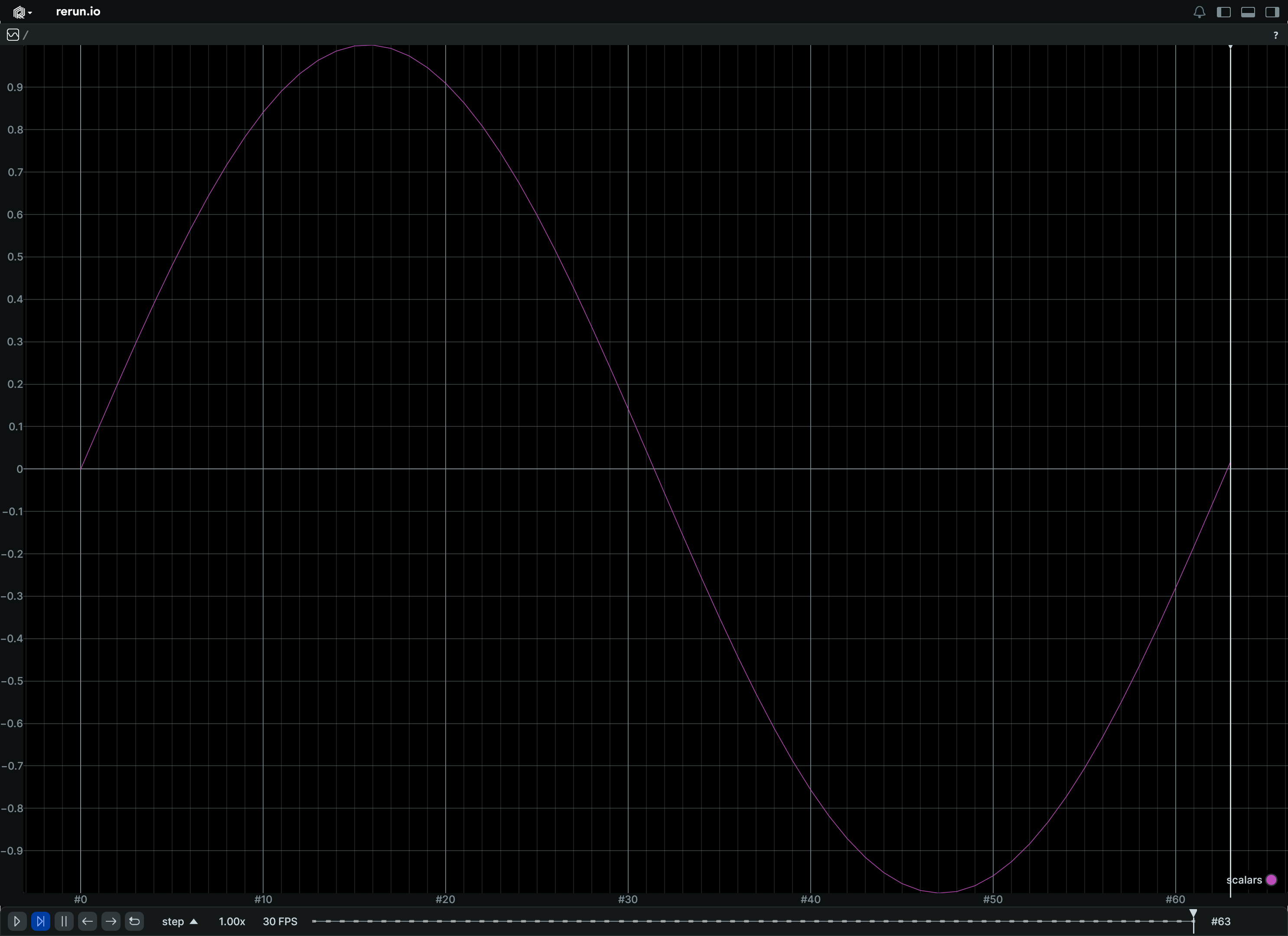
Update a scalar over time, in a single operation:
from __future__ import annotations
import numpy as np
import rerun as rr
rr.init("rerun_example_scalar_column_updates", spawn=True)
times = np.arange(0, 64)
scalars = np.sin(times / 10.0)
rr.send_columns(
"scalars",
indexes=[rr.TimeColumn("step", sequence=times)],
columns=rr.Scalars.columns(scalars=scalars),
)
__init__
def __init__(scalars: Float64ArrayLike) -> None
Create a new instance of the Scalars archetype.
| PARAMETER | DESCRIPTION |
|---|---|
scalars
|
The scalar values to log.
TYPE:
|
columns
classmethod
def columns(
*, scalars: Float64ArrayLike | None = None
) -> ComponentColumnList
Construct a new column-oriented component bundle.
This makes it possible to use rr.send_columns to send columnar data directly into Rerun.
The returned columns will be partitioned into unit-length sub-batches by default.
Use ComponentColumnList.partition to repartition the data as needed.
| PARAMETER | DESCRIPTION |
|---|---|
scalars
|
The scalar values to log.
TYPE:
|
from_fields
classmethod
def from_fields(
*,
clear_unset: bool = False,
scalars: Float64ArrayLike | None = None,
) -> Scalars
Update only some specific fields of a Scalars.
| PARAMETER | DESCRIPTION |
|---|---|
clear_unset
|
If true, all unspecified fields will be explicitly cleared.
TYPE:
|
scalars
|
The scalar values to log.
TYPE:
|
Scale3D
Bases: Scale3DExt, Vec3D, ComponentMixin
Component: A 3D scale factor.
A scale of 1.0 means no scaling. A scale of 2.0 means doubling the size. Each component scales along the corresponding axis.
__init__
def __init__(
uniform_or_per_axis: Vec3DLike
| Float32Like
| None = True,
) -> None
3D scaling factor.
A scale of 1.0 means no scaling. A scale of 2.0 means doubling the size. Each component scales along the corresponding axis.
| PARAMETER | DESCRIPTION |
|---|---|
uniform_or_per_axis
|
If a single value is given, it is applied the same to all three axis (uniform scaling).
TYPE:
|
arrow_type
classmethod
def arrow_type() -> DataType
The pyarrow type of this batch.
Part of the rerun.ComponentBatchLike logging interface.
as_arrow_array
def as_arrow_array() -> Array
The component as an arrow batch.
Part of the rerun.ComponentBatchLike logging interface.
component_type
classmethod
def component_type() -> str
Returns the name of the component.
Part of the rerun.ComponentBatchLike logging interface.
SegmentationImage
Bases: SegmentationImageExt, Archetype, VisualizableArchetype
Archetype: An image made up of integer components.ClassIds.
Each pixel corresponds to a components.ClassId that will be mapped to a color based on archetypes.AnnotationContext.
In the case of floating point images, the label will be looked up based on rounding to the nearest integer value.
Use archetypes.AnnotationContext to associate each class with a color and a label.
Example
Simple segmentation image:
import numpy as np
import rerun as rr
# Create a segmentation image
image = np.zeros((8, 12), dtype=np.uint8)
image[0:4, 0:6] = 1
image[4:8, 6:12] = 2
rr.init("rerun_example_segmentation_image", spawn=True)
# Assign a label and color to each class
rr.log(
"/",
rr.AnnotationContext([(1, "red", (255, 0, 0)), (2, "green", (0, 255, 0))]),
static=True,
)
rr.log("image", rr.SegmentationImage(image))
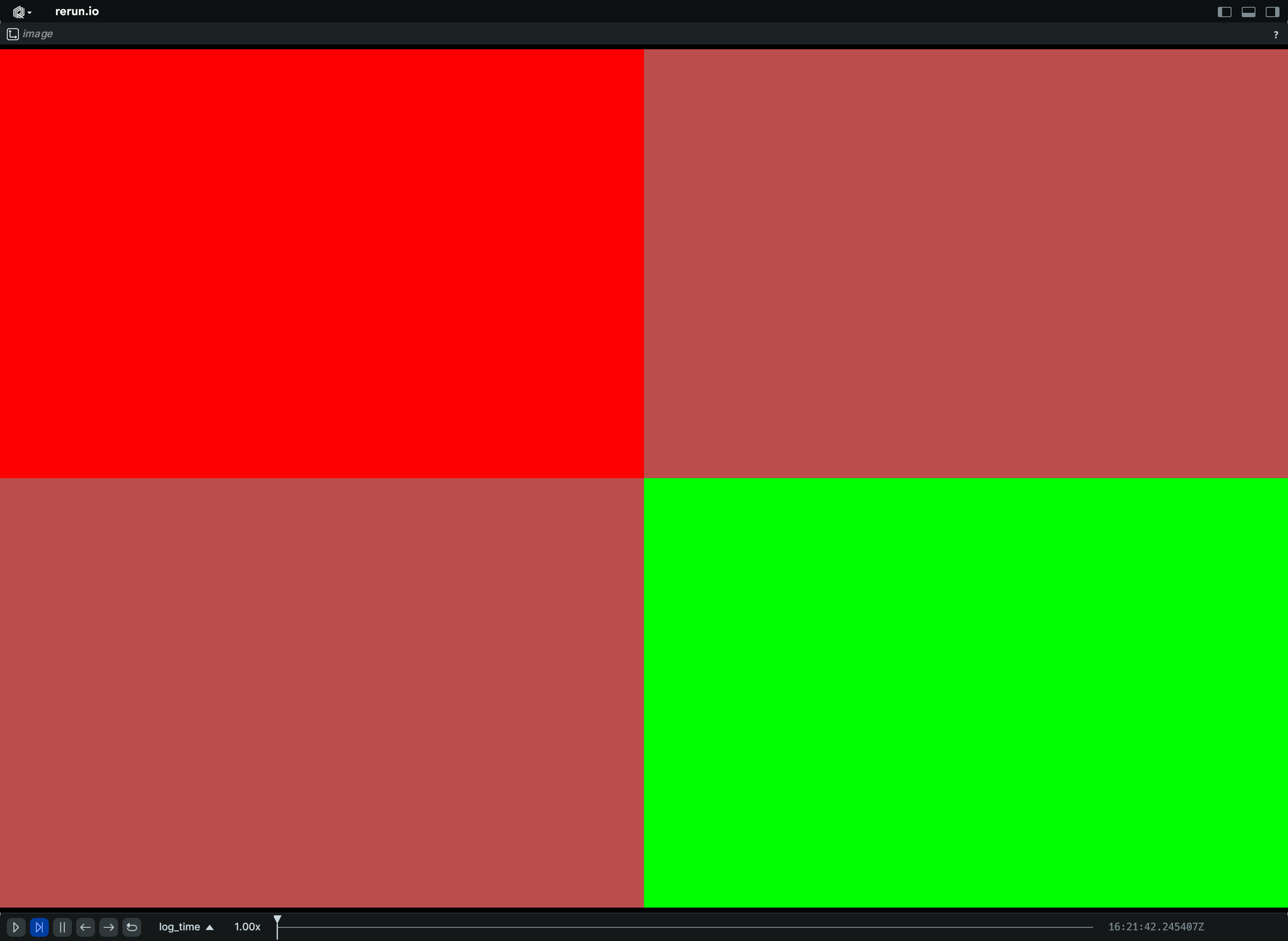
columns
classmethod
def columns(
*,
buffer: BlobArrayLike | None = None,
format: ImageFormatArrayLike | None = None,
opacity: Float32ArrayLike | None = None,
draw_order: Float32ArrayLike | None = None,
) -> ComponentColumnList
Construct a new column-oriented component bundle.
This makes it possible to use rr.send_columns to send columnar data directly into Rerun.
The returned columns will be partitioned into unit-length sub-batches by default.
Use ComponentColumnList.partition to repartition the data as needed.
| PARAMETER | DESCRIPTION |
|---|---|
buffer
|
The raw image data.
TYPE:
|
format
|
The format of the image.
TYPE:
|
opacity
|
Opacity of the image, useful for layering the segmentation image on top of another image. Defaults to 0.5 if there's any other images in the scene, otherwise 1.0.
TYPE:
|
draw_order
|
An optional floating point value that specifies the 2D drawing order. Objects with higher values are drawn on top of those with lower values.
Defaults to
TYPE:
|
from_fields
classmethod
def from_fields(
*,
clear_unset: bool = False,
buffer: BlobLike | None = None,
format: ImageFormatLike | None = None,
opacity: Float32Like | None = None,
draw_order: Float32Like | None = None,
) -> SegmentationImage
Update only some specific fields of a SegmentationImage.
| PARAMETER | DESCRIPTION |
|---|---|
clear_unset
|
If true, all unspecified fields will be explicitly cleared.
TYPE:
|
buffer
|
The raw image data.
TYPE:
|
format
|
The format of the image.
TYPE:
|
opacity
|
Opacity of the image, useful for layering the segmentation image on top of another image. Defaults to 0.5 if there's any other images in the scene, otherwise 1.0.
TYPE:
|
draw_order
|
An optional floating point value that specifies the 2D drawing order. Objects with higher values are drawn on top of those with lower values.
Defaults to
TYPE:
|
visualizer
def visualizer(
*,
mappings: list[VisualizerComponentMappingLike]
| None = None,
) -> Visualizer
Creates a visualizer for this archetype, using all currently set values as overrides.
| PARAMETER | DESCRIPTION |
|---|---|
mappings
|
Optional component mappings to control how the visualizer sources its data. ⚠️ Experimental: Component mappings are an experimental feature and may change. See https://github.com/rerun-io/rerun/issues/10631 for more information.
TYPE:
|
SeriesLines
Bases: Archetype, VisualizableArchetype
Archetype: Define the style properties for one or more line series in a chart.
This archetype only provides styling information. Changes over time are supported for most but not all its fields (see respective fields for details), it's generally recommended to log this type as static.
The underlying data needs to be logged to the same entity-path using archetypes.Scalars.
Dimensionality of the scalar arrays logged at each time point is assumed to be the same over time.
Example
Line series:
from math import cos, sin, tau
import rerun as rr
rr.init("rerun_example_series_line_style", spawn=True)
# Set up plot styling:
# They are logged as static as they don't change over time and apply to
# all timelines.
# Log two lines series under a shared root so that they show in the same
# plot by default.
rr.log(
"trig/sin",
rr.SeriesLines(colors=[255, 0, 0], names="sin(0.01t)", widths=2),
static=True,
)
rr.log(
"trig/cos",
rr.SeriesLines(colors=[0, 255, 0], names="cos(0.01t)", widths=4),
static=True,
)
# Log the data on a timeline called "step".
for t in range(int(tau * 2 * 100.0)):
rr.set_time("step", sequence=t)
rr.log("trig/sin", rr.Scalars(sin(float(t) / 100.0)))
rr.log("trig/cos", rr.Scalars(cos(float(t) / 100.0)))
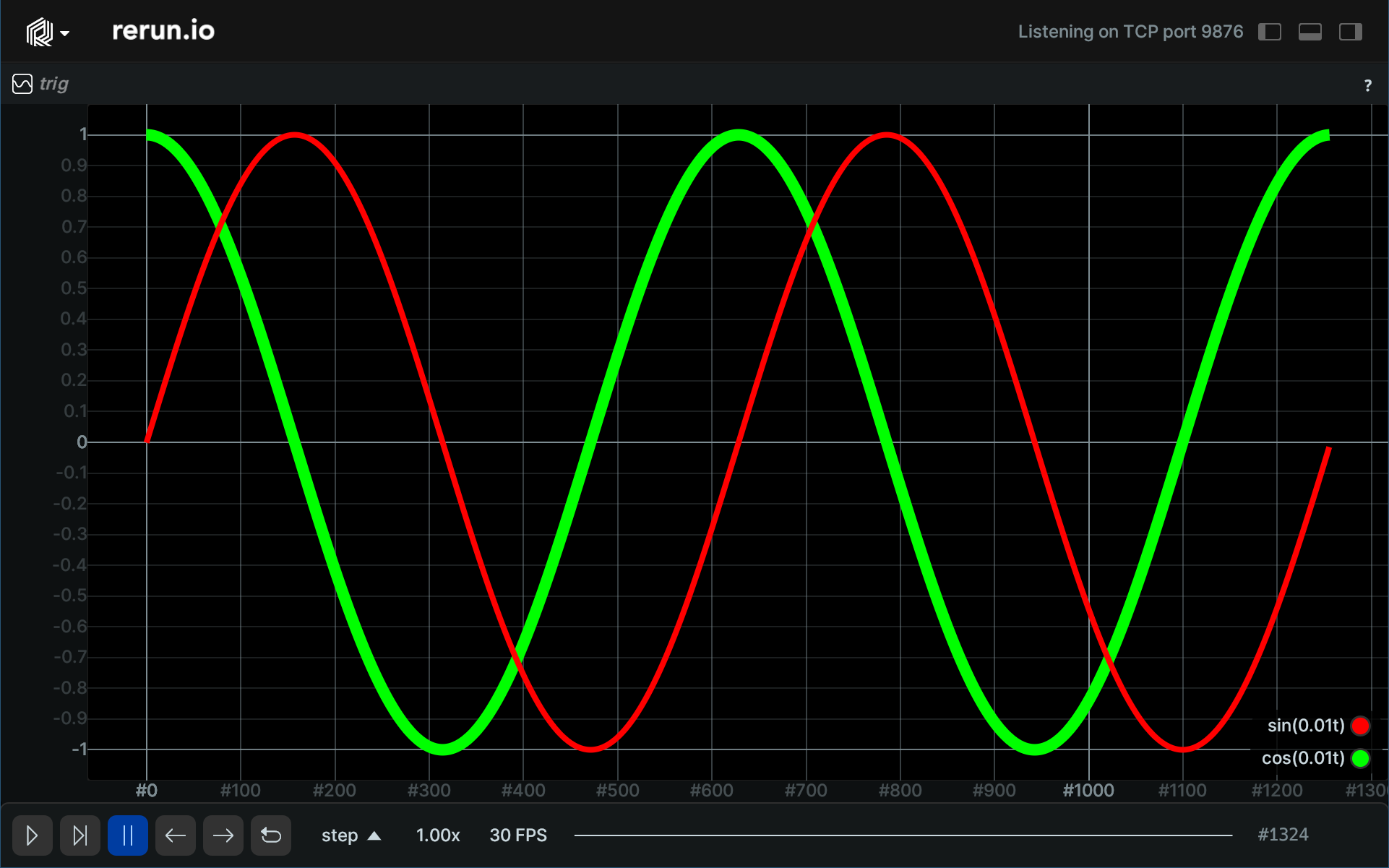
__init__
def __init__(
*,
colors: Rgba32ArrayLike | None = None,
widths: Float32ArrayLike | None = None,
names: Utf8ArrayLike | None = None,
visible_series: BoolArrayLike | None = None,
aggregation_policy: AggregationPolicyLike | None = None,
interpolation_mode: InterpolationModeLike | None = None,
) -> None
Create a new instance of the SeriesLines archetype.
| PARAMETER | DESCRIPTION |
|---|---|
colors
|
Color for the corresponding series. May change over time, but can cause discontinuities in the line.
TYPE:
|
widths
|
Stroke width for the corresponding series. May change over time, but can cause discontinuities in the line.
TYPE:
|
names
|
Display name of the series. Used in the legend. Expected to be unchanging over time.
TYPE:
|
visible_series
|
Which lines are visible. If not set, all line series on this entity are visible. Unlike with the regular visibility property of the entire entity, any series that is hidden via this property will still be visible in the legend. May change over time, but can cause discontinuities in the line.
TYPE:
|
aggregation_policy
|
Configures the zoom-dependent scalar aggregation. This is done only if steps on the X axis go below a single pixel, i.e. a single pixel covers more than one tick worth of data. It can greatly improve performance (and readability) in such situations as it prevents overdraw. Expected to be unchanging over time.
TYPE:
|
interpolation_mode
|
Specifies how values between data points are interpolated. Defaults to linear interpolation. Use one of the Expected to be unchanging over time.
TYPE:
|
columns
classmethod
def columns(
*,
colors: Rgba32ArrayLike | None = None,
widths: Float32ArrayLike | None = None,
names: Utf8ArrayLike | None = None,
visible_series: BoolArrayLike | None = None,
aggregation_policy: AggregationPolicyArrayLike
| None = None,
interpolation_mode: InterpolationModeArrayLike
| None = None,
) -> ComponentColumnList
Construct a new column-oriented component bundle.
This makes it possible to use rr.send_columns to send columnar data directly into Rerun.
The returned columns will be partitioned into unit-length sub-batches by default.
Use ComponentColumnList.partition to repartition the data as needed.
| PARAMETER | DESCRIPTION |
|---|---|
colors
|
Color for the corresponding series. May change over time, but can cause discontinuities in the line.
TYPE:
|
widths
|
Stroke width for the corresponding series. May change over time, but can cause discontinuities in the line.
TYPE:
|
names
|
Display name of the series. Used in the legend. Expected to be unchanging over time.
TYPE:
|
visible_series
|
Which lines are visible. If not set, all line series on this entity are visible. Unlike with the regular visibility property of the entire entity, any series that is hidden via this property will still be visible in the legend. May change over time, but can cause discontinuities in the line.
TYPE:
|
aggregation_policy
|
Configures the zoom-dependent scalar aggregation. This is done only if steps on the X axis go below a single pixel, i.e. a single pixel covers more than one tick worth of data. It can greatly improve performance (and readability) in such situations as it prevents overdraw. Expected to be unchanging over time.
TYPE:
|
interpolation_mode
|
Specifies how values between data points are interpolated. Defaults to linear interpolation. Use one of the Expected to be unchanging over time.
TYPE:
|
from_fields
classmethod
def from_fields(
*,
clear_unset: bool = False,
colors: Rgba32ArrayLike | None = None,
widths: Float32ArrayLike | None = None,
names: Utf8ArrayLike | None = None,
visible_series: BoolArrayLike | None = None,
aggregation_policy: AggregationPolicyLike | None = None,
interpolation_mode: InterpolationModeLike | None = None,
) -> SeriesLines
Update only some specific fields of a SeriesLines.
| PARAMETER | DESCRIPTION |
|---|---|
clear_unset
|
If true, all unspecified fields will be explicitly cleared.
TYPE:
|
colors
|
Color for the corresponding series. May change over time, but can cause discontinuities in the line.
TYPE:
|
widths
|
Stroke width for the corresponding series. May change over time, but can cause discontinuities in the line.
TYPE:
|
names
|
Display name of the series. Used in the legend. Expected to be unchanging over time.
TYPE:
|
visible_series
|
Which lines are visible. If not set, all line series on this entity are visible. Unlike with the regular visibility property of the entire entity, any series that is hidden via this property will still be visible in the legend. May change over time, but can cause discontinuities in the line.
TYPE:
|
aggregation_policy
|
Configures the zoom-dependent scalar aggregation. This is done only if steps on the X axis go below a single pixel, i.e. a single pixel covers more than one tick worth of data. It can greatly improve performance (and readability) in such situations as it prevents overdraw. Expected to be unchanging over time.
TYPE:
|
interpolation_mode
|
Specifies how values between data points are interpolated. Defaults to linear interpolation. Use one of the Expected to be unchanging over time.
TYPE:
|
visualizer
def visualizer(
*,
mappings: list[VisualizerComponentMappingLike]
| None = None,
) -> Visualizer
Creates a visualizer for this archetype, using all currently set values as overrides.
| PARAMETER | DESCRIPTION |
|---|---|
mappings
|
Optional component mappings to control how the visualizer sources its data. ⚠️ Experimental: Component mappings are an experimental feature and may change. See https://github.com/rerun-io/rerun/issues/10631 for more information.
TYPE:
|
SeriesPoints
Bases: SeriesPointsExt, Archetype, VisualizableArchetype
Archetype: Define the style properties for one or more point series (scatter plot) in a chart.
This archetype only provides styling information. Changes over time are supported for most but not all its fields (see respective fields for details), it's generally recommended to log this type as static.
The underlying data needs to be logged to the same entity-path using archetypes.Scalars.
Dimensionality of the scalar arrays logged at each time point is assumed to be the same over time.
Example
Point series:
from math import cos, sin, tau
import rerun as rr
rr.init("rerun_example_series_point_style", spawn=True)
# Set up plot styling:
# They are logged as static as they don't change over time and apply to all
# timelines. Log two point series under a shared root so that they show in the
# same plot by default.
rr.log(
"trig/sin",
rr.SeriesPoints(
colors=[255, 0, 0],
names="sin(0.01t)",
markers="circle",
marker_sizes=4,
),
static=True,
)
rr.log(
"trig/cos",
rr.SeriesPoints(
colors=[0, 255, 0],
names="cos(0.01t)",
markers="cross",
marker_sizes=2,
),
static=True,
)
# Log the data on a timeline called "step".
for t in range(int(tau * 2 * 10.0)):
rr.set_time("step", sequence=t)
rr.log("trig/sin", rr.Scalars(sin(float(t) / 10.0)))
rr.log("trig/cos", rr.Scalars(cos(float(t) / 10.0)))
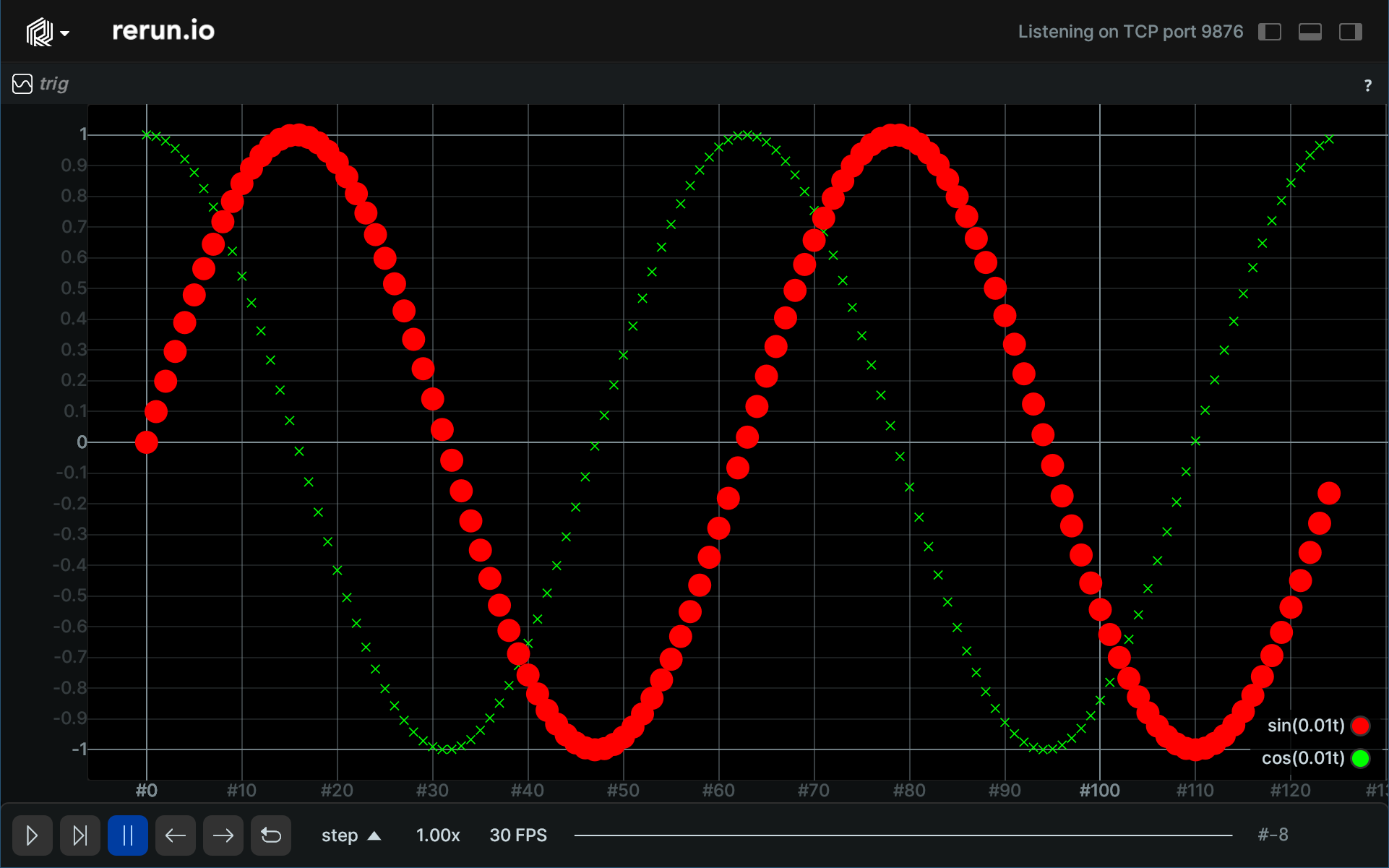
__init__
def __init__(
*,
colors: Rgba32ArrayLike | None = None,
markers: MarkerShapeArrayLike | None = None,
names: Utf8ArrayLike | None = None,
visible_series: BoolArrayLike | None = None,
marker_sizes: Float32ArrayLike | None = None,
) -> None
Create a new instance of the SeriesPoints archetype.
| PARAMETER | DESCRIPTION |
|---|---|
colors
|
Color for the corresponding series. May change over time, but can cause discontinuities in the line.
TYPE:
|
markers
|
What shape to use to represent the point May change over time.
TYPE:
|
names
|
Display name of the series. Used in the legend. Expected to be unchanging over time.
TYPE:
|
visible_series
|
Which lines are visible. If not set, all line series on this entity are visible. Unlike with the regular visibility property of the entire entity, any series that is hidden via this property will still be visible in the legend. May change over time.
TYPE:
|
marker_sizes
|
Sizes of the markers. May change over time. If no other components are set, a default
TYPE:
|
columns
classmethod
def columns(
*,
colors: Rgba32ArrayLike | None = None,
markers: MarkerShapeArrayLike | None = None,
names: Utf8ArrayLike | None = None,
visible_series: BoolArrayLike | None = None,
marker_sizes: Float32ArrayLike | None = None,
) -> ComponentColumnList
Construct a new column-oriented component bundle.
This makes it possible to use rr.send_columns to send columnar data directly into Rerun.
The returned columns will be partitioned into unit-length sub-batches by default.
Use ComponentColumnList.partition to repartition the data as needed.
| PARAMETER | DESCRIPTION |
|---|---|
colors
|
Color for the corresponding series. May change over time, but can cause discontinuities in the line.
TYPE:
|
markers
|
What shape to use to represent the point May change over time.
TYPE:
|
names
|
Display name of the series. Used in the legend. Expected to be unchanging over time.
TYPE:
|
visible_series
|
Which lines are visible. If not set, all line series on this entity are visible. Unlike with the regular visibility property of the entire entity, any series that is hidden via this property will still be visible in the legend. May change over time.
TYPE:
|
marker_sizes
|
Sizes of the markers. May change over time.
TYPE:
|
from_fields
classmethod
def from_fields(
*,
clear_unset: bool = False,
colors: Rgba32ArrayLike | None = None,
markers: MarkerShapeArrayLike | None = None,
names: Utf8ArrayLike | None = None,
visible_series: BoolArrayLike | None = None,
marker_sizes: Float32ArrayLike | None = None,
) -> SeriesPoints
Update only some specific fields of a SeriesPoints.
| PARAMETER | DESCRIPTION |
|---|---|
clear_unset
|
If true, all unspecified fields will be explicitly cleared.
TYPE:
|
colors
|
Color for the corresponding series. May change over time, but can cause discontinuities in the line.
TYPE:
|
markers
|
What shape to use to represent the point May change over time.
TYPE:
|
names
|
Display name of the series. Used in the legend. Expected to be unchanging over time.
TYPE:
|
visible_series
|
Which lines are visible. If not set, all line series on this entity are visible. Unlike with the regular visibility property of the entire entity, any series that is hidden via this property will still be visible in the legend. May change over time.
TYPE:
|
marker_sizes
|
Sizes of the markers. May change over time.
TYPE:
|
visualizer
def visualizer(
*,
mappings: list[VisualizerComponentMappingLike]
| None = None,
) -> Visualizer
Creates a visualizer for this archetype, using all currently set values as overrides.
| PARAMETER | DESCRIPTION |
|---|---|
mappings
|
Optional component mappings to control how the visualizer sources its data. ⚠️ Experimental: Component mappings are an experimental feature and may change. See https://github.com/rerun-io/rerun/issues/10631 for more information.
TYPE:
|
StateChange
Bases: Archetype, VisualizableArchetype
Archetype: A state change, representing a transition of an entity into a new state.
Useful for representing discrete state machines, mode transitions, or
state changes over time. Each logged archetypes.StateChange marks a new state
at the given time. A null state resets the state, showing a gap in the state timeline view.
The state timeline view displays these as horizontal colored lanes over time.
Example
State changes over time:
# Log a `StateChange`.
import rerun as rr
rr.init("rerun_example_state_change", spawn=True)
rr.set_time("step", sequence=0)
rr.log("door", rr.StateChange(state="open"))
rr.set_time("step", sequence=1)
rr.log("door", rr.StateChange(state="closed"))
rr.set_time("step", sequence=2)
rr.log("door", rr.StateChange(state="open"))
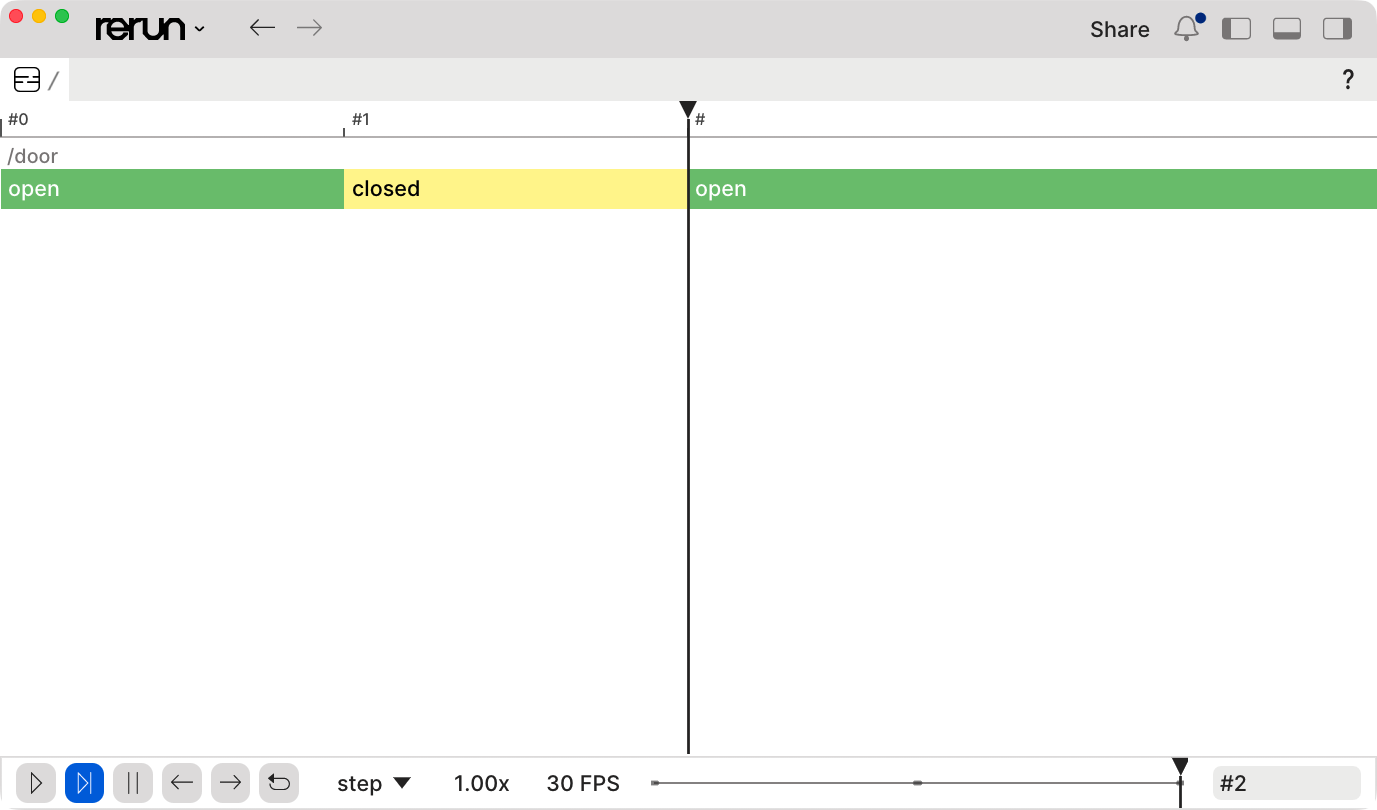
__init__
def __init__(*, state: Utf8ArrayLike | None = None) -> None
Create a new instance of the StateChange archetype.
| PARAMETER | DESCRIPTION |
|---|---|
state
|
The new state values; each instance gets its own lane in the state timeline view. A reset ends the previous state and shows a gap in the state timeline view until the next state. An empty string, a null array entry, and an empty state array (e.g. from clearing the field) all act as resets. The length of the state array should not change over time.
TYPE:
|
columns
classmethod
def columns(
*, state: Utf8ArrayLike | None = None
) -> ComponentColumnList
Construct a new column-oriented component bundle.
This makes it possible to use rr.send_columns to send columnar data directly into Rerun.
The returned columns will be partitioned into unit-length sub-batches by default.
Use ComponentColumnList.partition to repartition the data as needed.
| PARAMETER | DESCRIPTION |
|---|---|
state
|
The new state values; each instance gets its own lane in the state timeline view. A reset ends the previous state and shows a gap in the state timeline view until the next state. An empty string, a null array entry, and an empty state array (e.g. from clearing the field) all act as resets. The length of the state array should not change over time.
TYPE:
|
from_fields
classmethod
def from_fields(
*,
clear_unset: bool = False,
state: Utf8ArrayLike | None = None,
) -> StateChange
Update only some specific fields of a StateChange.
| PARAMETER | DESCRIPTION |
|---|---|
clear_unset
|
If true, all unspecified fields will be explicitly cleared.
TYPE:
|
state
|
The new state values; each instance gets its own lane in the state timeline view. A reset ends the previous state and shows a gap in the state timeline view until the next state. An empty string, a null array entry, and an empty state array (e.g. from clearing the field) all act as resets. The length of the state array should not change over time.
TYPE:
|
visualizer
def visualizer(
*,
mappings: list[VisualizerComponentMappingLike]
| None = None,
) -> Visualizer
Creates a visualizer for this archetype, using all currently set values as overrides.
| PARAMETER | DESCRIPTION |
|---|---|
mappings
|
Optional component mappings to control how the visualizer sources its data. ⚠️ Experimental: Component mappings are an experimental feature and may change. See https://github.com/rerun-io/rerun/issues/10631 for more information.
TYPE:
|
StateConfiguration
Bases: Archetype, VisualizableArchetype
Archetype: Define the style and mapping for state values in a state timeline view.
This archetype provides configuration for how state values are displayed. It maps raw state values to display labels, colors, and visibility.
values, labels, colors, and visible are parallel arrays: the entry
at index i of each describes the same state value, and only the
per-index pairing is meaningful. The four arrays should have matching
length; any secondary array (labels, colors, visible) that is shorter
than values falls back to defaults for the missing entries.
It's generally recommended to log this type as static.
The underlying data needs to be logged to the same entity path using archetypes.StateChange.
Example
State changes with a custom style:
# Log a `StateChange` together with a `StateConfiguration` that customizes
# its display.
import rerun as rr
rr.init("rerun_example_state_configuration", spawn=True)
# Configure how each raw state value is displayed (label, color, visibility).
rr.log(
"door",
rr.StateConfiguration(
values=["open", "closed"],
labels=["Open", "Closed"],
colors=[0x4CAF50FF, 0xEF5350FF],
),
static=True,
)
rr.set_time("step", sequence=0)
rr.log("door", rr.StateChange(state="open"))
rr.set_time("step", sequence=1)
rr.log("door", rr.StateChange(state="closed"))
rr.set_time("step", sequence=2)
rr.log("door", rr.StateChange(state="open"))
__init__
def __init__(
*,
values: Utf8ArrayLike | None = None,
labels: Utf8ArrayLike | None = None,
colors: Rgba32ArrayLike | None = None,
visible: BoolArrayLike | None = None,
) -> None
Create a new instance of the StateConfiguration archetype.
| PARAMETER | DESCRIPTION |
|---|---|
values
|
The raw state values that this configuration applies to. Each entry defines a known state value. The order determines the mapping to
TYPE:
|
labels
|
Display labels for each state value. If provided, the label at index
TYPE:
|
colors
|
Colors for each state value. If provided, the color at index
TYPE:
|
visible
|
Visibility for each state value. If provided, the visibility at index
TYPE:
|
cleared
classmethod
def cleared() -> StateConfiguration
Clear all the fields of a StateConfiguration.
columns
classmethod
def columns(
*,
values: Utf8ArrayLike | None = None,
labels: Utf8ArrayLike | None = None,
colors: Rgba32ArrayLike | None = None,
visible: BoolArrayLike | None = None,
) -> ComponentColumnList
Construct a new column-oriented component bundle.
This makes it possible to use rr.send_columns to send columnar data directly into Rerun.
The returned columns will be partitioned into unit-length sub-batches by default.
Use ComponentColumnList.partition to repartition the data as needed.
| PARAMETER | DESCRIPTION |
|---|---|
values
|
The raw state values that this configuration applies to. Each entry defines a known state value. The order determines the mapping to
TYPE:
|
labels
|
Display labels for each state value. If provided, the label at index
TYPE:
|
colors
|
Colors for each state value. If provided, the color at index
TYPE:
|
visible
|
Visibility for each state value. If provided, the visibility at index
TYPE:
|
from_fields
classmethod
def from_fields(
*,
clear_unset: bool = False,
values: Utf8ArrayLike | None = None,
labels: Utf8ArrayLike | None = None,
colors: Rgba32ArrayLike | None = None,
visible: BoolArrayLike | None = None,
) -> StateConfiguration
Update only some specific fields of a StateConfiguration.
| PARAMETER | DESCRIPTION |
|---|---|
clear_unset
|
If true, all unspecified fields will be explicitly cleared.
TYPE:
|
values
|
The raw state values that this configuration applies to. Each entry defines a known state value. The order determines the mapping to
TYPE:
|
labels
|
Display labels for each state value. If provided, the label at index
TYPE:
|
colors
|
Colors for each state value. If provided, the color at index
TYPE:
|
visible
|
Visibility for each state value. If provided, the visibility at index
TYPE:
|
visualizer
def visualizer(
*,
mappings: list[VisualizerComponentMappingLike]
| None = None,
) -> Visualizer
Creates a visualizer for this archetype, using all currently set values as overrides.
| PARAMETER | DESCRIPTION |
|---|---|
mappings
|
Optional component mappings to control how the visualizer sources its data. ⚠️ Experimental: Component mappings are an experimental feature and may change. See https://github.com/rerun-io/rerun/issues/10631 for more information.
TYPE:
|
Tensor
Bases: TensorExt, Archetype, VisualizableArchetype
Archetype: An N-dimensional array of numbers.
It's not currently possible to use send_columns with tensors since construction
of rerun.components.TensorDataBatch does not support more than a single element.
This will be addressed as part of https://github.com/rerun-io/rerun/issues/6832.
Example
Simple tensor:
import numpy as np
import rerun as rr
tensor = np.random.default_rng(0).integers(
0, 256, (8, 6, 3, 5), dtype=np.uint8
) # 4-dimensional tensor
rr.init("rerun_example_tensor", spawn=True)
# Log the tensor, assigning names to each dimension
rr.log(
"tensor",
rr.Tensor(tensor, dim_names=("width", "height", "channel", "batch")),
)
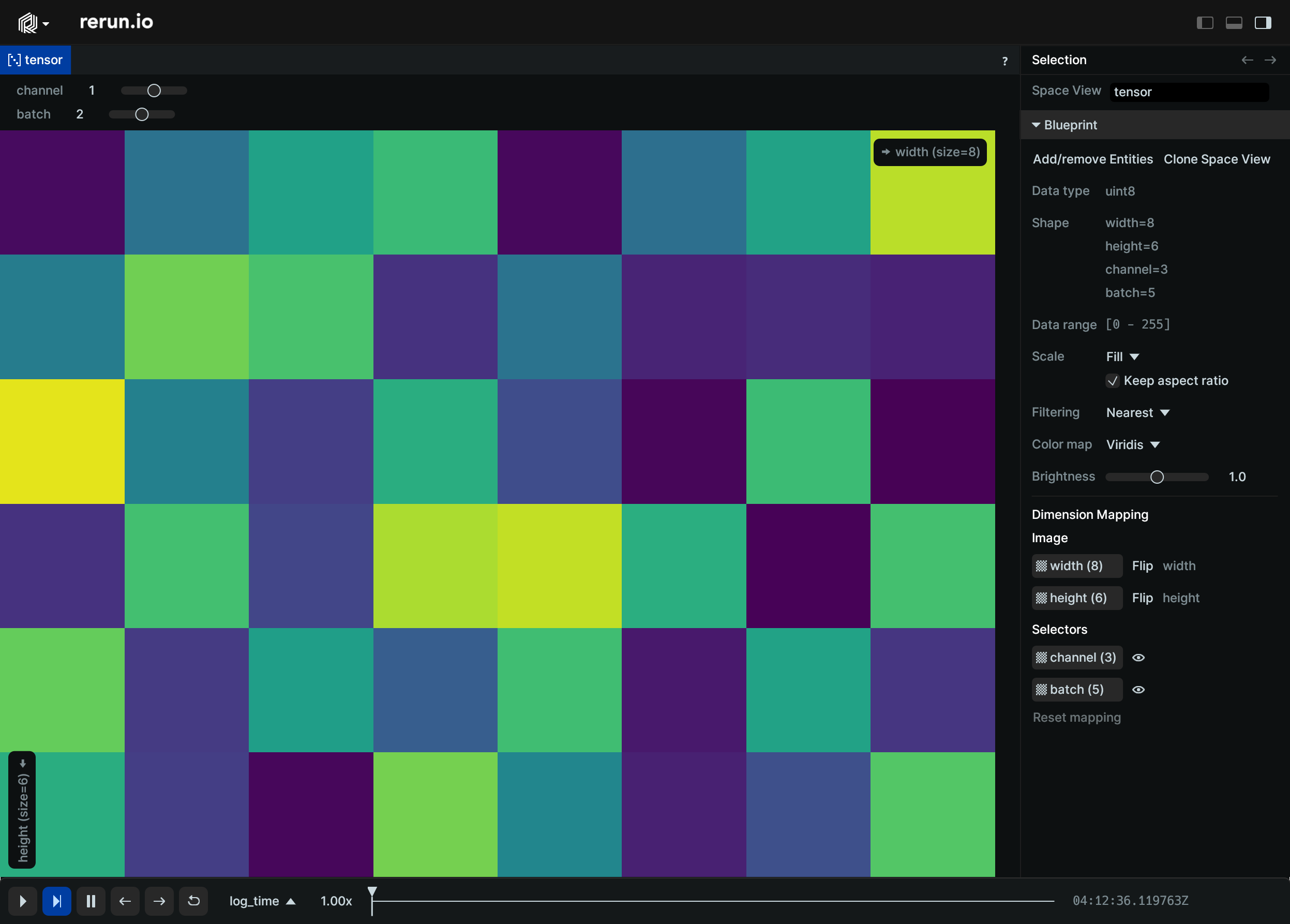
__init__
def __init__(
data: TensorDataLike | TensorLike | None = None,
*,
dim_names: Sequence[str] | None = None,
value_range: Range1DLike | None = None,
) -> None
Construct a Tensor archetype.
The Tensor archetype internally contains a single component: TensorData.
See the TensorData constructor for more advanced options to interpret buffers
as TensorData of varying shapes.
For simple cases, you can pass array objects and optionally specify the names of
the dimensions. The shape of the TensorData will be inferred from the array.
| PARAMETER | DESCRIPTION |
|---|---|
self
|
The TensorData object to construct.
TYPE:
|
data
|
A TensorData object, or type that can be converted to a numpy array.
TYPE:
|
dim_names
|
The names of the tensor dimensions when generating the shape from an array. |
value_range
|
The range of values to use for colormapping. If not specified, the range will be estimated from the data.
TYPE:
|
columns
classmethod
def columns(
*,
data: TensorDataArrayLike | None = None,
value_range: Range1DArrayLike | None = None,
) -> ComponentColumnList
Construct a new column-oriented component bundle.
This makes it possible to use rr.send_columns to send columnar data directly into Rerun.
The returned columns will be partitioned into unit-length sub-batches by default.
Use ComponentColumnList.partition to repartition the data as needed.
| PARAMETER | DESCRIPTION |
|---|---|
data
|
The tensor data
TYPE:
|
value_range
|
The expected range of values. This is typically the expected range of valid values. Everything outside of the range is clamped to the range for the purpose of colormpaping. Any colormap applied for display, will map this range. If not specified, the range will be automatically estimated from the data. Note that the Viewer may try to guess a wider range than the minimum/maximum of values in the contents of the tensor. E.g. if all values are positive, some bigger than 1.0 and all smaller than 255.0, the Viewer will guess that the data likely came from an 8bit image, thus assuming a range of 0-255.
TYPE:
|
from_fields
classmethod
def from_fields(
*,
clear_unset: bool = False,
data: TensorDataLike | None = None,
value_range: Range1DLike | None = None,
) -> Tensor
Update only some specific fields of a Tensor.
| PARAMETER | DESCRIPTION |
|---|---|
clear_unset
|
If true, all unspecified fields will be explicitly cleared.
TYPE:
|
data
|
The tensor data
TYPE:
|
value_range
|
The expected range of values. This is typically the expected range of valid values. Everything outside of the range is clamped to the range for the purpose of colormpaping. Any colormap applied for display, will map this range. If not specified, the range will be automatically estimated from the data. Note that the Viewer may try to guess a wider range than the minimum/maximum of values in the contents of the tensor. E.g. if all values are positive, some bigger than 1.0 and all smaller than 255.0, the Viewer will guess that the data likely came from an 8bit image, thus assuming a range of 0-255.
TYPE:
|
visualizer
def visualizer(
*,
mappings: list[VisualizerComponentMappingLike]
| None = None,
) -> Visualizer
Creates a visualizer for this archetype, using all currently set values as overrides.
| PARAMETER | DESCRIPTION |
|---|---|
mappings
|
Optional component mappings to control how the visualizer sources its data. ⚠️ Experimental: Component mappings are an experimental feature and may change. See https://github.com/rerun-io/rerun/issues/10631 for more information.
TYPE:
|
TensorData
Bases: TensorDataExt
Encoding: An N-dimensional array of numbers.
The number of dimensions and their respective lengths is specified by the shape field.
The dimensions are ordered from outermost to innermost. For example, in the common case of
a 2D RGB Image, the shape would be [height, width, channel].
These dimensions are combined with an index to look up values from the buffer field,
which stores a contiguous array of typed values.
It's not currently possible to use send_columns with tensors since construction
of rerun.components.TensorDataBatch does not support more than a single element.
This will be addressed as part of https://github.com/rerun-io/rerun/issues/6832.
__init__
def __init__(
*,
shape: Sequence[int] | None = None,
buffer: TensorBufferLike | None = None,
array: TensorLike | None = None,
dim_names: Sequence[str] | None = None,
) -> None
Construct a TensorData object.
The TensorData object is internally represented by three fields: shape and buffer.
This constructor provides additional arguments 'array', and 'dim_names'. When passing in a
multi-dimensional array such as a np.ndarray, the shape and buffer fields will be
populated automagically.
| PARAMETER | DESCRIPTION |
|---|---|
self
|
The TensorData object to construct.
TYPE:
|
shape
|
The shape of the tensor. If None, and an array is provided, the shape will be inferred from the shape of the array. |
buffer
|
The buffer of the tensor. If None, and an array is provided, the buffer will be generated from the array.
TYPE:
|
array
|
A numpy array (or The array of the tensor. If None, the array will be inferred from the buffer.
TYPE:
|
dim_names
|
The names of the tensor dimensions. |
TensorDimensionIndexSelection
Bases: TensorDimensionIndexSelection, ComponentMixin
Component: Specifies a concrete index on a tensor dimension.
__init__
arrow_type
classmethod
def arrow_type() -> DataType
The pyarrow type of this batch.
Part of the rerun.ComponentBatchLike logging interface.
as_arrow_array
def as_arrow_array() -> Array
The component as an arrow batch.
Part of the rerun.ComponentBatchLike logging interface.
component_type
classmethod
def component_type() -> str
Returns the name of the component.
Part of the rerun.ComponentBatchLike logging interface.
TensorDimensionSelection
Bases: TensorDimensionSelectionExt
Encoding: Selection of a single tensor dimension.
TextDocument
Bases: Archetype, VisualizableArchetype
Archetype: A text element intended to be displayed in its own text box.
Supports raw text and markdown.
Example
Markdown text document:
import rerun as rr
rr.init("rerun_example_text_document", spawn=True)
rr.log("text_document", rr.TextDocument("Hello, TextDocument!"))
rr.log(
"markdown",
rr.TextDocument(
'''
# Hello Markdown!
[Click here to see the raw text](recording://markdown:Text).
Basic formatting:
| **Feature** | **Alternative** |
| ----------------- | --------------- |
| Plain | |
| *italics* | _italics_ |
| **bold** | __bold__ |
| ~~strikethrough~~ | |
| `inline code` | |
----------------------------------
## Support
- [x] [Commonmark](https://commonmark.org/help/) support
- [x] GitHub-style strikethrough, tables, and checkboxes
- Basic syntax highlighting for:
- [x] C and C++
- [x] Python
- [x] Rust
- [ ] Other languages
## Links
You can link to [an entity](recording://markdown),
a [specific instance of an entity](recording://markdown[#0]),
or a [specific component](recording://markdown:Text).
Of course you can also have [normal https links](https://github.com/rerun-io/rerun), e.g. <https://rerun.io>.
## Image

'''.strip(),
media_type=rr.MediaType.MARKDOWN,
),
)
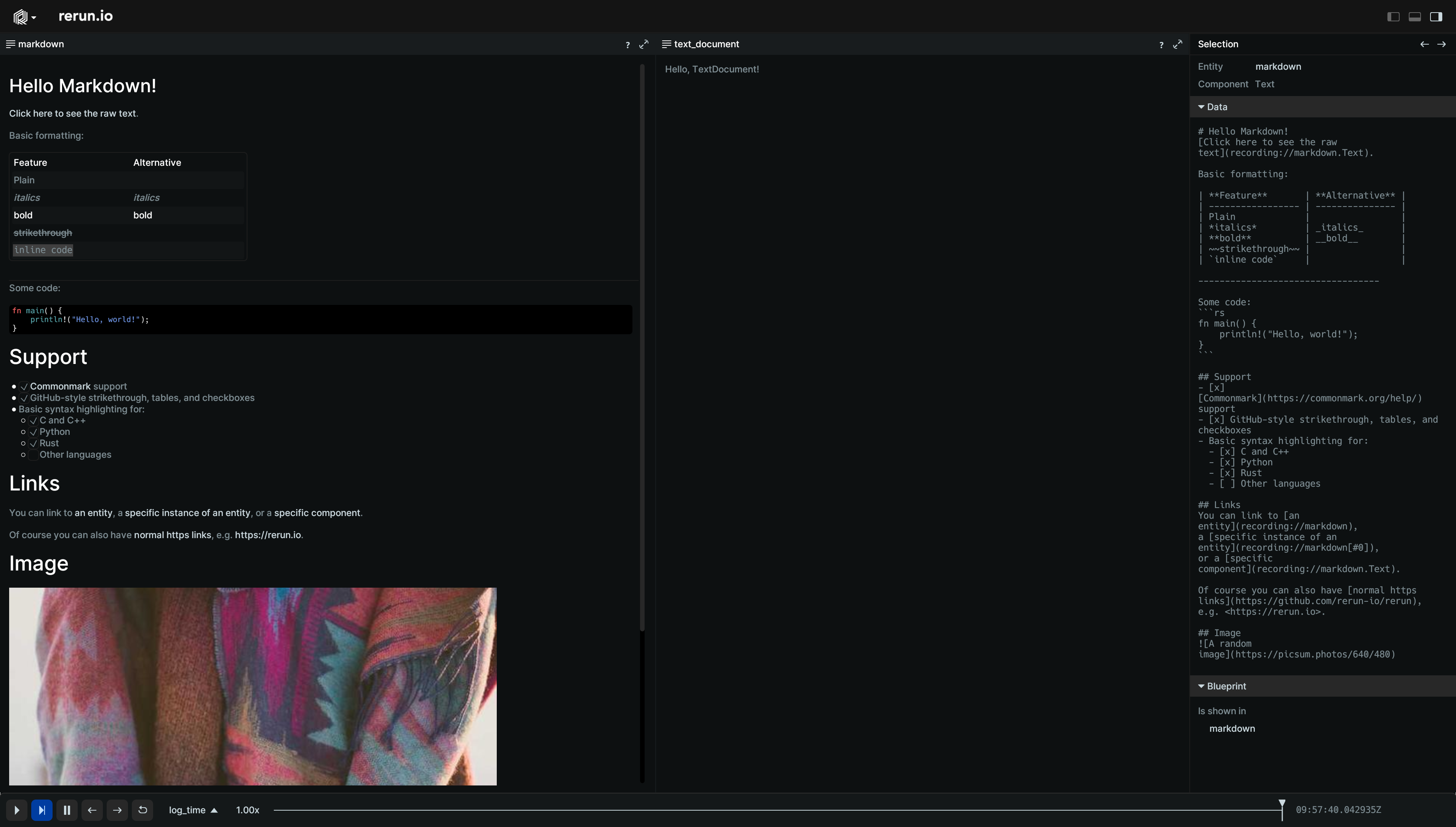
__init__
columns
classmethod
def columns(
*,
text: Utf8ArrayLike | None = None,
media_type: Utf8ArrayLike | None = None,
) -> ComponentColumnList
Construct a new column-oriented component bundle.
This makes it possible to use rr.send_columns to send columnar data directly into Rerun.
The returned columns will be partitioned into unit-length sub-batches by default.
Use ComponentColumnList.partition to repartition the data as needed.
| PARAMETER | DESCRIPTION |
|---|---|
text
|
Contents of the text document.
TYPE:
|
media_type
|
The Media Type of the text. For instance:
* If omitted,
TYPE:
|
from_fields
classmethod
def from_fields(
*,
clear_unset: bool = False,
text: Utf8Like | None = None,
media_type: Utf8Like | None = None,
) -> TextDocument
Update only some specific fields of a TextDocument.
| PARAMETER | DESCRIPTION |
|---|---|
clear_unset
|
If true, all unspecified fields will be explicitly cleared.
TYPE:
|
text
|
Contents of the text document.
TYPE:
|
media_type
|
The Media Type of the text. For instance:
* If omitted,
TYPE:
|
visualizer
def visualizer(
*,
mappings: list[VisualizerComponentMappingLike]
| None = None,
) -> Visualizer
Creates a visualizer for this archetype, using all currently set values as overrides.
| PARAMETER | DESCRIPTION |
|---|---|
mappings
|
Optional component mappings to control how the visualizer sources its data. ⚠️ Experimental: Component mappings are an experimental feature and may change. See https://github.com/rerun-io/rerun/issues/10631 for more information.
TYPE:
|
TextLog
Bases: Archetype, VisualizableArchetype
Archetype: A log entry in a text log, comprised of a text body and its log level.
Example
text_log_integration:
import logging
import rerun as rr
rr.init("rerun_example_text_log_integration", spawn=True)
# Log a text entry directly
rr.log(
"logs",
rr.TextLog("this entry has loglevel TRACE", level=rr.TextLogLevel.TRACE),
)
# Or log via a logging handler
logging.getLogger().addHandler(rr.LoggingHandler("logs/handler"))
logging.getLogger().setLevel(-1)
logging.info("This INFO log got added through the standard logging interface")
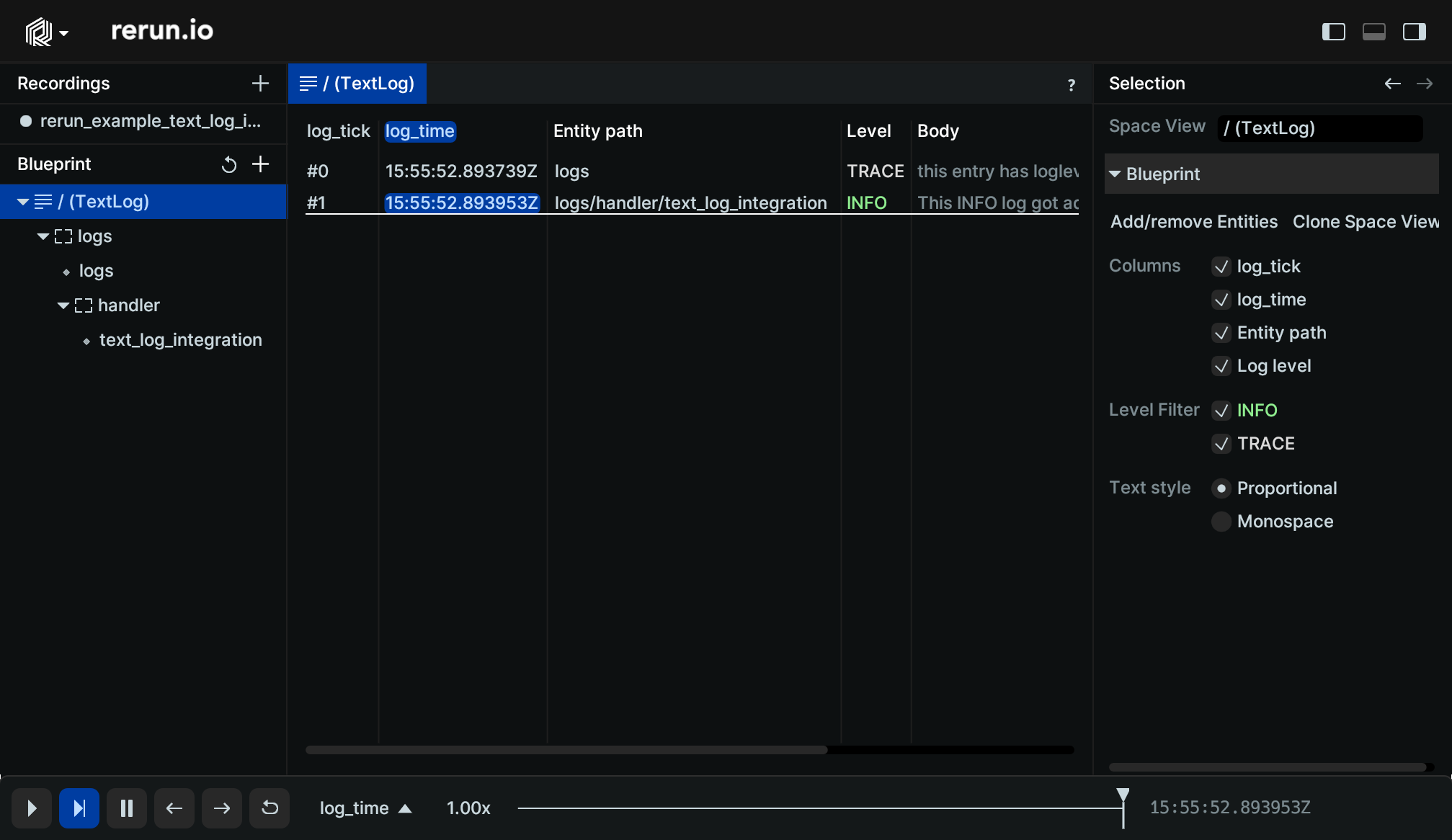
__init__
def __init__(
text: Utf8Like,
*,
level: Utf8Like | None = None,
color: Rgba32Like | None = None,
) -> None
Create a new instance of the TextLog archetype.
| PARAMETER | DESCRIPTION |
|---|---|
text
|
The body of the message.
TYPE:
|
level
|
The verbosity level of the message. This can be used to filter the log messages in the Rerun Viewer.
TYPE:
|
color
|
Optional color to use for the log line in the Rerun Viewer.
TYPE:
|
columns
classmethod
def columns(
*,
text: Utf8ArrayLike | None = None,
level: Utf8ArrayLike | None = None,
color: Rgba32ArrayLike | None = None,
) -> ComponentColumnList
Construct a new column-oriented component bundle.
This makes it possible to use rr.send_columns to send columnar data directly into Rerun.
The returned columns will be partitioned into unit-length sub-batches by default.
Use ComponentColumnList.partition to repartition the data as needed.
| PARAMETER | DESCRIPTION |
|---|---|
text
|
The body of the message.
TYPE:
|
level
|
The verbosity level of the message. This can be used to filter the log messages in the Rerun Viewer.
TYPE:
|
color
|
Optional color to use for the log line in the Rerun Viewer.
TYPE:
|
from_fields
classmethod
def from_fields(
*,
clear_unset: bool = False,
text: Utf8Like | None = None,
level: Utf8Like | None = None,
color: Rgba32Like | None = None,
) -> TextLog
Update only some specific fields of a TextLog.
| PARAMETER | DESCRIPTION |
|---|---|
clear_unset
|
If true, all unspecified fields will be explicitly cleared.
TYPE:
|
text
|
The body of the message.
TYPE:
|
level
|
The verbosity level of the message. This can be used to filter the log messages in the Rerun Viewer.
TYPE:
|
color
|
Optional color to use for the log line in the Rerun Viewer.
TYPE:
|
visualizer
def visualizer(
*,
mappings: list[VisualizerComponentMappingLike]
| None = None,
) -> Visualizer
Creates a visualizer for this archetype, using all currently set values as overrides.
| PARAMETER | DESCRIPTION |
|---|---|
mappings
|
Optional component mappings to control how the visualizer sources its data. ⚠️ Experimental: Component mappings are an experimental feature and may change. See https://github.com/rerun-io/rerun/issues/10631 for more information.
TYPE:
|
TextLogLevel
Bases: TextLogLevelExt, Utf8, ComponentMixin
Component: The severity level of a text log message.
Recommended to be one of:
* "CRITICAL"
* "ERROR"
* "WARN"
* "INFO"
* "DEBUG"
* "TRACE"
TRACE
class-attribute
TRACE: TextLogLevel
Designates very low priority, often extremely verbose, information.
arrow_type
classmethod
def arrow_type() -> DataType
The pyarrow type of this batch.
Part of the rerun.ComponentBatchLike logging interface.
as_arrow_array
def as_arrow_array() -> Array
The component as an arrow batch.
Part of the rerun.ComponentBatchLike logging interface.
component_type
classmethod
def component_type() -> str
Returns the name of the component.
Part of the rerun.ComponentBatchLike logging interface.
TimeColumn
Bases: TimeColumnLike
A column of index (time) values.
Columnar equivalent to rerun.set_time.
__init__
def __init__(
timeline: str,
*,
sequence: Iterable[int] | None = None,
duration: Iterable[int]
| Iterable[float]
| Iterable[timedelta]
| Iterable[timedelta64]
| None = None,
timestamp: Iterable[int]
| Iterable[float]
| Iterable[datetime]
| Iterable[datetime64]
| None = None,
)
Create a column of index values.
There is no requirement of monotonicity. You can move the time backwards if you like.
You are expected to set exactly ONE of the arguments sequence, duration, or timestamp.
You may NOT change the type of a timeline, so if you use duration for a specific timeline,
you must only use duration for that timeline going forward.
| PARAMETER | DESCRIPTION |
|---|---|
timeline
|
The name of the timeline.
TYPE:
|
sequence
|
Used for sequential indices, like |
duration
|
Used for relative times, like
TYPE:
|
timestamp
|
Used for absolute time indices, like
TYPE:
|
TimeColumnLike
TimeInt
Bases: TimeIntExt
Encoding: A 64-bit number describing either nanoseconds OR sequence numbers.
__init__
def __init__(*, seq: int) -> None
def __init__(*, seconds: float) -> None
def __init__(*, nanos: int) -> None
def __init__(
*,
seq: int | None = None,
seconds: float | None = None,
nanos: int | None = None,
) -> None
Create a new instance of the TimeInt datatype.
Exactly one of seq, seconds, or nanos must be provided.
| PARAMETER | DESCRIPTION |
|---|---|
seq
|
Time as a sequence number.
TYPE:
|
seconds
|
Time in seconds. Interpreted either as a duration or time since unix epoch (depending on timeline type).
TYPE:
|
nanos
|
Time in nanoseconds. Interpreted either as a duration or time since unix epoch (depending on timeline type).
TYPE:
|
TimeRange
Encoding: Visible time range bounds for a specific timeline.
__init__
def __init__(
start: TimeRangeBoundaryLike, end: TimeRangeBoundaryLike
) -> None
Create a new instance of the TimeRange encoding.
| PARAMETER | DESCRIPTION |
|---|---|
start
|
Low time boundary for sequence timeline.
TYPE:
|
end
|
High time boundary for sequence timeline.
TYPE:
|
TimeRangeBoundary
Bases: TimeRangeBoundaryExt
Encoding: Left or right boundary of a time range.
inner
class-attribute
instance-attribute
inner: TimeInt | None = field()
Must be one of:
-
CursorRelative (encodings.TimeInt): Boundary is a value relative to the time cursor.
-
Absolute (encodings.TimeInt): Boundary is an absolute value.
-
Infinite (None): The boundary extends to infinity.
kind
class-attribute
instance-attribute
kind: Literal["cursor_relative", "absolute", "infinite"] = (
field(default="cursor_relative")
)
Possible values:
-
"cursor_relative": Boundary is a value relative to the time cursor.
-
"absolute": Boundary is an absolute value.
-
"infinite": The boundary extends to infinity.
absolute
staticmethod
def absolute(time: TimeInt) -> TimeRangeBoundary
def absolute(*, seq: int) -> TimeRangeBoundary
def absolute(*, seconds: float) -> TimeRangeBoundary
def absolute(*, nanos: int) -> TimeRangeBoundary
def absolute(
time: TimeInt | None = None,
*,
seq: int | None = None,
seconds: float | None = None,
nanos: int | None = None,
) -> TimeRangeBoundary
Boundary that is at an absolute time.
Exactly one of 'time', 'seq', 'seconds', or 'nanos' must be provided.
| PARAMETER | DESCRIPTION |
|---|---|
time
|
Absolute time.
TYPE:
|
seq
|
Absolute time in sequence numbers. Not compatible with temporal timelines.
TYPE:
|
seconds
|
Absolute time in seconds. Interpreted either as a duration or time since unix epoch (depending on timeline type). Not compatible with sequence timelines.
TYPE:
|
nanos
|
Absolute time in nanoseconds. Interpreted either as a duration or time since unix epoch (depending on timeline type). Not compatible with sequence timelines.
TYPE:
|
cursor_relative
staticmethod
def cursor_relative() -> TimeRangeBoundary
def cursor_relative(offset: TimeInt) -> TimeRangeBoundary
def cursor_relative(*, seq: int) -> TimeRangeBoundary
def cursor_relative(*, seconds: float) -> TimeRangeBoundary
def cursor_relative(*, nanos: int) -> TimeRangeBoundary
def cursor_relative(
offset: TimeInt | None = None,
*,
seq: int | None = None,
seconds: float | None = None,
nanos: int | None = None,
) -> TimeRangeBoundary
Boundary that is relative to the timeline cursor.
The offset can be positive or negative. An offset of zero (the default) means the cursor time itself.
| PARAMETER | DESCRIPTION |
|---|---|
offset
|
Offset from the cursor time. Mutually exclusive with seq, seconds and nanos.
TYPE:
|
seq
|
Offset in sequence numbers. Use this for sequence timelines. Mutually exclusive with time, seconds and nanos.
TYPE:
|
seconds
|
Offset in seconds. Use this for time based timelines. Mutually exclusive with time, seq and nanos.
TYPE:
|
nanos
|
Offset in nanoseconds. Use this for time based timelines. Mutually exclusive with time, seq and seconds.
TYPE:
|
infinite
staticmethod
def infinite() -> TimeRangeBoundary
Boundary that extends to infinity.
Depending on the context, this can mean the beginning or the end of the timeline.
Transform3D
Bases: Transform3DExt, Archetype
Archetype: A transform between two 3D spaces, i.e. a pose.
From the point of view of the entity's coordinate system, all components are applied in the inverse order they are listed here. E.g. if both a translation and a mat3x3 transform are present, the 3x3 matrix is applied first, followed by the translation.
Whenever you log this archetype, the state of the resulting transform relationship is fully reset to the new archetype. This means that if you first log a transform with only a translation, and then log one with only a rotation, it will be resolved to a transform with only a rotation. (This is unlike how we usually apply latest-at semantics on an archetype where we take the latest state of any component independently)
For transforms that affect only a single entity and do not propagate along the entity tree refer to archetypes.InstancePoses3D.
Examples:
Variety of 3D transforms:
from math import pi
import rerun as rr
from rerun.encodings import Angle, RotationAxisAngle
rr.init("rerun_example_transform3d", spawn=True)
arrow = rr.Arrows3D(origins=[0, 0, 0], vectors=[0, 1, 0])
rr.log("base", arrow)
rr.log("base/translated", rr.Transform3D(translation=[1, 0, 0]))
rr.log("base/translated", arrow)
rr.log(
"base/rotated_scaled",
rr.Transform3D(
rotation=RotationAxisAngle(axis=[0, 0, 1], angle=Angle(rad=pi / 4)),
scale=2,
),
)
rr.log("base/rotated_scaled", arrow)
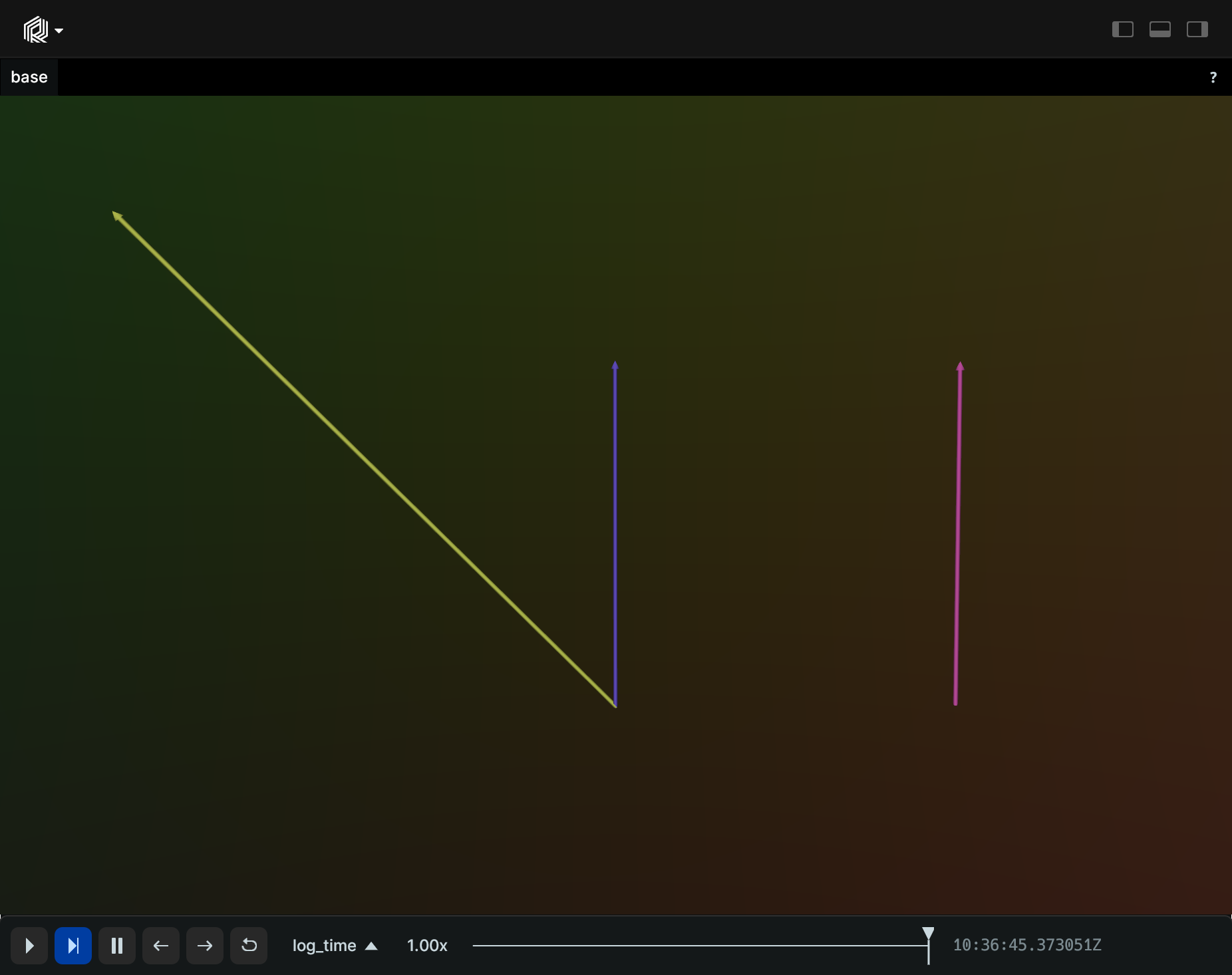
Update a transform over time:
import math
import rerun as rr
def truncated_radians(deg: float) -> float:
return float(int(math.radians(deg) * 1000.0)) / 1000.0
rr.init("rerun_example_transform3d_row_updates", spawn=True)
rr.set_time("tick", sequence=0)
rr.log(
"box",
rr.Boxes3D(
half_sizes=[4.0, 2.0, 1.0], fill_mode=rr.components.FillMode.Solid
),
rr.TransformAxes3D(10.0),
)
for t in range(100):
rr.set_time("tick", sequence=t + 1)
rr.log(
"box",
rr.Transform3D(
translation=[0, 0, t / 10.0],
rotation_axis_angle=rr.RotationAxisAngle(
axis=[0.0, 1.0, 0.0], radians=truncated_radians(t * 4)
),
),
)
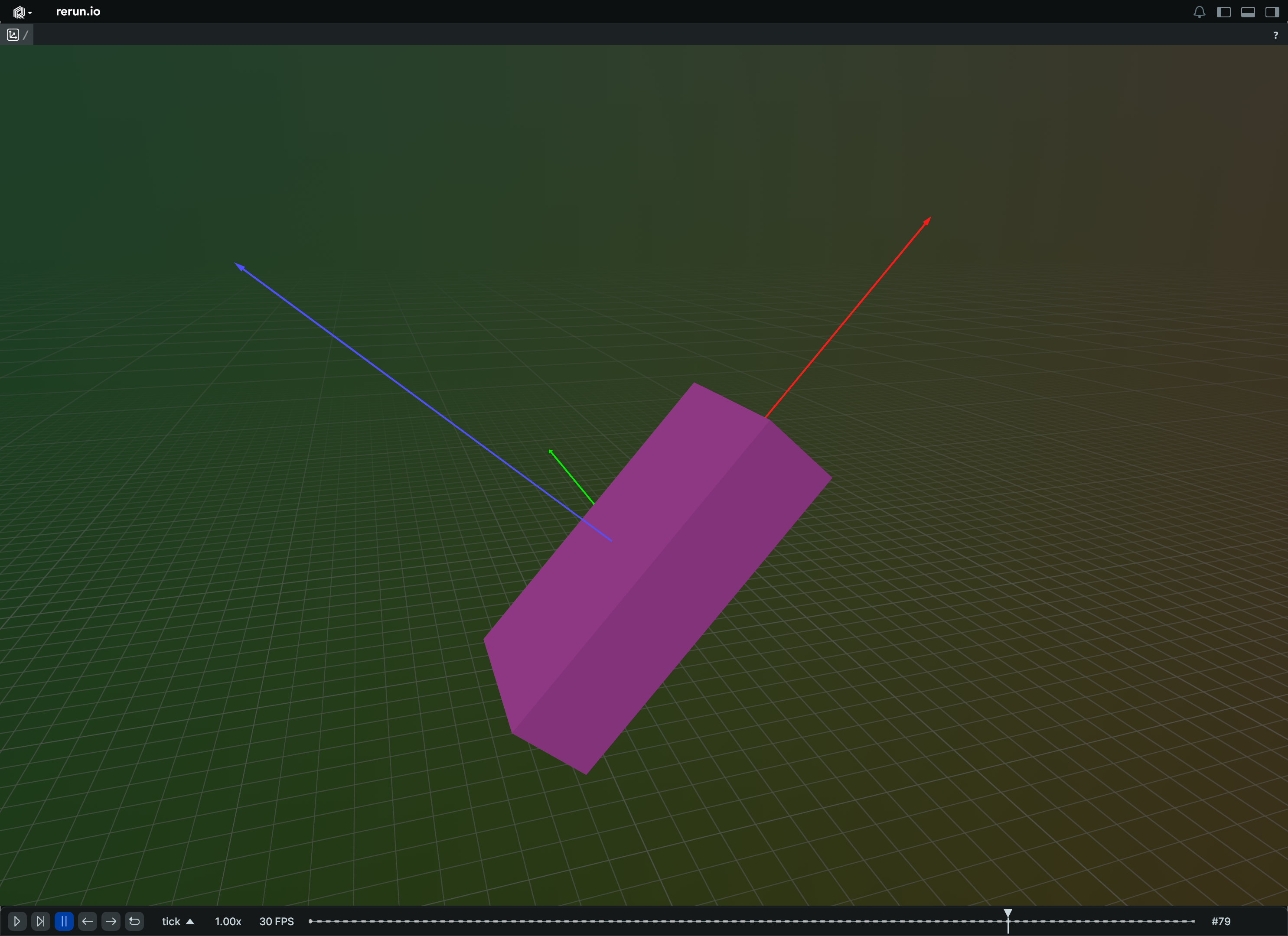
Update a transform over time, in a single operation:
import math
import rerun as rr
def truncated_radians(deg: float) -> float:
return float(int(math.radians(deg) * 1000.0)) / 1000.0
rr.init("rerun_example_transform3d_column_updates", spawn=True)
rr.set_time("tick", sequence=0)
rr.log(
"box",
rr.Boxes3D(
half_sizes=[4.0, 2.0, 1.0], fill_mode=rr.components.FillMode.Solid
),
rr.TransformAxes3D(10.0),
)
rr.send_columns(
"box",
indexes=[rr.TimeColumn("tick", sequence=range(1, 101))],
columns=rr.Transform3D.columns(
translation=[[0, 0, t / 10.0] for t in range(100)],
rotation_axis_angle=[
rr.RotationAxisAngle(
axis=[0.0, 1.0, 0.0], radians=truncated_radians(t * 4)
)
for t in range(100)
],
),
)
Update specific properties of a transform over time:
import math
import rerun as rr
def truncated_radians(deg: float) -> float:
return float(int(math.radians(deg) * 1000.0)) / 1000.0
rr.init("rerun_example_transform3d_partial_updates", spawn=True)
# Set up a 3D box.
rr.log(
"box",
rr.Boxes3D(
half_sizes=[4.0, 2.0, 1.0], fill_mode=rr.components.FillMode.Solid
),
)
# Update only the rotation of the box.
for deg in range(46):
rad = truncated_radians(deg * 4)
rr.log(
"box",
rr.Transform3D.from_fields(
rotation_axis_angle=rr.RotationAxisAngle(
axis=[0.0, 1.0, 0.0], radians=rad
),
),
)
# Update only the position of the box.
for t in range(51):
rr.log(
"box",
rr.Transform3D.from_fields(translation=[0, 0, t / 10.0]),
)
# Update only the rotation of the box.
for deg in range(46):
rad = truncated_radians((deg + 45) * 4)
rr.log(
"box",
rr.Transform3D.from_fields(
rotation_axis_angle=rr.RotationAxisAngle(
axis=[0.0, 1.0, 0.0], radians=rad
),
),
)
# Clear all of the box's attributes.
rr.log(
"box",
rr.Transform3D.from_fields(clear_unset=True),
)
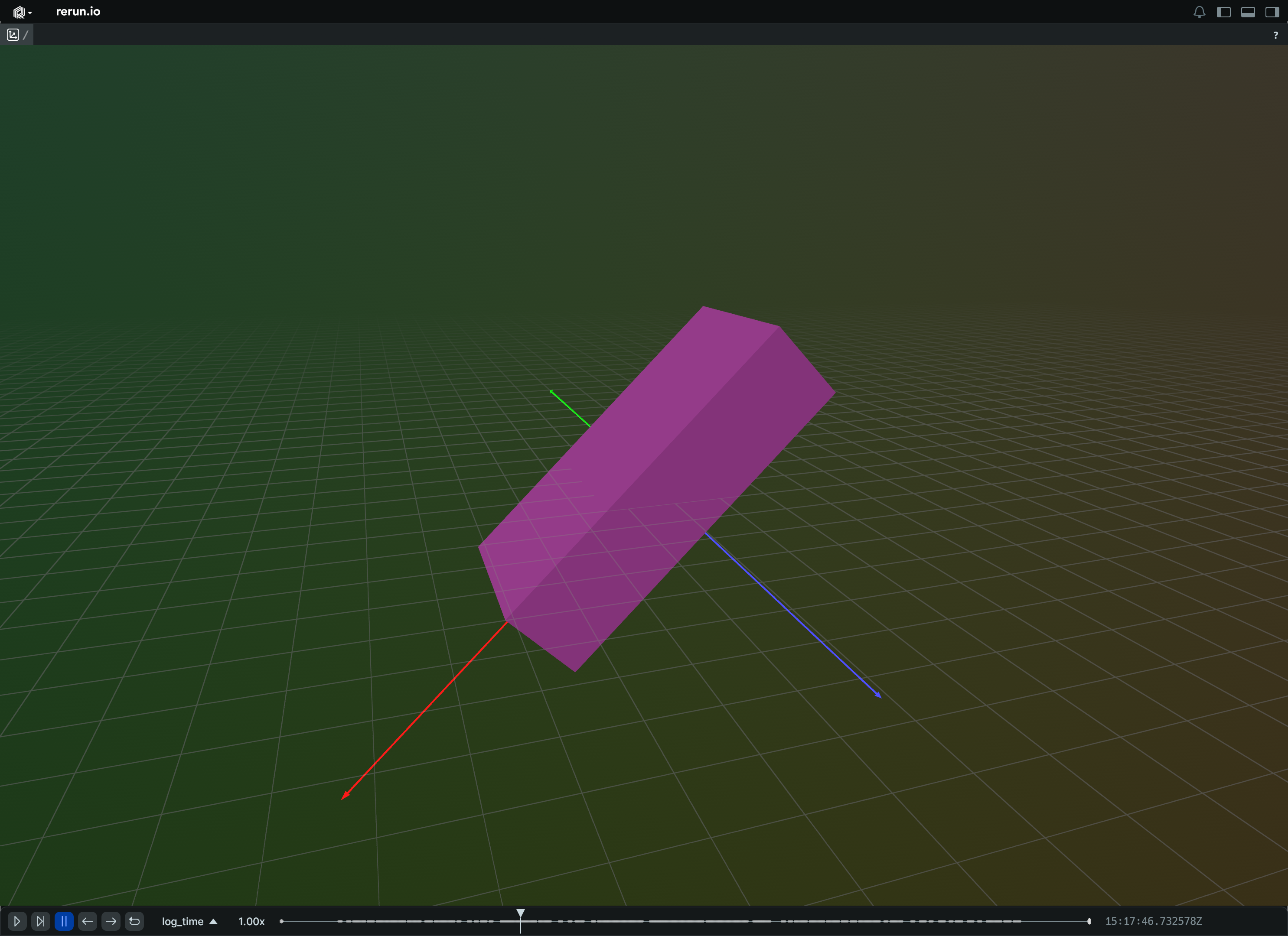
__init__
def __init__(
*,
translation: Vec3DLike | None = None,
rotation: QuaternionLike
| RotationAxisAngleLike
| None = None,
rotation_axis_angle: RotationAxisAngleLike
| None = None,
quaternion: QuaternionLike | None = None,
scale: Vec3DLike | Float32Like | None = None,
mat3x3: Mat3x3Like | None = None,
from_parent: bool | None = None,
relation: TransformRelationLike | None = None,
child_frame: Utf8Like | None = None,
parent_frame: Utf8Like | None = None,
) -> None
Create a new instance of the Transform3D archetype.
| PARAMETER | DESCRIPTION |
|---|---|
translation
|
3D translation vector.
TYPE:
|
rotation
|
3D rotation, either a quaternion or an axis-angle.
Mutually exclusive with
TYPE:
|
rotation_axis_angle
|
Axis-angle representing rotation. Mutually exclusive with
TYPE:
|
quaternion
|
Quaternion representing rotation. Mutually exclusive with
TYPE:
|
scale
|
3D scale.
TYPE:
|
mat3x3
|
3x3 matrix representing scale and rotation, applied after translation.
Not compatible with
TYPE:
|
from_parent
|
If true, the transform maps from the parent space to the space where the transform was logged.
Otherwise, the transform maps from the space to its parent.
Deprecated in favor of Mutually exclusive with
TYPE:
|
relation
|
Allows to explicitly specify the transform's relationship with the parent entity. Otherwise, the transform maps from the space to its parent. Mutually exclusive with
TYPE:
|
child_frame
|
The child frame this transform transforms from. The entity at which the transform relationship of any given child frame is specified mustn't change over time.
E.g. if you specified the child frame ⚠ This currently also affects the child frame of If not specified, this is set to the implicit transform frame of the current entity path.
This means that if a To set the frame an entity is part of see
TYPE:
|
parent_frame
|
The parent frame this transform transforms into. ⚠ This currently also affects the parent frame of If not specified, this is set to the implicit transform frame of the current entity path's parent.
This means that if a To set the frame an entity is part of see
TYPE:
|
columns
classmethod
def columns(
*,
translation: Vec3DArrayLike | None = None,
rotation_axis_angle: RotationAxisAngleArrayLike
| None = None,
quaternion: QuaternionArrayLike | None = None,
scale: Vec3DArrayLike | None = None,
mat3x3: Mat3x3ArrayLike | None = None,
relation: TransformRelationArrayLike | None = None,
child_frame: Utf8ArrayLike | None = None,
parent_frame: Utf8ArrayLike | None = None,
) -> ComponentColumnList
Construct a new column-oriented component bundle.
This makes it possible to use rr.send_columns to send columnar data directly into Rerun.
The returned columns will be partitioned into unit-length sub-batches by default.
Use ComponentColumnList.partition to repartition the data as needed.
| PARAMETER | DESCRIPTION |
|---|---|
translation
|
Translation vector. Any update to this field will reset all other transform properties that aren't changed in the same log call or
TYPE:
|
rotation_axis_angle
|
Rotation via axis + angle. Any update to this field will reset all other transform properties that aren't changed in the same log call or
TYPE:
|
quaternion
|
Rotation via quaternion. Any update to this field will reset all other transform properties that aren't changed in the same log call or
TYPE:
|
scale
|
Scaling factor. Any update to this field will reset all other transform properties that aren't changed in the same log call or
TYPE:
|
mat3x3
|
3x3 transformation matrix. Any update to this field will reset all other transform properties that aren't changed in the same log call or
TYPE:
|
relation
|
Specifies the relation this transform establishes between this entity and its parent. Any update to this field will reset all other transform properties that aren't changed in the same log call or
TYPE:
|
child_frame
|
The child frame this transform transforms from. The entity at which the transform relationship of any given child frame is specified mustn't change over time, but is allowed to be different for static time.
E.g. if you specified the child frame If not specified, this is set to the implicit transform frame of the current entity path.
This means that if a To set the frame an entity is part of see Any update to this field will reset all other transform properties that aren't changed in the same log call or
TYPE:
|
parent_frame
|
The parent frame this transform transforms into. Any child frame has exactly one parent frame at any point in time, so logging a different If not specified, this is set to the implicit transform frame of the current entity path's parent.
This means that if a To set the frame an entity is part of see Any update to this field will reset all other transform properties that aren't changed in the same log call or
TYPE:
|
from_fields
classmethod
def from_fields(
*,
clear_unset: bool = False,
translation: Vec3DLike | None = None,
rotation_axis_angle: RotationAxisAngleLike
| None = None,
quaternion: QuaternionLike | None = None,
scale: Vec3DLike | None = None,
mat3x3: Mat3x3Like | None = None,
relation: TransformRelationLike | None = None,
child_frame: Utf8Like | None = None,
parent_frame: Utf8Like | None = None,
) -> Transform3D
Update only some specific fields of a Transform3D.
| PARAMETER | DESCRIPTION |
|---|---|
clear_unset
|
If true, all unspecified fields will be explicitly cleared.
TYPE:
|
translation
|
Translation vector. Any update to this field will reset all other transform properties that aren't changed in the same log call or
TYPE:
|
rotation_axis_angle
|
Rotation via axis + angle. Any update to this field will reset all other transform properties that aren't changed in the same log call or
TYPE:
|
quaternion
|
Rotation via quaternion. Any update to this field will reset all other transform properties that aren't changed in the same log call or
TYPE:
|
scale
|
Scaling factor. Any update to this field will reset all other transform properties that aren't changed in the same log call or
TYPE:
|
mat3x3
|
3x3 transformation matrix. Any update to this field will reset all other transform properties that aren't changed in the same log call or
TYPE:
|
relation
|
Specifies the relation this transform establishes between this entity and its parent. Any update to this field will reset all other transform properties that aren't changed in the same log call or
TYPE:
|
child_frame
|
The child frame this transform transforms from. The entity at which the transform relationship of any given child frame is specified mustn't change over time, but is allowed to be different for static time.
E.g. if you specified the child frame If not specified, this is set to the implicit transform frame of the current entity path.
This means that if a To set the frame an entity is part of see Any update to this field will reset all other transform properties that aren't changed in the same log call or
TYPE:
|
parent_frame
|
The parent frame this transform transforms into. Any child frame has exactly one parent frame at any point in time, so logging a different If not specified, this is set to the implicit transform frame of the current entity path's parent.
This means that if a To set the frame an entity is part of see Any update to this field will reset all other transform properties that aren't changed in the same log call or
TYPE:
|
TransformAxes3D
Bases: Archetype, VisualizableArchetype
Archetype: A visual representation of a archetypes.Transform3D.
Example
Visual representation of a transform as three arrows:
import rerun as rr
rr.init("rerun_example_transform3d_axes", spawn=True)
rr.set_time("step", sequence=0)
# Set the axis lengths for all the transforms
rr.log("base", rr.Transform3D(), rr.TransformAxes3D(1.0))
# Now sweep out a rotation relative to the base
for deg in range(360):
rr.set_time("step", sequence=deg)
rr.log(
"base/rotated",
rr.Transform3D.from_fields(
rotation_axis_angle=rr.RotationAxisAngle(
axis=[1.0, 1.0, 1.0],
degrees=deg,
),
),
rr.TransformAxes3D(0.5),
)
rr.log(
"base/rotated/translated",
rr.Transform3D.from_fields(
translation=[2.0, 0, 0],
),
rr.TransformAxes3D(0.5),
)
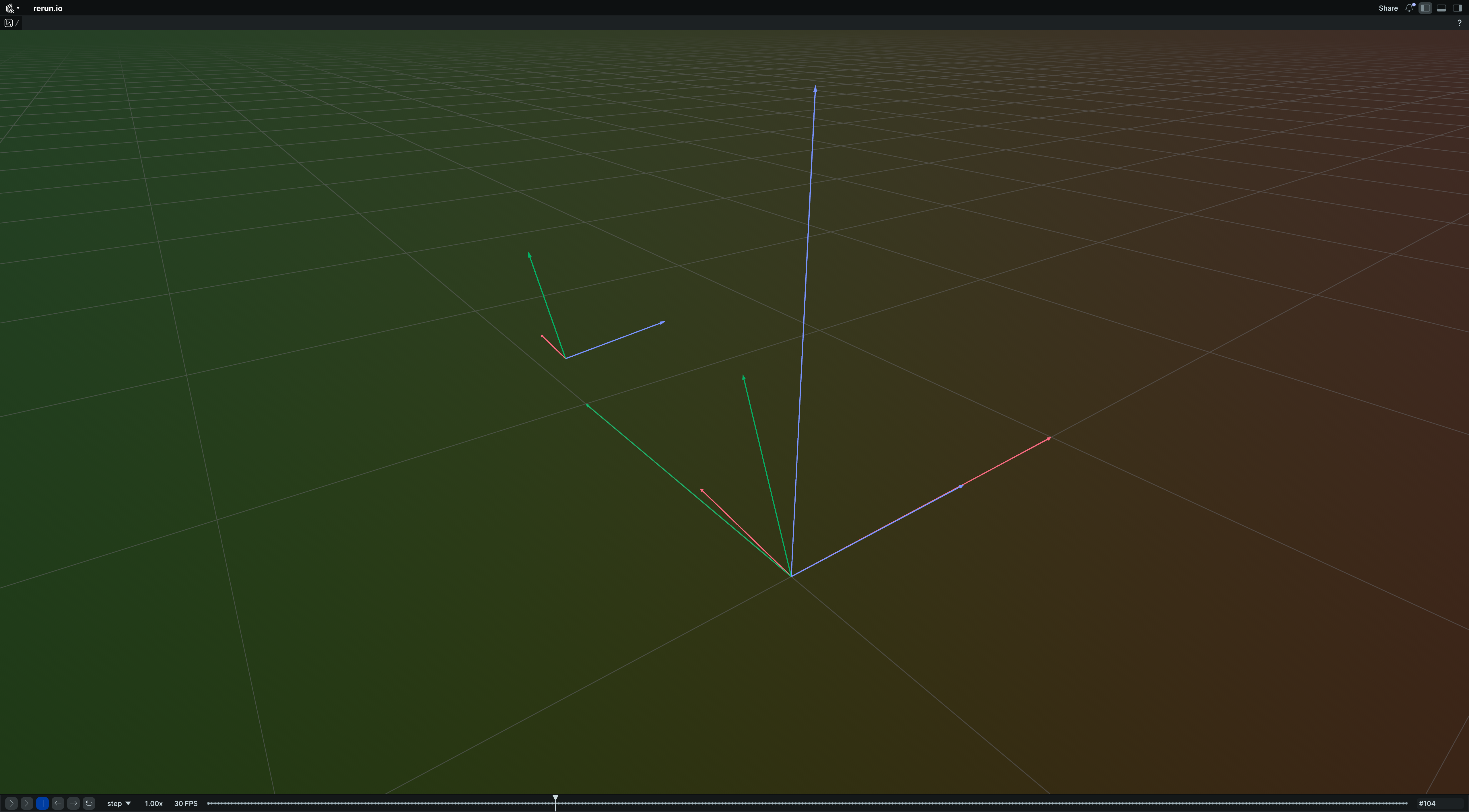
__init__
def __init__(
axis_length: Float32Like,
*,
show_frame: BoolLike | None = None,
) -> None
Create a new instance of the TransformAxes3D archetype.
| PARAMETER | DESCRIPTION |
|---|---|
axis_length
|
Visual length of the 3 axes. The length is interpreted in the local coordinate system of the transform. If the transform is scaled, the axes will be scaled accordingly.
TYPE:
|
show_frame
|
Whether to show a text label with the corresponding frame.
TYPE:
|
columns
classmethod
def columns(
*,
axis_length: Float32ArrayLike | None = None,
show_frame: BoolArrayLike | None = None,
) -> ComponentColumnList
Construct a new column-oriented component bundle.
This makes it possible to use rr.send_columns to send columnar data directly into Rerun.
The returned columns will be partitioned into unit-length sub-batches by default.
Use ComponentColumnList.partition to repartition the data as needed.
| PARAMETER | DESCRIPTION |
|---|---|
axis_length
|
Visual length of the 3 axes. The length is interpreted in the local coordinate system of the transform. If the transform is scaled, the axes will be scaled accordingly.
TYPE:
|
show_frame
|
Whether to show a text label with the corresponding frame.
TYPE:
|
from_fields
classmethod
def from_fields(
*,
clear_unset: bool = False,
axis_length: Float32Like | None = None,
show_frame: BoolLike | None = None,
) -> TransformAxes3D
Update only some specific fields of a TransformAxes3D.
| PARAMETER | DESCRIPTION |
|---|---|
clear_unset
|
If true, all unspecified fields will be explicitly cleared.
TYPE:
|
axis_length
|
Visual length of the 3 axes. The length is interpreted in the local coordinate system of the transform. If the transform is scaled, the axes will be scaled accordingly.
TYPE:
|
show_frame
|
Whether to show a text label with the corresponding frame.
TYPE:
|
visualizer
def visualizer(
*,
mappings: list[VisualizerComponentMappingLike]
| None = None,
) -> Visualizer
Creates a visualizer for this archetype, using all currently set values as overrides.
| PARAMETER | DESCRIPTION |
|---|---|
mappings
|
Optional component mappings to control how the visualizer sources its data. ⚠️ Experimental: Component mappings are an experimental feature and may change. See https://github.com/rerun-io/rerun/issues/10631 for more information.
TYPE:
|
TransformRelation
Bases: Enum
Component: Specifies relation a spatial transform describes.
ChildFromParent
class-attribute
instance-attribute
ChildFromParent = 2
The transform describes how to transform into the child entity's space.
E.g. a translation of (0, 1, 0) with this components.TransformRelation logged at parent/child means
that from the point of view of parent, parent/child is translated -1 unit along parent's Y axis.
From perspective of parent/child, the parent entity is translated 1 unit along parent/child's Y axis.
ParentFromChild
class-attribute
instance-attribute
ParentFromChild = 1
The transform describes how to transform into the parent entity's space.
E.g. a translation of (0, 1, 0) with this components.TransformRelation logged at parent/child means
that from the point of view of parent, parent/child is translated 1 unit along parent's Y axis.
From perspective of parent/child, the parent entity is translated -1 unit along parent/child's Y axis.
auto
classmethod
def auto(
val: str | int | TransformRelation,
) -> TransformRelation
Best-effort converter, including a case-insensitive string matcher.
VideoCodec
Bases: Enum
Component: The codec used to encode video stored in components.VideoSample.
Support of these codecs by the Rerun Viewer is platform dependent. For more details see check the video reference.
⚠️ This type is unstable and may change significantly in a way that the data won't be backwards compatible.
AV1
class-attribute
instance-attribute
AV1 = 1635135537
AOMedia Video 1 (AV1)
See https://en.wikipedia.org/wiki/AV1
components.VideoSamples using this codec should be formatted according the "Low overhead bitstream format",
as specified in Section 5.2 of the AV1 specification.
Each sample should be formatted as a sequence of OBUs (Open Bitstream Units) long enough to decode at least one video frame.
Samples containing keyframes must include a sequence header OBU before the KEY_FRAME OBU to enable
extraction of frame dimensions, bit depth, and color information. INTRA_ONLY frames are not treated
as keyframes since they may reference existing decoder state.
Enum value is the fourcc for 'av01' (the WebCodec string assigned to this codec) in big endian.
H264
class-attribute
instance-attribute
H264 = 1635148593
Advanced Video Coding (AVC/H.264)
See https://en.wikipedia.org/wiki/Advanced_Video_Coding
components.VideoSamples using this codec should be formatted according to Annex B specification.
(Note that this is different from AVCC format found in MP4 files.
To learn more about Annex B, check for instance https://membrane.stream/learn/h264/3)
Key frames (IDR) require inclusion of a SPS (Sequence Parameter Set)
Enum value is the fourcc for 'avc1' (the WebCodec string assigned to this codec) in big endian.
H265
class-attribute
instance-attribute
H265 = 1751479857
High Efficiency Video Coding (HEVC/H.265)
See https://en.wikipedia.org/wiki/High_Efficiency_Video_Coding
components.VideoSamples using this codec should be formatted according to Annex B specification.
(Note that this is different from AVCC format found in MP4 files.
To learn more about Annex B, check for instance https://membrane.stream/learn/h264/3)
Key frames (IRAP) require inclusion of a SPS (Sequence Parameter Set)
Enum value is the fourcc for 'hev1' (the WebCodec string assigned to this codec) in big endian.
VP8
class-attribute
instance-attribute
VP8 = 1987063864
VP8
See https://en.wikipedia.org/wiki/VP8
Enum value is the fourcc for 'vp08' (the WebCodec string assigned to this codec) in big endian.
VP9
class-attribute
instance-attribute
VP9 = 1987063865
VP9
See https://en.wikipedia.org/wiki/VP9
Enum value is the fourcc for 'vp09' (the WebCodec string assigned to this codec) in big endian.
auto
classmethod
def auto(val: str | int | VideoCodec) -> VideoCodec
Best-effort converter, including a case-insensitive string matcher.
VideoFrameReference
Bases: VideoFrameReferenceExt, Archetype, VisualizableArchetype
Archetype: References a single video frame.
Used to display individual video frames from an archetypes.AssetVideo or archetypes.VideoStream.
To show an entire video, a video frame reference for each frame of the video should be logged.
References to a archetypes.VideoStream use the active Viewer timeline.
See https://rerun.io/docs/reference/video for details of what is and isn't supported.
Examples:
Video with automatically determined frames:
import sys
import rerun as rr
if len(sys.argv) < 2:
# TODO(#7354): Only mp4 is supported for now.
print(f"Usage: {sys.argv[0]} <path_to_video.[mp4]>")
sys.exit(1)
rr.init("rerun_example_asset_video_auto_frames", spawn=True)
# Log video asset which is referred to by frame references.
video_asset = rr.AssetVideo(path=sys.argv[1])
rr.log("video", video_asset, static=True)
# Send automatically determined video frame timestamps.
frame_timestamps_ns = video_asset.read_frame_timestamps_nanos()
rr.send_columns(
"video",
# Note timeline values don't have to be the same as the video timestamps.
indexes=[rr.TimeColumn("video_time", duration=1e-9 * frame_timestamps_ns)],
columns=rr.VideoFrameReference.columns_nanos(frame_timestamps_ns),
)
Demonstrates manual use of video frame references:
import sys
import rerun as rr
import rerun.blueprint as rrb
if len(sys.argv) < 2:
# TODO(#7354): Only mp4 is supported for now.
print(f"Usage: {sys.argv[0]} <path_to_video.[mp4]>")
sys.exit(1)
rr.init("rerun_example_asset_video_manual_frames", spawn=True)
# Log video asset which is referred to by frame references.
rr.log("video_asset", rr.AssetVideo(path=sys.argv[1]), static=True)
# Create two entities, showing the same video frozen at different times.
rr.log(
"frame_1s",
rr.VideoFrameReference(seconds=1.0, video_reference="video_asset"),
)
rr.log(
"frame_2s",
rr.VideoFrameReference(seconds=2.0, video_reference="video_asset"),
)
# Send blueprint that shows two 2D views next to each other.
rr.send_blueprint(
rrb.Horizontal(
rrb.Spatial2DView(origin="frame_1s"),
rrb.Spatial2DView(origin="frame_2s"),
)
)
__init__
def __init__(
timestamp: VideoTimestampLike | None = None,
*,
seconds: float | None = None,
nanoseconds: int | None = None,
video_reference: EntityPathLike | None = None,
opacity: Float32Like | None = None,
draw_order: Float32Like | None = None,
) -> None
Create a new instance of the VideoFrameReference archetype.
| PARAMETER | DESCRIPTION |
|---|---|
timestamp
|
References the closest video frame to this timestamp. Note that this uses the closest video frame instead of the latest at this timestamp in order to be more forgiving of rounding errors for inprecise timestamp types. Mutually exclusive with
TYPE:
|
seconds
|
Sets the timestamp to the given number of seconds. Mutually exclusive with
TYPE:
|
nanoseconds
|
Sets the timestamp to the given number of nanoseconds. Mutually exclusive with
TYPE:
|
video_reference
|
Optional reference to an entity with a If none is specified, the video is assumed to be at the same entity. Note that blueprint overrides on the referenced video will be ignored regardless, as this is always interpreted as a reference to the data store. For a series of video frame references, it is recommended to specify this path only once at the beginning of the series and then rely on latest-at query semantics to keep the video reference active.
TYPE:
|
opacity
|
Opacity of the video, useful for layering several media. Defaults to 1.0 (fully opaque).
TYPE:
|
draw_order
|
An optional floating point value that specifies the 2D drawing order. Objects with higher values are drawn on top of those with lower values.
Defaults to
TYPE:
|
cleared
classmethod
def cleared() -> VideoFrameReference
Clear all the fields of a VideoFrameReference.
columns
classmethod
def columns(
*,
timestamp: VideoTimestampArrayLike | None = None,
video_reference: EntityPathArrayLike | None = None,
opacity: Float32ArrayLike | None = None,
draw_order: Float32ArrayLike | None = None,
) -> ComponentColumnList
Construct a new column-oriented component bundle.
This makes it possible to use rr.send_columns to send columnar data directly into Rerun.
The returned columns will be partitioned into unit-length sub-batches by default.
Use ComponentColumnList.partition to repartition the data as needed.
| PARAMETER | DESCRIPTION |
|---|---|
timestamp
|
References the closest video frame to this timestamp. Note that this uses the closest video frame instead of the latest at this timestamp in order to be more forgiving of rounding errors for inprecise timestamp types. Timestamps are relative to the start of the video, i.e. a timestamp of 0 always corresponds to the first frame. This is oftentimes equivalent to presentation timestamps (known as PTS), but in the presence of B-frames (bidirectionally predicted frames) there may be an offset on the first presentation timestamp in the video.
TYPE:
|
video_reference
|
Optional reference to an entity with an If none is specified, the video is assumed to be at the same entity. Note that blueprint overrides on the referenced video will be ignored regardless, as this is always interpreted as a reference to the data store. For a series of video frame references, it is recommended to specify this path only once at the beginning of the series and then rely on latest-at query semantics to keep the video reference active.
TYPE:
|
opacity
|
Opacity of the video, useful for layering several media. Defaults to 1.0 (fully opaque).
TYPE:
|
draw_order
|
An optional floating point value that specifies the 2D drawing order. Objects with higher values are drawn on top of those with lower values.
Defaults to
TYPE:
|
columns_millis
classmethod
def columns_millis(
milliseconds: ArrayLike,
) -> ComponentColumnList
Helper for VideoFrameReference.columns with milliseconds-based timestamp.
| PARAMETER | DESCRIPTION |
|---|---|
milliseconds
|
Timestamp values in milliseconds since video start.
TYPE:
|
columns_nanos
classmethod
def columns_nanos(
nanoseconds: ArrayLike,
) -> ComponentColumnList
Helper for VideoFrameReference.columns with nanoseconds-based timestamp.
| PARAMETER | DESCRIPTION |
|---|---|
nanoseconds
|
Timestamp values in nanoseconds since video start.
TYPE:
|
columns_secs
classmethod
def columns_secs(seconds: ArrayLike) -> ComponentColumnList
Helper for VideoFrameReference.columns with seconds-based timestamp.
| PARAMETER | DESCRIPTION |
|---|---|
seconds
|
Timestamp values in seconds since video start.
TYPE:
|
from_fields
classmethod
def from_fields(
*,
clear_unset: bool = False,
timestamp: VideoTimestampLike | None = None,
video_reference: EntityPathLike | None = None,
opacity: Float32Like | None = None,
draw_order: Float32Like | None = None,
) -> VideoFrameReference
Update only some specific fields of a VideoFrameReference.
| PARAMETER | DESCRIPTION |
|---|---|
clear_unset
|
If true, all unspecified fields will be explicitly cleared.
TYPE:
|
timestamp
|
References the closest video frame to this timestamp. Note that this uses the closest video frame instead of the latest at this timestamp in order to be more forgiving of rounding errors for inprecise timestamp types. Timestamps are relative to the start of the video, i.e. a timestamp of 0 always corresponds to the first frame. This is oftentimes equivalent to presentation timestamps (known as PTS), but in the presence of B-frames (bidirectionally predicted frames) there may be an offset on the first presentation timestamp in the video.
TYPE:
|
video_reference
|
Optional reference to an entity with an If none is specified, the video is assumed to be at the same entity. Note that blueprint overrides on the referenced video will be ignored regardless, as this is always interpreted as a reference to the data store. For a series of video frame references, it is recommended to specify this path only once at the beginning of the series and then rely on latest-at query semantics to keep the video reference active.
TYPE:
|
opacity
|
Opacity of the video, useful for layering several media. Defaults to 1.0 (fully opaque).
TYPE:
|
draw_order
|
An optional floating point value that specifies the 2D drawing order. Objects with higher values are drawn on top of those with lower values.
Defaults to
TYPE:
|
visualizer
def visualizer(
*,
mappings: list[VisualizerComponentMappingLike]
| None = None,
) -> Visualizer
Creates a visualizer for this archetype, using all currently set values as overrides.
| PARAMETER | DESCRIPTION |
|---|---|
mappings
|
Optional component mappings to control how the visualizer sources its data. ⚠️ Experimental: Component mappings are an experimental feature and may change. See https://github.com/rerun-io/rerun/issues/10631 for more information.
TYPE:
|
VideoStream
Bases: Archetype, VisualizableArchetype
Archetype: Video stream consisting of raw video chunks.
For logging video containers like mp4, refer to archetypes.AssetVideo and archetypes.VideoFrameReference.
To learn more about video support in Rerun, check the video reference.
All components except sample are typically logged statically once per entity.
sample is then logged repeatedly for each frame on the timeline.
Individual frames can be displayed with archetypes.VideoFrameReference, which uses the active Viewer timeline.
⚠️ This type is unstable and may change significantly in a way that the data won't be backwards compatible.
Example
Live streaming of on-the-fly encoded video:
import av
import numpy as np
import numpy.typing as npt
import rerun as rr
fps = 30
duration_seconds = 4
width = 480
height = 320
ball_radius = 30
codec = rr.VideoCodec.H265 # rr.VideoCodec.H264
formats = {rr.VideoCodec.H265: "hevc", rr.VideoCodec.H264: "h264"}
encoders = {rr.VideoCodec.H265: "libx265", rr.VideoCodec.H264: "libx264"}
def create_example_video_frame(frame_i: int) -> npt.NDArray[np.uint8]:
img = np.zeros((height, width, 3), dtype=np.uint8)
for h in range(height):
img[h, :] = [
0,
int(100 * h / height),
int(200 * h / height),
] # Blue to purple gradient.
x_pos = width // 2 # Center horizontally.
y_pos = height // 2 + 80 * np.sin(2 * np.pi * frame_i / fps)
y, x = np.ogrid[:height, :width]
r_sq = (x - x_pos) ** 2 + (y - y_pos) ** 2
img[r_sq < ball_radius**2] = [255, 200, 0] # Gold color
return img
rr.init("rerun_example_video_stream_synthetic")
# Setup encoding pipeline.
av.logging.set_level(av.logging.VERBOSE)
container = av.open(
"/dev/null", "w", format=formats[codec]
) # Use AnnexB H.265 stream.
stream = container.add_stream(encoders[codec], rate=fps)
# Type narrowing
assert isinstance(stream, av.video.stream.VideoStream)
stream.width = width
stream.height = height
# TODO(#10090): Rerun Video Streams don't support b-frames yet.
# Note that b-frames are generally not recommended for low-latency streaming
# and may make logging more complex.
stream.max_b_frames = 0
# Log codec only once as static data (it naturally never changes).
# This isn't strictly necessary, but good practice.
rr.log("video_stream", rr.VideoStream(codec=codec), static=True)
# Generate frames and stream them directly to Rerun.
for frame_i in range(fps * duration_seconds):
img = create_example_video_frame(frame_i)
frame = av.VideoFrame.from_ndarray(img, format="rgb24")
for packet in stream.encode(frame):
if packet.pts is None:
continue
rr.set_time("time", duration=float(packet.pts * packet.time_base))
rr.log("video_stream", rr.VideoStream.from_fields(sample=bytes(packet)))
# Flush stream.
for packet in stream.encode():
if packet.pts is None:
continue
rr.set_time("time", duration=float(packet.pts * packet.time_base))
rr.log("video_stream", rr.VideoStream.from_fields(sample=bytes(packet)))
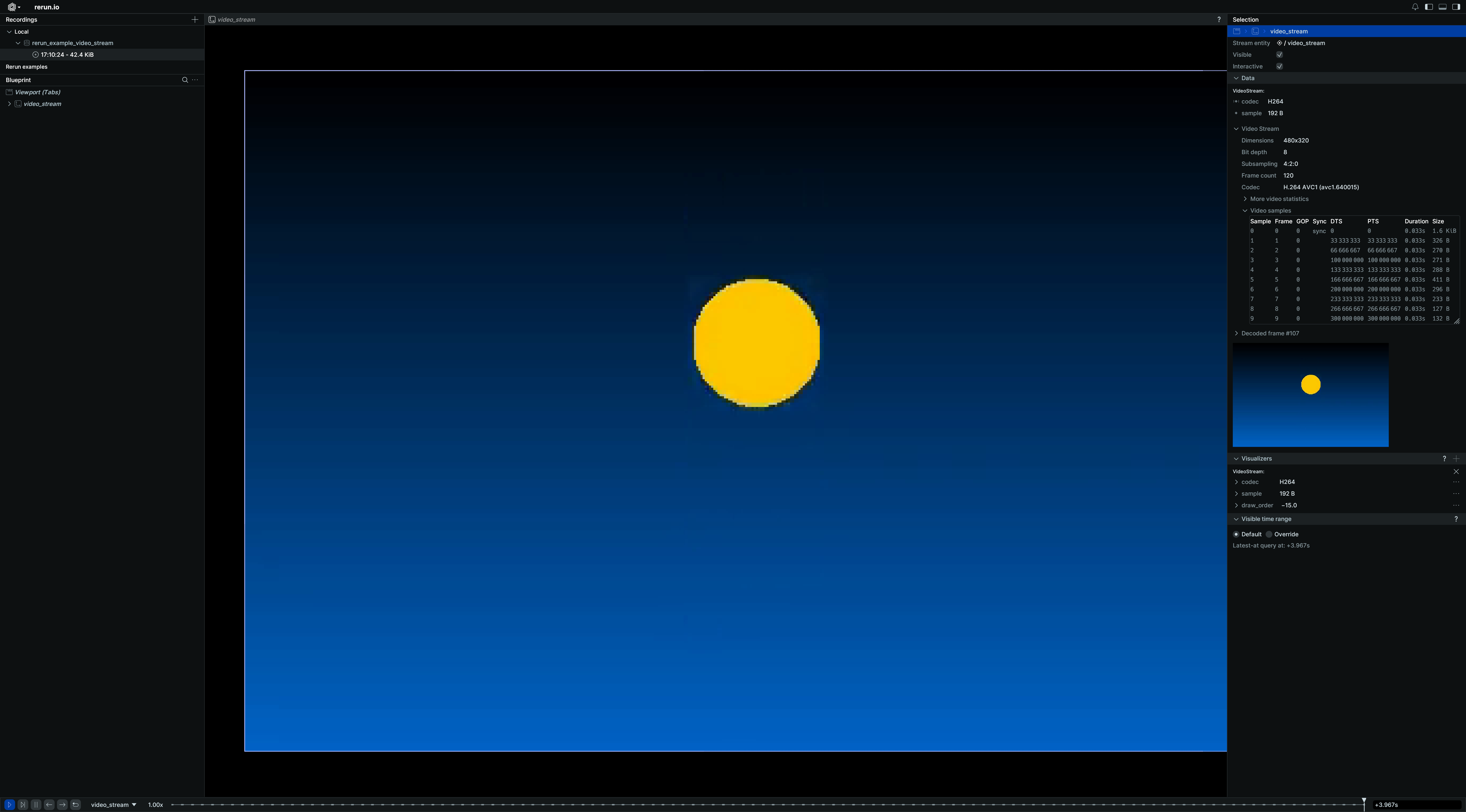
__init__
def __init__(
codec: VideoCodecLike,
*,
sample: BlobLike | None = None,
is_keyframe: BoolLike | None = None,
opacity: Float32Like | None = None,
draw_order: Float32Like | None = None,
) -> None
Create a new instance of the VideoStream archetype.
| PARAMETER | DESCRIPTION |
|---|---|
codec
|
The codec used to encode the video chunks. This property is expected to be constant over time and is ideally logged statically once per stream.
TYPE:
|
sample
|
Video sample data (also known as "video chunk"). The current timestamp is used as presentation timestamp (PTS) for all data in this sample. There is currently no way to log differing decoding timestamps, meaning that there is no support for B-frames. See https://github.com/rerun-io/rerun/issues/10090 for more details. Rerun chunks containing frames (i.e. bundles of sample data) may arrive out of order, but may cause the video playback in the Viewer to reset. It is recommended to have all chunks for a video stream to be ordered temporally order. Logging separate videos on the same entity is allowed iff they share the exact same codec parameters & resolution. The samples are expected to be encoded using the Unless your stream consists entirely of key-frames (in which case you should consider See
TYPE:
|
is_keyframe
|
Whether the corresponding A keyframe (also known as a sync sample or IDR) is a frame from which a decoder can
start decoding the stream with no prior decoder state. See This field is optional. It does not change how the stream itself is decoded: it is metadata that travels with the sample and can be inspected when querying the data back, for example to locate sync points or build a frame index.
TYPE:
|
opacity
|
Opacity of the video stream, useful for layering several media. Defaults to 1.0 (fully opaque).
TYPE:
|
draw_order
|
An optional floating point value that specifies the 2D drawing order. Objects with higher values are drawn on top of those with lower values.
Defaults to
TYPE:
|
columns
classmethod
def columns(
*,
codec: VideoCodecArrayLike | None = None,
sample: BlobArrayLike | None = None,
is_keyframe: BoolArrayLike | None = None,
opacity: Float32ArrayLike | None = None,
draw_order: Float32ArrayLike | None = None,
) -> ComponentColumnList
Construct a new column-oriented component bundle.
This makes it possible to use rr.send_columns to send columnar data directly into Rerun.
The returned columns will be partitioned into unit-length sub-batches by default.
Use ComponentColumnList.partition to repartition the data as needed.
| PARAMETER | DESCRIPTION |
|---|---|
codec
|
The codec used to encode the video chunks. This property is expected to be constant over time and is ideally logged statically once per stream.
TYPE:
|
sample
|
Video sample data (also known as "video chunk"). The current timestamp is used as presentation timestamp (PTS) for all data in this sample. There is currently no way to log differing decoding timestamps, meaning that there is no support for B-frames. See https://github.com/rerun-io/rerun/issues/10090 for more details. Rerun chunks containing frames (i.e. bundles of sample data) may arrive out of order, but may cause the video playback in the Viewer to reset. It is recommended to have all chunks for a video stream to be ordered temporally order. Logging separate videos on the same entity is allowed iff they share the exact same codec parameters & resolution. The samples are expected to be encoded using the Unless your stream consists entirely of key-frames (in which case you should consider See
TYPE:
|
is_keyframe
|
Whether the corresponding A keyframe (also known as a sync sample or IDR) is a frame from which a decoder can
start decoding the stream with no prior decoder state. See This field is optional. It does not change how the stream itself is decoded: it is metadata that travels with the sample and can be inspected when querying the data back, for example to locate sync points or build a frame index.
TYPE:
|
opacity
|
Opacity of the video stream, useful for layering several media. Defaults to 1.0 (fully opaque).
TYPE:
|
draw_order
|
An optional floating point value that specifies the 2D drawing order. Objects with higher values are drawn on top of those with lower values.
Defaults to
TYPE:
|
from_fields
classmethod
def from_fields(
*,
clear_unset: bool = False,
codec: VideoCodecLike | None = None,
sample: BlobLike | None = None,
is_keyframe: BoolLike | None = None,
opacity: Float32Like | None = None,
draw_order: Float32Like | None = None,
) -> VideoStream
Update only some specific fields of a VideoStream.
| PARAMETER | DESCRIPTION |
|---|---|
clear_unset
|
If true, all unspecified fields will be explicitly cleared.
TYPE:
|
codec
|
The codec used to encode the video chunks. This property is expected to be constant over time and is ideally logged statically once per stream.
TYPE:
|
sample
|
Video sample data (also known as "video chunk"). The current timestamp is used as presentation timestamp (PTS) for all data in this sample. There is currently no way to log differing decoding timestamps, meaning that there is no support for B-frames. See https://github.com/rerun-io/rerun/issues/10090 for more details. Rerun chunks containing frames (i.e. bundles of sample data) may arrive out of order, but may cause the video playback in the Viewer to reset. It is recommended to have all chunks for a video stream to be ordered temporally order. Logging separate videos on the same entity is allowed iff they share the exact same codec parameters & resolution. The samples are expected to be encoded using the Unless your stream consists entirely of key-frames (in which case you should consider See
TYPE:
|
is_keyframe
|
Whether the corresponding A keyframe (also known as a sync sample or IDR) is a frame from which a decoder can
start decoding the stream with no prior decoder state. See This field is optional. It does not change how the stream itself is decoded: it is metadata that travels with the sample and can be inspected when querying the data back, for example to locate sync points or build a frame index.
TYPE:
|
opacity
|
Opacity of the video stream, useful for layering several media. Defaults to 1.0 (fully opaque).
TYPE:
|
draw_order
|
An optional floating point value that specifies the 2D drawing order. Objects with higher values are drawn on top of those with lower values.
Defaults to
TYPE:
|
visualizer
def visualizer(
*,
mappings: list[VisualizerComponentMappingLike]
| None = None,
) -> Visualizer
Creates a visualizer for this archetype, using all currently set values as overrides.
| PARAMETER | DESCRIPTION |
|---|---|
mappings
|
Optional component mappings to control how the visualizer sources its data. ⚠️ Experimental: Component mappings are an experimental feature and may change. See https://github.com/rerun-io/rerun/issues/10631 for more information.
TYPE:
|
ViewCoordinates
Bases: ViewCoordinatesExt, Archetype
Archetype: Sets the default orientation for 3D views at or below this entity.
The orientation determines the 3D view's eye orientation, navigation, and default grid plane. It does not change logged transforms.
The three directions are always ordered as [x, y, z] and specify where each positive axis points. For example, [Right, Down, Forward] means that +X points right, +Y points down, and +Z points forward.
A 3D view uses the value logged at its origin entity or the closest ancestor. SpatialInformation can override it for an individual view.
⚠ Rerun does not yet support left-handed coordinate systems.
⚠️ This type is unstable and may change significantly in a way that the data won't be backwards compatible.
Example
Set the default 3D view orientation:
import rerun as rr
rr.init("rerun_example_view_coordinates", spawn=True)
rr.log(
"world", rr.ViewCoordinates.RIGHT_HAND_Z_UP, static=True
) # Set the 3D view's up direction
rr.log(
"world/xyz",
rr.Arrows3D(
vectors=[[1, 0, 0], [0, 1, 0], [0, 0, 1]],
colors=[[255, 0, 0], [0, 255, 0], [0, 0, 255]],
),
)
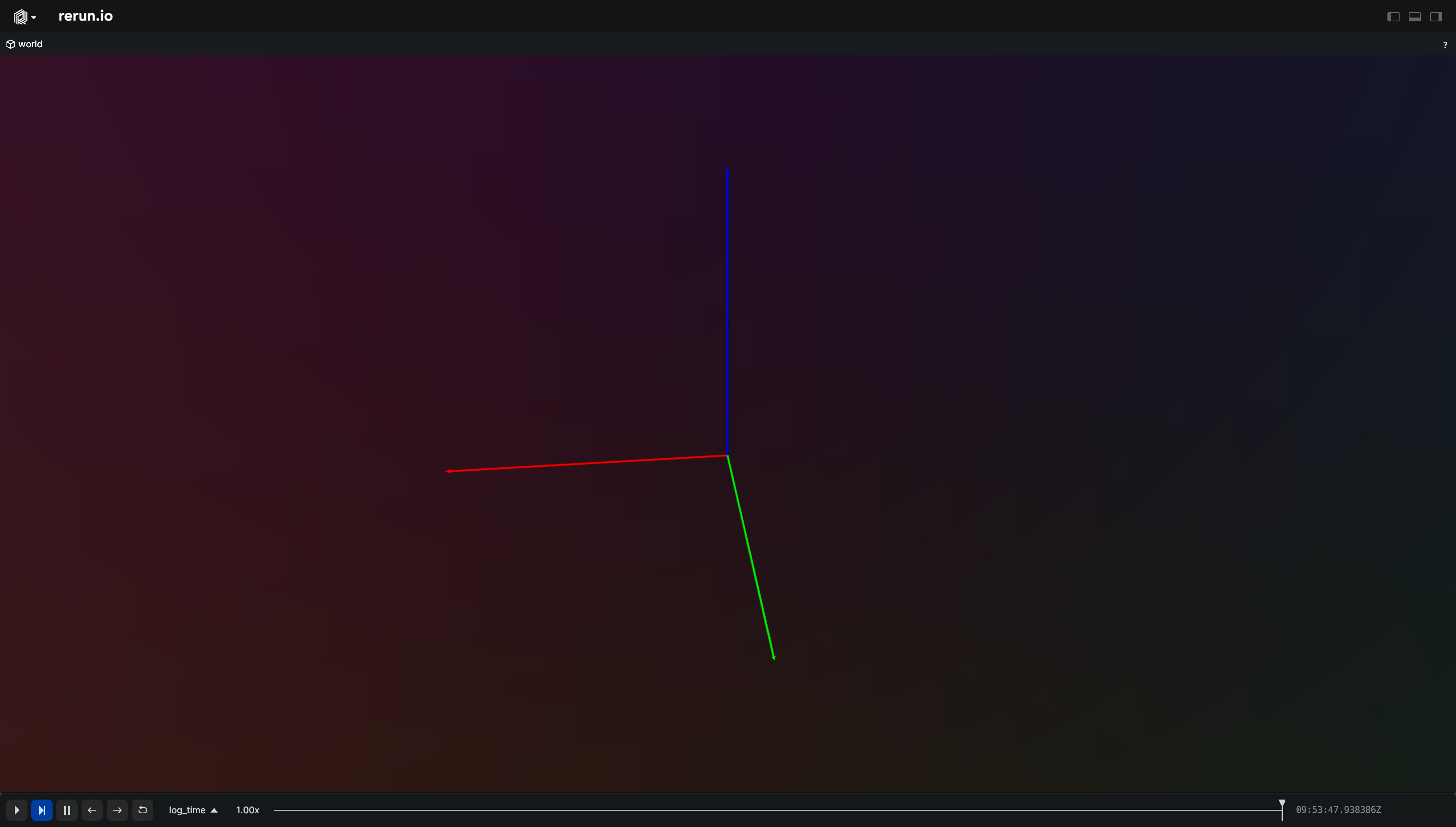
__init__
def __init__(xyz: ViewCoordinatesLike) -> None
Create a new instance of the ViewCoordinates archetype.
| PARAMETER | DESCRIPTION |
|---|---|
xyz
|
The directions of the [x, y, z] axes.
TYPE:
|
columns
classmethod
def columns(
*, xyz: ViewCoordinatesArrayLike | None = None
) -> ComponentColumnList
Construct a new column-oriented component bundle.
This makes it possible to use rr.send_columns to send columnar data directly into Rerun.
The returned columns will be partitioned into unit-length sub-batches by default.
Use ComponentColumnList.partition to repartition the data as needed.
| PARAMETER | DESCRIPTION |
|---|---|
xyz
|
The directions of the [x, y, z] axes.
TYPE:
|
from_fields
classmethod
def from_fields(
*,
clear_unset: bool = False,
xyz: ViewCoordinatesLike | None = None,
) -> ViewCoordinates
Update only some specific fields of a ViewCoordinates.
| PARAMETER | DESCRIPTION |
|---|---|
clear_unset
|
If true, all unspecified fields will be explicitly cleared.
TYPE:
|
xyz
|
The directions of the [x, y, z] axes.
TYPE:
|
VisibleTimeRange
Bases: VisibleTimeRangeExt
Encoding: Visible time range bounds for a specific timeline.
Example
Time-windowed trails (e.g. Trajectories):
import math
import rerun as rr
import rerun.blueprint as rrb
def point(t: float, phase: float) -> list[float]:
# Sample a point on a helix.
angle = 0.5 * t + phase
return [math.cos(angle), math.sin(angle), 0.1 * t]
rr.init("rerun_example_line_strips3d_time_window", spawn=True)
# Configure the visible time range in the blueprint.
# You can also override this per entity.
rr.send_blueprint(
rrb.Spatial3DView(
origin="/",
time_ranges=rrb.VisibleTimeRange(
"time",
start=rrb.TimeRangeBoundary.cursor_relative(seconds=-5.0),
end=rrb.TimeRangeBoundary.cursor_relative(),
),
)
)
# Log the line strip increments with timestamps.
for i in range(600):
t0 = i / 30.0
t1 = (i + 1) / 30.0
rr.set_time("time", duration=t1)
rr.log(
"trails",
rr.LineStrips3D(
[
[point(t0, 0.0), point(t1, 0.0)],
[point(t0, math.pi), point(t1, math.pi)],
],
colors=[[255, 120, 0], [0, 180, 255]],
radii=0.02,
),
)
__init__
def __init__(
timeline: Utf8Like,
range: TimeRangeLike | None = None,
*,
start: TimeRangeBoundary | None = None,
end: TimeRangeBoundary | None = None,
) -> None
Create a new instance of the VisibleTimeRange datatype.
| PARAMETER | DESCRIPTION |
|---|---|
timeline
|
Name of the timeline this applies to.
TYPE:
|
range
|
Time range to use for this timeline.
TYPE:
|
start
|
Low time boundary for sequence timeline. Specify this instead of
TYPE:
|
end
|
High time boundary for sequence timeline. Specify this instead of
TYPE:
|
Volume3D
Bases: Archetype, VisualizableArchetype
Archetype: A dense 3D scalar field, rendered by ray marching.
This archetype is intended for volumetric scans and simulations, e.g. CT/MRI scans, signed distance fields, or occupancy probabilities sampled on a regular grid.
The values are a 3D tensor with dimensions ordered [z, y, x], i.e. the last dimension varies
fastest and runs along the local X axis. This matches the row-major layout of
archetypes.Image, with slices stacked along the local Z axis.
The tensor element at [k, j, i] is thus the voxel with grid index [i, j, k].
Voxels are positioned exactly like those of archetypes.VoxelGridMap:
the minimum corner of the voxel with [0, 0, 0] index is located at the origin of the entity's
coordinate frame and can have an additional offset from there through the optional translation
and rotation fields, and a voxel center is at (index + 0.5) * voxel_size in local grid
coordinates (i.e. relative to the minimum corner).
This archetype and a archetypes.VoxelGridMap with the same voxel_size and pose
therefore agree voxel for voxel, the dense volume covering indices [0, 0, 0] up to
[width - 1, height - 1, depth - 1].
WebGL limitation: The viewer is not able to clip volumes against opaque scene geometry. Parts of a volume can therefore appear in front of objects that should hide them.
⚠️ This type is unstable and may change significantly in a way that the data won't be backwards compatible.
Example
Simple volume:
import numpy as np
import rerun as rr
SIZE = 32
RADIUS = np.float32(14.0)
rr.init("rerun_example_volume3d_simple", spawn=True)
# Squared distance from the center of the grid, per voxel, in voxel units.
axis = np.arange(SIZE, dtype=np.float32) - np.float32(0.5 * (SIZE - 1))
z, y, x = np.meshgrid(axis, axis, axis, indexing="ij")
distance_sq = x * x + y * y + z * z
# A soft sphere: 1 at the center, falling off to 0 at `RADIUS`.
values = np.maximum(
np.float32(0.0), np.float32(1.0) - distance_sq / (RADIUS * RADIUS)
)
# Dimensions are ordered `[z, y, x]`. Only `f16` values are supported for now.
rr.log(
"volume",
rr.Volume3D(values.astype(np.float16), voxel_size=[0.1, 0.1, 0.1]),
)
__init__
def __init__(
values: TensorDataLike,
*,
voxel_size: Vec3DLike | None = None,
translation: Vec3DLike | None = None,
quaternion: QuaternionLike | None = None,
value_range: Range1DLike | None = None,
gamma: Float32Like | None = None,
colormap: ColormapLike | None = None,
optical_density: Float32Like | None = None,
) -> None
Create a new instance of the Volume3D archetype.
| PARAMETER | DESCRIPTION |
|---|---|
values
|
The scalar value of each voxel, as a 3D tensor with dimensions ordered Currently only
TYPE:
|
voxel_size
|
The scene-unit dimensions of a single voxel cell. This defines the voxel size along the local grid X/Y/Z axes, and thus the total extent of the
volume: Defaults to
TYPE:
|
translation
|
Translation of the minimum corner of voxel Together with If not set, the minimum corner is placed at the origin of the entity's coordinate frame.
TYPE:
|
quaternion
|
Rotation of the volume via quaternion. Together with
TYPE:
|
value_range
|
The inclusive range of voxel values to render. Values outside the range are ignored. If not specified, the range is automatically estimated from the data.
TYPE:
|
gamma
|
Gamma correction applied to normalized voxel values before colormapping and opacity calculation. The corrected density is
TYPE:
|
colormap
|
Colormap applied to the values after mapping them through Defaults to Turbo.
TYPE:
|
optical_density
|
Dimensionless optical depth for the volume. For a uniform volume at the upper bound of Defaults to 1.0.
TYPE:
|
columns
classmethod
def columns(
*,
values: TensorDataArrayLike | None = None,
voxel_size: Vec3DArrayLike | None = None,
translation: Vec3DArrayLike | None = None,
quaternion: QuaternionArrayLike | None = None,
value_range: Range1DArrayLike | None = None,
gamma: Float32ArrayLike | None = None,
colormap: ColormapArrayLike | None = None,
optical_density: Float32ArrayLike | None = None,
) -> ComponentColumnList
Construct a new column-oriented component bundle.
This makes it possible to use rr.send_columns to send columnar data directly into Rerun.
The returned columns will be partitioned into unit-length sub-batches by default.
Use ComponentColumnList.partition to repartition the data as needed.
| PARAMETER | DESCRIPTION |
|---|---|
values
|
The scalar value of each voxel, as a 3D tensor with dimensions ordered Currently only
TYPE:
|
voxel_size
|
The scene-unit dimensions of a single voxel cell. This defines the voxel size along the local grid X/Y/Z axes, and thus the total extent of the
volume: Defaults to
TYPE:
|
translation
|
Translation of the minimum corner of voxel Together with If not set, the minimum corner is placed at the origin of the entity's coordinate frame.
TYPE:
|
quaternion
|
Rotation of the volume via quaternion. Together with
TYPE:
|
value_range
|
The inclusive range of voxel values to render. Values outside the range are ignored. If not specified, the range is automatically estimated from the data.
TYPE:
|
gamma
|
Gamma correction applied to normalized voxel values before colormapping and opacity calculation. The corrected density is
TYPE:
|
colormap
|
Colormap applied to the values after mapping them through Defaults to Turbo.
TYPE:
|
optical_density
|
Dimensionless optical depth for the volume. For a uniform volume at the upper bound of Defaults to 1.0.
TYPE:
|
from_fields
classmethod
def from_fields(
*,
clear_unset: bool = False,
values: TensorDataLike | None = None,
voxel_size: Vec3DLike | None = None,
translation: Vec3DLike | None = None,
quaternion: QuaternionLike | None = None,
value_range: Range1DLike | None = None,
gamma: Float32Like | None = None,
colormap: ColormapLike | None = None,
optical_density: Float32Like | None = None,
) -> Volume3D
Update only some specific fields of a Volume3D.
| PARAMETER | DESCRIPTION |
|---|---|
clear_unset
|
If true, all unspecified fields will be explicitly cleared.
TYPE:
|
values
|
The scalar value of each voxel, as a 3D tensor with dimensions ordered Currently only
TYPE:
|
voxel_size
|
The scene-unit dimensions of a single voxel cell. This defines the voxel size along the local grid X/Y/Z axes, and thus the total extent of the
volume: Defaults to
TYPE:
|
translation
|
Translation of the minimum corner of voxel Together with If not set, the minimum corner is placed at the origin of the entity's coordinate frame.
TYPE:
|
quaternion
|
Rotation of the volume via quaternion. Together with
TYPE:
|
value_range
|
The inclusive range of voxel values to render. Values outside the range are ignored. If not specified, the range is automatically estimated from the data.
TYPE:
|
gamma
|
Gamma correction applied to normalized voxel values before colormapping and opacity calculation. The corrected density is
TYPE:
|
colormap
|
Colormap applied to the values after mapping them through Defaults to Turbo.
TYPE:
|
optical_density
|
Dimensionless optical depth for the volume. For a uniform volume at the upper bound of Defaults to 1.0.
TYPE:
|
visualizer
def visualizer(
*,
mappings: list[VisualizerComponentMappingLike]
| None = None,
) -> Visualizer
Creates a visualizer for this archetype, using all currently set values as overrides.
| PARAMETER | DESCRIPTION |
|---|---|
mappings
|
Optional component mappings to control how the visualizer sources its data. ⚠️ Experimental: Component mappings are an experimental feature and may change. See https://github.com/rerun-io/rerun/issues/10631 for more information.
TYPE:
|
VoxelGridMap
Bases: Archetype, VisualizableArchetype
Archetype: A sparse 3D voxel grid map with grid indices and voxel dimensions.
This archetype is intended for 3D occupancy maps and other volumetric data represented as a sparse grid of voxels with scene-unit dimensions along the local X/Y/Z axes.
The minimum corner of the voxel with [0, 0, 0] index is located at the origin of the entity's coordinate frame
and can have an additional offset from there through the optional translation and rotation fields.
A voxel center is at (index + 0.5) * voxel_size in local grid coordinates (i.e. relative to the minimum corner).
⚠️ This type is unstable and may change significantly in a way that the data won't be backwards compatible.
Example
Simple sparse voxel grid map:
import numpy as np
import rerun as rr
voxel_indices = np.array(
[
[-1, 0, 0],
[1, 0, 0],
[1, 1, 0],
[3, 0, 0],
[3, 0, 1],
[4, 0, 1],
],
dtype=np.int32,
)
values = np.array([0.0, 0.2, 0.4, 0.6, 0.8, 1.0], dtype=np.float32)
rr.init("rerun_example_voxel_grid_map_simple", spawn=True)
rr.log(
"world/voxels",
rr.VoxelGridMap(
voxel_indices,
voxel_size=[0.25, 0.25, 0.25],
values=values,
value_range=[0.0, 1.0],
colormap=rr.components.Colormap.Turbo,
translation=[-0.5, -0.5, 0.0],
),
)
__init__
def __init__(
voxel_indices: IVec3DArrayLike,
voxel_size: Vec3DLike,
*,
values: Float32ArrayLike | None = None,
colors: Rgba32ArrayLike | None = None,
translation: Vec3DLike | None = None,
rotation_axis_angle: RotationAxisAngleLike
| None = None,
quaternion: QuaternionLike | None = None,
opacity: Float32Like | None = None,
value_range: Range1DLike | None = None,
colormap: ColormapLike | None = None,
) -> None
Create a new instance of the VoxelGridMap archetype.
| PARAMETER | DESCRIPTION |
|---|---|
voxel_indices
|
Indices of the voxels within the grid volume.
TYPE:
|
voxel_size
|
The scene-unit dimensions of a single voxel cell. This defines the voxel size along the local grid X/Y/Z axes. Each dimension must be finite and positive.
TYPE:
|
values
|
Optional scalar occupancy or value data for each voxel. If explicit colors are not provided, values are mapped through
TYPE:
|
colors
|
Optional colors for each voxel. If set, these colors take precedence over color-mapped scalar values.
TYPE:
|
translation
|
Translation of the minimum corner of voxel Together with If not set, the minimum corner is placed at the origin of the map's parent coordinate frame.
TYPE:
|
rotation_axis_angle
|
Rotation of the grid via axis + angle. Together with Note: either this or
TYPE:
|
quaternion
|
Rotation of the grid via quaternion. Together with
TYPE:
|
opacity
|
Opacity of the voxels after color or colormap application. Defaults to 1.0 (fully opaque).
TYPE:
|
value_range
|
Scalar value range for color-mapping. Defaults to
TYPE:
|
colormap
|
Colormap to use when Defaults to Turbo.
TYPE:
|
columns
classmethod
def columns(
*,
voxel_indices: IVec3DArrayLike | None = None,
voxel_size: Vec3DArrayLike | None = None,
values: Float32ArrayLike | None = None,
colors: Rgba32ArrayLike | None = None,
translation: Vec3DArrayLike | None = None,
rotation_axis_angle: RotationAxisAngleArrayLike
| None = None,
quaternion: QuaternionArrayLike | None = None,
opacity: Float32ArrayLike | None = None,
value_range: Range1DArrayLike | None = None,
colormap: ColormapArrayLike | None = None,
) -> ComponentColumnList
Construct a new column-oriented component bundle.
This makes it possible to use rr.send_columns to send columnar data directly into Rerun.
The returned columns will be partitioned into unit-length sub-batches by default.
Use ComponentColumnList.partition to repartition the data as needed.
| PARAMETER | DESCRIPTION |
|---|---|
voxel_indices
|
Indices of the voxels within the grid volume.
TYPE:
|
voxel_size
|
The scene-unit dimensions of a single voxel cell. This defines the voxel size along the local grid X/Y/Z axes. Each dimension must be finite and positive.
TYPE:
|
values
|
Optional scalar occupancy or value data for each voxel. If explicit colors are not provided, values are mapped through
TYPE:
|
colors
|
Optional colors for each voxel. If set, these colors take precedence over color-mapped scalar values.
TYPE:
|
translation
|
Translation of the minimum corner of voxel Together with If not set, the minimum corner is placed at the origin of the map's parent coordinate frame.
TYPE:
|
rotation_axis_angle
|
Rotation of the grid via axis + angle. Together with Note: either this or
TYPE:
|
quaternion
|
Rotation of the grid via quaternion. Together with
TYPE:
|
opacity
|
Opacity of the voxels after color or colormap application. Defaults to 1.0 (fully opaque).
TYPE:
|
value_range
|
Scalar value range for color-mapping. Defaults to
TYPE:
|
colormap
|
Colormap to use when Defaults to Turbo.
TYPE:
|
from_fields
classmethod
def from_fields(
*,
clear_unset: bool = False,
voxel_indices: IVec3DArrayLike | None = None,
voxel_size: Vec3DLike | None = None,
values: Float32ArrayLike | None = None,
colors: Rgba32ArrayLike | None = None,
translation: Vec3DLike | None = None,
rotation_axis_angle: RotationAxisAngleLike
| None = None,
quaternion: QuaternionLike | None = None,
opacity: Float32Like | None = None,
value_range: Range1DLike | None = None,
colormap: ColormapLike | None = None,
) -> VoxelGridMap
Update only some specific fields of a VoxelGridMap.
| PARAMETER | DESCRIPTION |
|---|---|
clear_unset
|
If true, all unspecified fields will be explicitly cleared.
TYPE:
|
voxel_indices
|
Indices of the voxels within the grid volume.
TYPE:
|
voxel_size
|
The scene-unit dimensions of a single voxel cell. This defines the voxel size along the local grid X/Y/Z axes. Each dimension must be finite and positive.
TYPE:
|
values
|
Optional scalar occupancy or value data for each voxel. If explicit colors are not provided, values are mapped through
TYPE:
|
colors
|
Optional colors for each voxel. If set, these colors take precedence over color-mapped scalar values.
TYPE:
|
translation
|
Translation of the minimum corner of voxel Together with If not set, the minimum corner is placed at the origin of the map's parent coordinate frame.
TYPE:
|
rotation_axis_angle
|
Rotation of the grid via axis + angle. Together with Note: either this or
TYPE:
|
quaternion
|
Rotation of the grid via quaternion. Together with
TYPE:
|
opacity
|
Opacity of the voxels after color or colormap application. Defaults to 1.0 (fully opaque).
TYPE:
|
value_range
|
Scalar value range for color-mapping. Defaults to
TYPE:
|
colormap
|
Colormap to use when Defaults to Turbo.
TYPE:
|
visualizer
def visualizer(
*,
mappings: list[VisualizerComponentMappingLike]
| None = None,
) -> Visualizer
Creates a visualizer for this archetype, using all currently set values as overrides.
| PARAMETER | DESCRIPTION |
|---|---|
mappings
|
Optional component mappings to control how the visualizer sources its data. ⚠️ Experimental: Component mappings are an experimental feature and may change. See https://github.com/rerun-io/rerun/issues/10631 for more information.
TYPE:
|
binary_stream
def binary_stream(
recording: RecordingStream | None = None,
) -> BinaryStream
Sends all log-data to a [rerun.BinaryStream] object that can be read from.
The contents of this stream are encoded in the Rerun Record Data format (rrd).
This stream has no mechanism of limiting memory or creating back-pressure. If you do not read from it, it will buffer all messages that you have logged.
Example
stream = rr.binary_stream()
rr.log("stream", rr.TextLog("Hello world"))
with open("output.rrd", "wb") as f:
f.write(stream.read())
| PARAMETER | DESCRIPTION |
|---|---|
recording
|
Specifies the
TYPE:
|
| RETURNS | DESCRIPTION |
|---|---|
BinaryStream
|
An object that can be used to flush or read the data. |
cleanup_if_forked_child
def cleanup_if_forked_child() -> None
connect_grpc
def connect_grpc(
url: str | None = None,
*,
default_blueprint: BlueprintLike | None = None,
recording: RecordingStream | None = None,
) -> None
Connect to a remote Rerun Viewer on the given URL.
This function returns immediately.
| PARAMETER | DESCRIPTION |
|---|---|
url
|
The URL to connect to. The scheme must be one of The default is
TYPE:
|
default_blueprint
|
Optionally set a default blueprint to use for this application. If the application
already has an active blueprint, the new blueprint won't become active until the user
clicks the "reset blueprint" button. If you want to activate the new blueprint
immediately, instead use the
TYPE:
|
recording
|
Specifies the
TYPE:
|
disable_timeline
def disable_timeline(
timeline: str, recording: RecordingStream | None = None
) -> None
Clear time information for the specified timeline on this thread.
| PARAMETER | DESCRIPTION |
|---|---|
timeline
|
The name of the timeline to clear the time for.
TYPE:
|
recording
|
Specifies the
TYPE:
|
disconnect
def disconnect(
recording: RecordingStream | None = None,
) -> None
Closes all gRPC connections, servers, and files.
Closes all gRPC connections, servers, and files that have been opened with
[rerun.connect_grpc], [rerun.serve], [rerun.save] or [rerun.spawn].
| PARAMETER | DESCRIPTION |
|---|---|
recording
|
Specifies the
TYPE:
|
escape_entity_path_part
Escape an individual part of an entity path.
For instance, escape_entity_path_path("my image!") will return "my\ image\!".
See https://www.rerun.io/docs/concepts/logging-and-ingestion/entity-path for more on entity paths.
| PARAMETER | DESCRIPTION |
|---|---|
part
|
An unescaped string
TYPE:
|
| RETURNS | DESCRIPTION |
|---|---|
str
|
The escaped entity path.
TYPE:
|
get_application_id
def get_application_id(
recording: RecordingStream | None = None,
) -> str | None
Get the application ID that this recording is associated with, if any.
| PARAMETER | DESCRIPTION |
|---|---|
recording
|
Specifies the
TYPE:
|
| RETURNS | DESCRIPTION |
|---|---|
str
|
The application ID that this recording is associated with. |
get_data_recording
def get_data_recording(
recording: RecordingStream | None = None,
) -> RecordingStream | None
Returns the most appropriate recording to log data to, in the current context, if any.
- If
recordingis specified, returns that one; - Otherwise, falls back to the currently active thread-local recording, if there is one;
- Otherwise, falls back to the currently active global recording, if there is one;
- Otherwise, returns None.
| PARAMETER | DESCRIPTION |
|---|---|
recording
|
Specifies the
TYPE:
|
| RETURNS | DESCRIPTION |
|---|---|
Optional[RecordingStream]
|
The most appropriate recording to log data to, in the current context, if any. |
get_global_data_recording
def get_global_data_recording() -> RecordingStream | None
Returns the currently active global recording, if any.
| RETURNS | DESCRIPTION |
|---|---|
Optional[RecordingStream]
|
The currently active global recording, if any. |
get_recording_id
def get_recording_id(
recording: RecordingStream | None = None,
) -> str | None
Get the recording ID that this recording is logging to, as a UUIDv4, if any.
The default recording_id is based on multiprocessing.current_process().authkey
which means that all processes spawned with multiprocessing
will have the same default recording_id.
If you are not using multiprocessing and still want several different Python
processes to log to the same Rerun instance (and be part of the same recording),
you will need to manually assign them all the same recording_id.
Any random UUIDv4 will work, or copy the recording id for the parent process.
| PARAMETER | DESCRIPTION |
|---|---|
recording
|
Specifies the
TYPE:
|
| RETURNS | DESCRIPTION |
|---|---|
str
|
The recording ID that this recording is logging to. |
get_thread_local_data_recording
def get_thread_local_data_recording() -> RecordingStream | None
Returns the currently active thread-local recording, if any.
| RETURNS | DESCRIPTION |
|---|---|
Optional[RecordingStream]
|
The currently active thread-local recording, if any. |
init
def init(
application_id: str,
*,
recording_id: str | UUID | None = None,
spawn: bool = False,
init_logging: bool = True,
default_enabled: bool = True,
strict: bool | None = None,
default_blueprint: BlueprintLike | None = None,
send_properties: bool = True,
) -> None
Initialize the Rerun SDK with a user-chosen application id (name).
You must call this function first in order to initialize a global recording. Without an active recording, all methods of the SDK will turn into no-ops.
For more advanced use cases, e.g. multiple recordings setups, see rerun.RecordingStream.
To deal with accumulation of recording state when calling init() multiple times, this function will have the side-effect of flushing all existing recordings. After flushing, any recordings which are otherwise orphaned will also be destructed to free resources, close open file-descriptors, etc.
Warning
If you don't specify a recording_id, it will default to a random value that is generated once
at the start of the process.
That value will be kept around for the whole lifetime of the process, and even inherited by all
its subprocesses, if any.
This makes it trivial to log data to the same recording in a multiprocess setup, but it also means that the following code will not create two distinct recordings:
rr.init("my_app")
rr.init("my_app")
To create distinct recordings from the same process, specify distinct recording IDs:
from uuid import uuid4
rr.init("my_app", recording_id=uuid4())
rr.init("my_app", recording_id=uuid4())
| PARAMETER | DESCRIPTION |
|---|---|
application_id
|
Your Rerun recordings will be categorized by this application id, so try to pick a unique one for each application that uses the Rerun SDK. For example, if you have one application doing object detection
and another doing camera calibration, you could have
Application ids starting with
TYPE:
|
recording_id
|
Set the recording ID that this process is logging to, as a UUIDv4. The default recording_id is based on If you are not using |
spawn
|
Spawn a Rerun Viewer and stream logging data to it.
Short for calling
TYPE:
|
default_enabled
|
Should Rerun logging be on by default?
Can be overridden with the RERUN env-var, e.g.
TYPE:
|
init_logging
|
Should we initialize the logging for this application?
TYPE:
|
strict
|
If
TYPE:
|
default_blueprint
|
Optionally set a default blueprint to use for this application. If the application
already has an active blueprint, the new blueprint won't become active until the user
clicks the "reset blueprint" button. If you want to activate the new blueprint
immediately, instead use the
TYPE:
|
send_properties
|
TYPE:
|
is_enabled
def is_enabled(
recording: RecordingStream | None = None,
) -> bool
Is this Rerun recording enabled.
If false, all calls to the recording are ignored.
The default can be set in rerun.init, but is otherwise True.
This can be controlled with the environment variable RERUN (e.g. RERUN=on or RERUN=off).
legacy_notebook_show
def legacy_notebook_show(
*,
width: int = DEFAULT_WIDTH,
height: int = DEFAULT_HEIGHT,
app_url: str | None = None,
timeout_ms: int = DEFAULT_TIMEOUT,
blueprint: BlueprintLike | None = None,
recording: RecordingStream | None = None,
) -> Any
Output the Rerun viewer in a notebook using IPython IPython.core.display.HTML.
This is a legacy function that uses a limited mechanism of inlining an RRD into a self-contained HTML template that loads the viewer in an iframe.
In general, rerun.notebook_show should be preferred. However, this function can be useful
in some systems with incomplete support for the anywidget library.
| PARAMETER | DESCRIPTION |
|---|---|
width
|
The width of the viewer in pixels.
TYPE:
|
height
|
The height of the viewer in pixels.
TYPE:
|
app_url
|
Alternative HTTP url to find the Rerun web viewer. This will default to using
TYPE:
|
timeout_ms
|
The number of milliseconds to wait for the Rerun web viewer to load.
TYPE:
|
blueprint
|
The blueprint to display in the viewer.
TYPE:
|
recording
|
Specifies the
TYPE:
|
log
def log(
entity_path: str | list[object],
entity: AsComponents
| Iterable[DescribedComponentBatch],
*extra: AsComponents
| Iterable[DescribedComponentBatch],
static: bool = False,
recording: RecordingStream | None = None,
strict: bool | None = None,
) -> None
Log data to Rerun.
This is the main entry point for logging data to rerun. It can be used to log anything
that implements the rerun.AsComponents interface, or a collection of ComponentBatchLike
objects.
When logging data, you must always provide an entity_path for identifying the data. Note that paths prefixed with "__" are considered reserved for use by the Rerun SDK itself and should not be used for logging user data. This is where Rerun will log additional information such as properties and warnings.
The most common way to log is with one of the rerun archetypes, all of which implement
the AsComponents interface.
For example, to log a 3D point:
rr.log("my/point", rr.Points3D(position=[1.0, 2.0, 3.0]))
The log function can flexibly accept an arbitrary number of additional objects which will
be merged into the first entity so long as they don't expose conflicting components, for instance:
# Log three points with arrows sticking out of them,
# and a custom "confidence" component.
rr.log(
"my/points",
rr.Points3D([[0.2, 0.5, 0.3], [0.9, 1.2, 0.1], [1.0, 4.2, 0.3]], radii=[0.1, 0.2, 0.3]),
rr.Arrows3D(vectors=[[0.3, 2.1, 0.2], [0.9, -1.1, 2.3], [-0.4, 0.5, 2.9]]),
rr.AnyValues(confidence=[0.3, 0.4, 0.9]),
)
| PARAMETER | DESCRIPTION |
|---|---|
entity_path
|
Path to the entity in the space hierarchy. The entity path can either be a string
(with special characters escaped, split on unescaped slashes)
or a list of unescaped strings.
This means that logging to See https://www.rerun.io/docs/concepts/logging-and-ingestion/entity-path for more on entity paths. |
entity
|
Anything that implements the
TYPE:
|
*extra
|
An arbitrary number of additional component bundles implementing the
TYPE:
|
static
|
If true, the components will be logged as static data. Static data has no time associated with it, exists on all timelines, and unconditionally shadows any temporal data of the same type. Otherwise, the data will be timestamped automatically with
TYPE:
|
recording
|
Specifies the
TYPE:
|
strict
|
If True, raise exceptions on non-loggable data.
If False, warn on non-loggable data.
if None, use the global default from
TYPE:
|
log_file_from_contents
def log_file_from_contents(
file_path: str | Path,
file_contents: bytes,
*,
entity_path_prefix: str | None = None,
static: bool = False,
recording: RecordingStream | None = None,
) -> None
Logs the given file_contents using all Importers available.
A single path might be handled by more than one importer.
This method blocks until either at least one Importer starts
streaming data in or all of them fail.
See https://www.rerun.io/docs/getting-started/data-in/open-any-file for more information.
| PARAMETER | DESCRIPTION |
|---|---|
file_path
|
Path to the file that the |
file_contents
|
Contents to be logged.
TYPE:
|
entity_path_prefix
|
What should the logged entity paths be prefixed with?
TYPE:
|
static
|
If true, the components will be logged as static data. Static data has no time associated with it, exists on all timelines, and unconditionally shadows any temporal data of the same type. Otherwise, the data will be timestamped automatically with
TYPE:
|
recording
|
Specifies the
TYPE:
|
log_file_from_path
def log_file_from_path(
file_path: str | Path,
*,
entity_path_prefix: str | None = None,
static: bool = False,
recording: RecordingStream | None = None,
) -> None
Logs the file at the given path using all Importers available.
A single path might be handled by more than one importer.
This method blocks until either at least one Importer starts
streaming data in or all of them fail.
See https://www.rerun.io/docs/getting-started/data-in/open-any-file for more information.
| PARAMETER | DESCRIPTION |
|---|---|
file_path
|
Path to the file to be logged. |
entity_path_prefix
|
What should the logged entity paths be prefixed with?
TYPE:
|
static
|
If true, the components will be logged as static data. Static data has no time associated with it, exists on all timelines, and unconditionally shadows any temporal data of the same type. Otherwise, the data will be timestamped automatically with
TYPE:
|
recording
|
Specifies the
TYPE:
|
login
def login() -> None
Initiate OAuth flow by redirecting to WorkOS authorization URL.
logout
def logout() -> None
Log out from OAuth session.
memory_recording
def memory_recording(
recording: RecordingStream | None = None,
) -> MemoryRecording
Streams all log-data to a memory buffer.
This can be used to display the RRD to alternative formats such as html. See: rerun.notebook_show.
| PARAMETER | DESCRIPTION |
|---|---|
recording
|
Specifies the
TYPE:
|
| RETURNS | DESCRIPTION |
|---|---|
MemoryRecording
|
A memory recording object that can be used to read the data. |
new_entity_path
Construct an entity path, defined by a list of (unescaped) parts.
If any part if not a string, it will be converted to a string using str().
For instance, new_entity_path(["world", 42, "my image!"]) will return "world/42/my\ image\!".
See https://www.rerun.io/docs/concepts/logging-and-ingestion/entity-path for more on entity paths.
| PARAMETER | DESCRIPTION |
|---|---|
entity_path
|
A list of strings to escape and join with slash. |
| RETURNS | DESCRIPTION |
|---|---|
str
|
The escaped entity path.
TYPE:
|
notebook_show
def notebook_show(
*,
width: int | None = None,
height: int | None = None,
blueprint: BlueprintLike | None = None,
recording: RecordingStream | None = None,
) -> None
Output the Rerun viewer in a notebook using IPython IPython.core.display.HTML.
Any data logged to the recording after initialization will be sent directly to the viewer.
Note that this can be called at any point during cell execution. The call will block until the embedded viewer is initialized and ready to receive data. Thereafter any log calls will immediately send data to the viewer.
In marimo, the viewer is shown as a cell output instead, and the call does not block. The viewer receives data only after the cell that created it finishes, so log to it from a later cell to stream data live.
| PARAMETER | DESCRIPTION |
|---|---|
width
|
The width of the viewer in pixels.
TYPE:
|
height
|
The height of the viewer in pixels.
TYPE:
|
blueprint
|
A blueprint object to send to the viewer. It will be made active and set as the default blueprint in the recording. Setting this is equivalent to calling
TYPE:
|
recording
|
Specifies the
TYPE:
|
recording_stream_generator_ctx
def recording_stream_generator_ctx(func: _TFunc) -> _TFunc
Decorator to manage recording stream context for generator functions.
This is only necessary if you need to implement a generator which yields while holding an open recording stream context which it created. This decorator will ensure that the recording stream context is suspended and then properly resumed upon re-entering the generator.
See: https://github.com/rerun-io/rerun/issues/6238 for context on why this is necessary.
There are plenty of things that can go wrong when mixing context managers with generators, so don't use this decorator unless you're sure you need it.
If you can plumb through RecordingStream objects and use those directly instead of relying on
the context manager, that will always be more robust.
Example
@rr.recording_stream.recording_stream_generator_ctx
def my_generator(name: str) -> Iterator[None]:
with rr.RecordingStream(name):
rr.save(f"{name}.rrd")
for i in range(10):
rr.log("stream", rr.TextLog(f"{name} {i}"))
yield i
for i in my_generator("foo"):
pass
rerun_shutdown
def rerun_shutdown() -> None
reset_time
def reset_time(
recording: RecordingStream | None = None,
) -> None
Clear all timeline information on this thread.
This is the same as calling disable_timeline for all of the active timelines.
Used for all subsequent logging on the same thread,
until the next call to rerun.set_time.
| PARAMETER | DESCRIPTION |
|---|---|
recording
|
Specifies the
TYPE:
|
save
def save(
path: str | Path,
default_blueprint: BlueprintLike | None = None,
recording: RecordingStream | None = None,
*,
write_footer: bool = True,
) -> None
Stream all log-data to a file.
Call this before you log any data!
The Rerun Viewer is able to read continuously from the resulting rrd file while it is being written. However, depending on your OS and configuration, changes may not be immediately visible due to file caching. This is a common issue on Windows and (to a lesser extent) on MacOS.
| PARAMETER | DESCRIPTION |
|---|---|
path
|
The path to save the data to. |
default_blueprint
|
Optionally set a default blueprint to use for this application. If the application
already has an active blueprint, the new blueprint won't become active until the user
clicks the "reset blueprint" button. If you want to activate the new blueprint
immediately, instead use the
TYPE:
|
recording
|
Specifies the
TYPE:
|
write_footer
|
Whether to emit a complete RRD footer (including a manifest of every chunk) at the
end of the stream. Defaults to Producing a footer keeps per-chunk metadata in memory for the lifetime of the sink,
which grows linearly with the number of chunks logged. Pass Warning: lack of footer will significantly hurt random-access performance and some tools (e.g. LazyStore) may not work properly.
TYPE:
|
script_add_args
def script_add_args(parser: ArgumentParser) -> None
Add common Rerun script arguments to parser.
| PARAMETER | DESCRIPTION |
|---|---|
parser
|
The parser to add arguments to.
TYPE:
|
script_setup
def script_setup(
args: Namespace,
application_id: str,
*,
recording_id: str | UUID | None = None,
default_blueprint: BlueprintLike | None = None,
) -> RecordingStream
Run common Rerun script setup actions. Connect to the viewer if necessary.
| PARAMETER | DESCRIPTION |
|---|---|
args
|
The parsed arguments from
TYPE:
|
application_id
|
The application ID to use for the viewer.
TYPE:
|
recording_id
|
Set the recording ID that this process is logging to, as a UUIDv4. The default recording_id is based on If you are not using |
default_blueprint
|
Optionally set a default blueprint to use for this application. If the application
already has an active blueprint, the new blueprint won't become active until the user
clicks the "reset blueprint" button. If you want to activate the new blueprint
immediately, instead use the
TYPE:
|
script_teardown
def script_teardown(args: Namespace) -> None
Run common post-actions. Sleep if serving the web viewer.
| PARAMETER | DESCRIPTION |
|---|---|
args
|
The parsed arguments from
TYPE:
|
send_blueprint
def send_blueprint(
blueprint: BlueprintLike,
*,
make_active: bool = True,
make_default: bool = True,
recording: RecordingStream | None = None,
) -> None
Create a blueprint from a BlueprintLike and send it to the RecordingStream.
| PARAMETER | DESCRIPTION |
|---|---|
blueprint
|
A blueprint object to send to the viewer.
TYPE:
|
make_active
|
Immediately make this the active blueprint for the associated
TYPE:
|
make_default
|
Make this the default blueprint for the
TYPE:
|
recording
|
Specifies the
TYPE:
|
send_chunks
def send_chunks(
chunks: Chunk
| LazyChunkStream
| LazyStore
| ChunkStore
| Iterable[Chunk],
*,
recording: RecordingStream | None = None,
) -> None
Send chunks to a recording stream. Blocks until every chunk has been queued.
Note
For a LazyChunkStream and LazyStore inputs, this call triggers execution
and/or loading and will block for the duration of this process.
| PARAMETER | DESCRIPTION |
|---|---|
chunks
|
One of:
Source store identity (
TYPE:
|
recording
|
Recording stream to send into. Defaults to the current active recording.
TYPE:
|
send_columns
def send_columns(
entity_path: str,
indexes: Iterable[TimeColumnLike],
columns: Iterable[ComponentColumn],
*,
recording: RecordingStream | None = None,
strict: bool | None = None,
) -> None
Send columnar data to Rerun.
Unlike the regular log API, which is row-oriented, this API lets you submit the data
in a columnar form. Each TimeColumnLike and ComponentColumn object represents a column
of data that will be sent to Rerun. The lengths of all these columns must match, and all
data that shares the same index across the different columns will act as a single logical row,
equivalent to a single call to rr.log().
Note that this API ignores any stateful time set on the log stream via rerun.set_time.
Furthermore, this will not inject the default timelines log_tick and log_time timeline columns.
| PARAMETER | DESCRIPTION |
|---|---|
entity_path
|
Path to the entity in the space hierarchy. See https://www.rerun.io/docs/concepts/logging-and-ingestion/entity-path for more on entity paths.
TYPE:
|
indexes
|
The time values of this batch of data. Each
TYPE:
|
columns
|
The columns of components to log. Each object represents a single column of data. In order to send multiple components per time value, explicitly create a
TYPE:
|
recording
|
Specifies the
TYPE:
|
strict
|
If True, raise exceptions on non-loggable data.
If False, warn on non-loggable data.
If None, use the global default from
TYPE:
|
send_dataframe
def send_dataframe(
df: DataframeLike,
recording: RecordingStream | None = None,
*,
index: str | list[str] | _AutoIndex | None = AUTO_INDEX,
entity_path: str | None = None,
) -> None
Coerce a pyarrow Table / RecordBatch / RecordBatchReader, or a datafusion DataFrame, to Rerun structure and log it.
A thin wrapper over Chunk.from_dataframe followed by
send_chunks. See Chunk.from_dataframe for the accepted input
types, and Chunk.from_record_batch for the full column-classification semantics and the
conditions under which a ValueError is raised.
| PARAMETER | DESCRIPTION |
|---|---|
df
|
The dataframe to interpret. Must be a pyarrow
TYPE:
|
recording
|
Specifies the
TYPE:
|
index
|
Determines which columns are index (timeline) columns. See
TYPE:
|
entity_path
|
Default entity path for component columns that do not otherwise specify one.
TYPE:
|
send_property
def send_property(
name: str,
values: AsComponents
| Iterable[DescribedComponentBatch],
recording: RecordingStream | None = None,
) -> None
Send a property of the recording.
| PARAMETER | DESCRIPTION |
|---|---|
name
|
Name of the property.
TYPE:
|
values
|
Anything that implements the
TYPE:
|
recording
|
Specifies the
TYPE:
|
send_record_batch
def send_record_batch(
batch: RecordBatch,
recording: RecordingStream | None = None,
*,
index: str | list[str] | _AutoIndex | None = AUTO_INDEX,
entity_path: str | None = None,
) -> None
Coerce a single pyarrow RecordBatch to Rerun structure and log it.
A thin wrapper over Chunk.from_record_batch
followed by send_chunks. See Chunk.from_record_batch for
the full column-classification semantics and the conditions under which a ValueError is raised.
| PARAMETER | DESCRIPTION |
|---|---|
batch
|
The Arrow record batch to interpret.
TYPE:
|
recording
|
Specifies the
TYPE:
|
index
|
Determines which columns are index (timeline) columns. See
TYPE:
|
entity_path
|
Default entity path for component columns that do not otherwise specify one.
TYPE:
|
send_recording_name
def send_recording_name(
name: str, recording: RecordingStream | None = None
) -> None
Send the name of the recording.
This name is shown in the Rerun Viewer.
| PARAMETER | DESCRIPTION |
|---|---|
name
|
The name of the recording.
TYPE:
|
recording
|
Specifies the
TYPE:
|
send_recording_start_time_nanos
def send_recording_start_time_nanos(
nanos: int, recording: RecordingStream | None = None
) -> None
Send the start time of the recording.
This timestamp is shown in the Rerun Viewer.
| PARAMETER | DESCRIPTION |
|---|---|
nanos
|
The start time of the recording in nanoseconds since UNIX epoch.
TYPE:
|
recording
|
Specifies the
TYPE:
|
serve_grpc
def serve_grpc(
*,
grpc_port: int | None = None,
default_blueprint: BlueprintLike | None = None,
recording: RecordingStream | None = None,
server_memory_limit: str = "1GiB",
newest_first: bool = False,
cors_allow_origin: list[str] | None = None,
) -> str
Serve log-data over gRPC.
You can connect to this server with the native viewer using rerun rerun+http://localhost:{grpc_port}/proxy.
The gRPC server will buffer all log data in memory so that late connecting viewers will get all the data.
You can control the amount of data buffered by the gRPC server with the server_memory_limit argument.
Once reached, the earliest logged data will be dropped. Static data is never dropped.
Returns the URI of the server so you can connect the viewer to it.
This function returns immediately. In order to keep the server running, you must keep the Python process running as well.
NOTE: The grpc server is associated with a rerun.RecordingStream object. By default, if no other recording
was specified, this will be the global recording. When that RecordingStream is disconnected, or otherwise goes
out of scope, the associated gRPC server will be shut down.
See: Issue: #12313 for possible complications.
| PARAMETER | DESCRIPTION |
|---|---|
grpc_port
|
The port to serve the gRPC server on (defaults to 9876)
TYPE:
|
default_blueprint
|
Optionally set a default blueprint to use for this application. If the application
already has an active blueprint, the new blueprint won't become active until the user
clicks the "reset blueprint" button. If you want to activate the new blueprint
immediately, instead use the
TYPE:
|
recording
|
Specifies the
TYPE:
|
server_memory_limit
|
Maximum amount of memory to use for buffering log data for clients that connect late. This can be a percentage of the total ram (e.g. "50%") or an absolute value (e.g. "4GB").
TYPE:
|
newest_first
|
If
TYPE:
|
cors_allow_origin
|
Additional origin patterns allowed to make CORS requests to the gRPC server.
By default, only localhost and rerun.io are allowed.
Patterns are matched against the full |
serve_web_viewer
def serve_web_viewer(
*,
web_port: int | None = None,
open_browser: bool = True,
connect_to: str | None = None,
) -> None
Host a web viewer over HTTP.
You can pass this function the URL returned from rerun.serve_grpc and rerun.RecordingStream.serve_grpc
so that the spawned web viewer connects to that server.
Note that this is NOT a log sink, and this does NOT host a gRPC server. If you want to log data to a gRPC server and connect the web viewer to it, you can do so like this:
server_uri = rr.serve_grpc()
rr.serve_web_viewer(connect_to=server_uri)
This function returns immediately. In order to keep the web server running you must keep the Python process running too.
| PARAMETER | DESCRIPTION |
|---|---|
web_port
|
The port to serve the web viewer on (defaults to 9090).
TYPE:
|
open_browser
|
Open the default browser to the viewer.
TYPE:
|
connect_to
|
If
TYPE:
|
set_global_data_recording
def set_global_data_recording(
recording: RecordingStream | None,
) -> RecordingStream | None
Replaces the currently active global recording with the specified one.
| PARAMETER | DESCRIPTION |
|---|---|
recording
|
The newly active global recording.
TYPE:
|
set_log_tick_enabled
def set_log_tick_enabled(
enabled: bool, recording: RecordingStream | None = None
) -> None
Enable or disable automatic injection of the log_tick timeline into logged data.
log_tick is a per-recording counter that increments on every logging call.
It is disabled by default (it can also be controlled via the RERUN_LOG_TICK environment variable).
| PARAMETER | DESCRIPTION |
|---|---|
enabled
|
Whether to inject the
TYPE:
|
recording
|
Specifies the
TYPE:
|
set_log_time_enabled
def set_log_time_enabled(
enabled: bool, recording: RecordingStream | None = None
) -> None
Enable or disable automatic injection of the log_time timeline into logged data.
log_time is the wall-clock time at which data was logged.
It is enabled by default (it can also be controlled via the RERUN_LOG_TIME environment variable).
| PARAMETER | DESCRIPTION |
|---|---|
enabled
|
Whether to inject the
TYPE:
|
recording
|
Specifies the
TYPE:
|
set_sinks
def set_sinks(
*sinks: LogSinkLike,
default_blueprint: BlueprintLike | None = None,
recording: RecordingStream | None = None,
) -> None
Stream data to multiple different sinks.
Duplicate sinks are not allowed. For example, two rerun.GrpcSinks that
use the same url will cause this function to throw a ValueError.
This replaces existing sinks. Calling rr.init(spawn=True), rr.spawn(),
rr.connect_grpc() or similar followed by set_sinks will result in only
the sinks passed to set_sinks remaining active.
Only data logged after the set_sinks call will be logged to the newly attached sinks.
| PARAMETER | DESCRIPTION |
|---|---|
sinks
|
A list of sinks to wrap. See
TYPE:
|
default_blueprint
|
Optionally set a default blueprint to use for this application. If the application
already has an active blueprint, the new blueprint won't become active until the user
clicks the "reset blueprint" button. If you want to activate the new blueprint
immediately, instead use the
TYPE:
|
recording
|
Specifies the
TYPE:
|
Example
rr.init("rerun_example_tee")
rr.set_sinks(
rr.GrpcSink(),
rr.FileSink("data.rrd")
)
rr.log("my/point", rr.Points3D(position=[1.0, 2.0, 3.0]))
set_strict_mode
def set_strict_mode(mode: bool) -> None
Turn strict mode on/off.
In strict mode, incorrect use of the Rerun API (wrong parameter types etc.) will result in exception being raised. When strict mode is off, such problems are instead logged as warnings.
The default is controlled with the RERUN_STRICT environment variable,
or False if it is not set.
set_thread_local_data_recording
def set_thread_local_data_recording(
recording: RecordingStream | None,
) -> RecordingStream | None
Replaces the currently active thread-local recording with the specified one.
| PARAMETER | DESCRIPTION |
|---|---|
recording
|
The newly active thread-local recording.
TYPE:
|
set_time
def set_time(
timeline: str,
*,
recording: RecordingStream | None = None,
sequence: int,
) -> None
def set_time(
timeline: str,
*,
recording: RecordingStream | None = None,
duration: int | float | timedelta | timedelta64,
) -> None
def set_time(
timeline: str,
*,
recording: RecordingStream | None = None,
timestamp: int | float | datetime | datetime64,
) -> None
def set_time(
timeline: str,
*,
recording: RecordingStream | None = None,
sequence: int | None = None,
duration: int
| float
| timedelta
| timedelta64
| None = None,
timestamp: int
| float
| datetime
| datetime64
| TimestampScalar
| None = None,
) -> None
Set the current time of a timeline for this thread.
Used for all subsequent logging on the same thread, until the next call to
rerun.set_time, rerun.reset_time or rerun.disable_timeline.
For example: set_time("frame_nr", sequence=frame_nr).
There is no requirement of monotonicity. You can move the time backwards if you like.
You are expected to set exactly ONE of the arguments sequence, duration, or timestamp.
You may NOT change the type of a timeline, so if you use duration for a specific timeline,
you must only use duration for that timeline going forward.
The columnar equivalent to this function is rerun.TimeColumn.
| PARAMETER | DESCRIPTION |
|---|---|
timeline
|
The name of the timeline to set the time for.
TYPE:
|
recording
|
Specifies the
TYPE:
|
sequence
|
Used for sequential indices, like
TYPE:
|
duration
|
Used for relative times, like
TYPE:
|
timestamp
|
Used for absolute time indices, like
TYPE:
|
shutdown_at_exit
def shutdown_at_exit(func: _TFunc) -> _TFunc
Decorator to shutdown Rerun cleanly when this function exits.
Normally, Rerun installs an atexit-handler that attempts to shutdown cleanly and flush all outgoing data before terminating. However, some cases, such as forked processes will always skip this at-exit handler. In these cases, you can use this decorator on the entry-point to your subprocess to ensure cleanup happens as expected without losing data.
spawn
def spawn(
*,
port: int = 9876,
connect: bool = True,
memory_limit: str = "75%",
server_memory_limit: str = "1GiB",
hide_welcome_screen: bool = False,
detach_process: bool = True,
executable_name: str = "rerun",
executable_path: str | None = None,
default_blueprint: BlueprintLike | None = None,
recording: RecordingStream | None = None,
) -> None
Spawn a Rerun Viewer, listening on the given port.
This is often the easiest and best way to use Rerun. Just call this once at the start of your program.
You can also call rerun.init with a spawn=True argument.
| PARAMETER | DESCRIPTION |
|---|---|
port
|
The port to listen on.
TYPE:
|
connect
|
also connect to the viewer and stream logging data to it.
TYPE:
|
memory_limit
|
An upper limit on how much memory the Rerun Viewer should use.
When this limit is reached, Rerun will drop the oldest data.
Example:
TYPE:
|
server_memory_limit
|
An upper limit on how much memory the gRPC server running
in the same process as the Rerun Viewer should use.
When this limit is reached, Rerun will drop the oldest data.
Example: Defaults to
TYPE:
|
hide_welcome_screen
|
Hide the normal Rerun welcome screen.
TYPE:
|
detach_process
|
Detach Rerun Viewer process from the application process.
TYPE:
|
executable_name
|
Specifies the name of the Rerun executable.
You can omit the Defaults to
TYPE:
|
executable_path
|
Enforce a specific executable to use instead of searching
through PATH for Unspecified by default.
TYPE:
|
recording
|
Specifies the
TYPE:
|
default_blueprint
|
Optionally set a default blueprint to use for this application. If the application
already has an active blueprint, the new blueprint won't become active until the user
clicks the "reset blueprint" button. If you want to activate the new blueprint
immediately, instead use the
TYPE:
|
start_web_viewer_server
def start_web_viewer_server(port: int = 0) -> None
Start an HTTP server that hosts the rerun web viewer.
This only provides the web-server that makes the viewer available and does not otherwise provide a rerun gRPC server or facilitate any routing of data.
This is generally only necessary for application such as running a jupyter notebook in a context where app.rerun.io is unavailable, or does not have the matching resources for your build (such as when running from source.)
| PARAMETER | DESCRIPTION |
|---|---|
port
|
Port to serve assets on. Defaults to 0 (random port).
TYPE:
|
stdout
def stdout(
default_blueprint: BlueprintLike | None = None,
recording: RecordingStream | None = None,
*,
write_footer: bool = True,
) -> None
Stream all log-data to stdout.
Pipe it into a Rerun Viewer to visualize it.
Call this before you log any data!
If there isn't any listener at the other end of the pipe, the RecordingStream will
default back to buffered mode, in order not to break the user's terminal.
| PARAMETER | DESCRIPTION |
|---|---|
default_blueprint
|
Optionally set a default blueprint to use for this application. If the application
already has an active blueprint, the new blueprint won't become active until the user
clicks the "reset blueprint" button. If you want to activate the new blueprint
immediately, instead use the
TYPE:
|
recording
|
Specifies the
TYPE:
|
write_footer
|
Whether to emit a complete RRD footer (including a manifest of every chunk) at the
end of the stream. Defaults to Warning: lack of footer will significantly hurt random-access performance and some tools (e.g. LazyStore) may not work properly.
TYPE:
|
strict_mode
def strict_mode() -> bool
Strict mode enabled.
In strict mode, incorrect use of the Rerun API (wrong parameter types etc.) will result in exception being raised. When strict mode is on, such problems are instead logged as warnings.
The default is controlled with the RERUN_STRICT environment variable,
or False if it is not set.
thread_local_stream
Create a thread-local recording stream and use it when executing the decorated function.
This can be helpful for decorating a function that represents a job or a task that you want to to produce its own isolated recording.
Example
@rr.thread_local_stream("rerun_example_job")
def job(name: str) -> None:
rr.save(f"job_{name}.rrd")
for i in range(5):
time.sleep(0.2)
rr.log("hello", rr.TextLog(f"Hello {i) from Job {name}"))
threading.Thread(target=job, args=("A",)).start()
threading.Thread(target=job, args=("B",)).start()
| PARAMETER | DESCRIPTION |
|---|---|
application_id
|
The application ID that this recording is associated with.
TYPE:
|
unregister_shutdown
def unregister_shutdown() -> None
version
def version() -> str
Returns a verbose version string of the Rerun SDK.
Example: rerun_py 0.6.0-alpha.0 [rustc 1.69.0 (84c898d65 2023-04-16), LLVM 15.0.7] aarch64-apple-darwin main bd8a072, built 2023-05-11T08:25:17Z